What does the AI video ads workflow look like step by step?
The 5 steps below are the workflow teams run inside Avocado AI, from the first product photo to the exported variant set.
- 01
Save the product and brand in Brand DNA
Add the product photo, references, tone and rules once, so every ad starts from your real product and your look.
- 02
Make the product shot
Edit the product photo into the scene, then animate it with Seedance 2.5, Kling 3.0 or Veo 3.1 in the ratio for each placement.
- 03
Add UGC takes and hooks
Generate a creator holding your product in the UGC studio, with several hook lines for the same script.
- 04
Cut the commercial
Add a Fish Audio S2 Pro voiceover and a MiniMax Music 3 bed, then assemble the clips in Director mode inside Flows.
- 05
Send to Meta as paused drafts
On Growth or Pro with the Connectors add-on, Super Agent sets up the campaign as paused drafts and waits for your approval.
Which Avocado AI tools does AI video ads use?
7 tools cover the whole AI video ads workflow. They share one credit pool and one gallery, so nothing is exported between steps.
| Tool | Role in this workflow |
|---|---|
| Brand DNA | Products, references, visual direction, tone and rules every tool reads |
| Image workbench | Prompt or edit your own product photo, up to 4 variations per run, upscale |
| Video workbench | Text to video, animate a still, start and end frames, reference and motion control |
| UGC Studio | Creator looks, script to talking video, your product in the creator's hand |
| Audio Studio | Voiceovers, designed and cloned voices, music beds and sound effects |
| Flows | Chain steps on one canvas, run them in one click, cut a commercial in Director mode |
| Super Agent | Plans, creates on brand and publishes or schedules after your approval (Growth and Pro) |
AI video ads are paid social and online video advertisements made with generative AI from a product still, a script or a prompt, instead of a full production shoot. For a product brand they range from a few seconds of product close-up to a creator talking to camera to a 30 second commercial. This page shows how Avocado AI makes each type, how to size them for each placement, and how the finished ads reach Meta.
What types of AI video ads can a product brand make?
A product brand can make three main types of AI video ads in Avocado AI. Product still to video turns a packshot into a moving product shot. UGC ads put a creator on screen holding your product and talking to camera. Full commercials join several clips, a voiceover and music into one ad in Director mode.
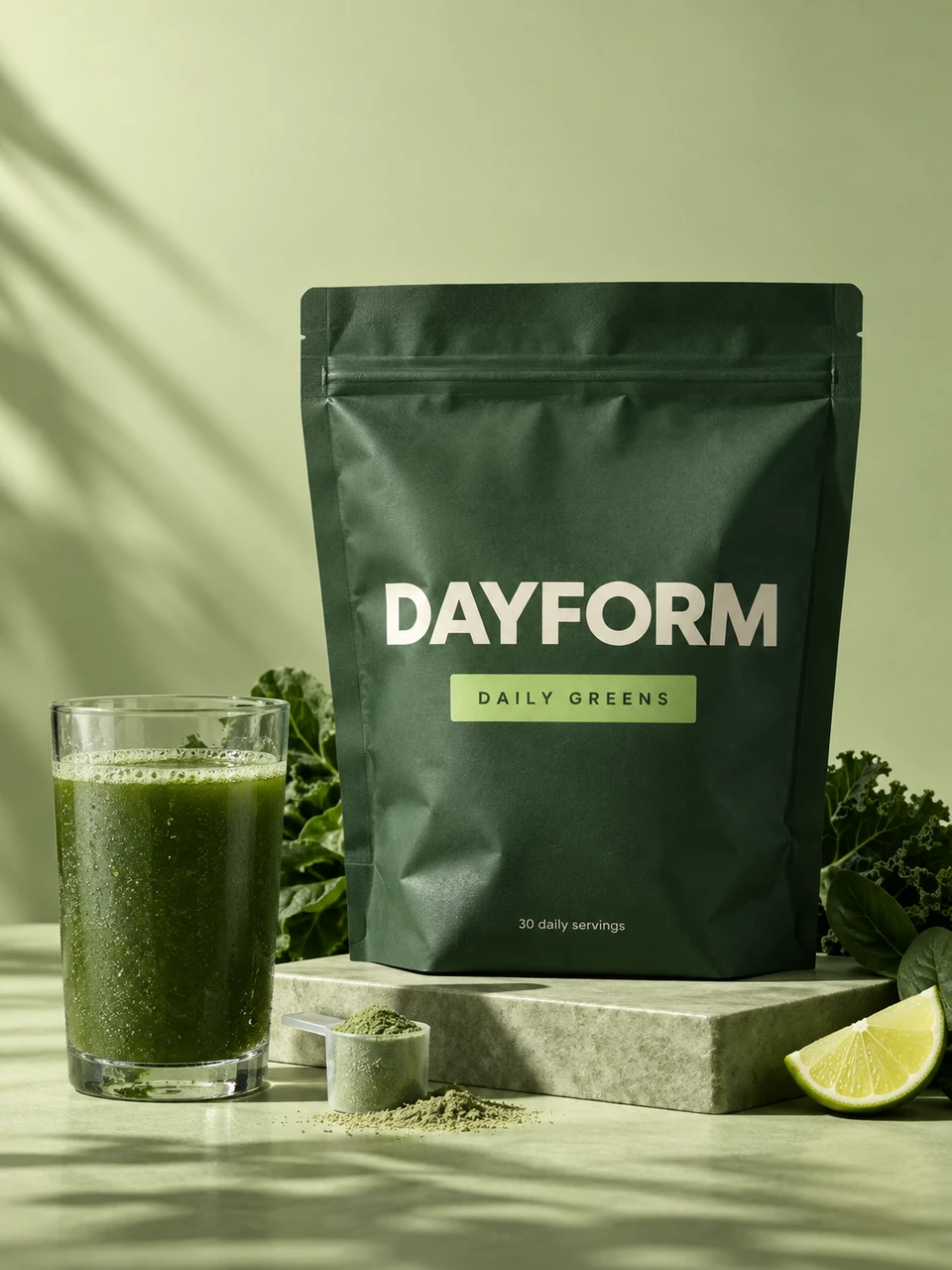
Most ad accounts need all three. A supplement brand might run a short product shot of a greens powder as a retargeting ad, a UGC ad where a creator explains their morning routine for cold traffic, and a longer commercial for a launch. Making all three from the same product photo keeps the product consistent across the funnel.
How do I turn a product still into a video ad?
To turn a product still into a video ad in Avocado AI, upload the photo to the video workbench, choose the aspect ratio for the placement and describe the motion. Seedance 2.5 makes clips from 4 to 30 seconds at up to 1080p, Kling 3.0 renders up to 4K, and Veo 3.1 generates native audio.
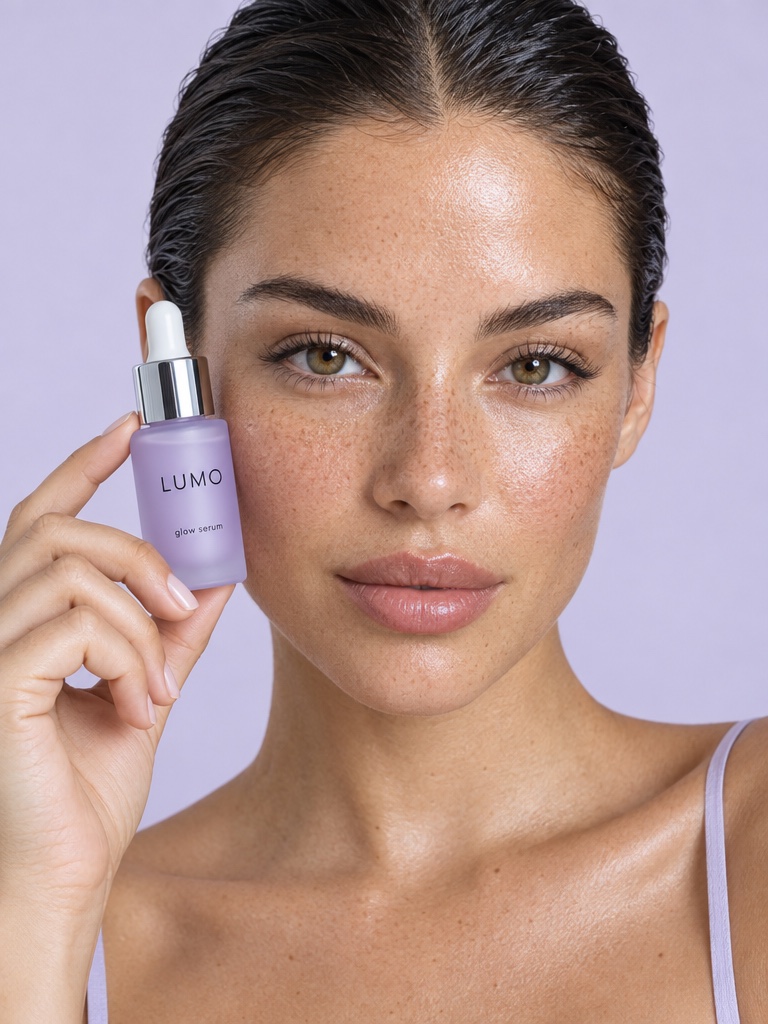
Start and end frames give you control over the story of the shot, for example a closed bottle of SPF moisturizer as the first frame and the cream on a fingertip as the last. If the still needs a new background or better light first, edit your real product photo in the image workbench with GPT Image 2.5 edit or Nano Banana 2 Edit. Editing your own product photo and Seedance 2.5 start on the Starter plan.
How do I make a UGC video ad with AI?
To make a UGC video ad in Avocado AI, open the UGC studio, pick a ready creator look or your own, write the script and attach the product. With a product attached, Avocado first edits the look with GPT Image 2.5 so the creator holds your real product, then animates a talking video of up to 30 seconds.
Choose the engine for the job: Fast UGC for quick drafts and hook tests, Talking head lip-sync with a matched voice, Seedance 2.5 with native audio, or HD UGC on MiniMax H3 MAX Turbo. Write three or four hooks for the same script and generate each one, then let the ad account show you which opening holds attention.
No model guarantees a pixel-perfect label in every frame. Watch each UGC ad before it runs and regenerate any take where the packaging text drifts.
Can AI make a full commercial with voiceover and music?
Yes. Director mode in Flows turns generated clips into a full commercial on a timeline with music. You generate the product shots and UGC lines, add a voiceover from the Audio Studio with Fish Audio S2 Pro as the default voice, and a music bed from MiniMax Music 3, then assemble the cut.
A fragrance brand launching an eau de parfum could open with a slow bottle reveal, cut to a creator describing the scent, and close on the bottle with the launch date as a voiceover line. Director mode works with clips you generate in Avocado AI. It is not built for importing and trimming long raw footage, which still belongs in a video editor.
Because a Flow can be run again, the same commercial structure can be reused for the next product, with a new product photo and a new script.
Which aspect ratio should each video ad placement use?
Match the aspect ratio of a video ad to where it will run: vertical 9:16 for Stories, Reels and TikTok, square 1:1 for feeds, and 16:9 for YouTube and websites. Avocado AI video models and the UGC studio generate 9:16, 1:1 and 16:9, so each placement can come from the same product photo.
Generate each ratio natively rather than cropping one master video. Cropping a 16:9 clip to 9:16 often cuts off the product or the creator's hands. A Flow can produce all three sizes in one run, which keeps the placements in step when you change the script or the product.
Can Avocado AI launch my video ads on Meta?
Super Agent, on the Growth and Pro plans, can set up your video ads in Meta Ads with the paid Connectors add-on. It builds the campaign and adds your creatives as drafts that always start paused, so nothing spends money until you review it and approve activation as a separate step.
Super Agent can also read how your Meta ads are performing and suggest which creatives to replace, then make the next round of video ads in your brand using Brand DNA. For organic posts, the same add-on lets it publish or schedule to Instagram, Facebook, TikTok, LinkedIn, Threads and X after your approval.
How much do AI video ads cost to make with Avocado AI?
Avocado AI plans start at EUR 19.99 a month for 100 credits on Intro. Starter costs EUR 39 for 300 credits and adds product photo editing, upscale and Seedance 2.5. Growth costs EUR 99 for 800 credits and adds Super Agent and Meta Ads. Pro costs EUR 249 for 2,000 credits. Yearly billing takes 20% off.
Credits are shared across image, video and audio, roll over for up to one year, and top-ups are available anytime. The pricing page lists a 4 second Seedance 2.5 clip at 480p as 8 credits. Meta Ads also needs the Connectors add-on on Growth or Pro. Every plan includes full commercial rights and no watermark.