Images
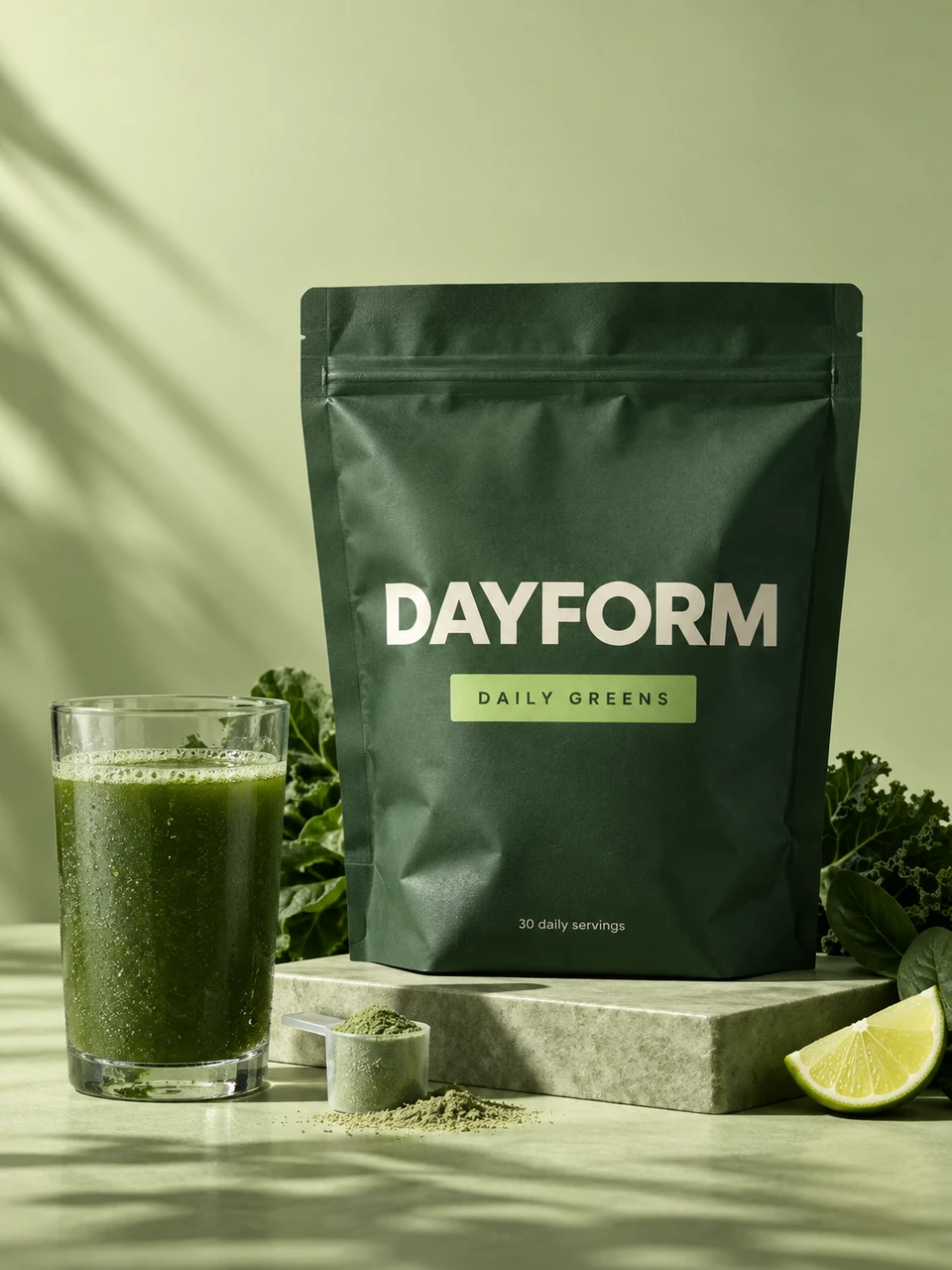
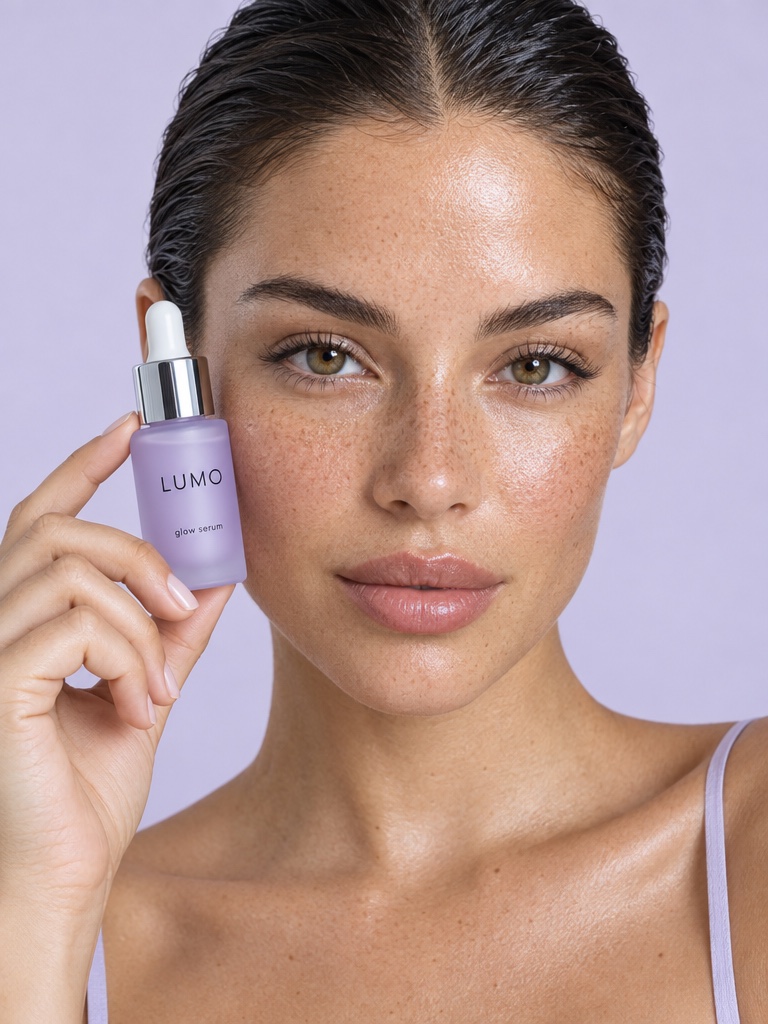
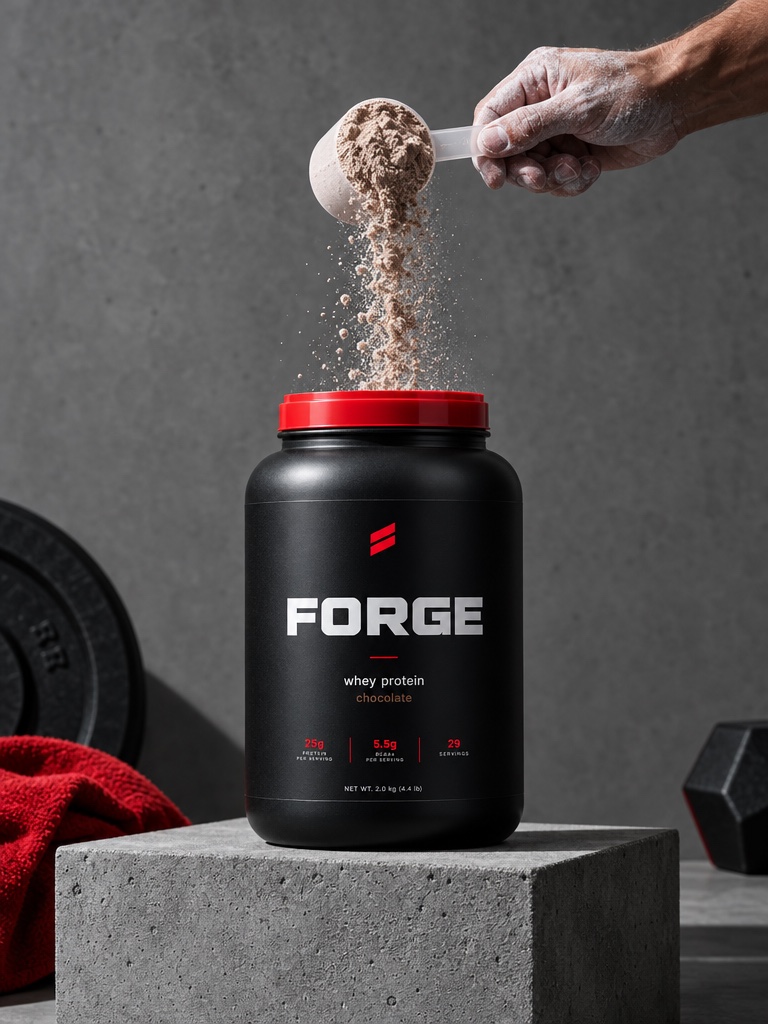
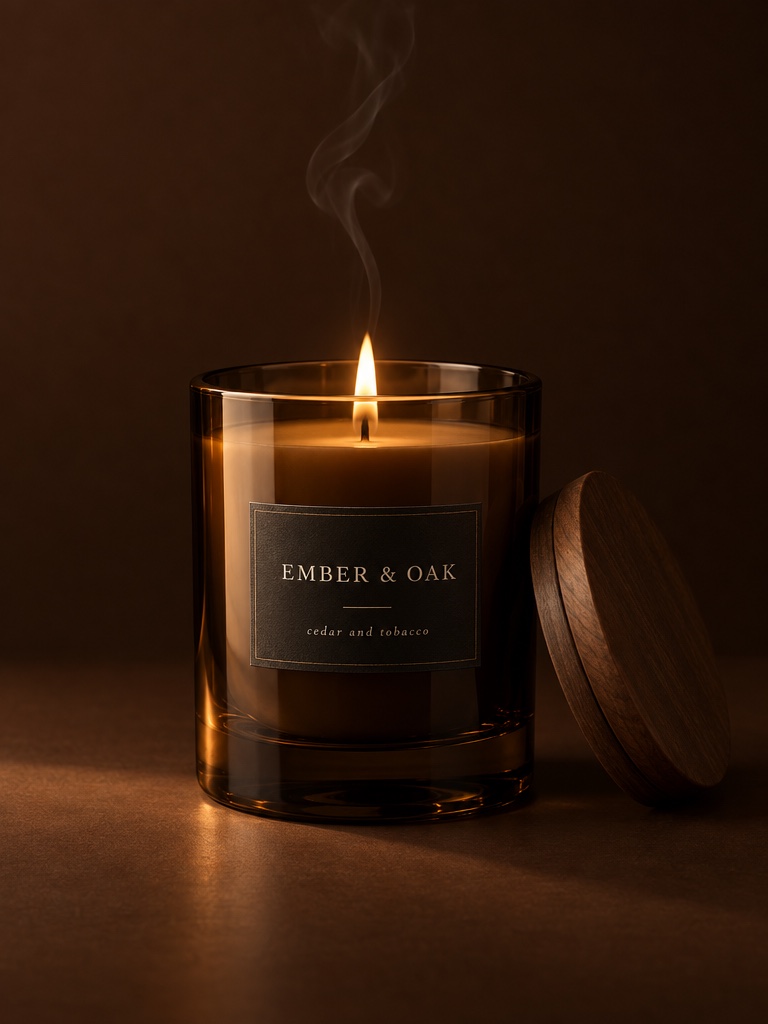
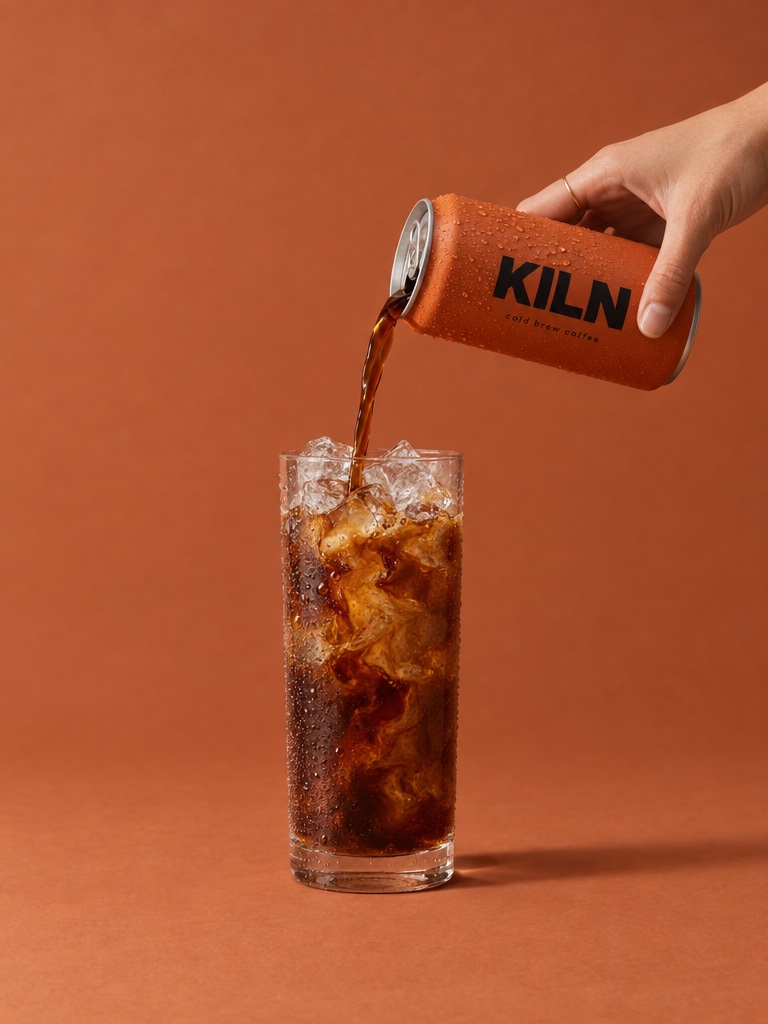
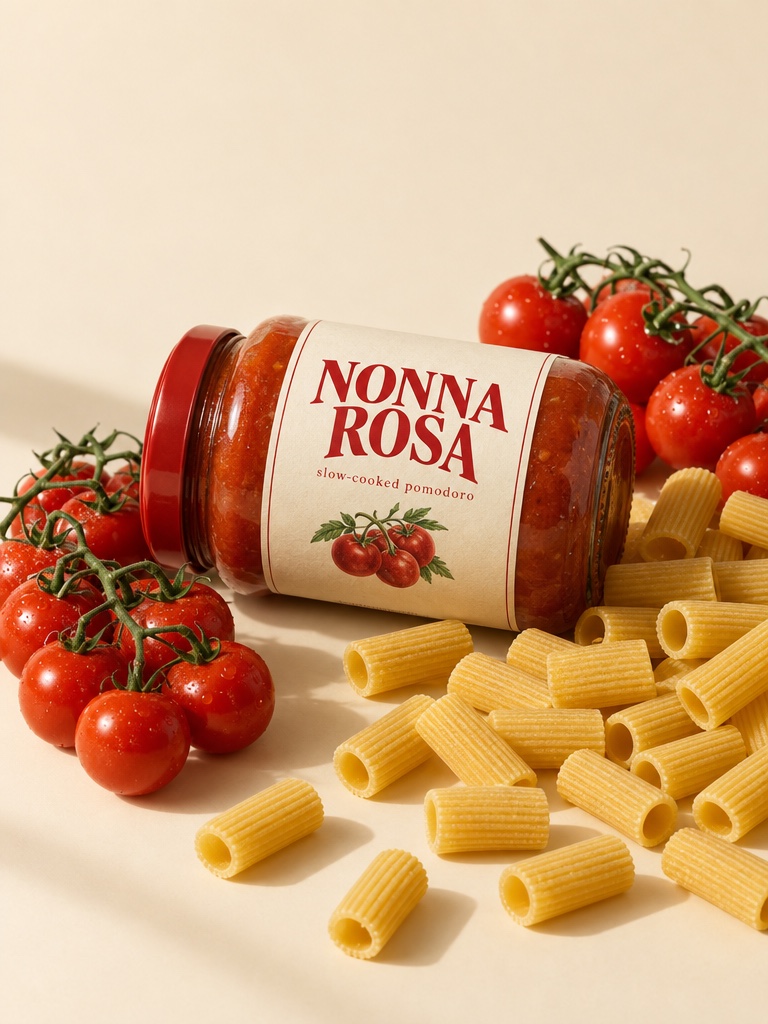
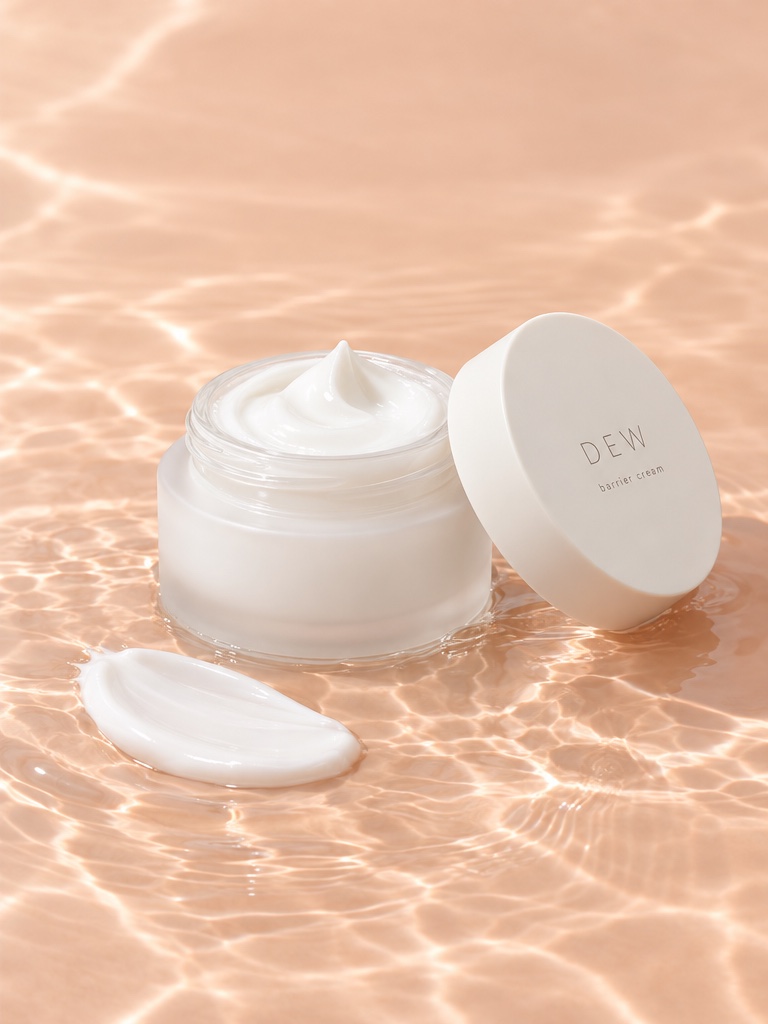
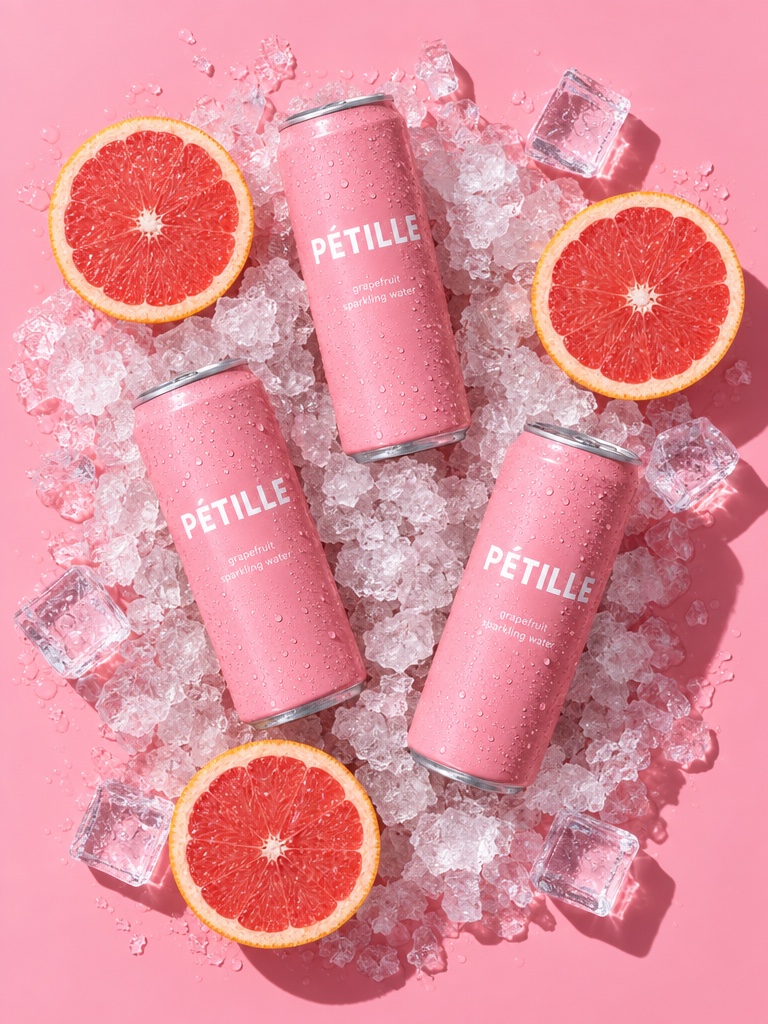
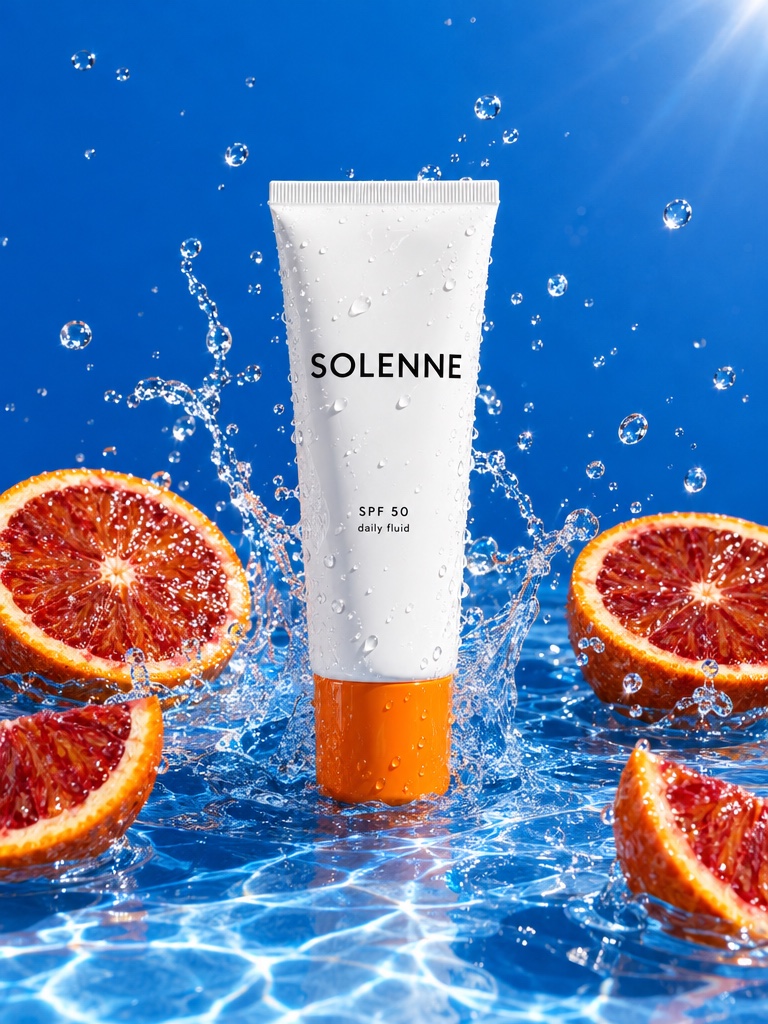
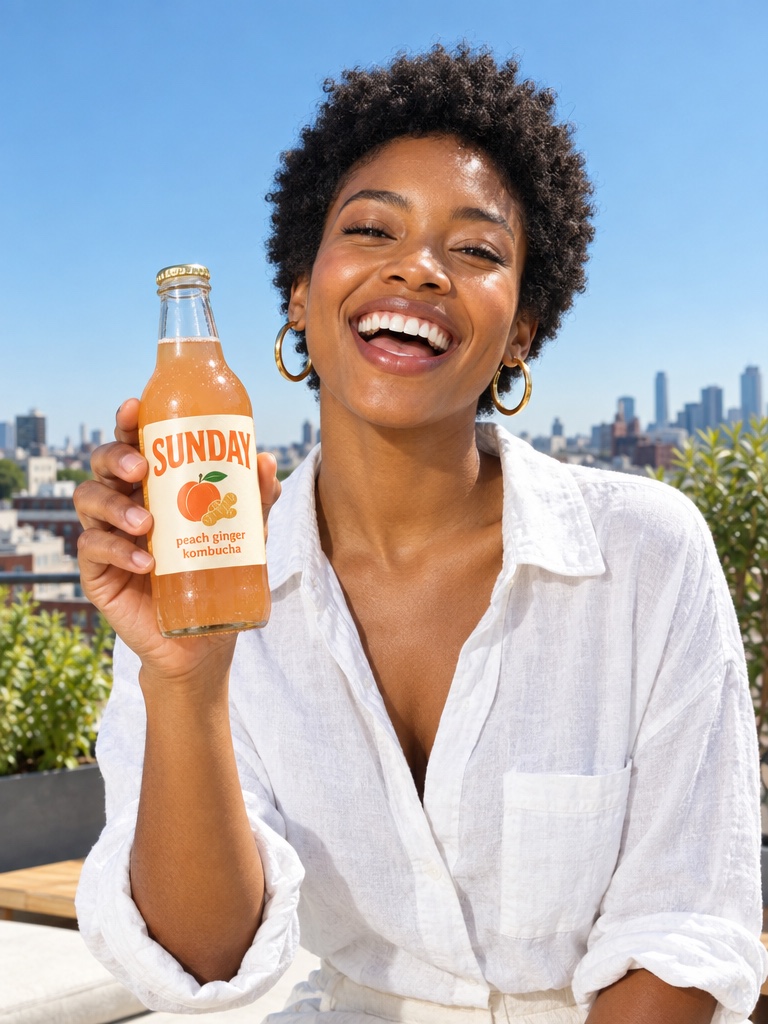
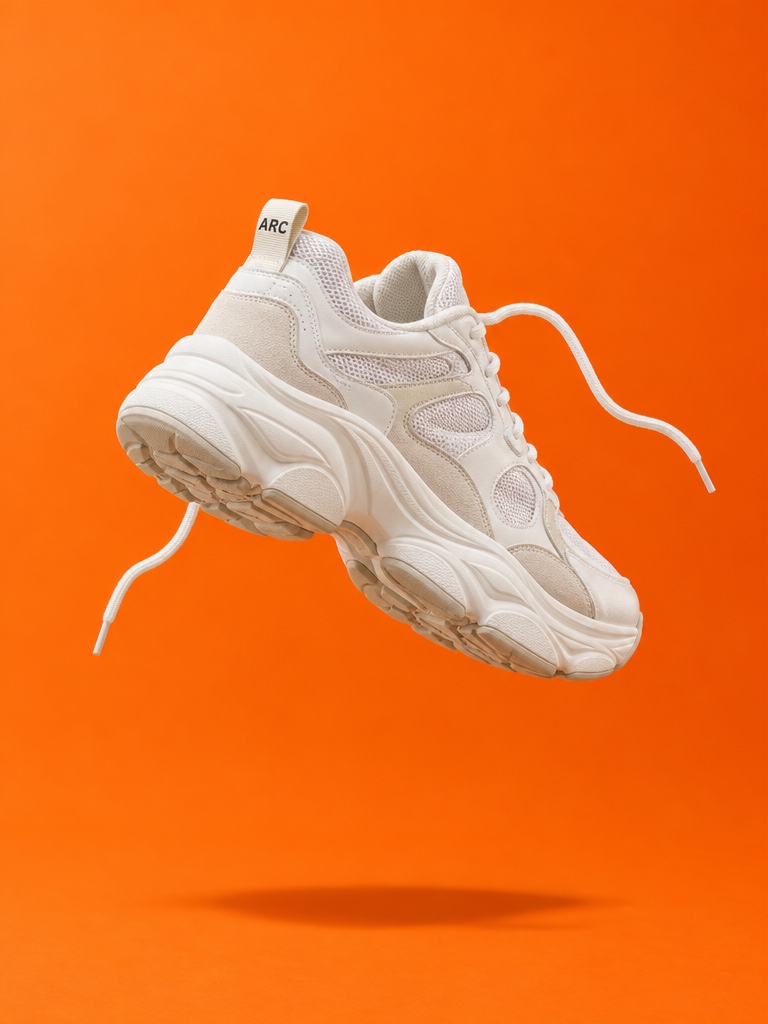
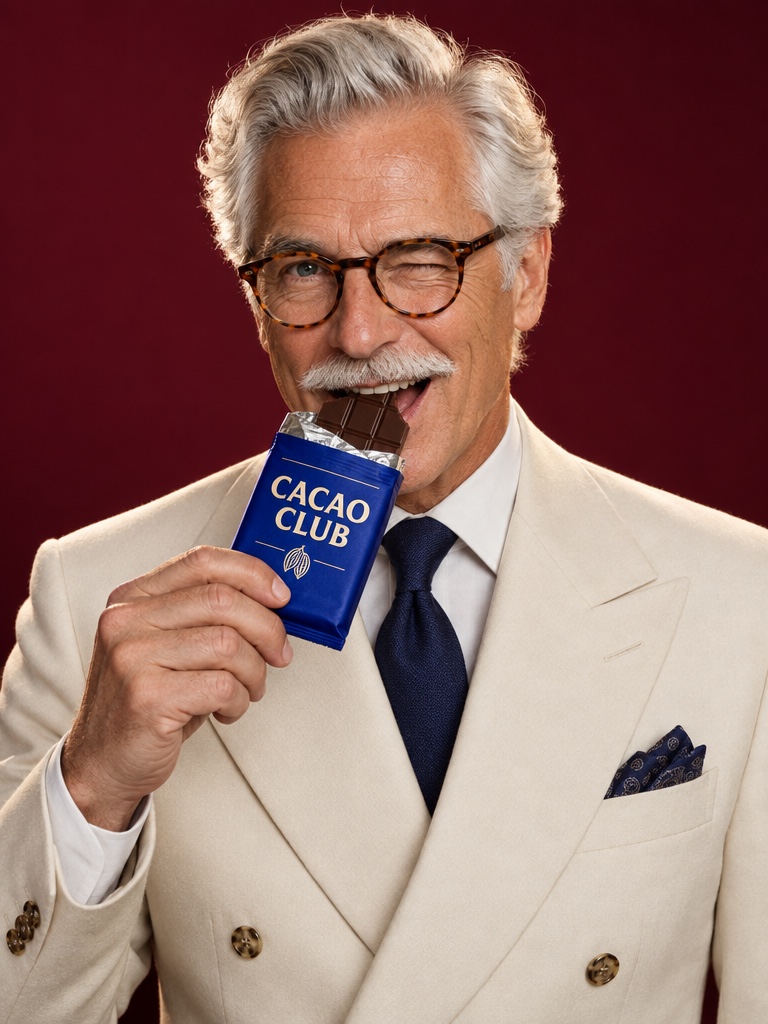
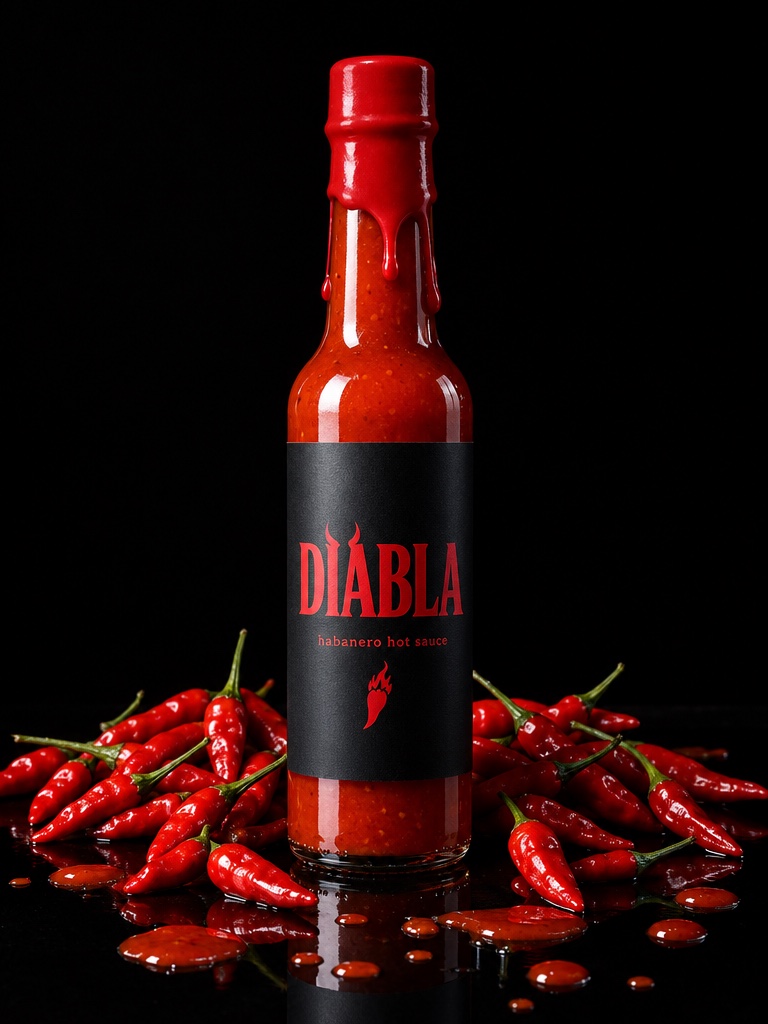
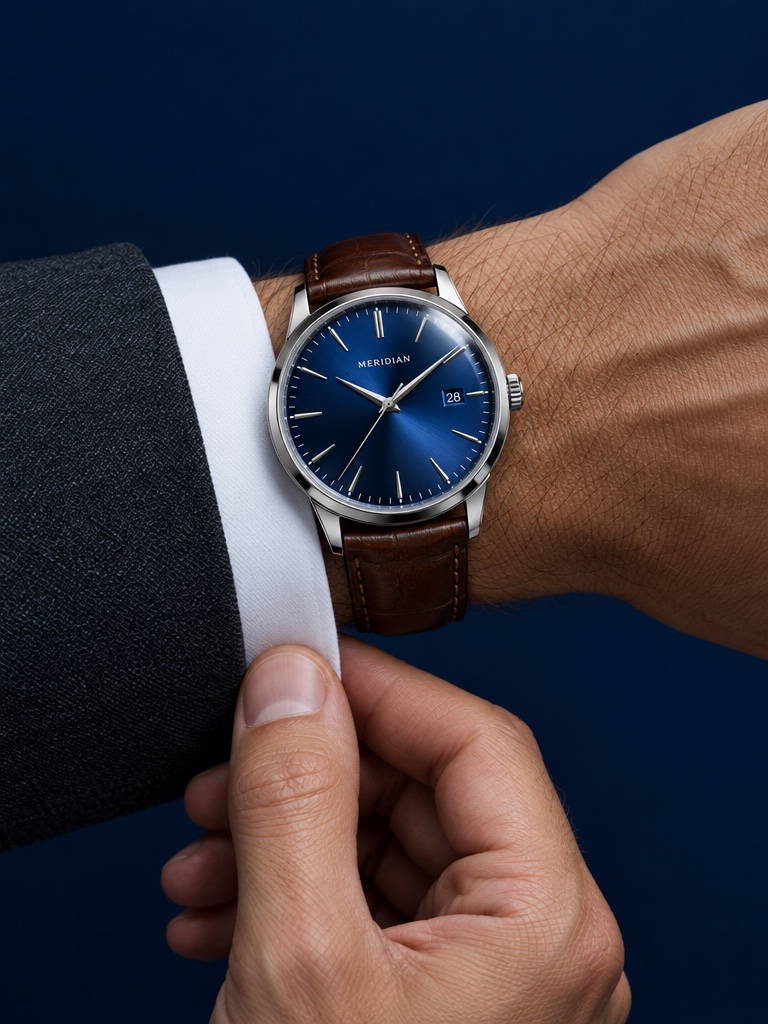
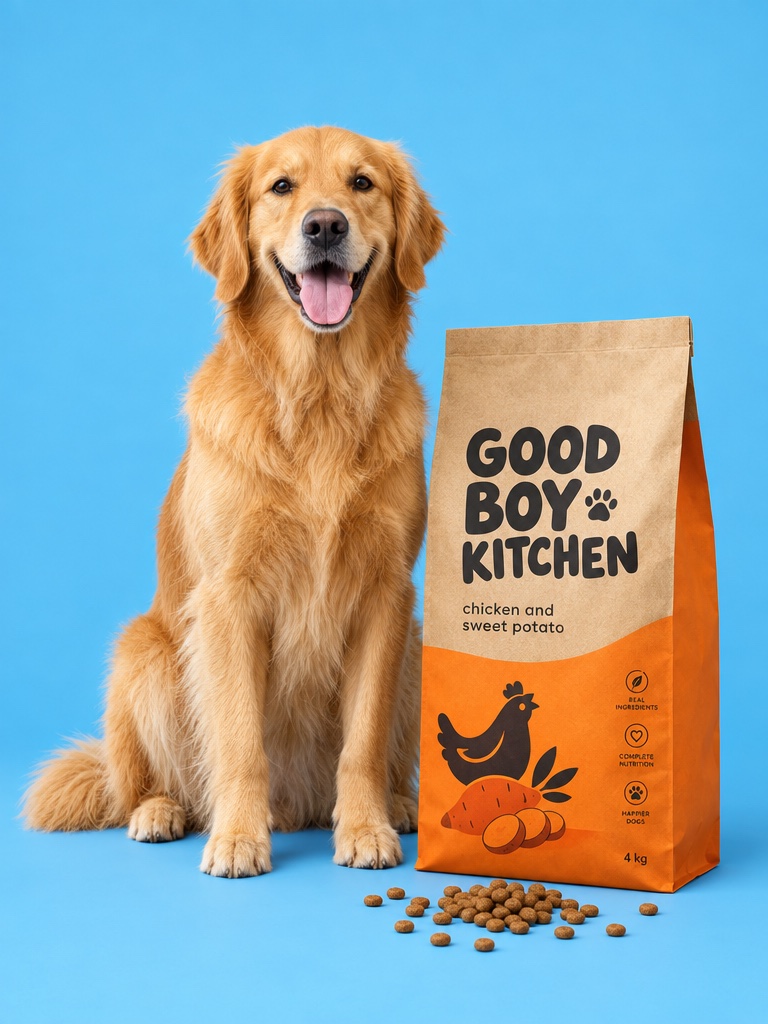
Ads and product shots. Nano Banana 2 for fast iterations, GPT Image 2.5 for sharp text and 4K.
Avocado MCP
A Claude MCP server for images, video and audio. Connect Claude, Codex, Cursor or your own agent and it gets Avocado's creative tools, your brand and your workspace, without leaving the conversation.
https://mcp.avocadoai.co/api/mcp Claude
 Codex
Codex XGuard App
 Vibefuel
 Valvorman
Trusted by
Setup
In Claude: Settings, then Connectors. In Claude Code, Codex, Cursor or Hermes: the MCP servers config.
Paste the URL. Claude signs you in with your Avocado account. Other clients send an API key as a Bearer token.
Try: “Make a 4:5 Instagram ad for our vitamin C serum on a coral background.”
Ads and product shots. Nano Banana 2 for fast iterations, GPT Image 2.5 for sharp text and 4K.

Hero clips from a photo or a line with Seedance 2.5, Kling 3.0 and MiniMax H3.

Swap the background, fix the label, try a new angle. Edits build on what you approved.

The score, the sound effects and the voiceover, next to your visuals.
Examples made with Avocado, featuring fictional products.
Not just a model connector
Model-only connectors leave assets in one chat. With Avocado, every output is saved to your gallery, knows your Brand DNA, and can go straight into a Flow or a scheduled post.
The agent reads your saved products, colors and rules.
Your team picks up every asset in Avocado later.
Schedule and post with the Connectors add-on.
The agent sees the credit cost before it generates.
Reference
The Avocado AI MCP server is a Model Context Protocol server that lets any AI agent, including Claude, OpenAI Codex, Cursor, Hermes and OpenClaw, generate marketing images, videos, music and voice, edit assets, and publish posts through the Avocado AI creative workspace.
Any client that speaks Streamable HTTP MCP works, with no Avocado-specific plugin. These are the agents we test against; a self-built agent follows the last row.
| Agent | Setup | Auth |
|---|---|---|
| Claude (web and desktop) | Settings, Connectors, add custom connector, paste the endpoint, sign in with your Avocado account | OAuth sign-in |
| Claude Code | claude mcp add avocado-ai --transport http <endpoint> with an Authorization: Bearer header | API key |
| OpenAI Codex | Add the endpoint as an MCP server in the Codex config with a Bearer header | API key |
| Cursor and Windsurf | Add the endpoint under MCP servers in settings with a Bearer header | API key |
| Hermes | Register the endpoint in the agent's MCP servers list; Avocado's own Super Agent runs on this path | API key |
| OpenClaw and any other MCP client | Point the client at the endpoint over Streamable HTTP and pass the API key as a Bearer token | API key |
60+ tools, grouped into generation, brand, campaign canvas, publishing and account. Agents discover them automatically from the MCP tool list.
| Group | Tools |
|---|---|
| Generate | generate_image, edit_image, generate_video, generate_music, generate_sfx, generate_speech |
| Brand | extract_brand, apply_brand_layer, extract_product, remember, update_profile |
| Campaign canvas | create_flow, edit_flow, generate_image_to_flow, generate_video_to_flow |
| Publish | publish_post, schedule_post, content calendar, comment automations, Meta Ads tools (with the Connectors add-on) |
| Account | account_check_credits, models_list (free, no key needed), check_job |
The Avocado CLI gives scripts and CI the same tools.
The Avocado AI MCP server is a Model Context Protocol server that lets any AI agent, including Claude, OpenAI Codex, Cursor, Hermes and OpenClaw, generate marketing images, videos, music and voice, edit assets, and publish posts through the Avocado AI creative workspace. It uses the standard Streamable HTTP transport, so no plugin or SDK is required.
It is a remote MCP server that adds Avocado's creative tools to Claude. Once connected, Claude can generate and edit product images, make videos, music and voiceovers, and apply your Brand DNA, and every result is saved to your Avocado workspace. Publishing and Meta Ads tools need the Connectors add-on. It is included on every paid plan.
In Claude on the web or desktop, open Settings, then Connectors, choose Add custom connector and paste https://mcp.avocadoai.co/api/mcp. Claude asks you to sign in with your Avocado account, and the tools appear in your chats. In Claude Code, run claude mcp add with the same URL and an Avocado API key from your API keys page as a Bearer header.
Any MCP client that supports Streamable HTTP: Claude web, Claude desktop and Claude Code, OpenAI Codex, Cursor, Windsurf, Hermes, OpenClaw and self-built agents. Claude connects with an OAuth sign-in; every other client uses an Avocado API key as a Bearer token.
Connect the endpoint, then ask in plain language, for example "generate a 4:5 Instagram ad for our vitamin C serum on a coral background". The agent calls generate_image, Avocado picks the model (GPT Image 2.5 by default, Nano Banana 2 when you select a saved Element or product), and the finished image lands in your Avocado workspace with full commercial rights.
Yes. generate_video exposes Seedance 2.5, Kling 3.0, MiniMax H3 and other video models. Ask for a product video from a photo or a prompt, the job runs in the background, and the agent can poll check_job until the clip is ready in your workspace. Typical renders take one to four minutes.
The MCP server is included in every paid Avocado plan from Intro (19.99 EUR per month, 100 credits). Generations use the same credits as the web app, and the agent sees the exact credit cost before it generates. models_list is free and needs no account.
Images: GPT Image 2.5 by default (up to 4K), plus Nano Banana 2, Krea v3, Luma Uni-1 Max and more by name. Video: Seedance 2.5, Kling 3.0 and MiniMax H3. Audio: music, sound-effect and voice models. Edits default to GPT Image 2.5.
Those are generation engines; Avocado is a workspace. Outputs made through the Avocado MCP server are saved to your gallery and can go straight into a Flow or a scheduled post, and your team can pick them up later. Outputs from a model-only connector live in one chat and disappear with it.
Seedance 2.5 and Kling 3.0 finish in two to five minutes depending on duration and resolution. The server returns a job id immediately, so the agent can keep working and poll check_job, or you can ask it to check back later.
Every image, video, music track and voiceover is saved to your Avocado workspace and gallery, so you can edit, upscale, drop it into a Flow or publish it later from any surface, not only from the agent that created it.
Included on every paid plan. Generations use the same credits as the app.