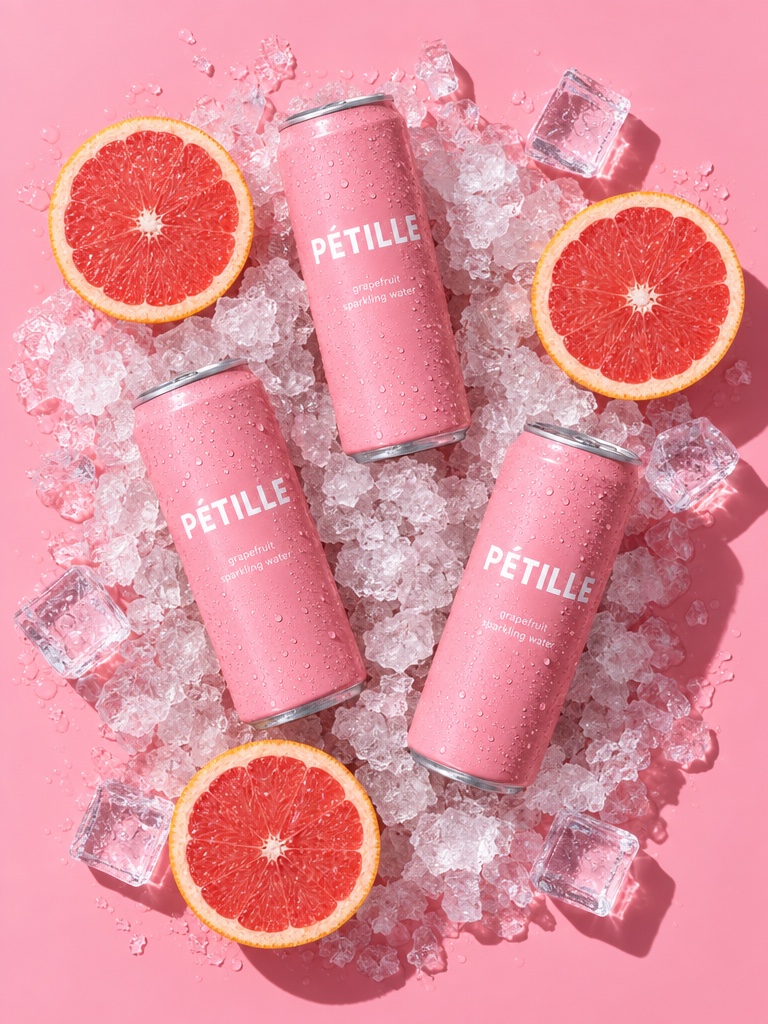
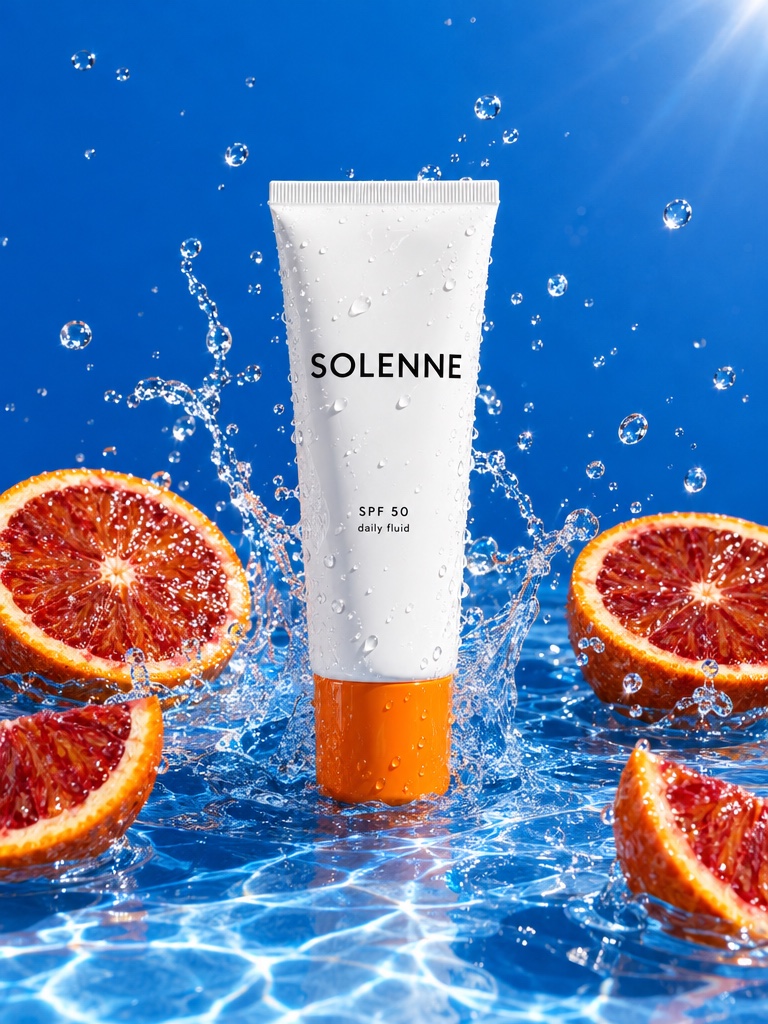
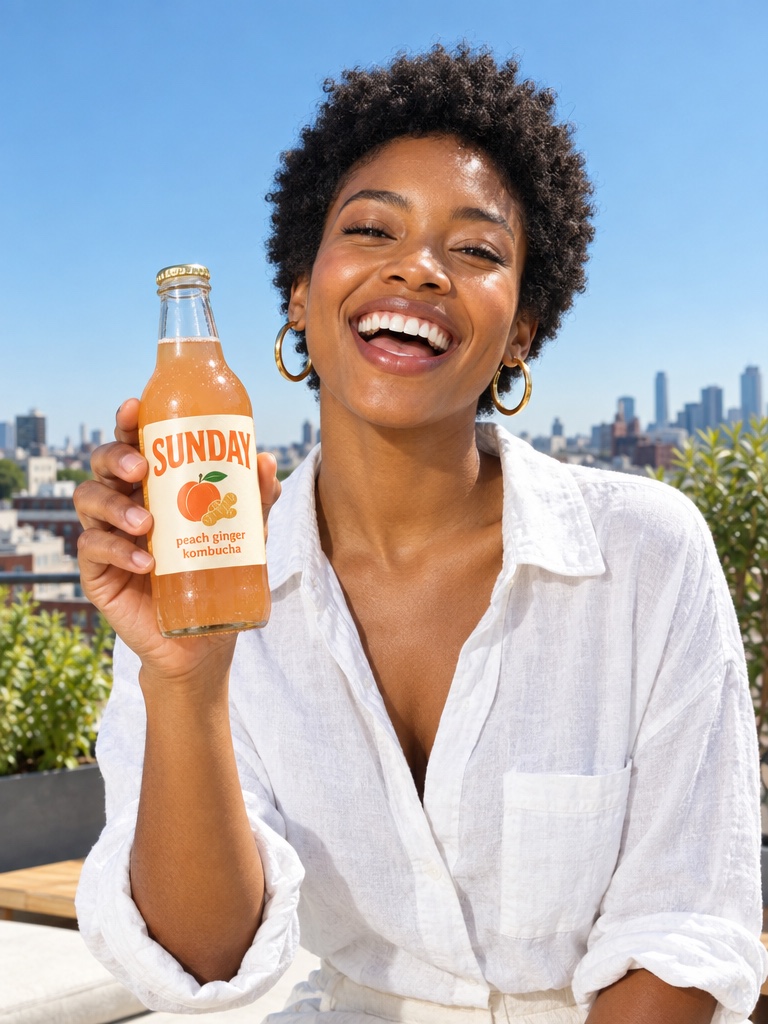
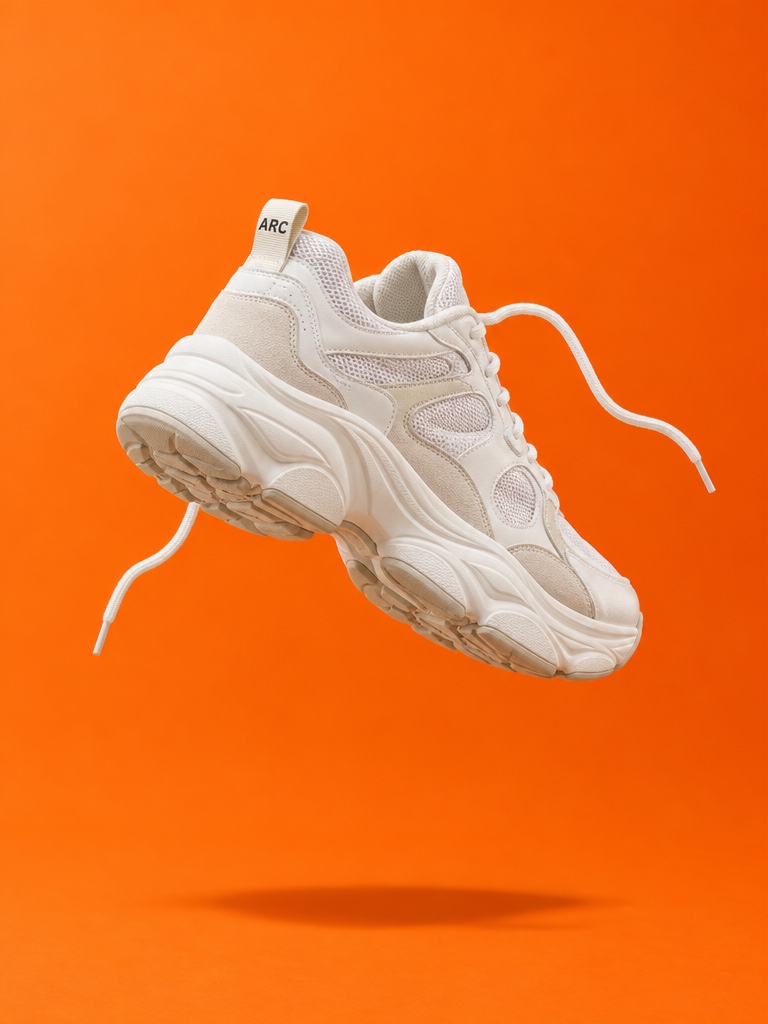
What does the AI advertisement workflow look like step by step?
The 5 steps below are the workflow teams run inside Avocado AI, from the first product photo to the exported variant set.
- 01
Save the product and brand in Brand DNA
Add product photos, references, visual direction, tone and rules once, so every ad in the set starts from the same source.
- 02
Edit the product photo into static ads
In the image workbench, edit your real product photo into three to five scenes with GPT Image 2.5 or Nano Banana 2 Edit. Keep the best and upscale them.
- 03
Animate the winners and add UGC
Turn approved stills into video ads with Seedance 2.5, Kling 3.0 or Veo 3.1, and make a UGC clip where the creator holds your real product.
- 04
Save the set as a Flow and run it per SKU
Chain the steps on a Flows canvas, add voice and music, cut a commercial in Director mode, then rerun the Flow with the next product photo.
- 05
Review, then launch
Check claims and labels, then upload the ads yourself or, on Growth or Pro with the Connectors add-on, let Super Agent draft a paused Meta Ads campaign for your approval.
Which Avocado AI tools does AI advertisement use?
7 tools cover the whole AI advertisement workflow. They share one credit pool and one gallery, so nothing is exported between steps.
| Tool | Role in this workflow |
|---|---|
| Brand DNA | Products, references, visual direction, tone and rules every tool reads |
| Image workbench | Prompt or edit your own product photo, up to 4 variations per run, upscale |
| Video workbench | Text to video, animate a still, start and end frames, reference and motion control |
| UGC Studio | Creator looks, script to talking video, your product in the creator's hand |
| Audio Studio | Voiceovers, designed and cloned voices, music beds and sound effects |
| Flows | Chain steps on one canvas, run them in one click, cut a commercial in Director mode |
| Super Agent | Plans, creates on brand and publishes or schedules after your approval (Growth and Pro) |
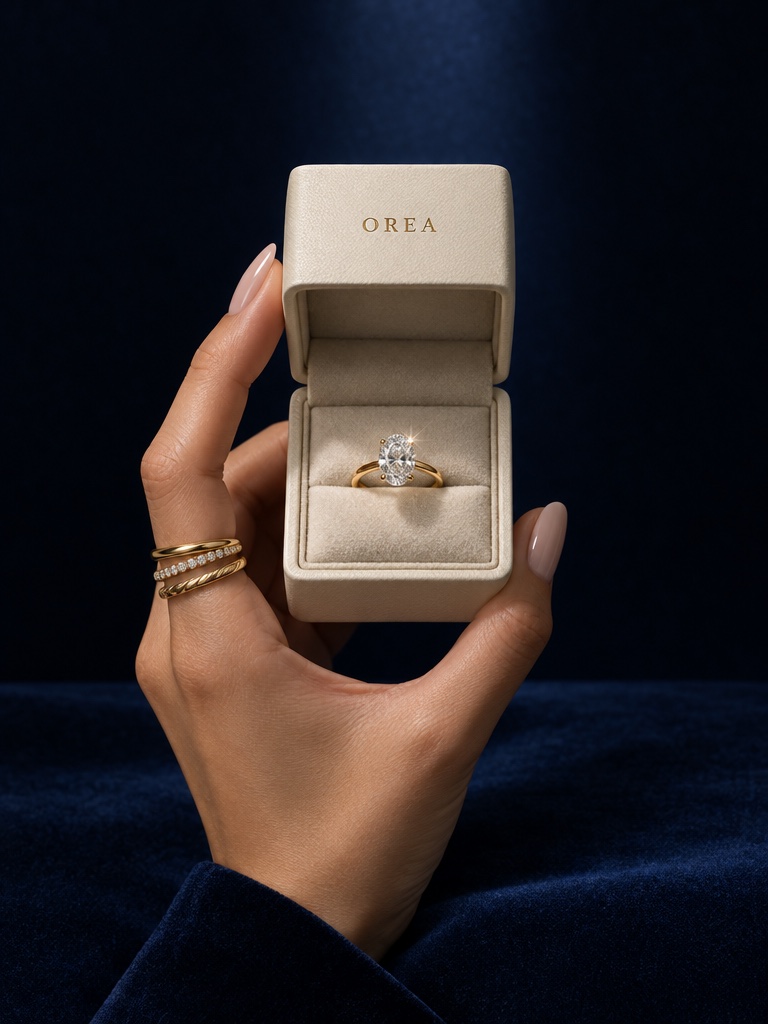
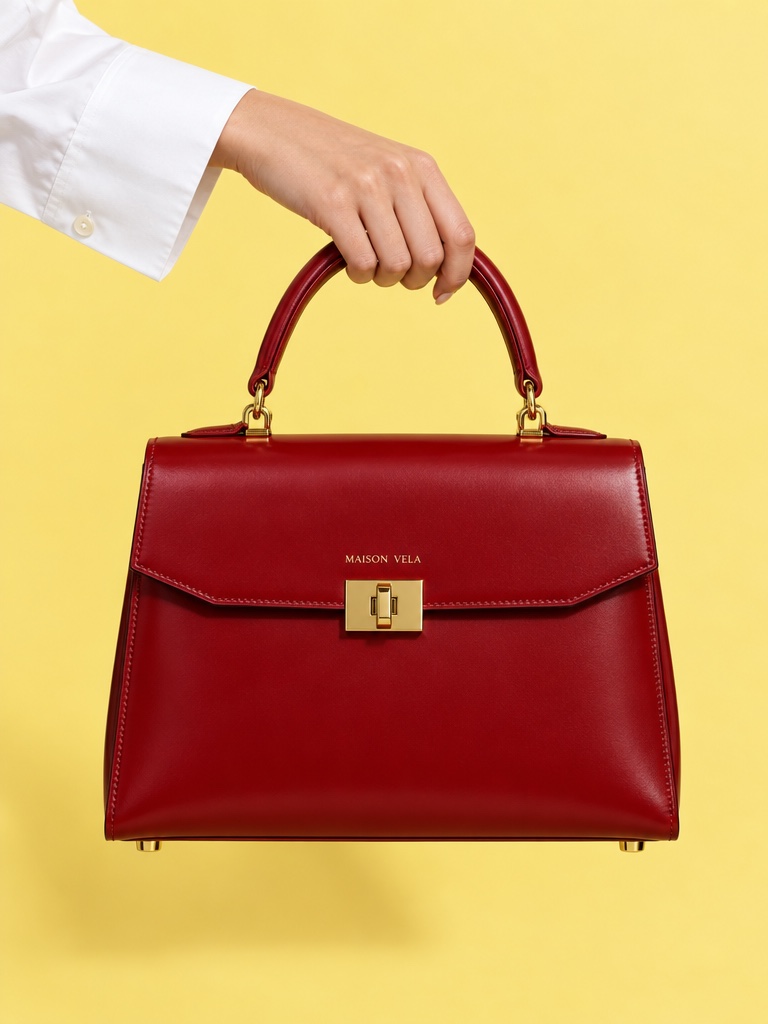
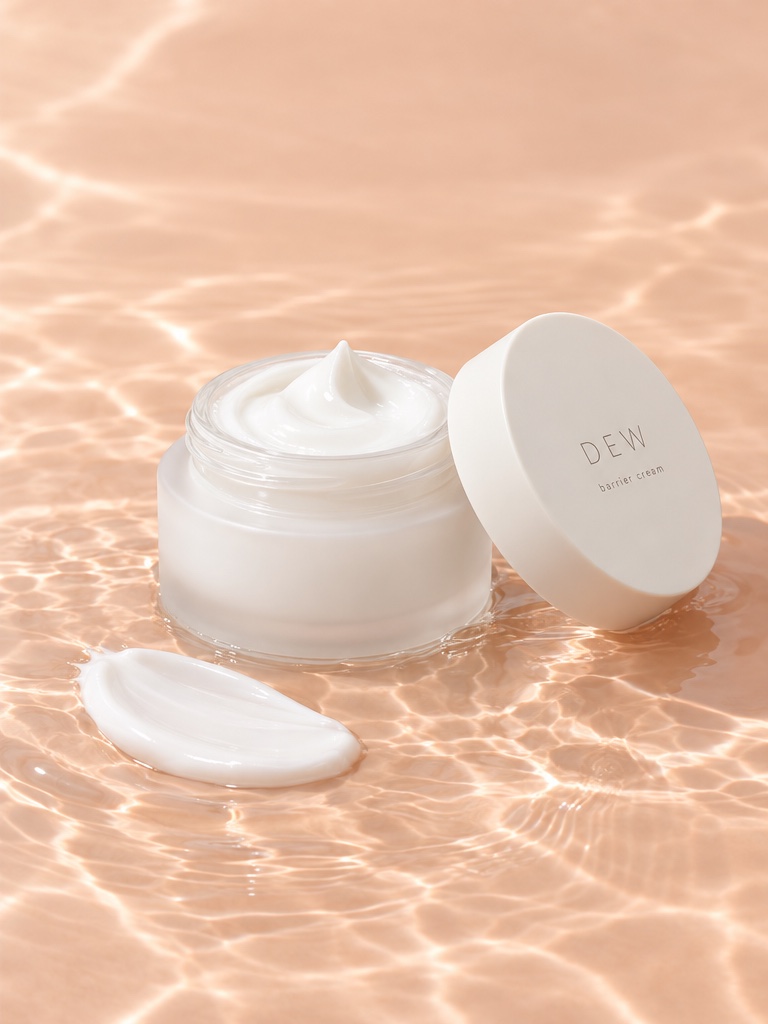
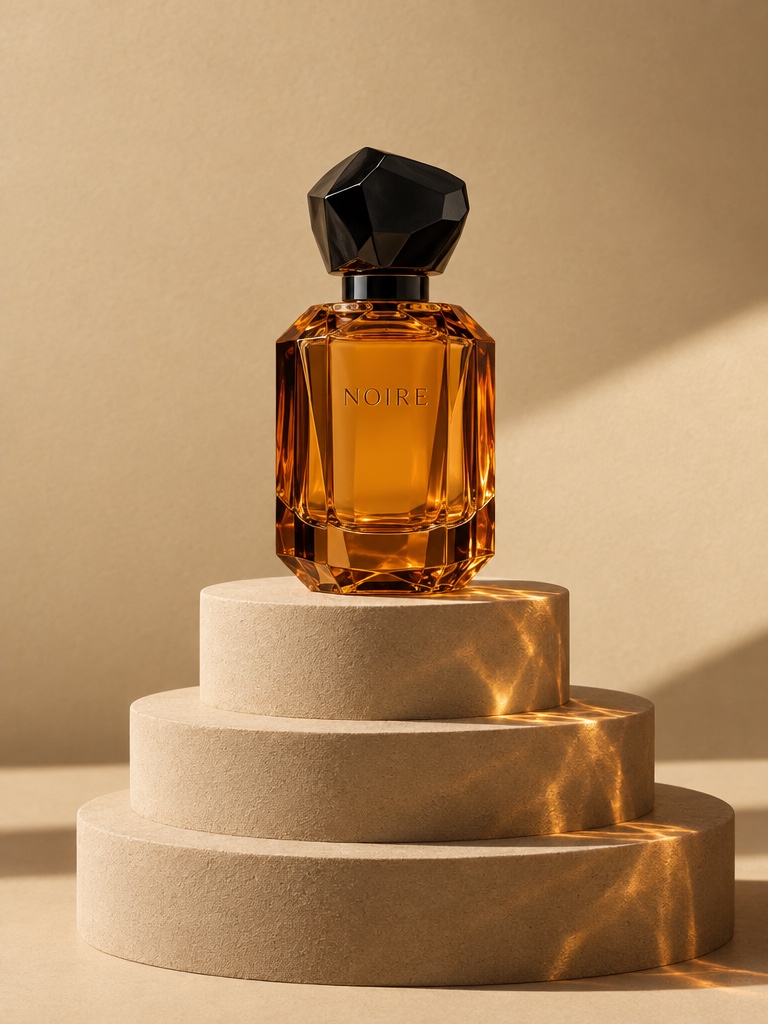
An AI advertisement is an ad whose images, video, voice or copy are made with AI models instead of being shot or designed by hand. For an ecommerce brand the useful unit is rarely one ad. It is a set of statics, videos and creator clips for each product, refreshed often enough to fight ad fatigue. This page shows how to produce that set in Avocado AI and repeat it across a catalogue.
What should a complete AI ad set include for one product?
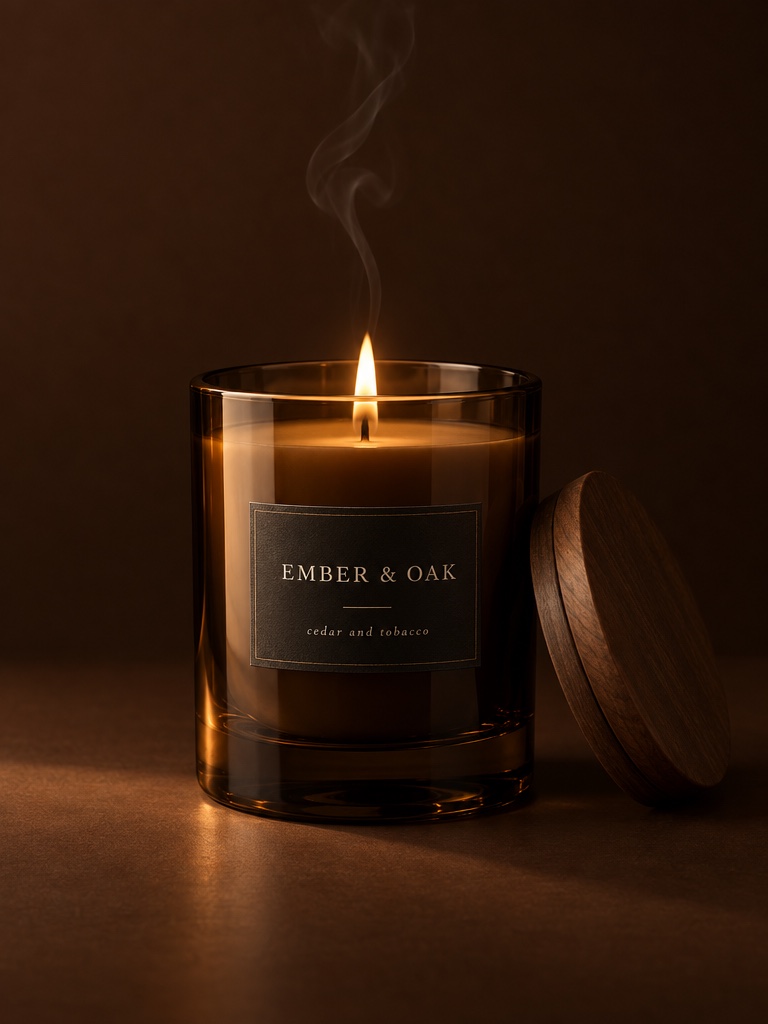
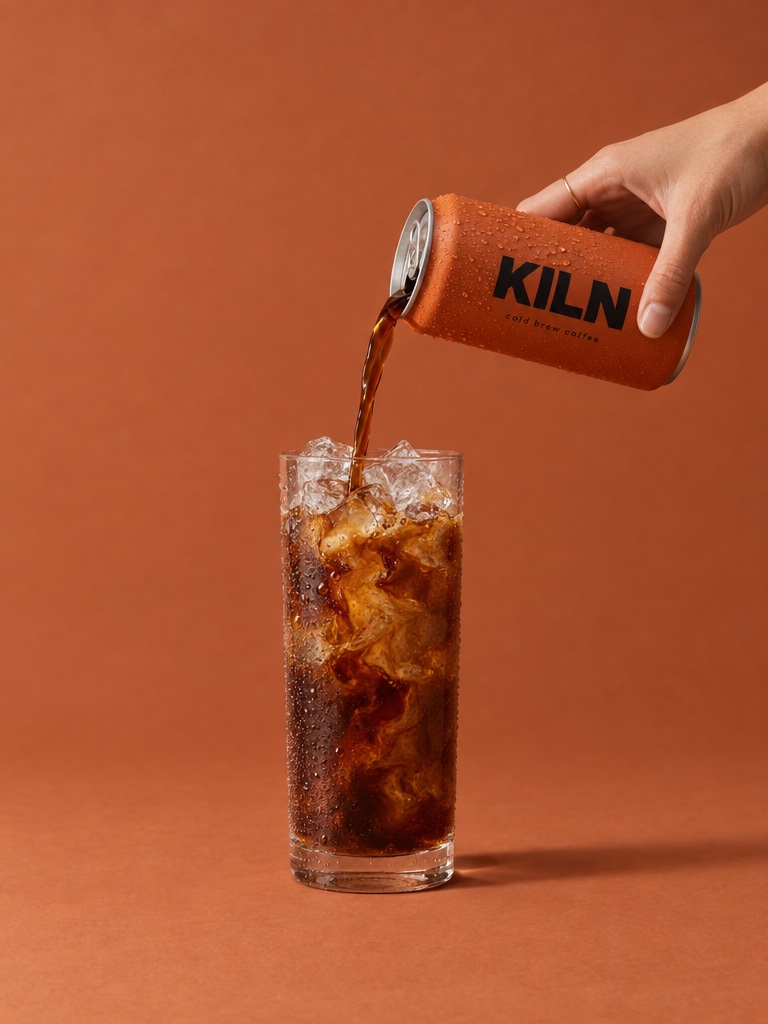
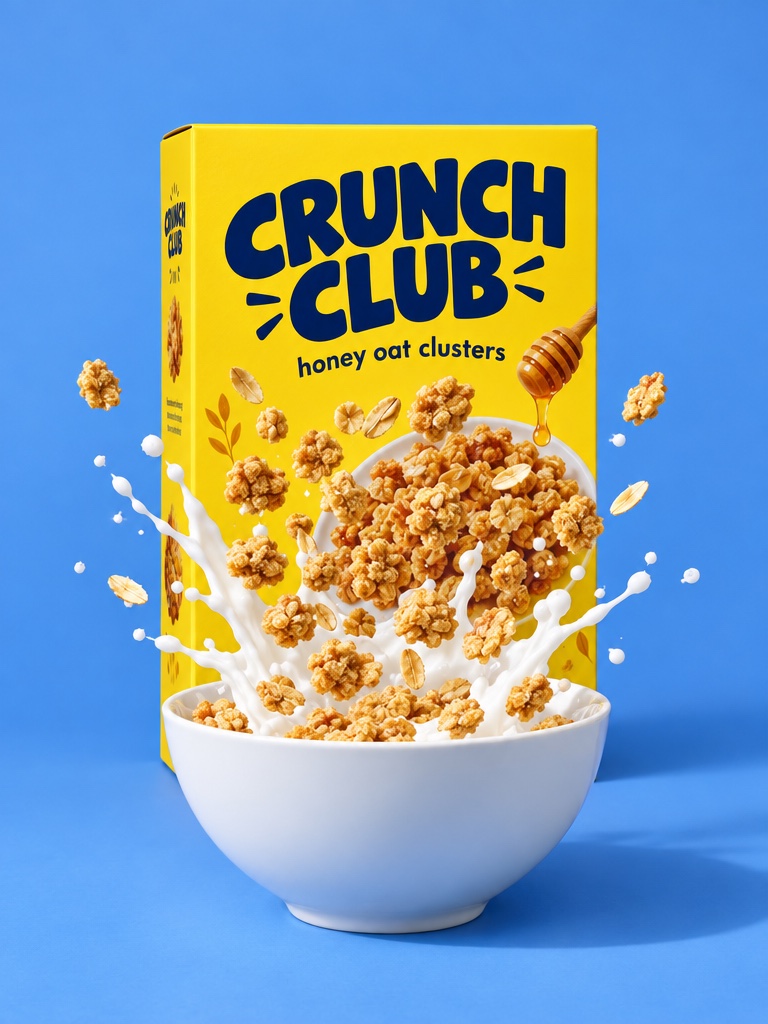
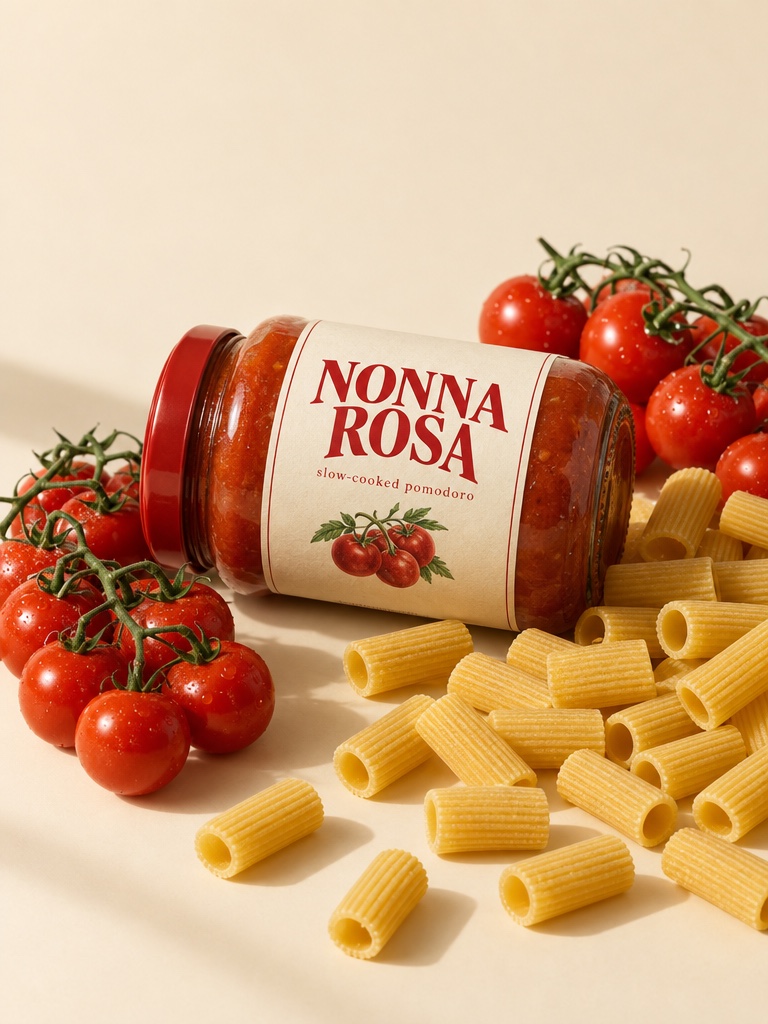
A complete AI ad set for one product usually includes three to five static images, two or three short video ads and one or two UGC creator clips, each in the aspect ratios your placements need. That mix lets you test the product in different formats instead of betting on one creative.
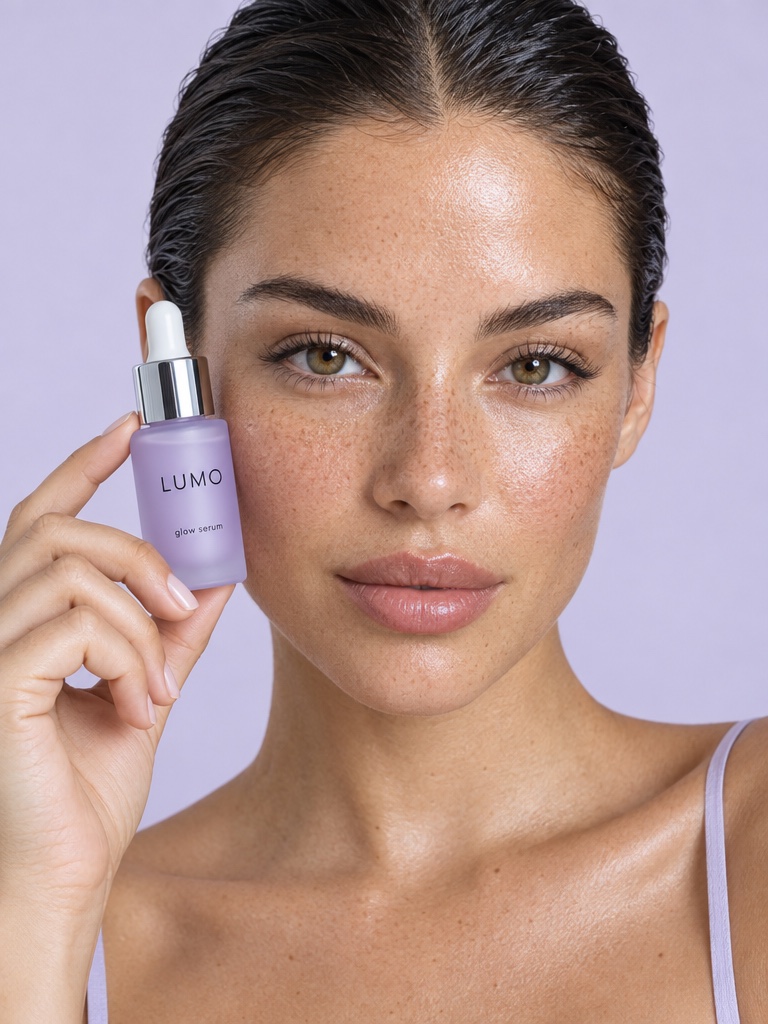
Take a vitamin C serum. The statics might be the bottle on a bathroom shelf, a close-up with a dropper, and a flat lay with citrus. The videos might be a slow reveal of the bottle and a morning routine clip. The UGC clip is a creator holding the serum and explaining why it fits their routine. In Avocado AI all of these come from the same product photo and land in one library, on one credit balance.
How do I keep the product accurate in AI ads?
The way to keep the product accurate in AI ads is to edit your real product photo rather than generate the product from text. In Avocado AI you attach the photo in the image workbench, describe the new scene, and the edit model keeps the pack, colour and label close to what you actually sell.
GPT Image 2.5 edit is the default, and Nano Banana 2 Edit accepts up to 14 reference images, so you can pass the front label, the back label and a mood reference in one run. Save the product and your visual rules in Brand DNA so every later ad starts from the same source. Small label text can still drift, especially once the image is animated, so review each ad before it runs.
Which AI models should I use for product ads?
For product ads, use an edit model for statics and an image to video model for motion. In Avocado AI that usually means GPT Image 2.5 or Nano Banana 2 for images, then Seedance 2.5, Kling 3.0, Veo 3.1 or MiniMax H3 MAX to animate the approved still into a video ad.
Each video model has a strength. Seedance 2.5 runs from 4 to 30 seconds at up to 1080p. Kling 3.0 goes up to 4K for hero shots. Veo 3.1 adds native audio. Start and end frames let you control a reveal, such as a protein bar wrapper opening. For creator ads, the UGC studio edits a creator look with GPT Image 2.5 so the creator holds your real product, then animates it. Audio Studio adds voiceovers with Fish Audio S2 Pro and music beds.
How do I repeat the same ad set for every SKU?
Flows repeats the same ad set for every SKU without rebuilding it. You chain the steps once on a canvas: edit the product photo into scenes, animate the best ones, add the UGC clip, voice and music. Then you swap in the next product photo and run every step again in one click.
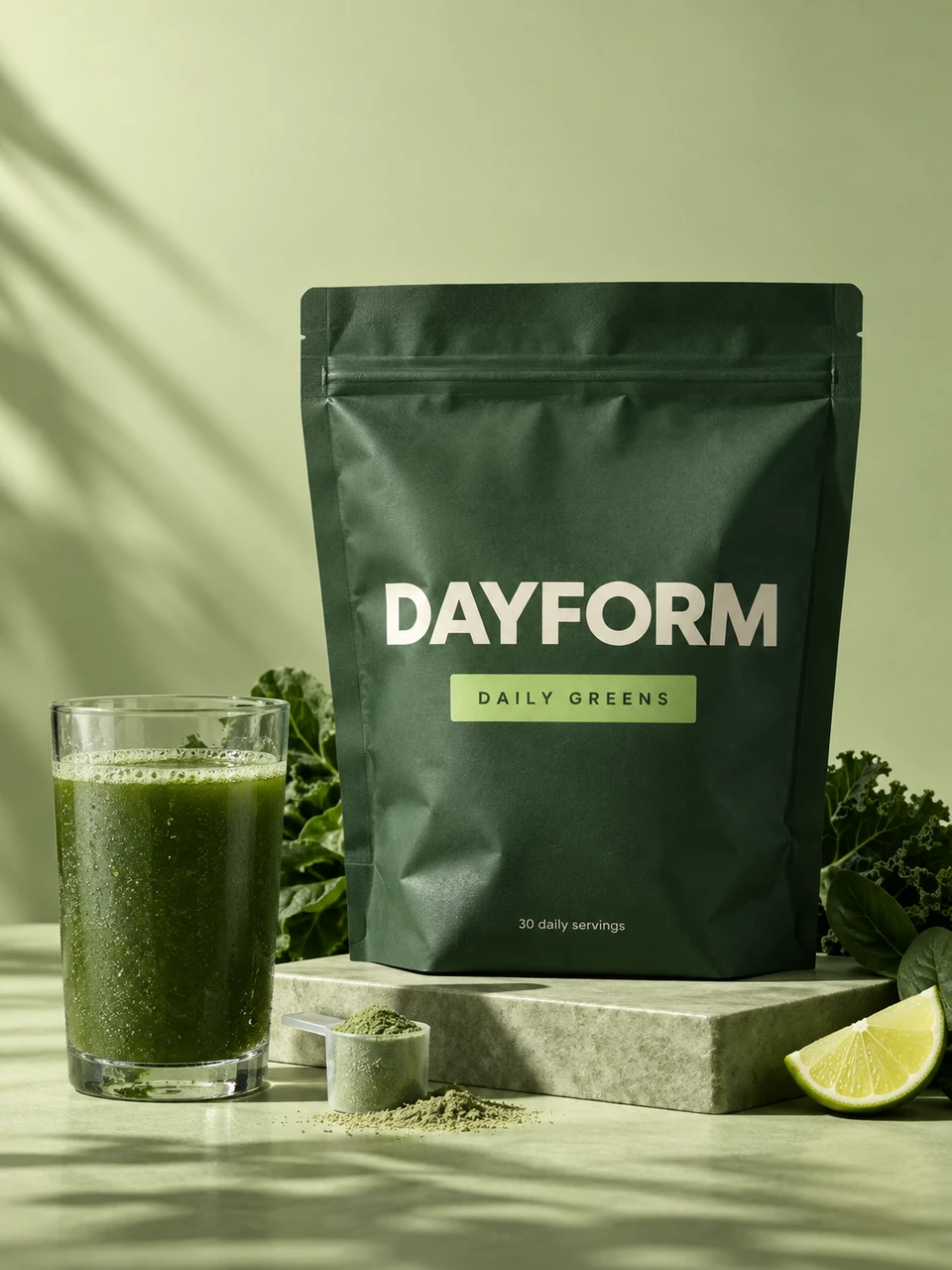
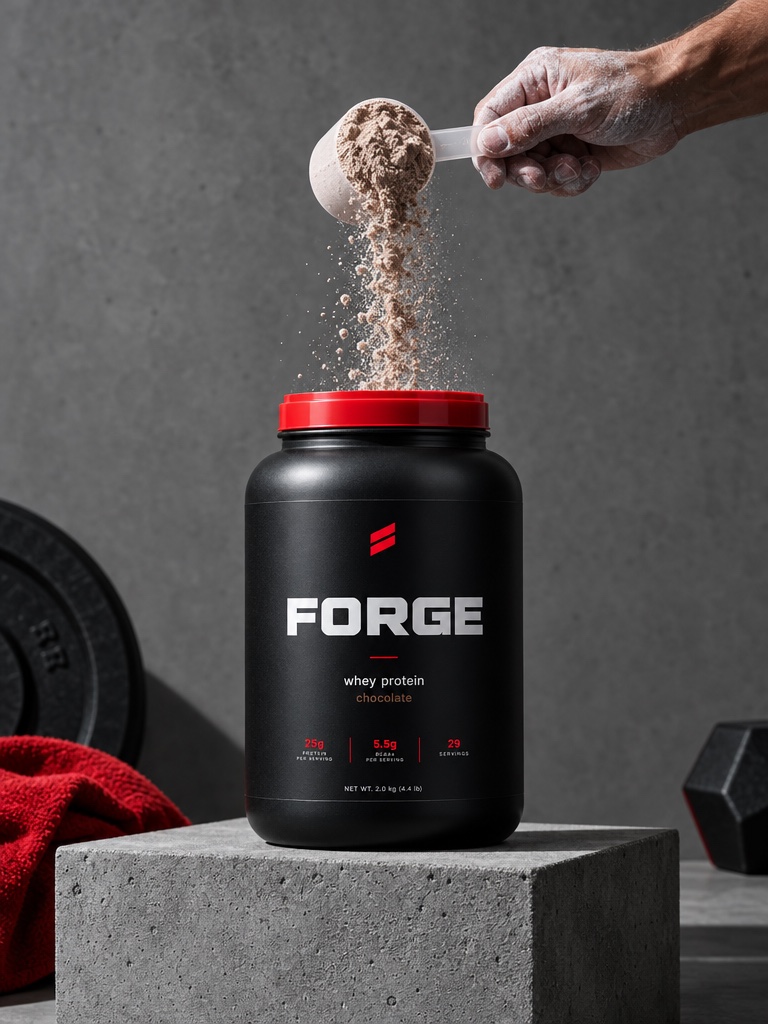
A supplement brand with a greens powder, magnesium gummies and a whey tub builds the Flow on one product and reruns it for the other two. When you want a finished commercial instead of loose clips, Director mode turns the Flow into a cut on a timeline with music. Teammates can edit the same Flow in real time, leave comments and share a link. Flows is on every paid plan.
Can an AI advertisement generator launch my Meta Ads?
Avocado AI can draft Meta Ads for you through Super Agent on Growth or Pro with the Connectors add-on. Super Agent can set up campaigns and add your creatives, but every campaign and creative is created paused. Turning anything on, or raising a budget, is a separate step that needs your approval.
The same add-on lets Super Agent publish or schedule organic posts to Instagram, Facebook, TikTok, LinkedIn, Threads and X, again only after you approve each post. If you do not use the add-on, download the ads from the library and upload them to Meta Ads Manager, TikTok Ads Manager or Google Ads yourself. Avocado AI does not launch TikTok or Google campaigns for you.
How do agencies produce AI ads for several brands?
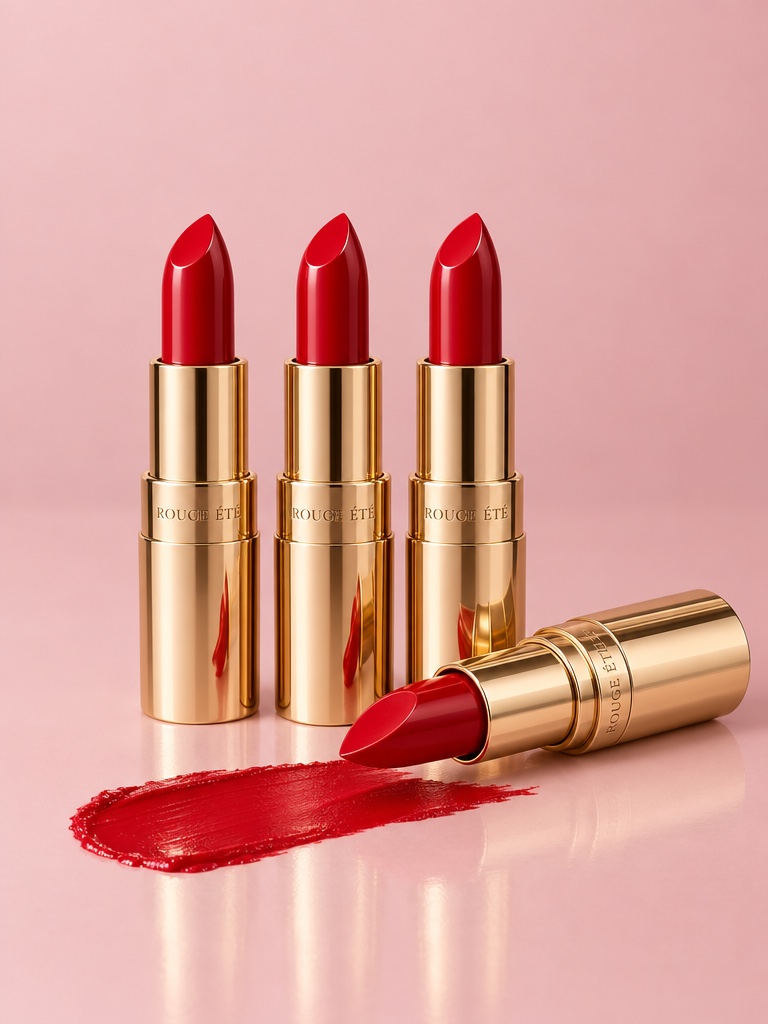
Agencies producing AI ads for several brands in Avocado AI keep each client separate with Brand DNA and Projects. Each brand has its own products, references, tone and rules, and each launch or client gets its own Project with the brief, products and approved work, so ads for one skin care client never borrow another client's look.
The ad set Flow becomes the agency's reusable template. Build it once for a fragrance launch, then run it for the next client with their eau de parfum photo and brand rules. Growth adds shared credits and projects for the team, and Pro adds more credits and room for multiple brand personas.
Where do AI advertisements still need a human?
AI advertisements still need a human for claims, final review and strategy. A model will happily write that a supplement cures something or that an SPF protects all day. Someone who knows the product and the ad rules has to check every claim, every label and every frame before spend goes behind it.
Deciding which angle to test and reading the results is also your job. AI makes the second and third variant cheap, which is exactly why a clear testing plan matters more than before. Keep the brief short, change one thing per variant, and retire losers quickly.