
Flows
Build it once.Run it forever.
Turn your best campaign into a workflow. Drop in the next product, the next brand, the next client. Get the whole campaign again, on brand every time.
- AdsWithMarian
- XGuard App
- Vibefuel
- Valvorman
- Shiva Wellbeing
- Korean Skin Therapy
Trusted by
One product. Ten campaigns.
Same bottle. Every world.
Every frame starts from one product photo of LUME, a fictional fragrance. Scroll or drag to turn the wheel.
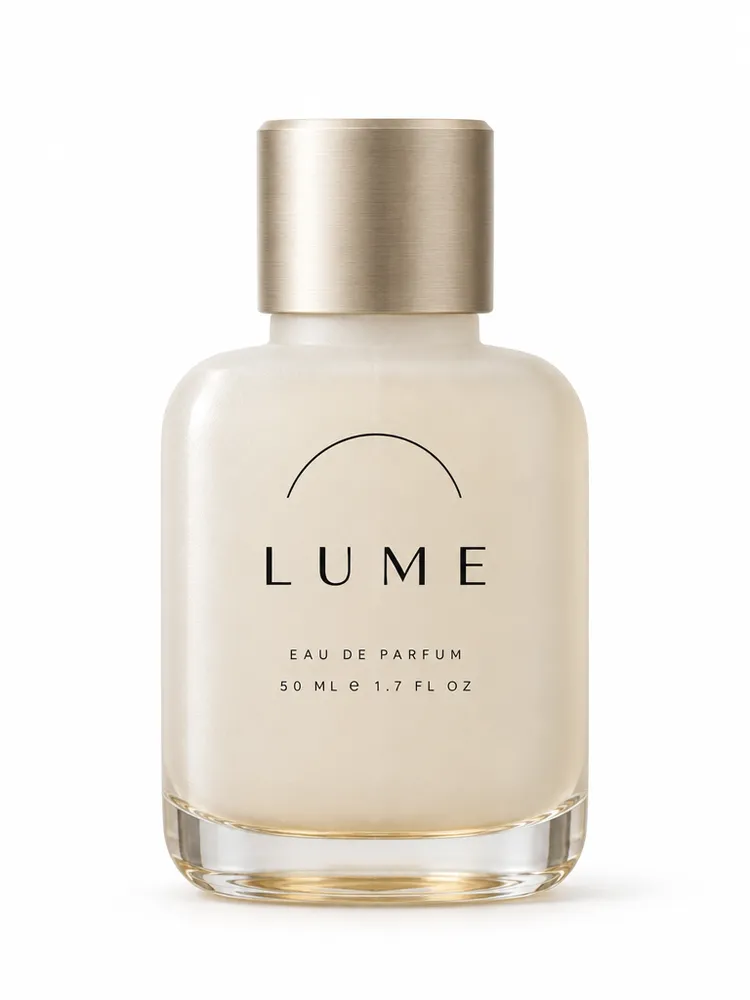
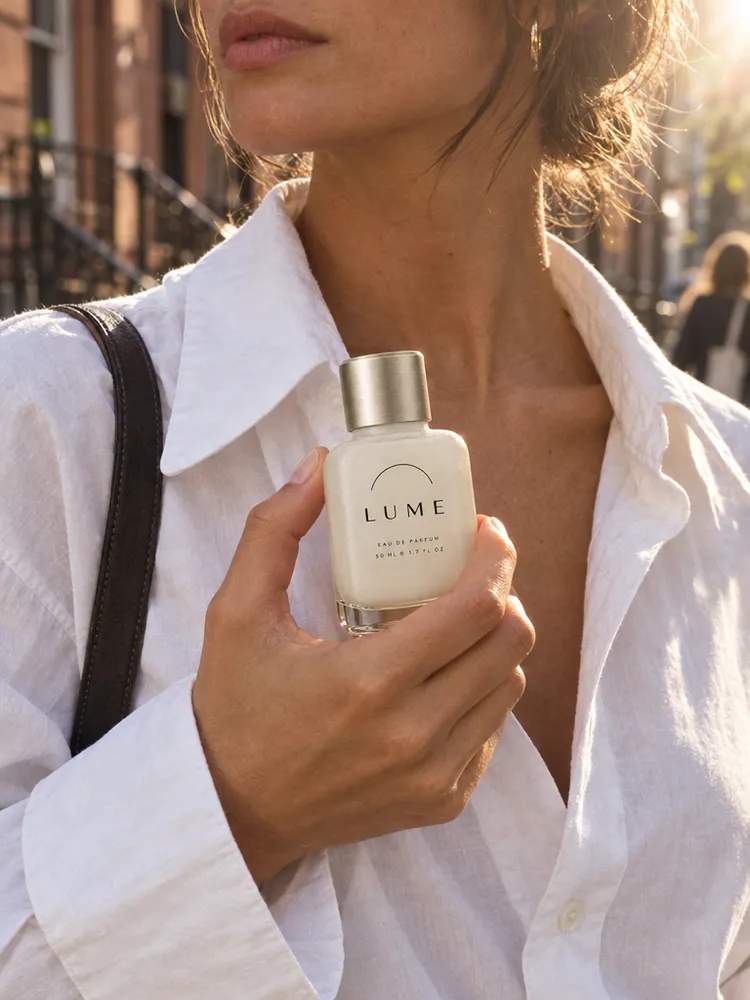
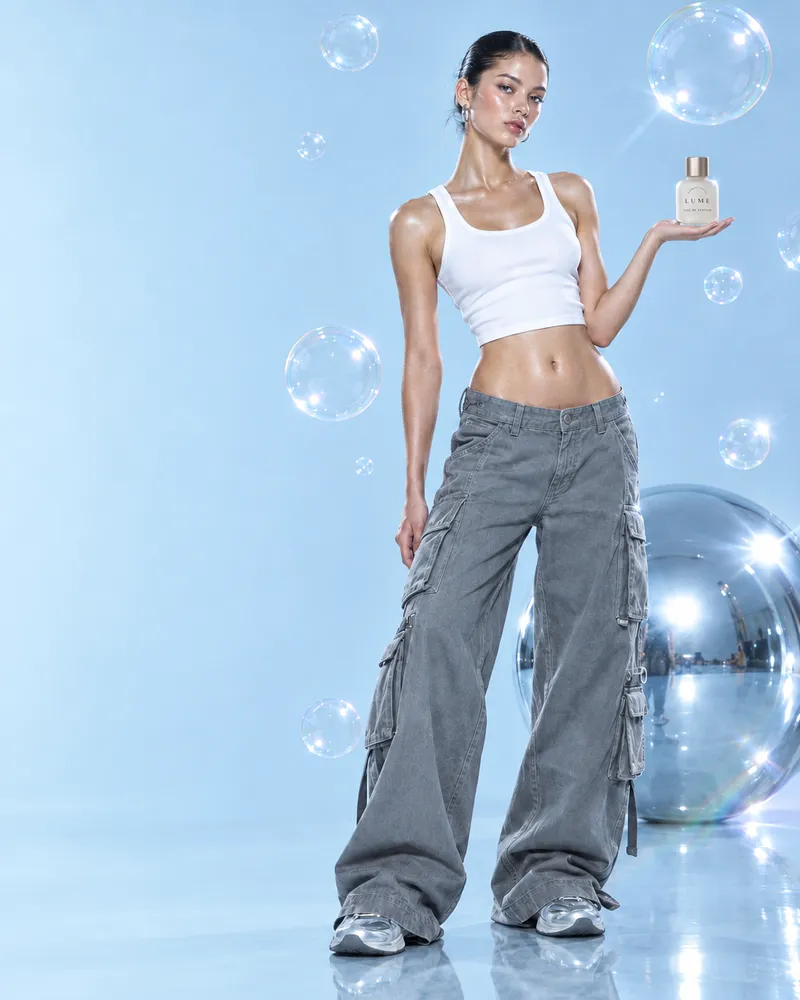
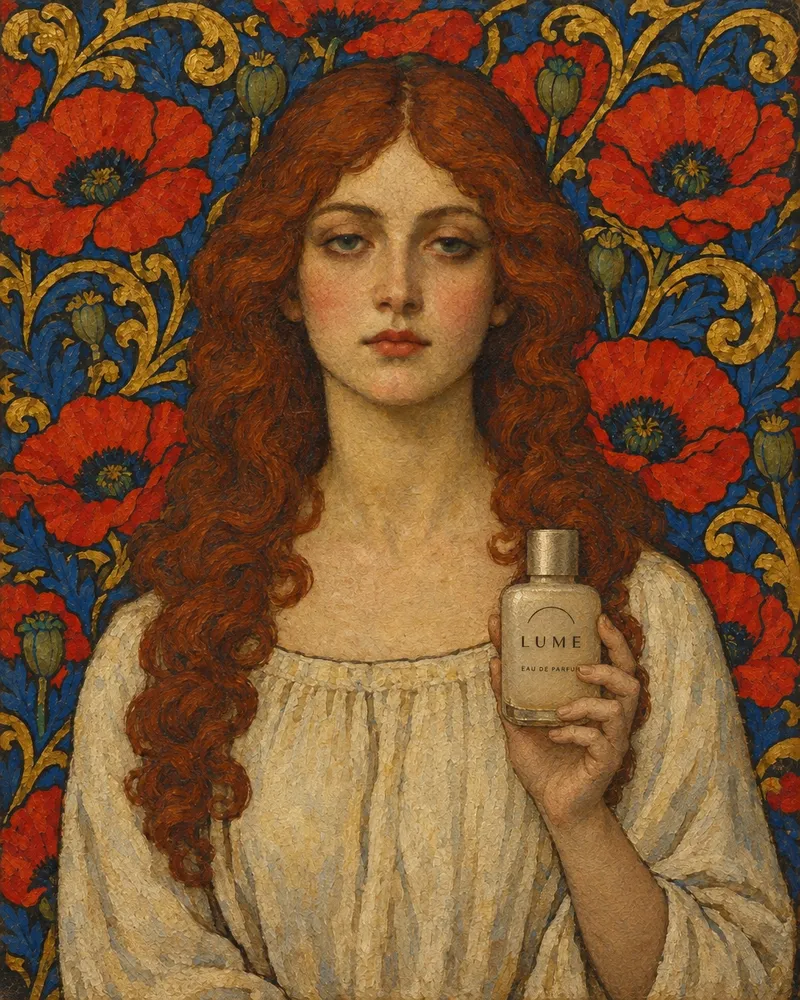
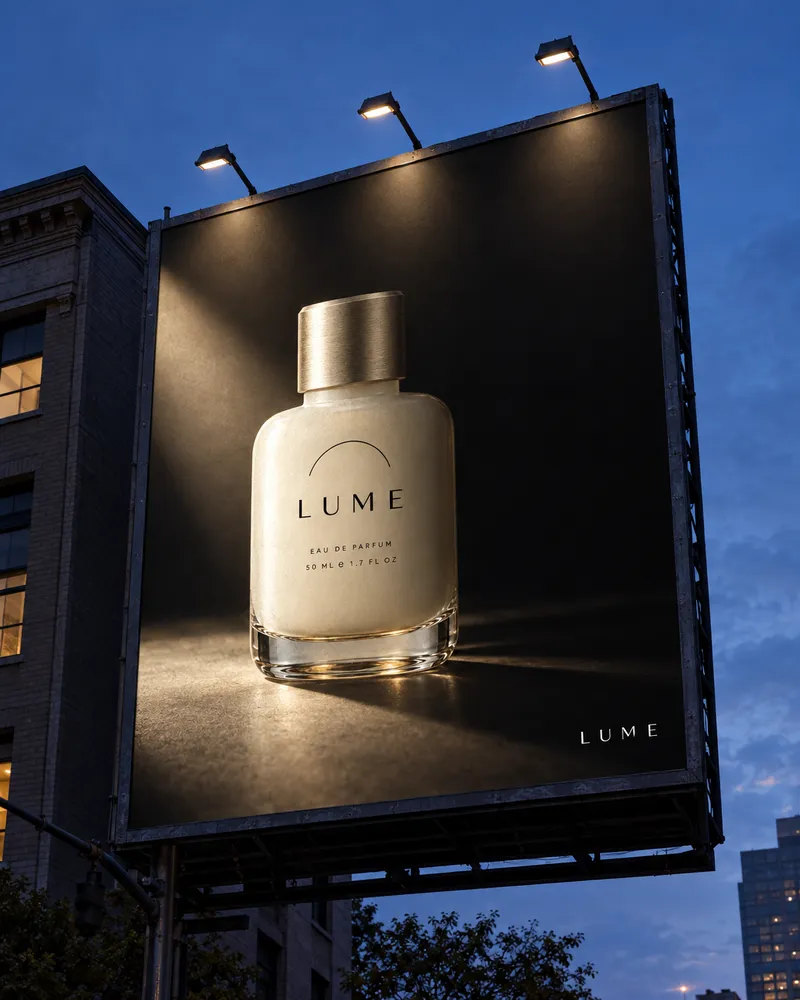
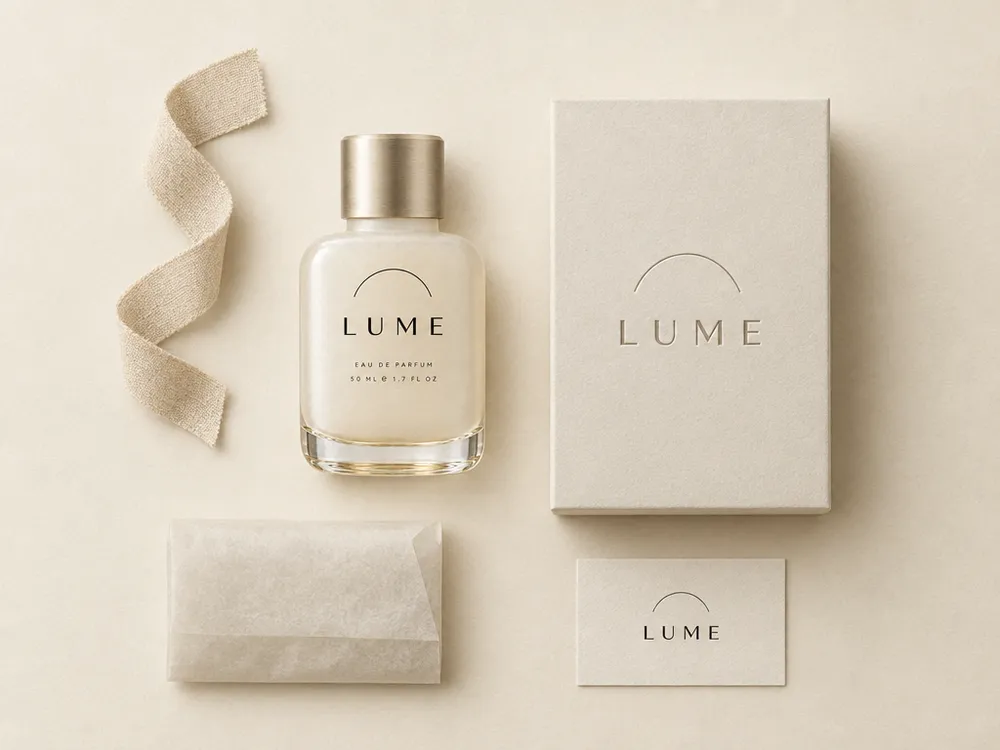

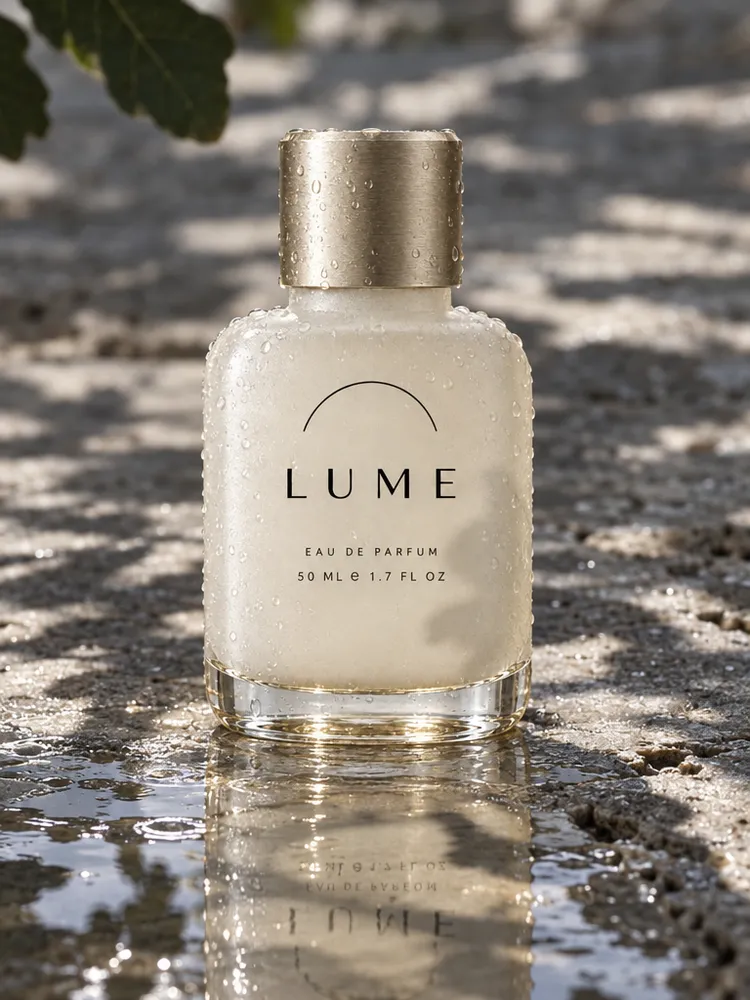
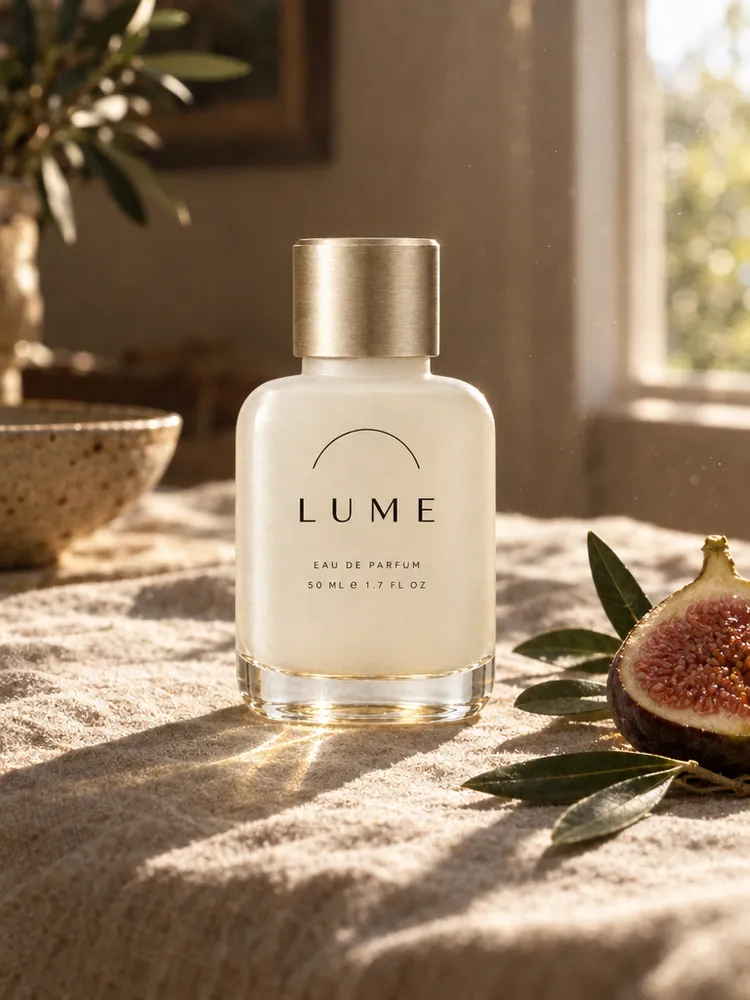

AI-generated examples from the Avocado community gallery. LUME is a fictional brand.
E-commerce Fashion · live template
Product photos in. A season of content out.
One column of product photos feeds two lanes: studio shots and a full fashion campaign. Swap the photos, press run, and it all happens again.
One input column. Two output lanes. Every step is live AI.
How it works
Set it up once. Scale it from there.
- 01
Build it once.
Start from a template, or tell Super Agent what you need and it builds the workflow for you.
- 02
Run everything.
One click runs every step in order: images, video, copy, music and voice.
- 03
Make it a commercial.
Director mode keeps the same cast and set in every shot, then cuts it together with music.
- 04
Run it again.
Swap in the next product, brand or client. Your team shares the workflow and every output stays consistent.
Every model in Avocado works inside a Flow. You see the credit cost before you run.
“We pushed over 280 native static plus higher design graphic static, and we went from $20K to $500K ad spend in just three months using mainly Avocado AI.”
Good to know.
What is Flows?
Flows turns a campaign into a workflow you can run again. You connect the steps for images, video, copy, music and voice once, then run the whole thing for every new product, brand or client with one click.
How is it different from making one asset at a time?
A single generation gives you one image or clip. A Flow gives you the whole set, and you can run it again next week without rebuilding anything.
Can I use it for several brands or clients?
Yes. Duplicate a workflow per brand or client, share it with your team and edit together in real time. Agencies keep one workflow per campaign type.
Where do I start?
Open the free E-commerce Fashion template, drop in your product photos and press run. Or ask Super Agent to build a workflow from a brief. Flows is included in every paid plan.


Your next launch.Already built.
Start from the template. Run it for every product after that.