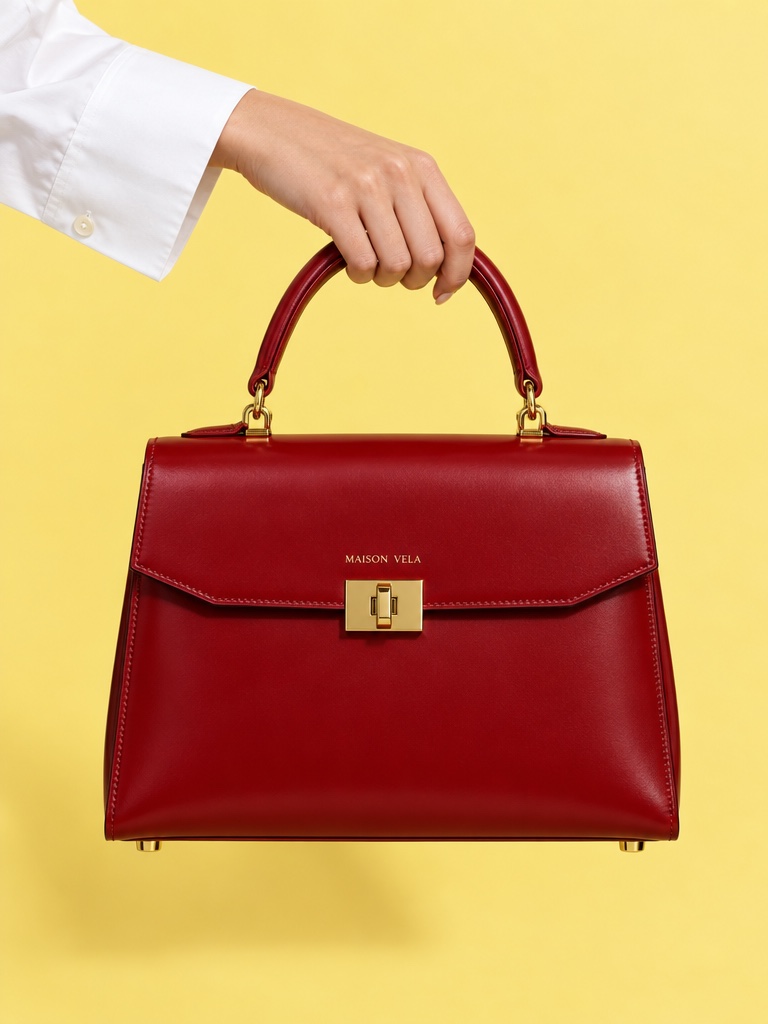
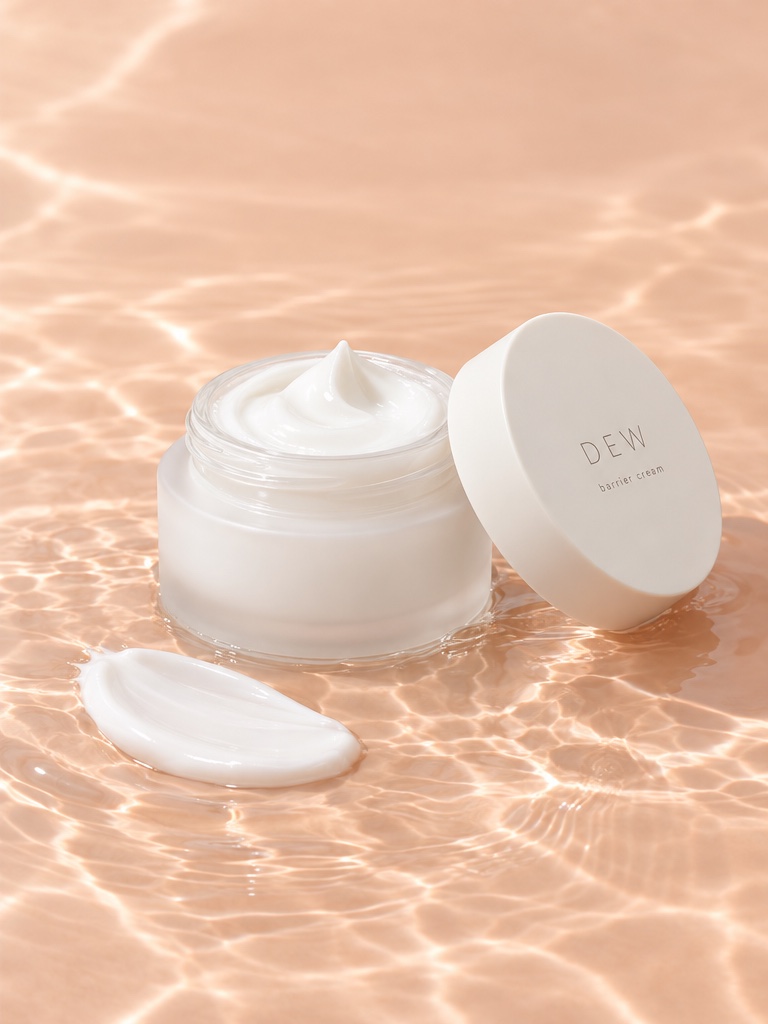
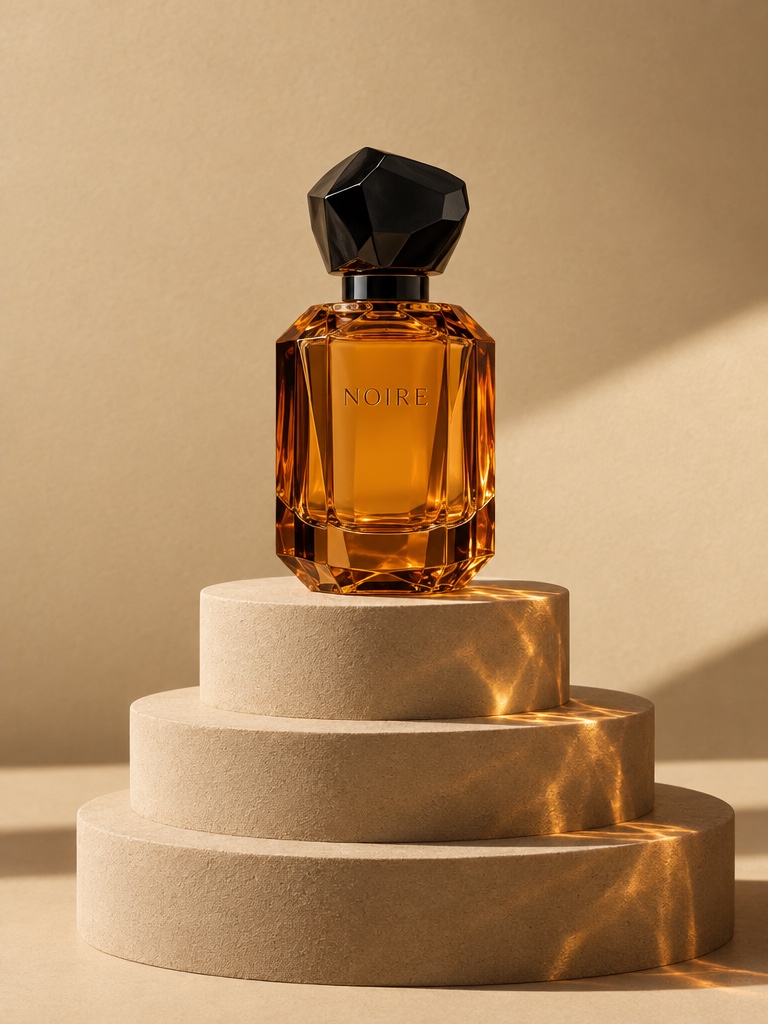
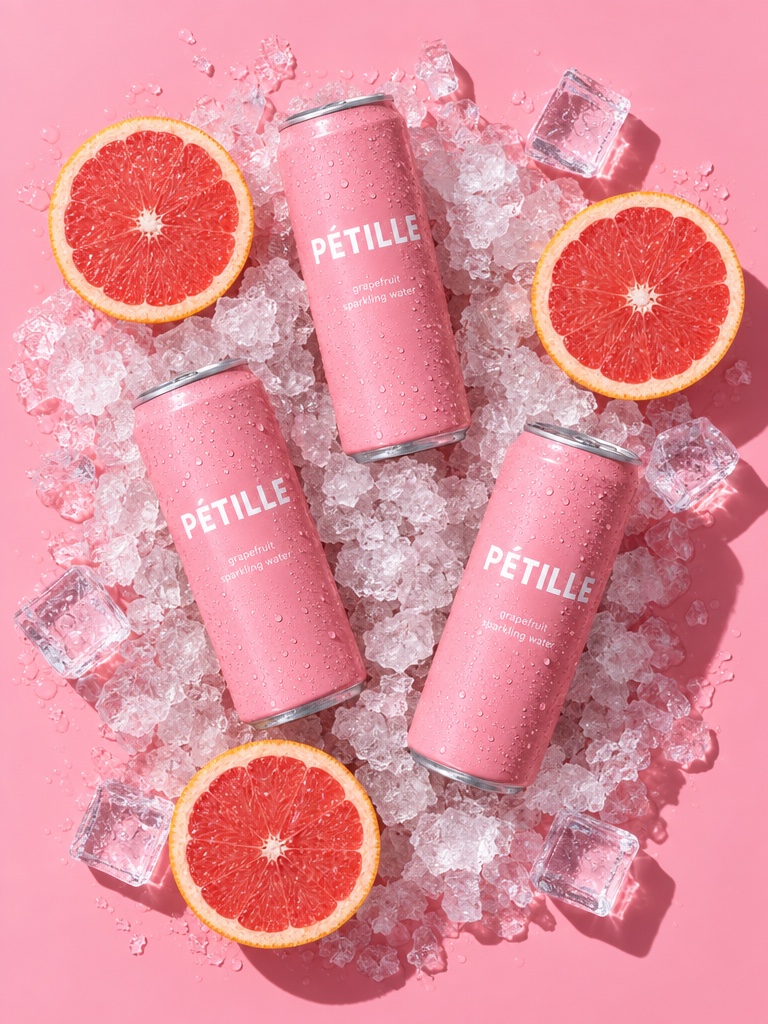
Product shots
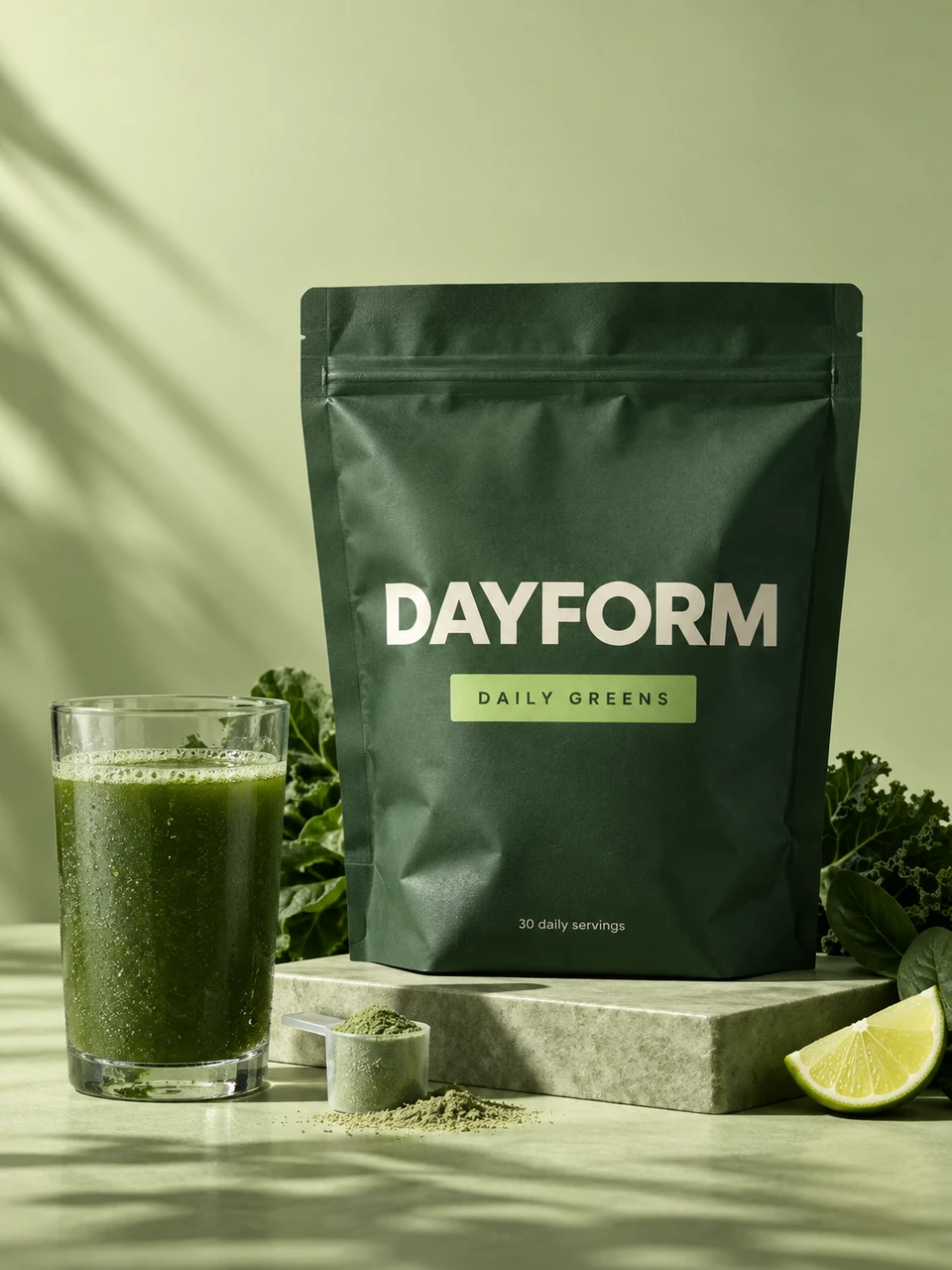
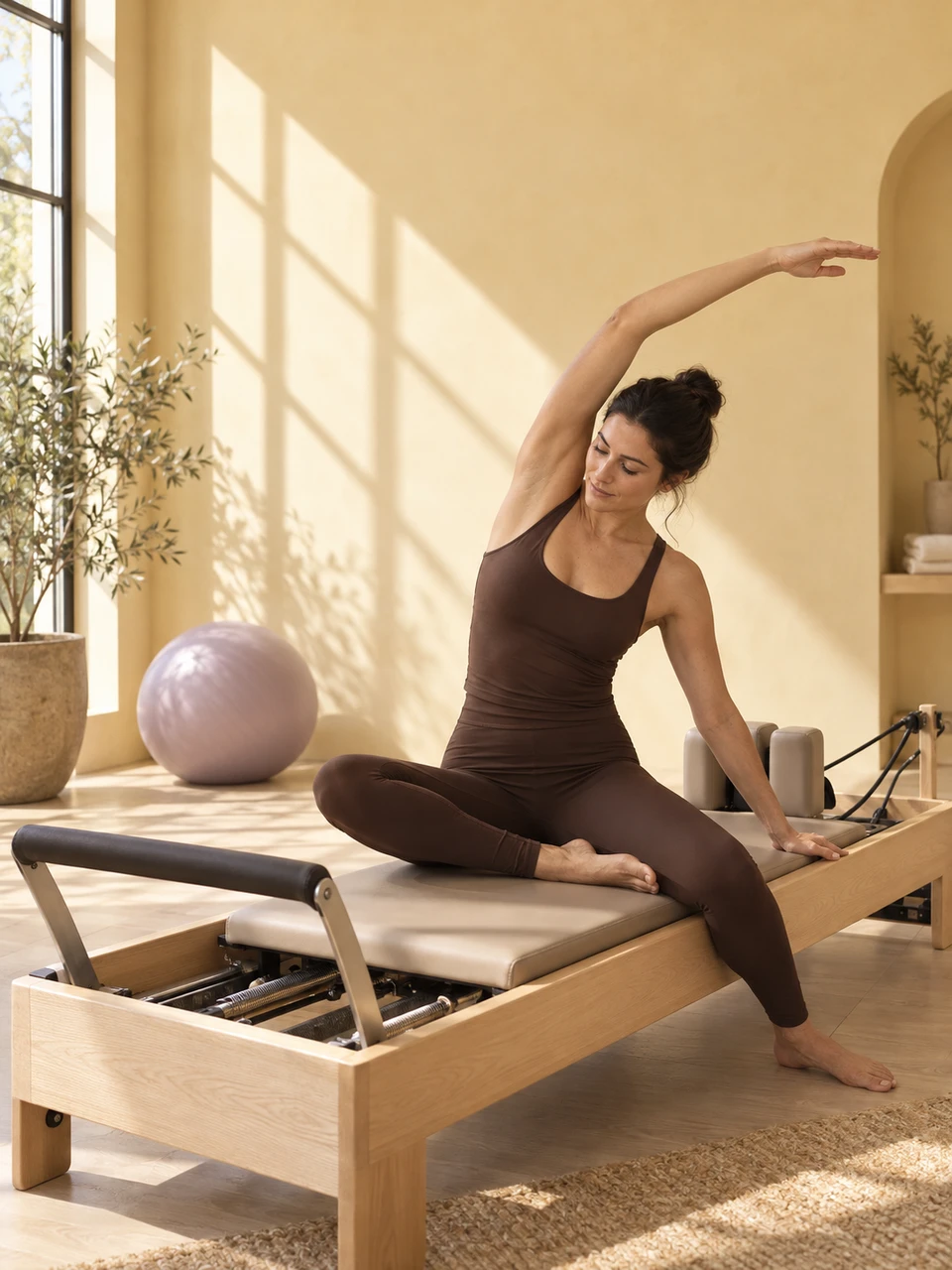
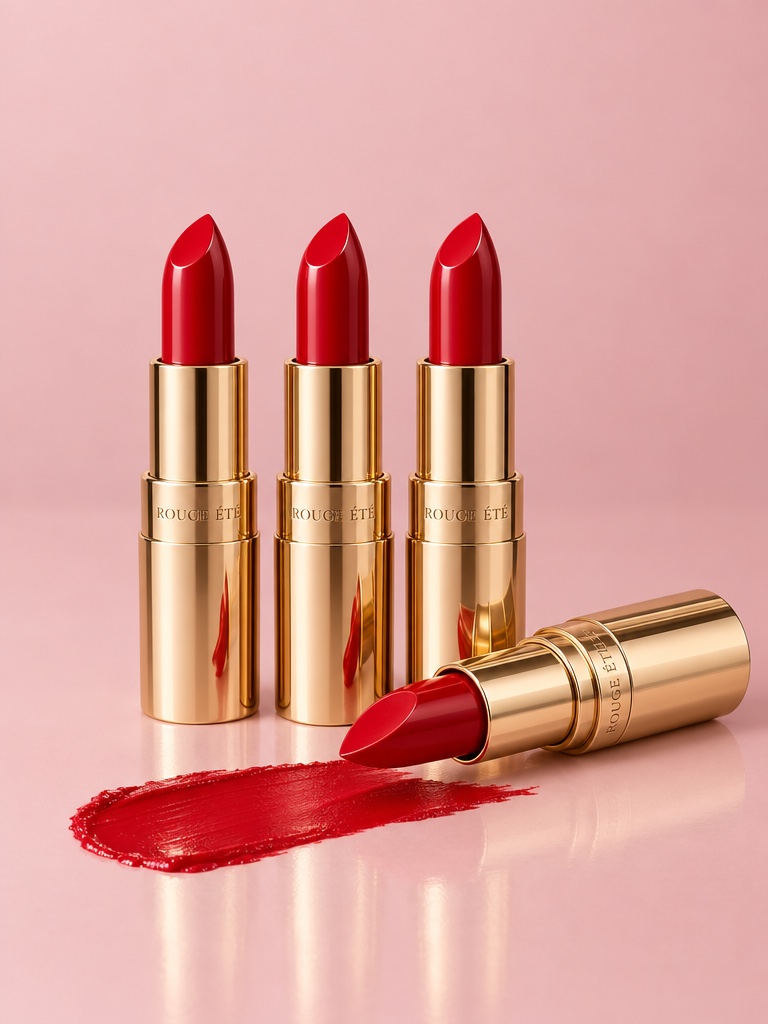
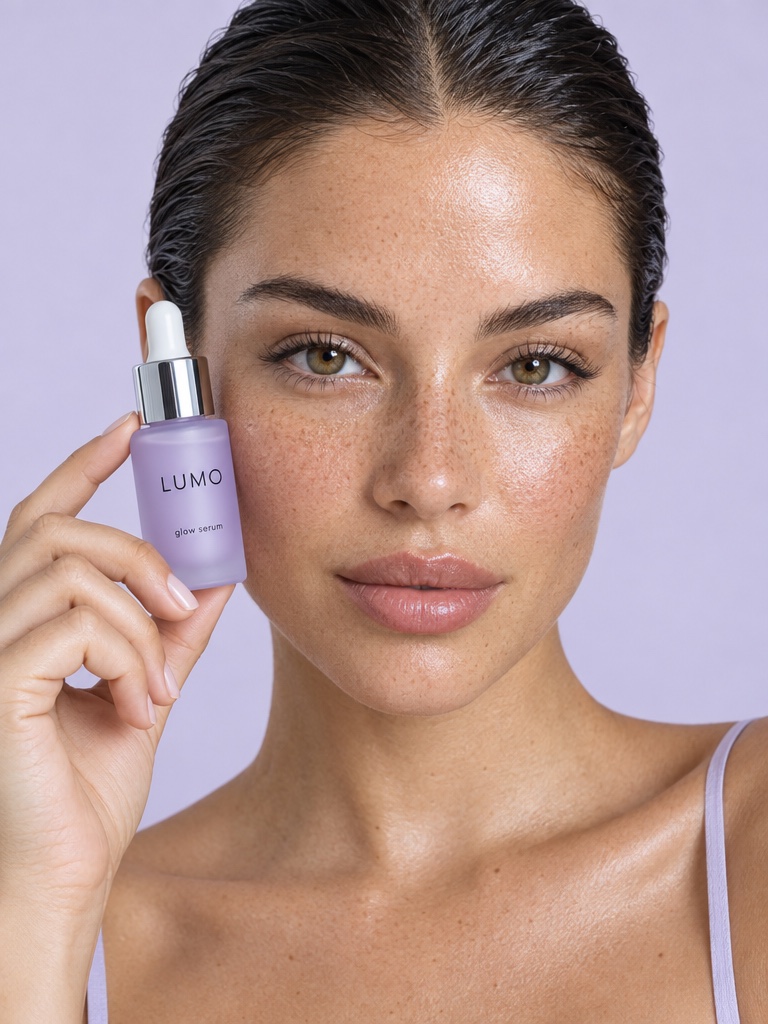
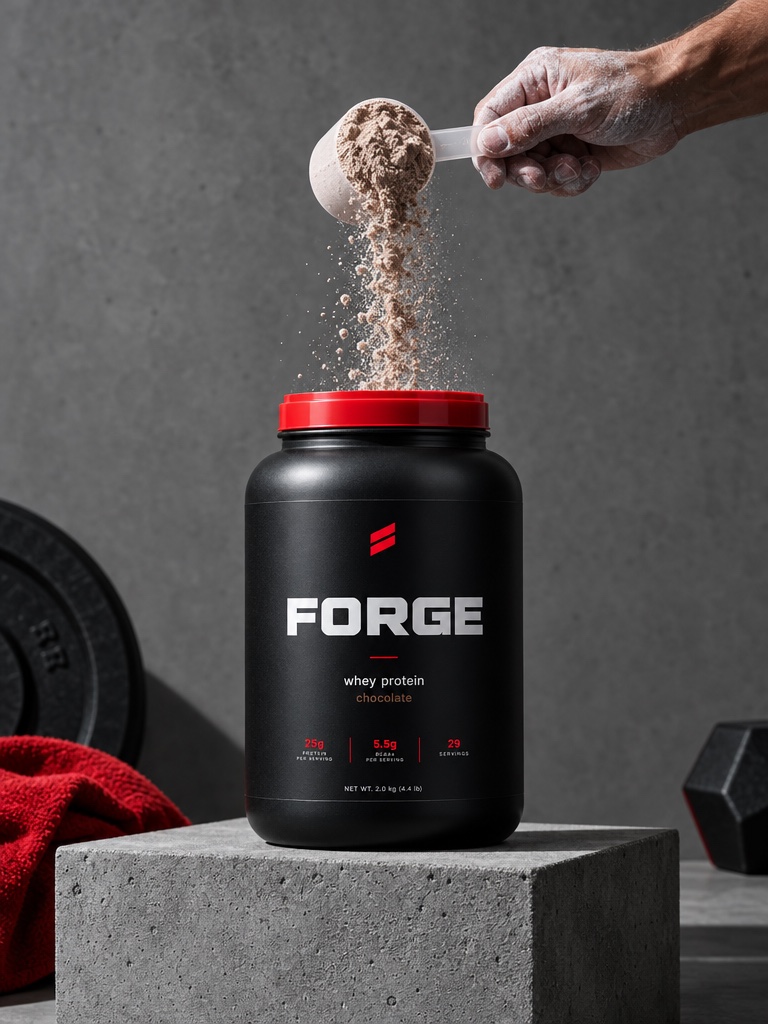
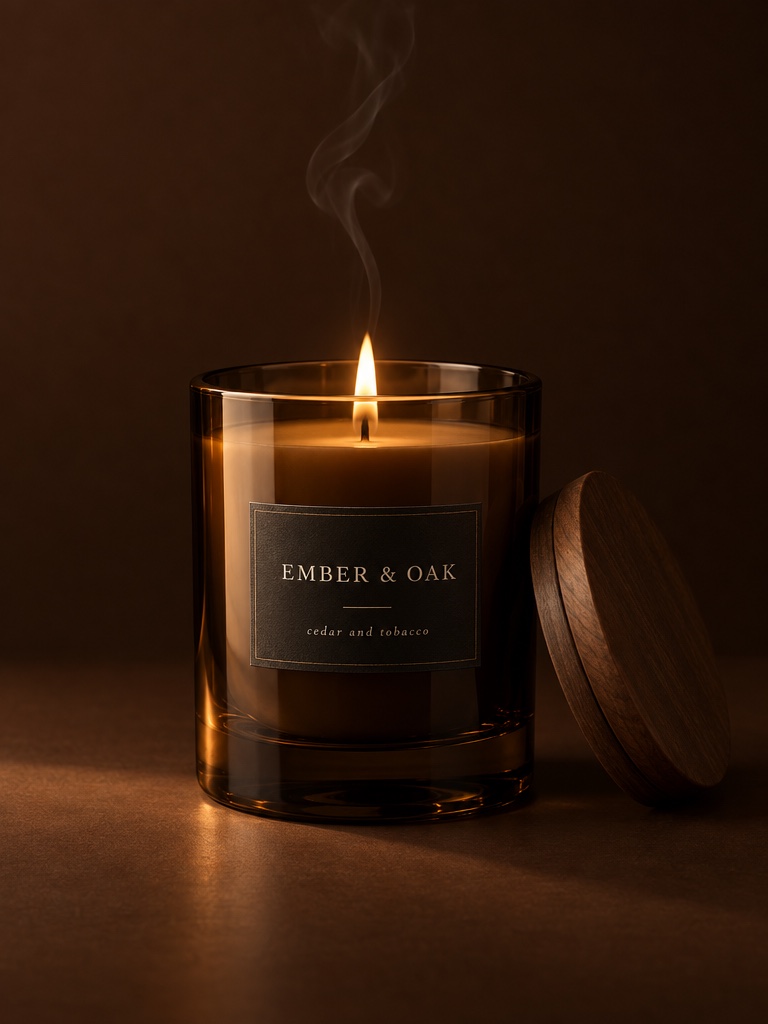
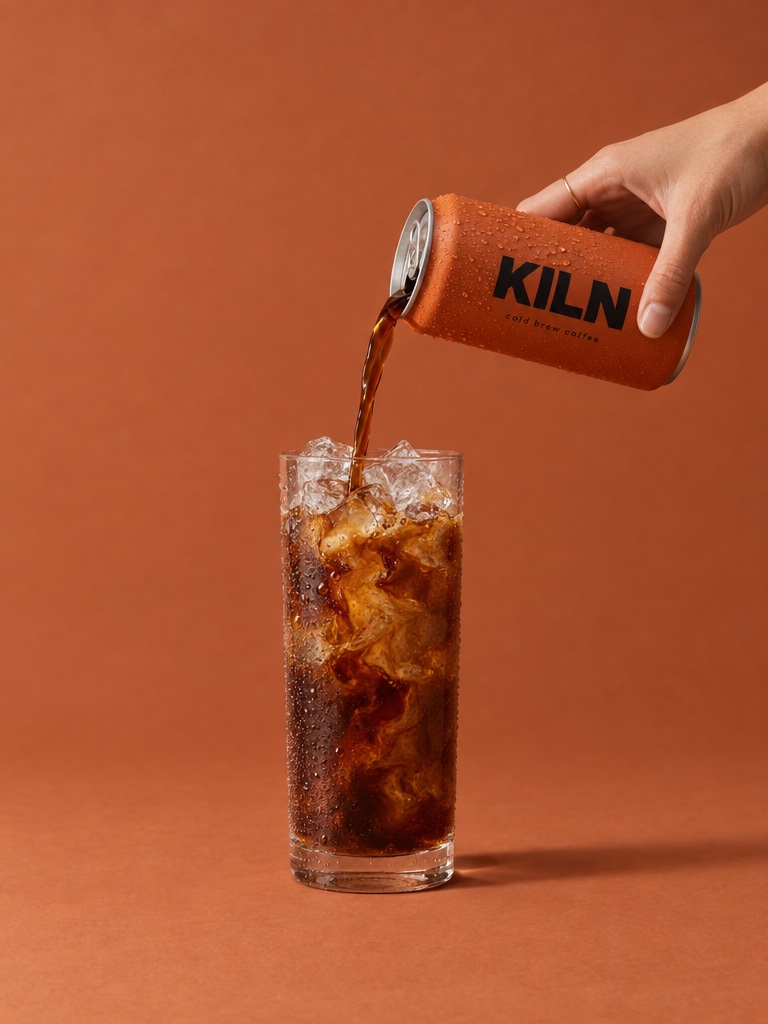
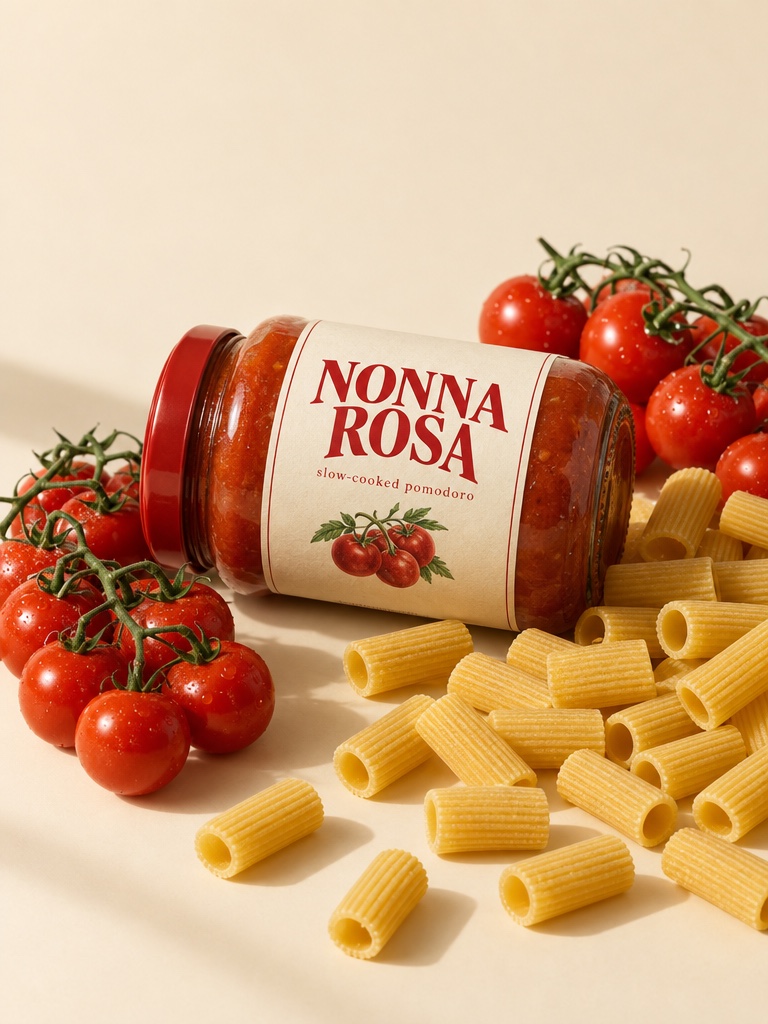
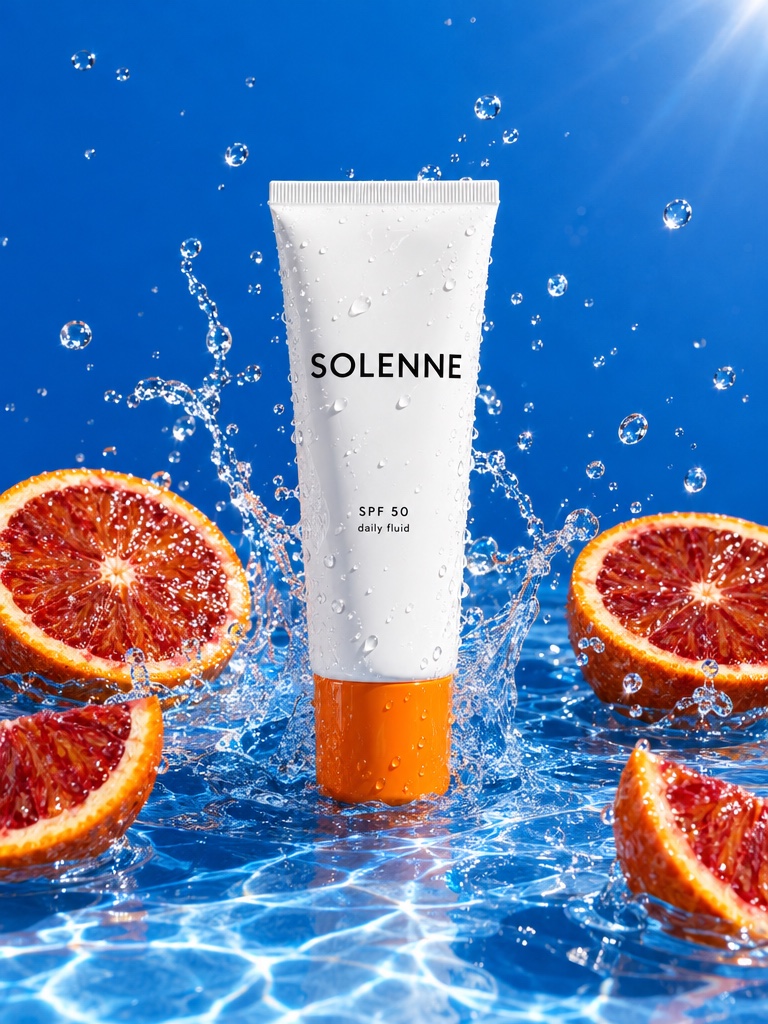
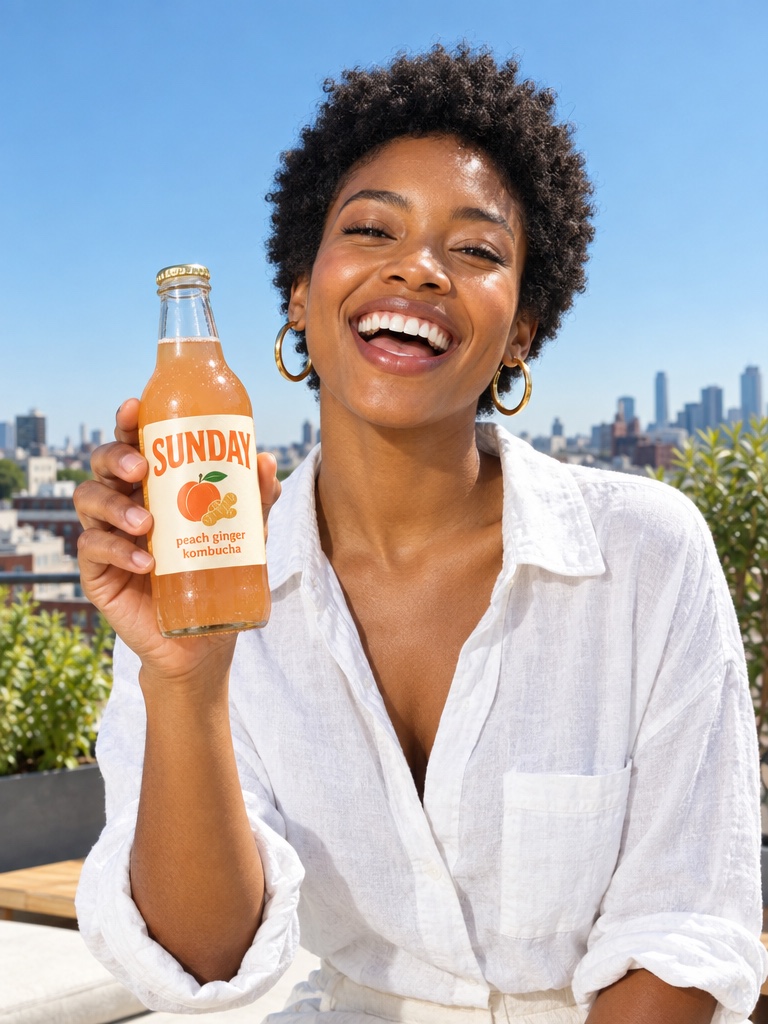
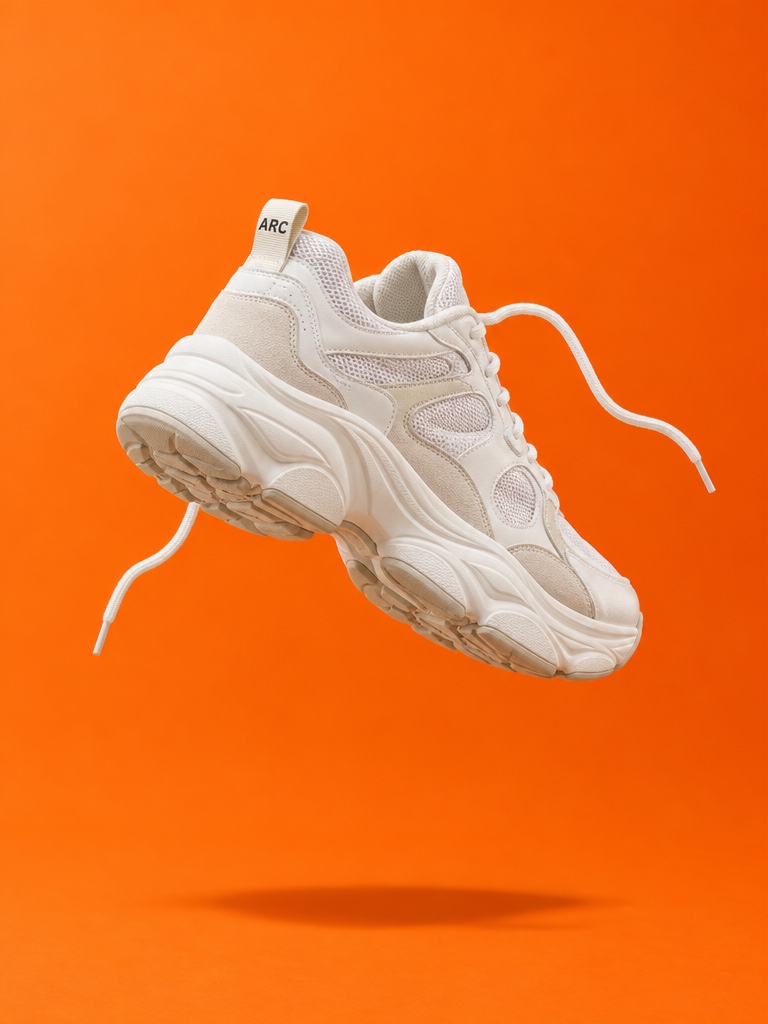
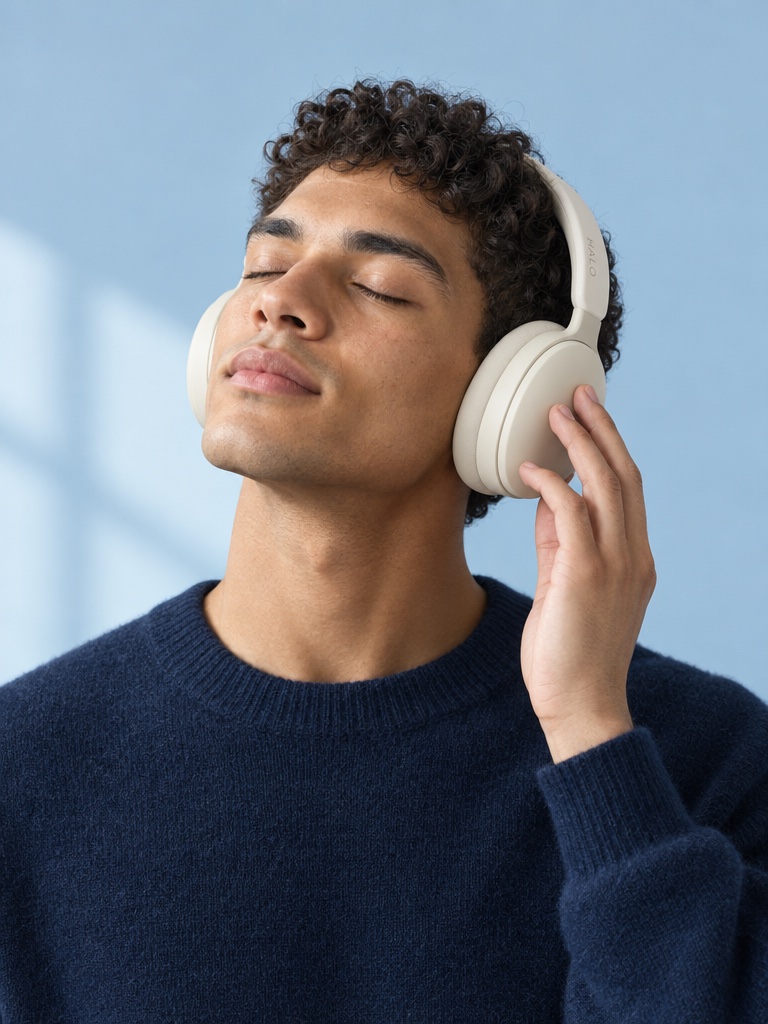
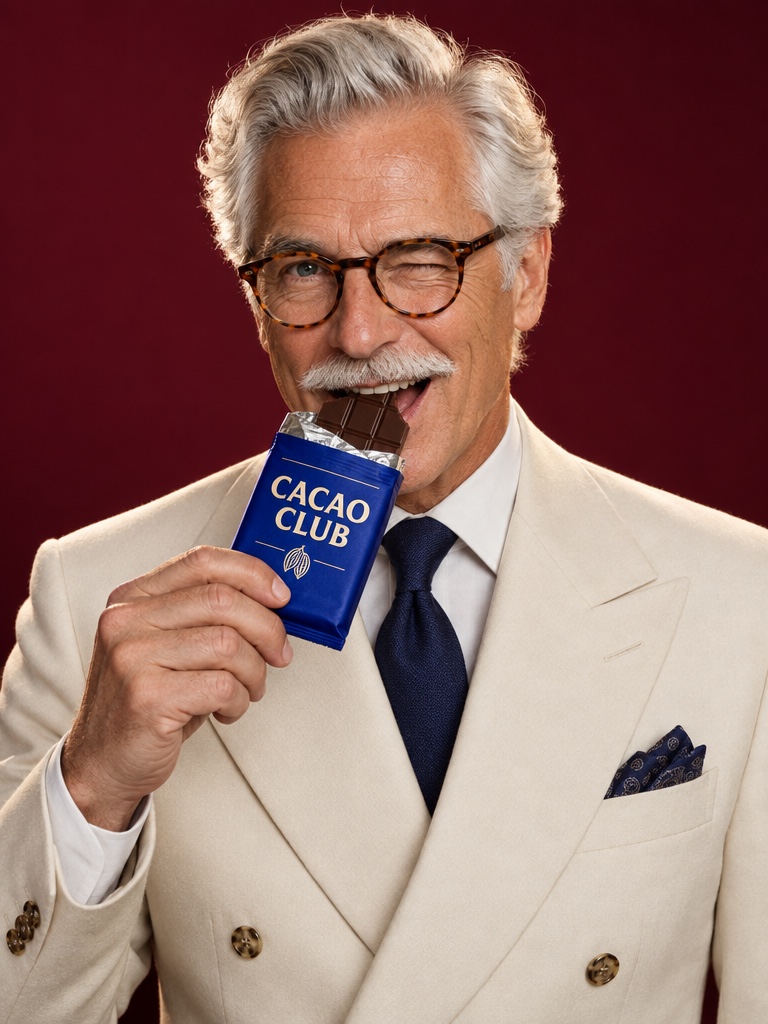
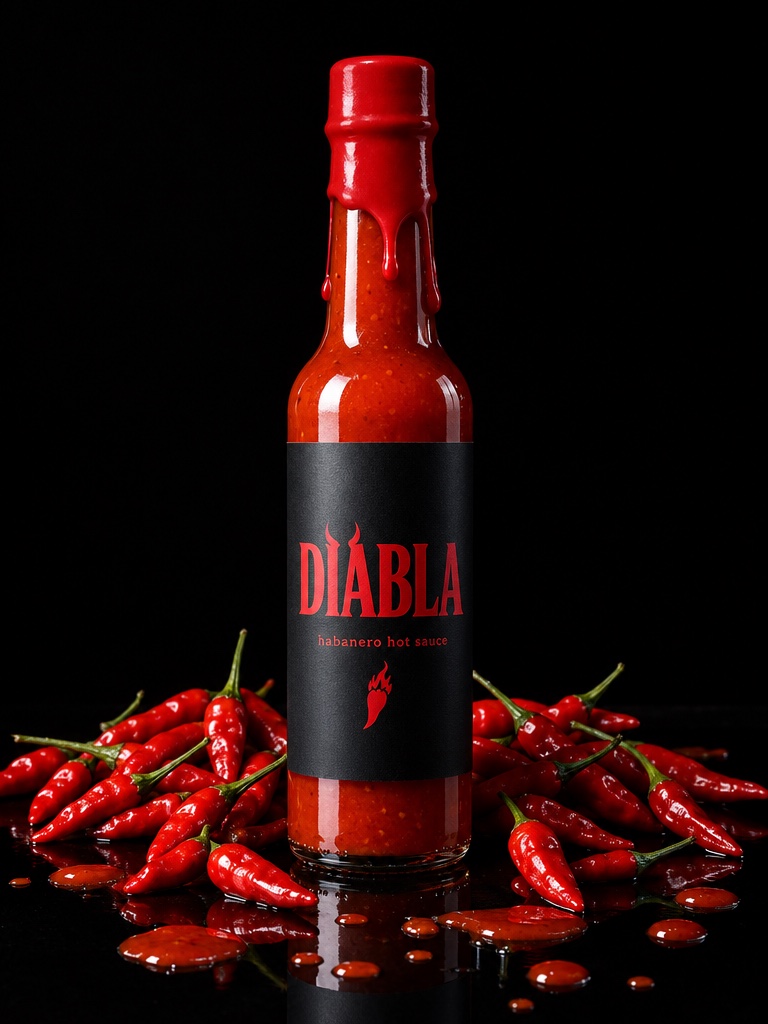
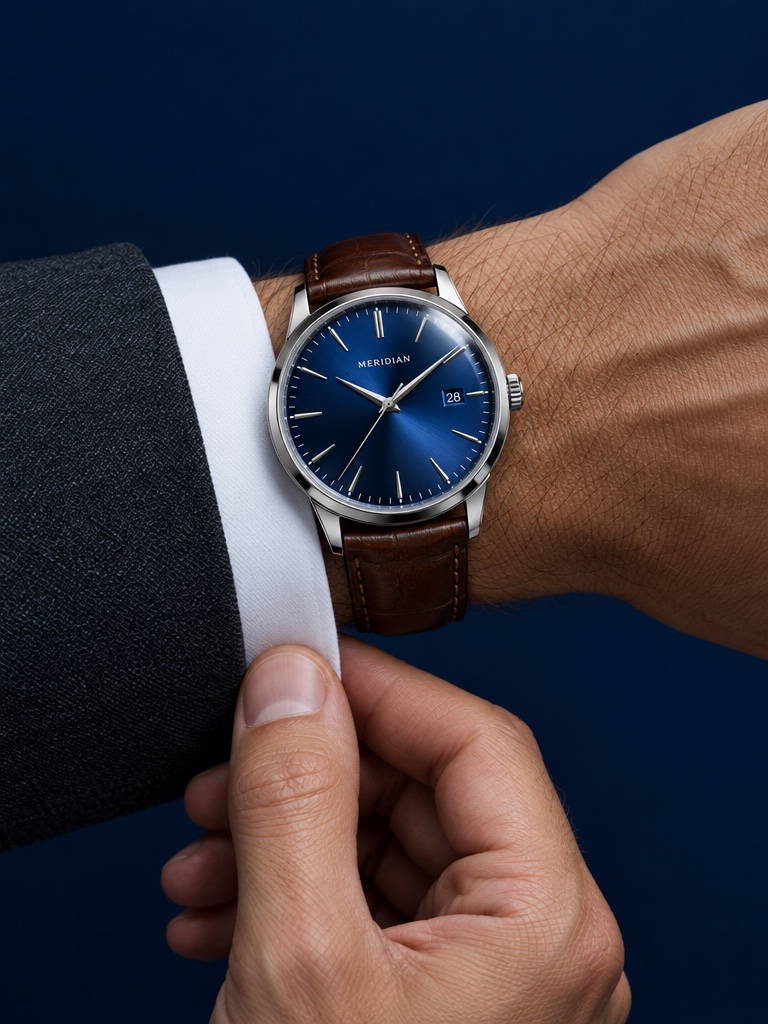
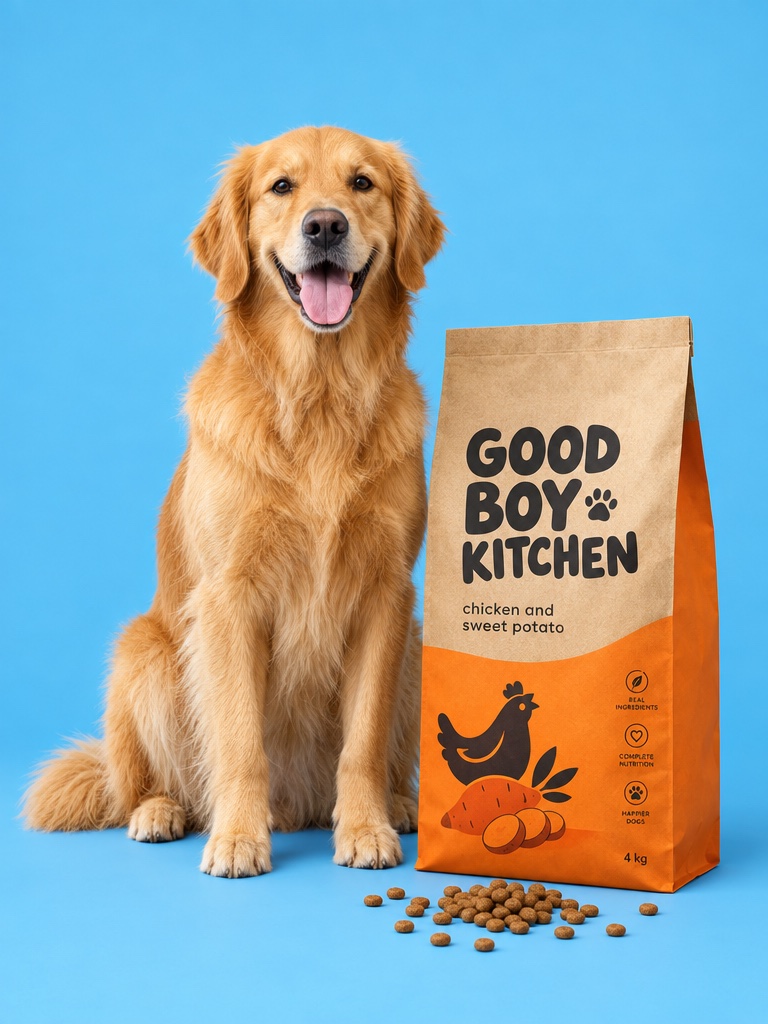
Studio-quality stills from one product photo, in any setting or style.
AI Studio · 01 Image
Four workbenches for images, video, UGC and audio. Start with a product photo: pick a preset, write the prompt and get four shots in seconds.
Demo in the Studio image composer. DAYFORM is a fictional brand.
Trusted by
Avocado AI Studio is the hands-on side of Avocado: an image workbench, a video workbench, a UGC studio and an Audio Studio in one workspace, on one credit balance, with every result saved to one library.
Studio-quality stills from one product photo, in any setting or style.

Your still, moving: launch films, loops and ads for every placement.

Talking creator videos for Reels and TikTok, with your product in hand.

Voiceovers, custom voices, music beds and sound effects for every cut.
Examples made with Avocado, featuring fictional products.
02 · Video
Drop in a start frame, and an end frame if you want one. Describe the motion, pick the model, resolution and length, and get a product film.
Real Seedance 2.5 output. DAYFORM is a fictional brand.
03 · UGC
Pick a creator look or upload your own, add your product and write the script. Get a talking UGC ad ready for Reels and TikTok.
Real Seedance 2.5 output in the UGC studio. Tap for sound. DAYFORM is a fictional brand.
04 · Audio
Write a voiceover and pick a voice, design a new one or clone your own. Add a music bed and sound effects, all in the same studio.
Illustrative demo of the Audio Studio. No sound plays here.
Everything in Studio
Every result lands in the same library, ready to edit, reuse in a Flow or hand to Super Agent.
01Image workbench

02Video workbench

03UGC studio

04Audio Studio

In their words
We pushed over 280 native static plus higher design graphic static, and we went from $20K to $500K ad spend in just three months using mainly Avocado AI.
Avocado AI is really amazing! I've been using it to create photos for my fashion products, and the results are just incredible. The images look realistic, and it's super quick and easy to use.
Avocado AI was so simple and easy to use when I needed high-quality images for my business website. The image quality made my website, a whole lot, more professional and pleasing to the eye.
Updated September 25, 2026
Avocado AI Studio is the hands-on side of Avocado: an image workbench, a video workbench, a UGC studio and an Audio Studio in one workspace, on one credit balance, with every result saved to one library.
Studio gives you the leading image, video and audio models in one place, including Nano Banana 2, GPT Image 2.5 and Seedream for images, Seedance 2.5, Kling 3, Veo 3.1 and MiniMax H3 for video, and Fish Audio and ElevenLabs voices for audio. You pick the model for each generation.
Yes. Attach a product photo as the source image in the image workbench, or as the start frame in the video workbench, and the result keeps your real product.
Pick a creator look or upload your own, write the script and choose the format and length. Studio turns it into a talking video ad. Attach a product photo and the creator holds your product in the video.
Voiceovers from text, new voices designed from a description, clones of your own voice, music beds and sound effects. Use them on their own or in your videos.
Studio runs on credits. Each generation shows its cost on the button before you create it, and a generation that fails is refunded. Credits come with every paid plan; see the pricing page for current plans.
Images, video, UGC and audio in one workspace. Start with one product photo.