What does the AI UGC workflow look like step by step?
The 5 steps below are the workflow teams run inside Avocado AI, from the first product photo to the exported variant set.
- 01
Save your product in Brand DNA
Add a clean product photo and your brand rules once, so every UGC video can reuse the same real product.
- 02
Pick a creator look and write the script
Choose a ready creator look or your own, then write a short spoken script with a hook, one benefit and a call to action.
- 03
Attach the product and choose an engine
Attach the product so GPT Image 2.5 edits it into the creator's hands, then pick Fast UGC, Talking head, Seedance 2.5 or HD UGC and the aspect ratio.
- 04
Review the voice and the product
Check the lip-sync, the voice and the label on the product. Adjust the voice in Audio Studio with Fish Audio S2 Pro if needed.
- 05
Turn the winner into a repeatable Flow
Save the setup as a Flow and rerun it with new hooks, looks or products. On Growth or Pro, Super Agent can plan and publish after your approval.
Which Avocado AI tools does AI UGC use?
6 tools cover the whole AI UGC workflow. They share one credit pool and one gallery, so nothing is exported between steps.
| Tool | Role in this workflow |
|---|---|
| UGC Studio | Creator looks, script to talking video, your product in the creator's hand |
| Brand DNA | Products, references, visual direction, tone and rules every tool reads |
| Audio Studio | Voiceovers, designed and cloned voices, music beds and sound effects |
| Flows | Chain steps on one canvas, run them in one click, cut a commercial in Director mode |
| Super Agent | Plans, creates on brand and publishes or schedules after your approval (Growth and Pro) |
| Avocado MCP | The same tools from Claude, Codex, Cursor or your own agent |
AI UGC is user-generated-style video made with AI: a creator on camera talks about a product in the casual, handheld format that works on TikTok, Reels and Meta feeds, without booking a real creator for every take. Brands use it to test hooks, scripts and angles faster than a creator shoot allows. The weak point of most AI UGC tools is the product itself, which often looks invented. This page explains how the Avocado AI UGC studio handles that, and what it should not be used for.
How does AI UGC work in Avocado AI?
AI UGC in Avocado AI works in four steps inside the UGC studio. You pick a creator look, either a ready one or your own, write the script, attach your product and choose an engine. The studio returns a talking video in 9:16, 1:1 or 16:9, saved to the same library as your images and other videos.
The UGC studio is part of Studio, next to the image workbench, the video workbench and Audio Studio, and it draws on the same credit balance. That matters when a UGC ad is only one piece of a campaign. The creator clip, the product pack shot and the voiceover for a cutdown all live in one place, so the team is not moving files between four tools.
How does the creator end up holding my real product?
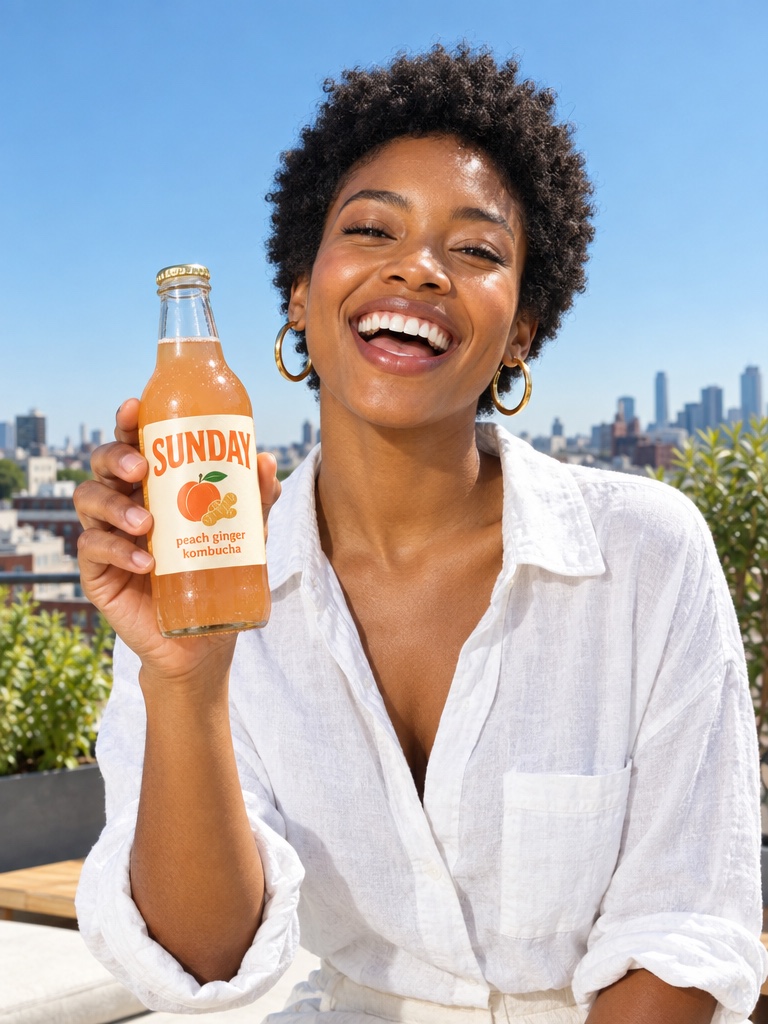
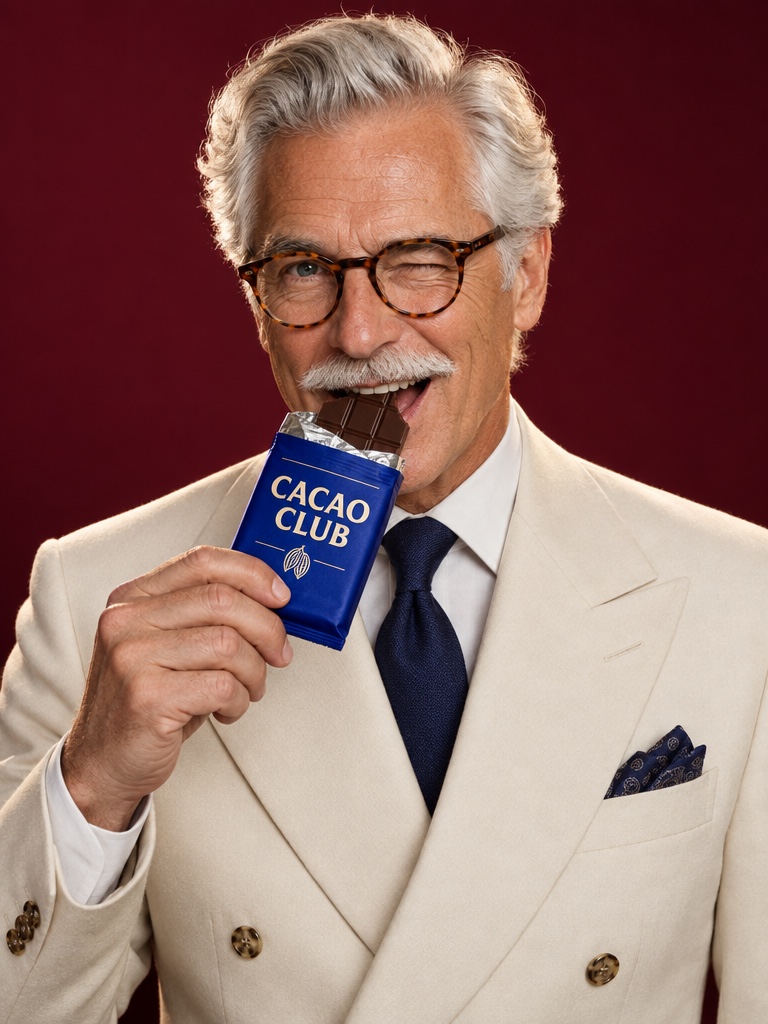
When you attach a product, the Avocado AI UGC studio first edits the creator look with GPT Image 2.5 so the creator is holding your real product, then animates that edited image into video. The product comes from your own photo rather than from a text description, so the pack starts out close to the real thing.
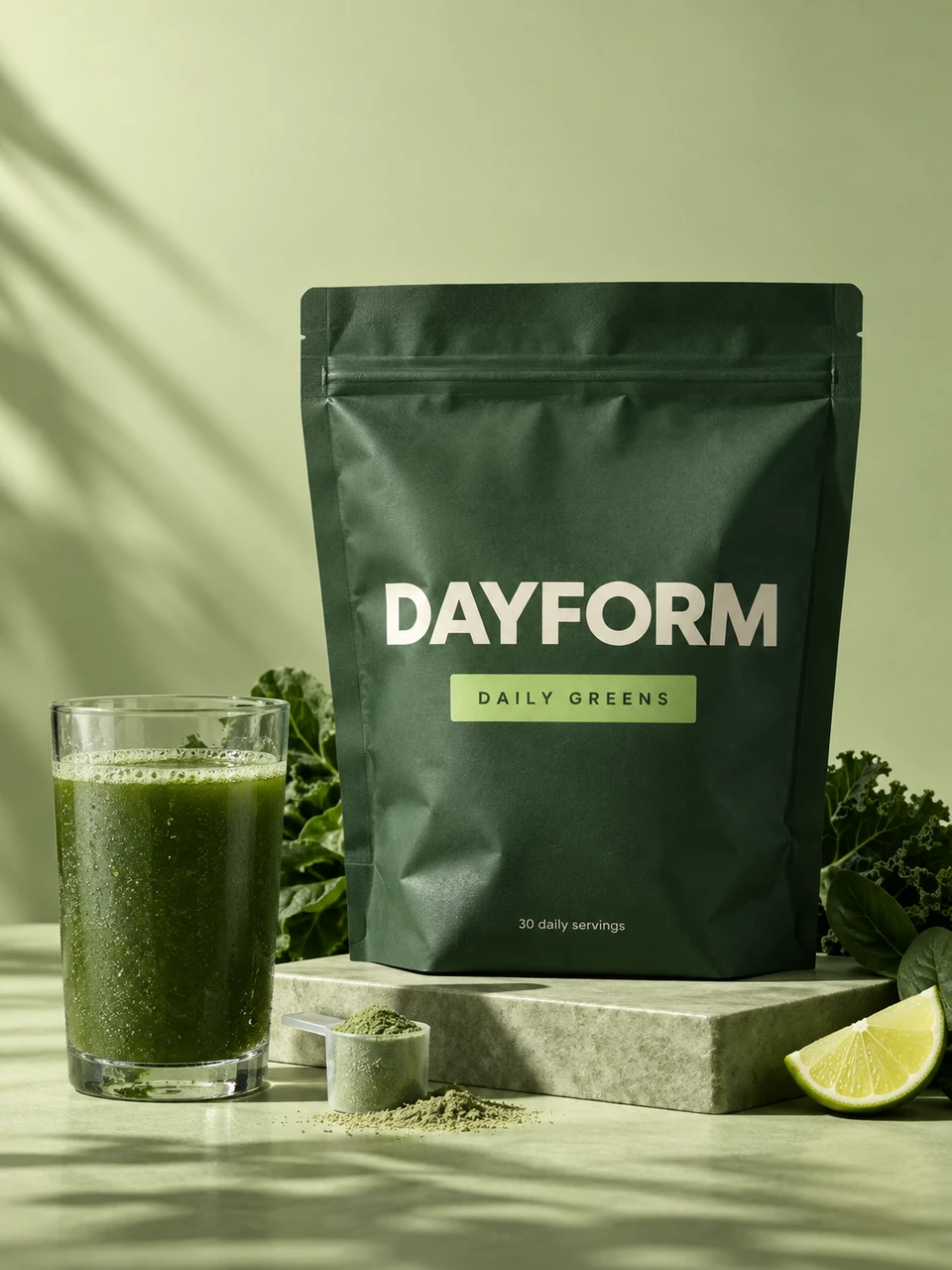
Save the product in Brand DNA and you can reuse it across every UGC video. A supplement brand can put the same magnesium gummies jar in the hands of five different creator looks in one afternoon. The honest limit: small label text can soften or shift once the creator moves, especially when the jar turns. Check the clip before it goes live, and prefer scripts where the creator holds the product steady toward the camera.
Which AI UGC engine should I pick?
The Avocado AI UGC studio offers four engines. Fast UGC is the quick option for testing many hooks. Talking head does lip-sync with a matched voice for clips up to 30 seconds. Seedance 2.5 produces up to 30 seconds with native audio. HD UGC runs on MiniMax H3 MAX Turbo when you need sharper output.
A simple way to choose: start a new script on Fast UGC to see whether the hook works at all. When a script earns a second round, move it to Talking head for the tightest lip-sync to a longer voiceover, or to Seedance 2.5 when you want the scene and the sound generated together. Use HD UGC for the versions that will run as paid ads on larger placements. Credit cost varies by engine, length and resolution, and the studio shows the cost before you generate.
How should I write scripts and voices for UGC ads?
Scripts for AI UGC ads work best when they are short, spoken and specific: a hook in the first line, one clear benefit, a moment with the product, and a call to action. Aim for how a real customer would say it out loud, not how a label reads. Fifteen to thirty seconds is usually enough.
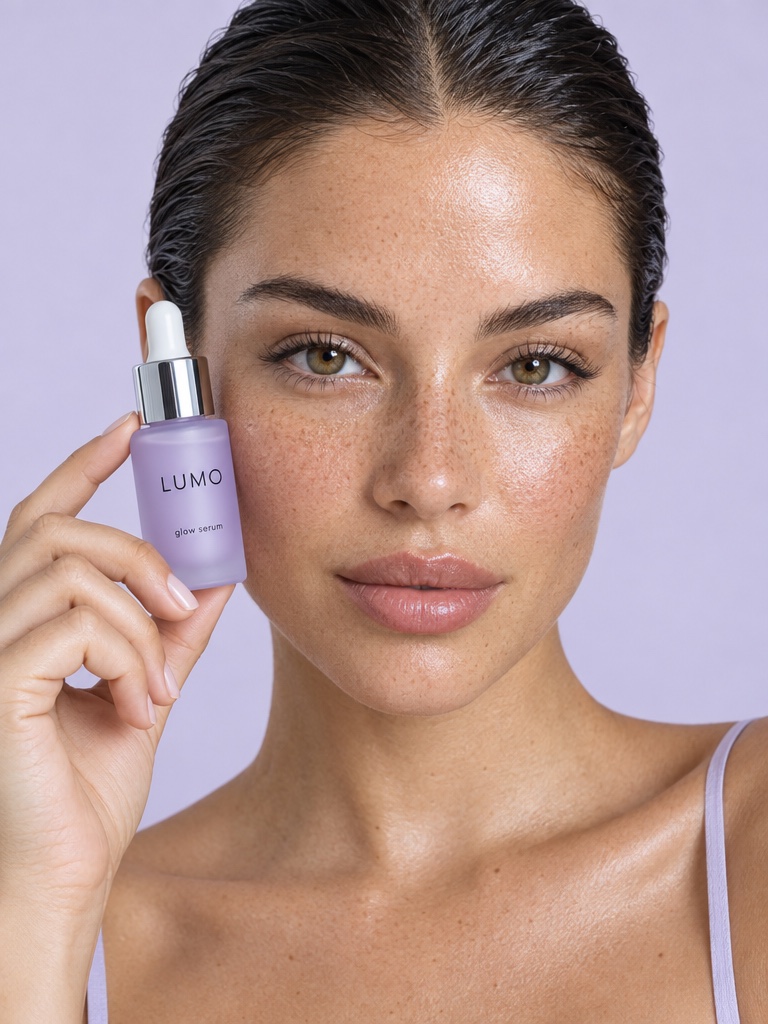
For voices, Audio Studio uses Fish Audio S2 Pro as the default voice model. You can design a voice from a written description, such as a warm, calm woman in her thirties for a Pilates class pack offer, or clone your own voice for founder-led ads. Keep the claims inside what you can support. For a greens powder or an SPF moisturizer, avoid health or protection claims your product pages do not already make.
How many UGC ad variations can I test each week?
The number of AI UGC variations you can test each week depends mostly on your credits and review time, because Flows removes the rebuild. You set up one Flow with the product, the script and the engine, then change the hook or the creator look and run it again, so each variant is a rerun, not a fresh project.
On Growth and Pro, Super Agent can take on more of the loop. Brief it once, and it drafts scripts, creates the UGC videos in your brand and plans them into a content calendar. With the Connectors add-on it can publish or schedule to Instagram, Facebook, TikTok, LinkedIn, Threads and X, only after you approve each post, and draft Meta Ads campaigns that always start paused.
Should I tell viewers that a UGC video is AI generated?
Yes, be open that AI UGC is AI generated. The creators in the Avocado AI UGC studio are not real customers, so never present their videos as genuine reviews or testimonials. Check each ad platform's current rules on AI content and the advertising rules in your market before you run them.
In practice, treat AI UGC as a creative format for showing the product and the offer, not as proof that people bought it. Real customer reviews belong in your review widgets and in real creator partnerships. If you use your own face or a real person's likeness as the creator look, only do so with that person's permission.