What does Avocado AI do that Opus Clip does not?
Each row is a capability teams cite when they move off Opus Clip. The left column is the difference, the right column is what it changes in day-to-day ad production.
| Difference | Why it matters |
|---|---|
| no long footage needed | Avocado AI generates product video from a packshot, so a brand without podcasts or webinars can still make video ads. |
| your real product on screen | Edit your own product photo into a scene, then animate it with Seedance 2.5, Kling 3.0 or Veo 3.1. |
| UGC with creators holding the product | The UGC studio puts your real product in a creator's hand and turns a script into a talking video of up to 30 seconds. |
| images, video and audio on one balance | Product stills, video clips, voiceovers, music and sound effects share one credit balance and one library. |
How do I move from Opus Clip to Avocado AI?
Migration takes 5 steps and no export tooling: your product photos and brand assets are the only inputs Avocado AI needs.
- 01Keep Opus Clip for podcasts, webinars and other long footage you want to repurpose.
- 02Add your products, references, tone and rules to Brand DNA in Avocado AI.
- 03Edit one product photo into a scene and animate it in the video workbench.
- 04Make two or three UGC hooks with a creator holding the product.
- 05Save the steps as a Flow and run it for your next product.
An Opus Clip alternative is a tool a team considers when repurposing long videos is not the job they actually need done. Opus Clip takes a podcast, webinar or interview and finds the short moments worth posting. A product brand often has no long video at all, only a packshot and a product to sell. This page explains which tool fits which situation.
What is the difference between Opus Clip and Avocado AI?
Opus Clip repurposes long videos you already have into short clips, with automatic captions, reframing and publishing. Avocado AI generates new creative from your product photo: product images, video clips, UGC ads, voiceovers and music. Opus Clip needs long footage as input, while Avocado AI needs only a product photo and a prompt.
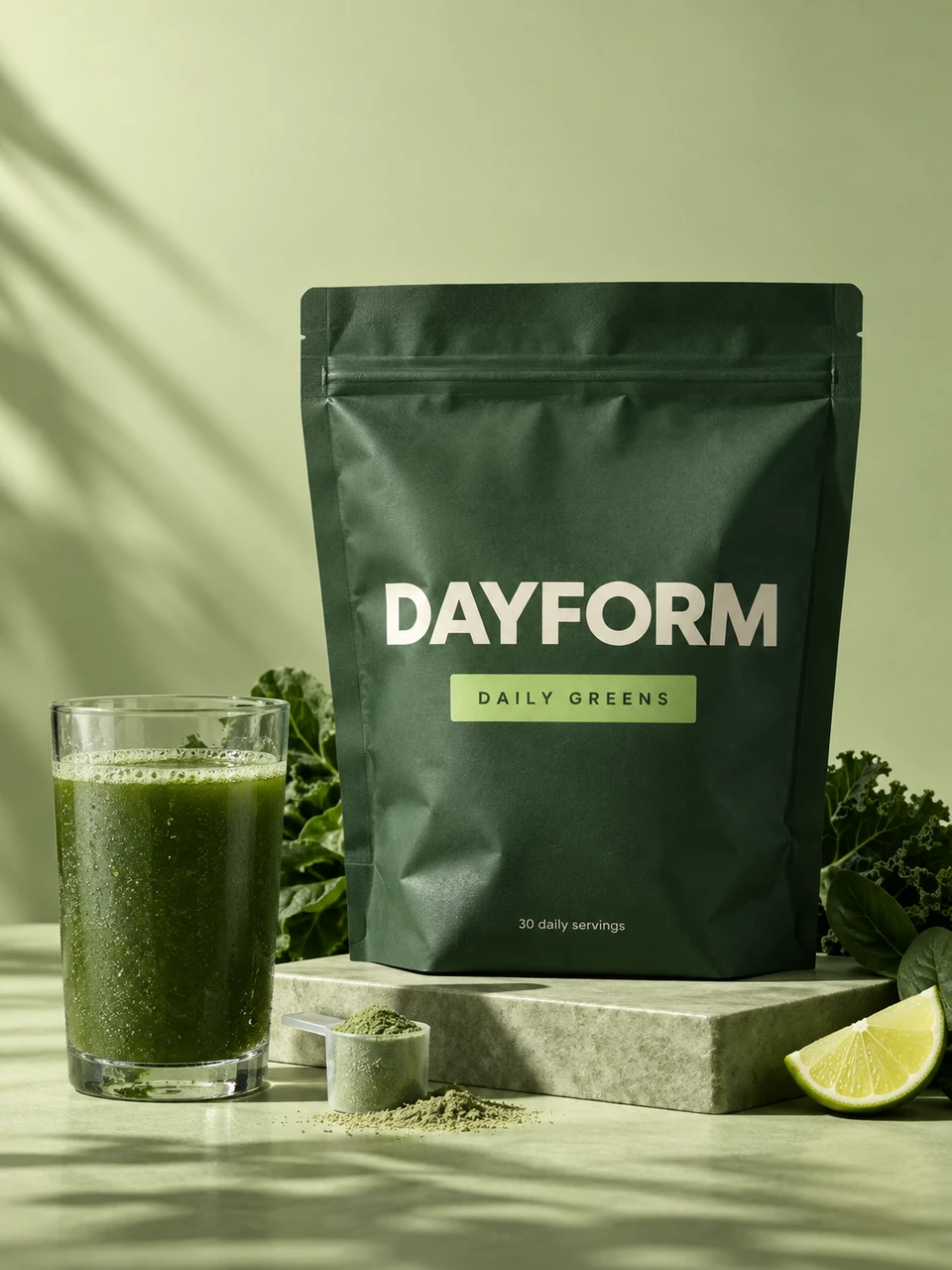
Think of a greens powder brand. If the founder records a weekly podcast about gut health, Opus Clip can turn each episode into a dozen vertical clips. If the brand needs twenty ads showing the tub, the scoop and a glass of green water, those have to be made, not clipped. That second job is what Avocado AI is for.
Where is Opus Clip better than Avocado AI?
Opus Clip is better than Avocado AI for repurposing long video. Podcasts, webinars, interviews and live streams go in, and Opus Clip finds the strongest moments, adds captions, reframes speakers for vertical and publishes to social platforms. Avocado AI does not clip long footage, and it is not a video editor for material you filmed.
If a Pilates studio records full classes or a founder runs a weekly live Q and A, Opus Clip will get more mileage from that footage than Avocado AI can. Opus Clip also lists AI B-roll and a virality score on its paid plans, as listed on opus.pro in September 2026. Keep it for those jobs.
How does Avocado AI make a product video ad without footage?
Avocado AI makes a product video ad from a single product photo. The image workbench edits your packshot into a new scene with GPT Image 2.5 edit or Nano Banana 2 Edit, the video workbench animates that still with Seedance 2.5, Kling 3.0 or Veo 3.1, and Audio Studio adds a voiceover and music bed.
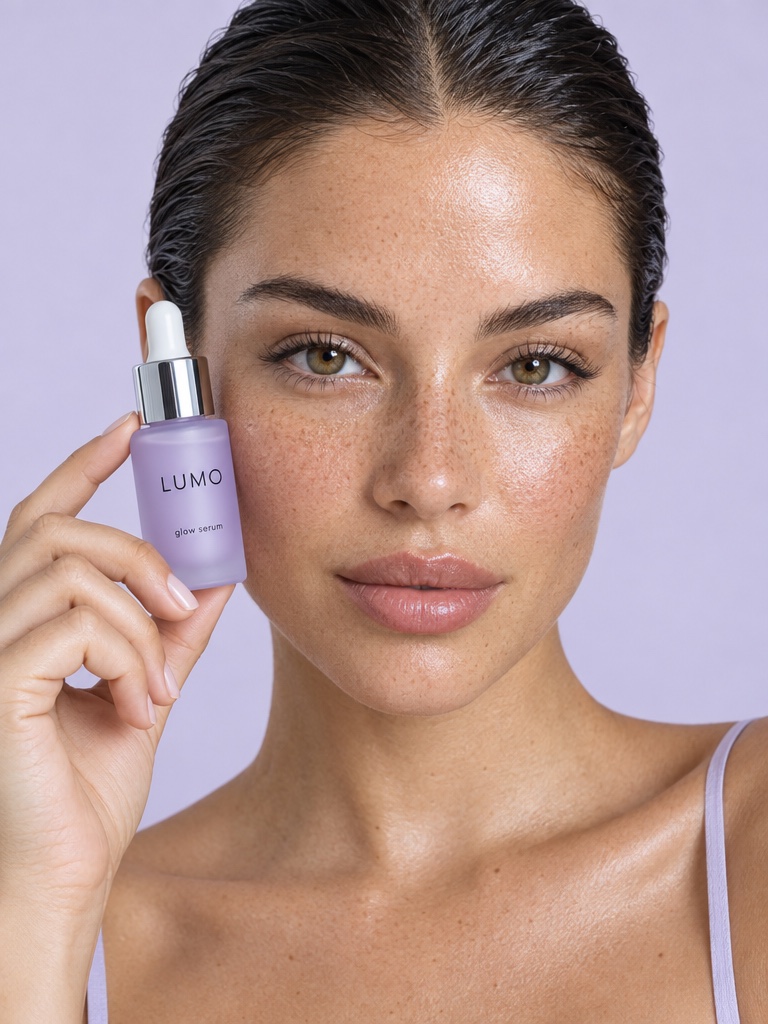
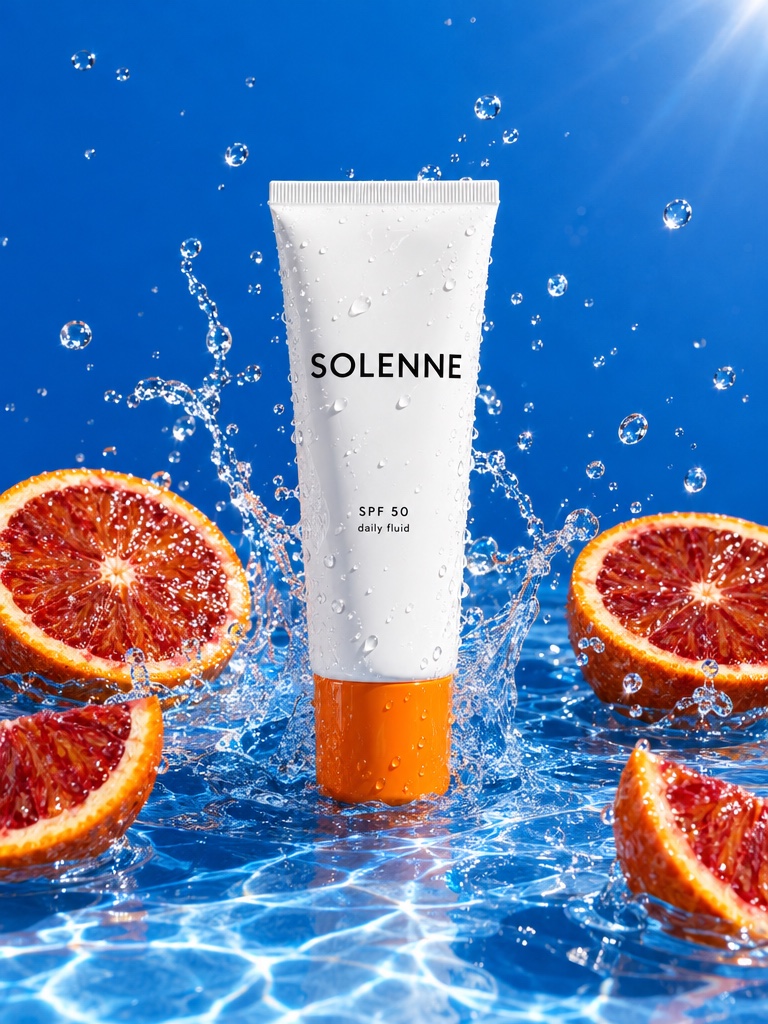
For an SPF moisturizer, that might be the tube on a beach towel, animated into a slow push in with sun flare, then a short voiceover generated with Fish Audio S2 Pro and a light music bed. Seedance 2.5 makes clips from 4 to 30 seconds at up to 1080p, Kling 3.0 goes up to 4K, and Veo 3.1 can add native audio. Start and end frames give you control over the motion.
Can Avocado AI make UGC ads with a creator holding the product?
Avocado AI can make UGC ads where a creator holds your real product. In the UGC studio you pick a creator look or your own, write the script and attach the product. Avocado AI first edits the look with GPT Image 2.5 so the creator holds your product, then animates it into a talking video up to 30 seconds long.
The UGC studio offers Fast UGC, a lip-sync talking head with a matched voice, Seedance 2.5 with native audio and HD UGC on MiniMax H3 MAX Turbo, in 9:16, 1:1 or 16:9. A supplement brand can test five hooks for its magnesium gummies in an afternoon, with the same creator and the same jar in every version. Because every version uses the same look and the same product, the only thing that changes between ads is the hook, which makes the test results easier to read.
Can Avocado AI publish videos the way Opus Clip does?
Avocado AI can publish through Super Agent on the Growth and Pro plans with the paid Connectors add-on. Super Agent publishes or schedules to Instagram, Facebook, TikTok, LinkedIn, Threads and X after your approval, plans a content calendar, and can run Meta Ads where drafts always start paused. YouTube publishing is not live yet.
Opus Clip also offers scheduling and publishing on its paid plans, as listed on opus.pro in September 2026. The difference is what gets published: Opus Clip posts clips cut from your long videos, and Super Agent posts images, videos and captions it creates in your brand from Brand DNA.
How much does Avocado AI cost compared with Opus Clip?
Avocado AI plans are Intro at EUR 19.99 per month for 100 credits, Starter at EUR 39 for 300, Growth at EUR 99 for 800 and Pro at EUR 249 for 2,000, with 20% off yearly. Opus Clip lists a free tier, Starter at 15 USD and Pro at 29 USD per month, as listed on opus.pro in September 2026.
The prices buy different work. Opus Clip plans are sized around how much long video you process. Avocado AI credits pay for generations, so the cost depends on how many images, video seconds, UGC clips and audio files you make. Every Avocado AI plan includes full commercial rights and no watermark, and credits roll over for up to one year.