What does Avocado AI do that Descript does not?
Each row is a capability teams cite when they move off Descript. The left column is the difference, the right column is what it changes in day-to-day ad production.
| Difference | Why it matters |
|---|---|
| new product footage without a shoot | Avocado generates product stills and video from your real product photo, so you do not need recorded footage to start an ad. |
| UGC with your real product in hand | The UGC studio edits a creator look so it holds your product, then animates it with your script for up to 30 seconds. |
| voiceovers and music next to the visuals | Audio Studio makes Fish Audio S2 Pro voiceovers, cloned voices, music beds and sound effects on the same credit balance as your clips. |
| one ad repeated for every SKU | Build the ad once in Flows and run it again for the next product, with Brand DNA keeping each version on brand. |
| publishing after your approval | On Growth and Pro with the Connectors add-on, Super Agent publishes or schedules to six social platforms once you approve. |
How do I move from Descript to Avocado AI?
Migration takes 5 steps and no export tooling: your product photos and brand assets are the only inputs Avocado AI needs.
- 01Keep Descript for podcasts, screen recordings and any footage you already recorded.
- 02Set up Brand DNA in Avocado with your product photos, references, tone and rules.
- 03Edit one product photo into a set of ad stills in the image workbench and animate the best one in the video workbench.
- 04Add a voiceover and a music bed in the Audio Studio, then assemble the ad in Director mode inside a Flow.
- 05Run the same Flow for your next product, and on Growth or Pro let Super Agent schedule the posts after your approval.
A Descript alternative is a tool you use instead of Descript, the text-based audio and video editor, to produce video and audio content. For DTC brands the real question is narrower: do you need to edit footage you already recorded, or do you need new product ads without a shoot? Those are different jobs, and this page is honest about which tool does which.
What is Descript best at, and what is Avocado AI built for?
Descript is a text-based audio and video editor: you edit a recording by editing its transcript, with podcast tools, screen recording, Studio Sound and AI voices around it. Avocado AI is a generation tool for ecommerce brands that creates product images, video ads, UGC, voiceovers and music from a prompt or your own product photo.
Descript describes its workflow as record, edit, refine, share. That is the right tool when a founder records a podcast episode, a screen walkthrough or a long interview and needs it cleaned up. Avocado starts from nothing recorded. You bring a photo of your vitamin C serum or your magnesium gummies, and Avocado produces the stills, clips and audio around it.
Where is Descript better than Avocado AI?
Descript is better than Avocado AI for editing footage you already have. Descript cuts long recordings by deleting words in a transcript, records remote podcast guests, cleans audio with Studio Sound and captures your screen. Avocado AI is not a timeline editor and does not import and cut long raw footage, so keep Descript for that work.
If your brand runs a weekly podcast, records founder videos on a phone, or turns screen captures into tutorials, Descript earns its place. Descript also offers AI avatars, video generation, translation and dubbing on its paid plans, so it is more than an editor. The gap for a product brand is narrower: how do you get a new ad for every SKU when nobody filmed anything?
How does Avocado AI make a product video ad without filming?
Avocado AI makes a product video ad by starting from your real product photo. The image workbench edits that photo into on-brand stills with GPT Image 2.5 or Nano Banana 2 Edit, and the video workbench animates a still with Seedance 2.5, Kling 3.0 or Veo 3.1. Director mode in Flows then assembles the clips into a commercial with music.
A typical run for an SPF moisturizer looks like this. Upload the product photo, generate a bathroom shelf scene and a beach bag scene, animate the best still into a slow push-in with Seedance 2.5, then add a voiceover and a music bed. Each image run gives up to four variations, and every result lands in one library on one credit balance. Veo 3.1 adds native audio when you want sound inside the clip.
Can Avocado AI replace Descript for voiceovers and audio?
Avocado AI covers the generated side of audio, not audio repair. The Audio Studio writes voiceovers with Fish Audio S2 Pro as the default voice model, designs a voice from a description, clones your own voice, makes music beds with MiniMax Music 3 and generates sound effects. Descript stays stronger for cleaning and editing recorded speech.
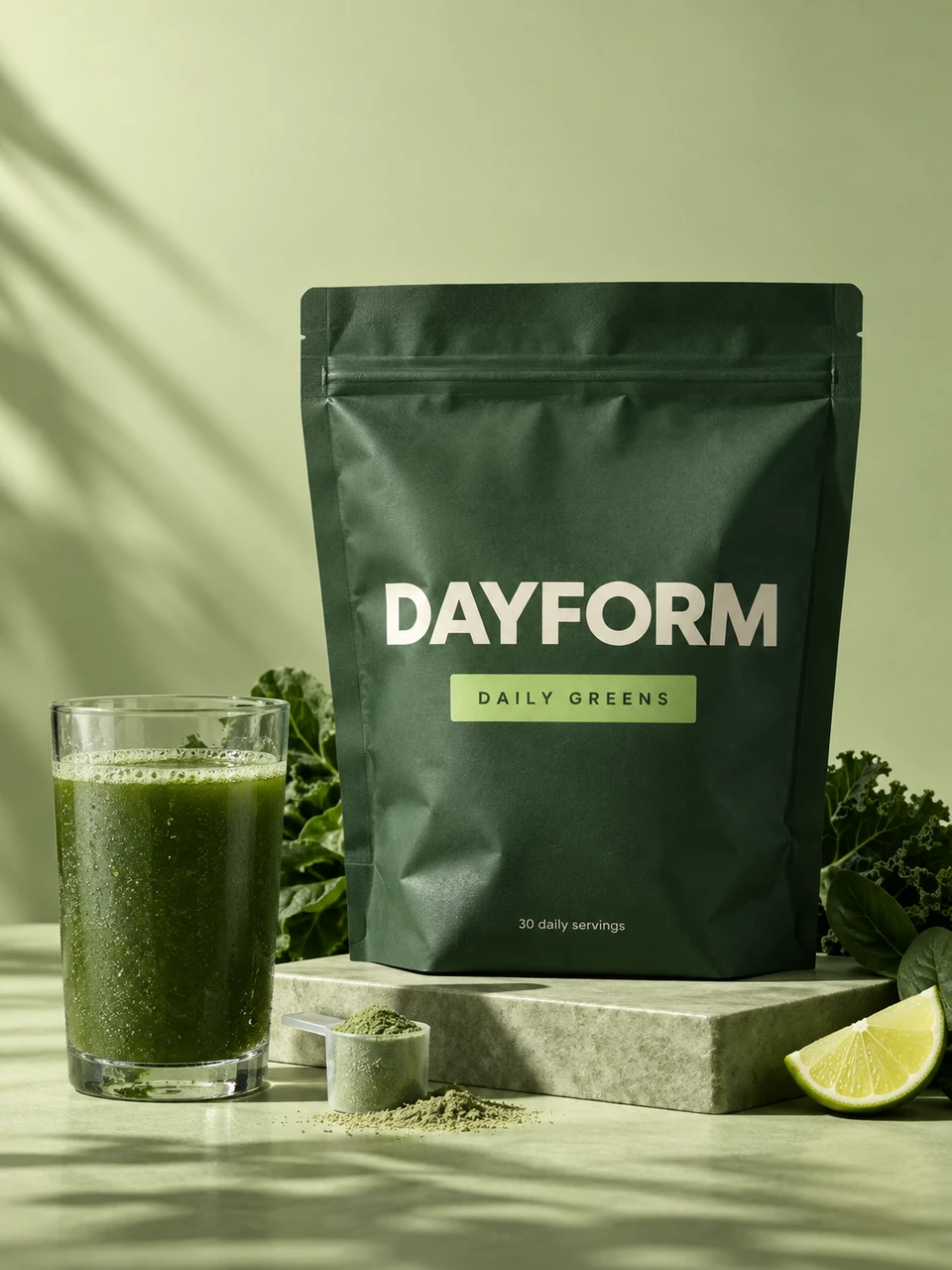
Descript's Overdub also clones voices and offers stock AI voices, so both tools can produce a synthetic read. The difference is what sits next to it. In Avocado the voiceover lives beside the product clips and the music bed in the same Flow, so a short ad for a greens powder comes out of one place. In Descript, you would still need the product footage from somewhere else.
Can Avocado AI make UGC ads with a creator holding my product?
The Avocado AI UGC studio makes creator-style ads where a person holds your real product and speaks your script. You pick a ready creator look or your own, attach the product, and Avocado first edits the look with GPT Image 2.5 so the creator holds it, then animates it for up to 30 seconds in 9:16, 1:1 or 16:9.
Engines include Fast UGC, a talking head with lip-sync and a matched voice, Seedance 2.5 with native audio, and HD UGC on MiniMax H3 MAX Turbo. For a protein bar launch, that means several creator angles in an afternoon instead of shipping product to creators and waiting. Descript can edit a real creator's footage once it arrives, which is a sensible pairing if you use both.
How do I repeat the same ad for every product?
Avocado AI repeats an ad through Flows, a canvas where prompt, image, video, voice and music steps connect and run in one click. You build the ad once for one SKU, swap in the next product, and run it again. Flows is on every paid plan and supports real-time collaboration, comments and share links for your team or agency.
On Growth and Pro, Super Agent can do the repeating for you. It creates images, video and captions in your brand, plans a content calendar, and publishes or schedules to Instagram, Facebook, TikTok, LinkedIn, Threads and X after your approval, with the Connectors add-on. Brand DNA keeps your products, references, tone and rules consistent across every run.
How much does Avocado AI cost compared with Descript?
Avocado AI costs EUR 19.99 a month for Intro with 100 credits, EUR 39 for Starter with 300, EUR 99 for Growth with 800 and EUR 249 for Pro with 2,000, with 20% off yearly. Descript lists Free, Hobbyist, Creator, Business and Enterprise plans on descript.com, metered by media hours and AI credits.
The two are priced for different work, so compare by job rather than by sticker price. Avocado credits roll over for up to a year and you can top up anytime. Editing your own product photo, upscaling and Seedance 2.5 start on Starter, so Starter is the realistic entry for product ads. Every Avocado plan includes full commercial rights and no watermark.