What does Avocado AI do that Sora does not?
Each row is a capability teams cite when they move off Sora. The left column is the difference, the right column is what it changes in day-to-day ad production.
| Difference | Why it matters |
|---|---|
| models that are still available | Per OpenAI, Sora 2 left the OpenAI API on September 24, 2026. Seedance 2.5, Kling 3.0, Veo 3.1, MiniMax H3 MAX and Gemini Omni Flash are live in Avocado AI. |
| video from your real product photo | Edit your packshot into a scene, then animate that still, so the model works from your real packaging instead of inventing it. |
| UGC with creators holding your product | The UGC studio edits a creator look so it holds your product, then turns a script into a talking video of up to 30 seconds. |
| the whole ad on one credit balance | Product stills, video, voiceover, music and sound effects share one credit balance and one library, with full commercial rights on every plan. |
How do I move from Sora to Avocado AI?
Migration takes 5 steps and no export tooling: your product photos and brand assets are the only inputs Avocado AI needs.
- 01Collect the prompts and reference images that worked well for you on Sora.
- 02Add your products, references, tone and rules to Brand DNA in Avocado AI.
- 03Run one saved prompt as a short 480p test on Seedance 2.5, Kling 3.0 and Veo 3.1 to see which fits.
- 04For product shots, edit your packshot into a scene first, then animate that still.
- 05Save the winning steps as a Flow so you can run them for every product.
What does work made in Avocado AI look like?
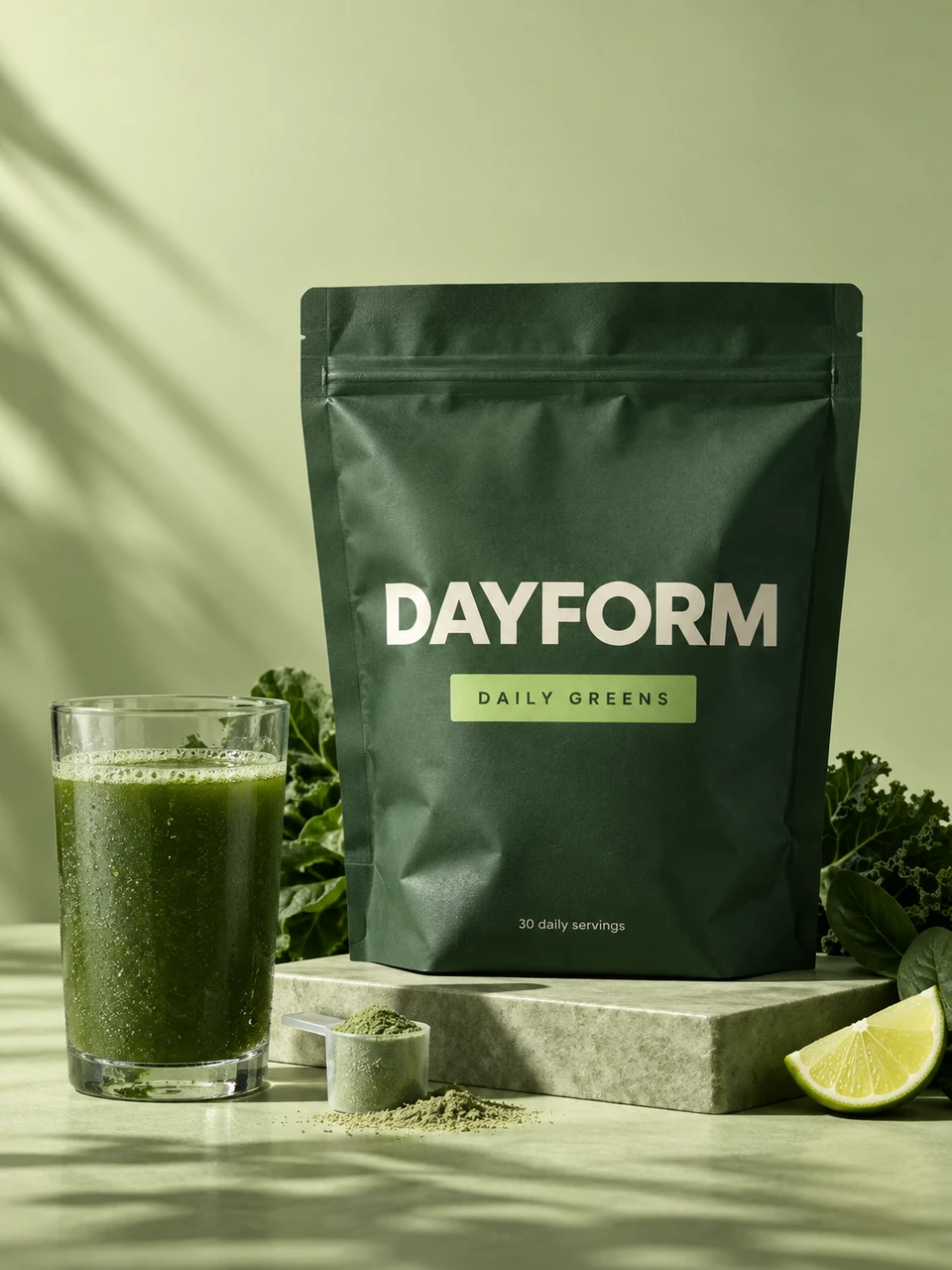
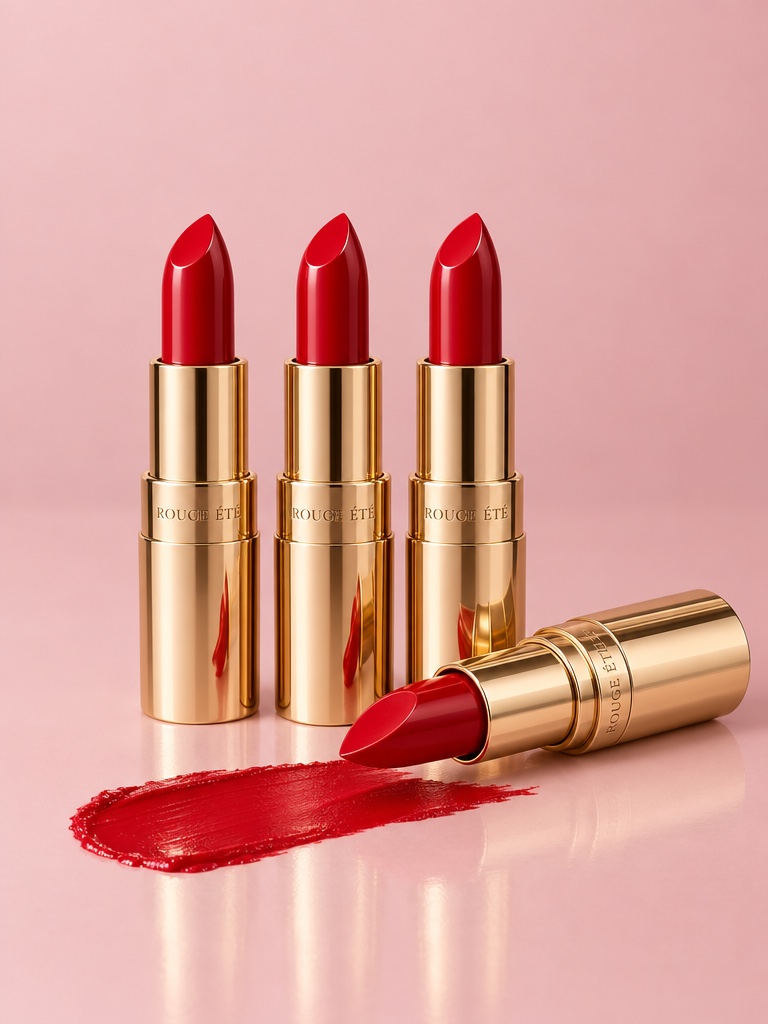
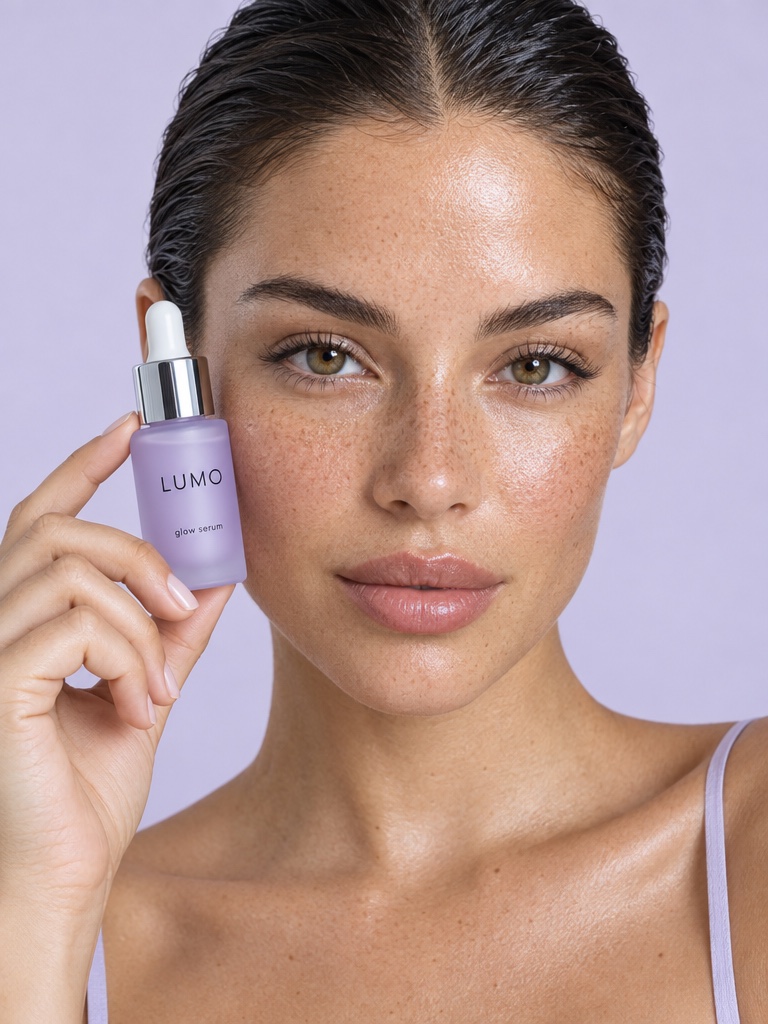
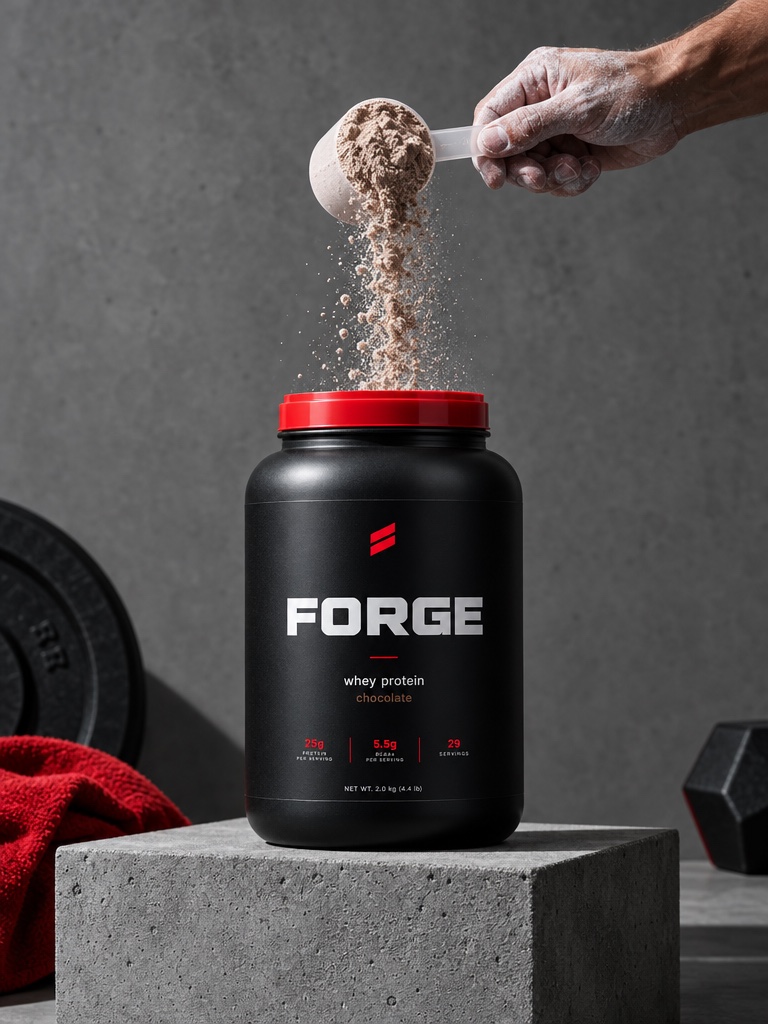
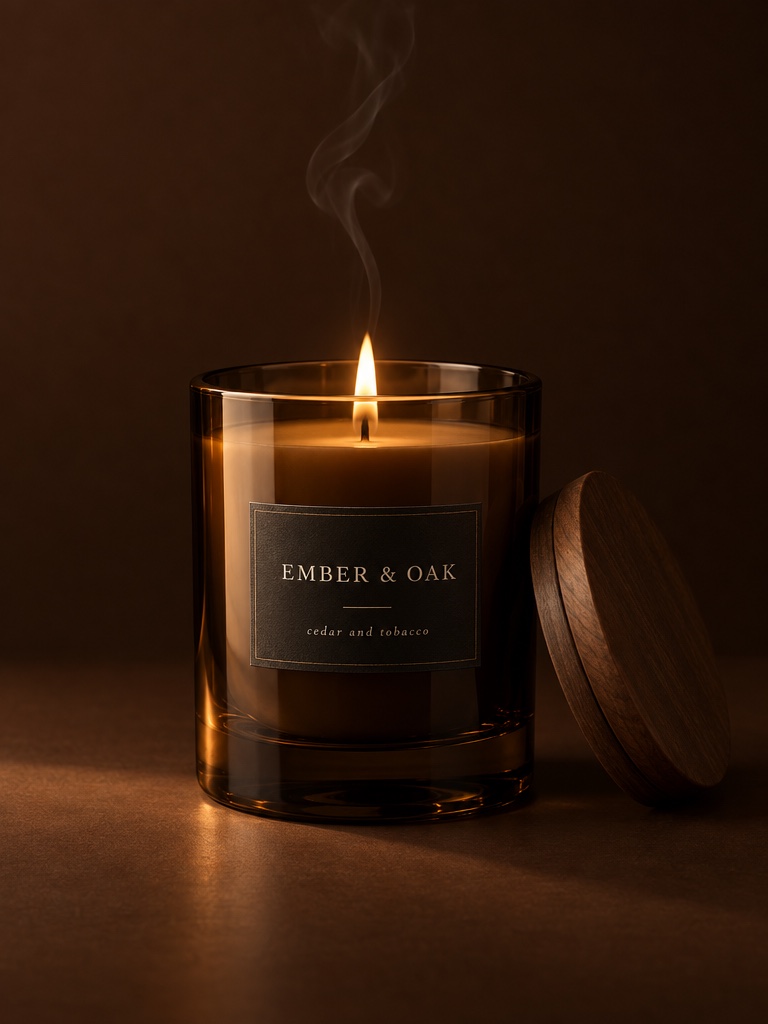
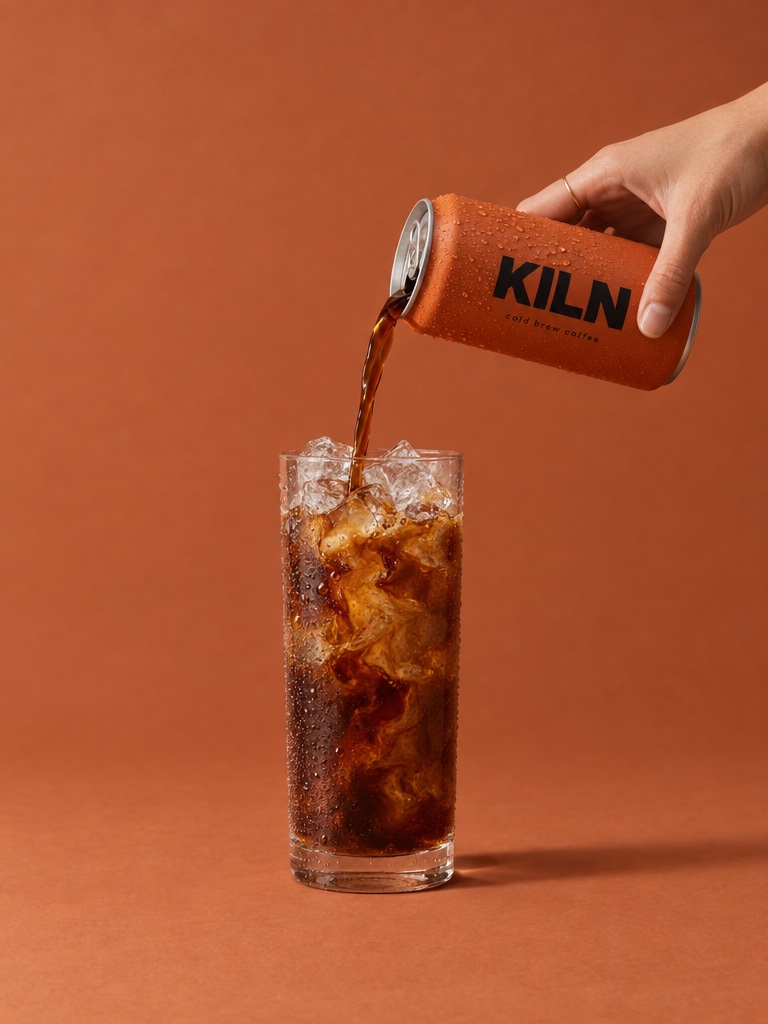
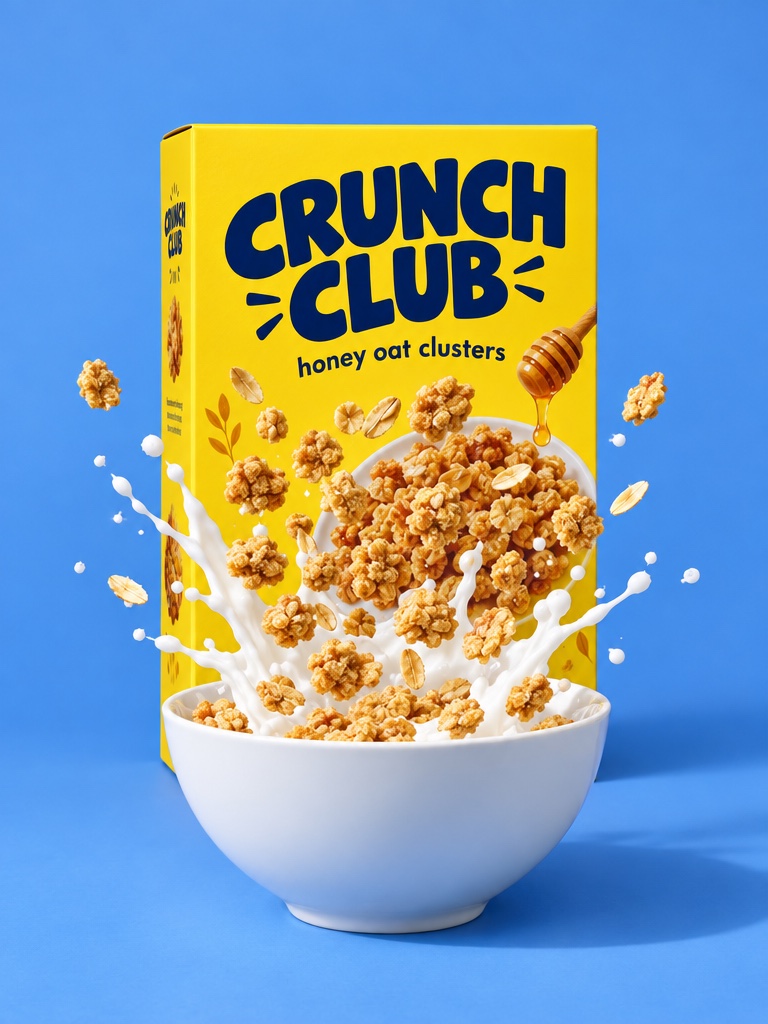
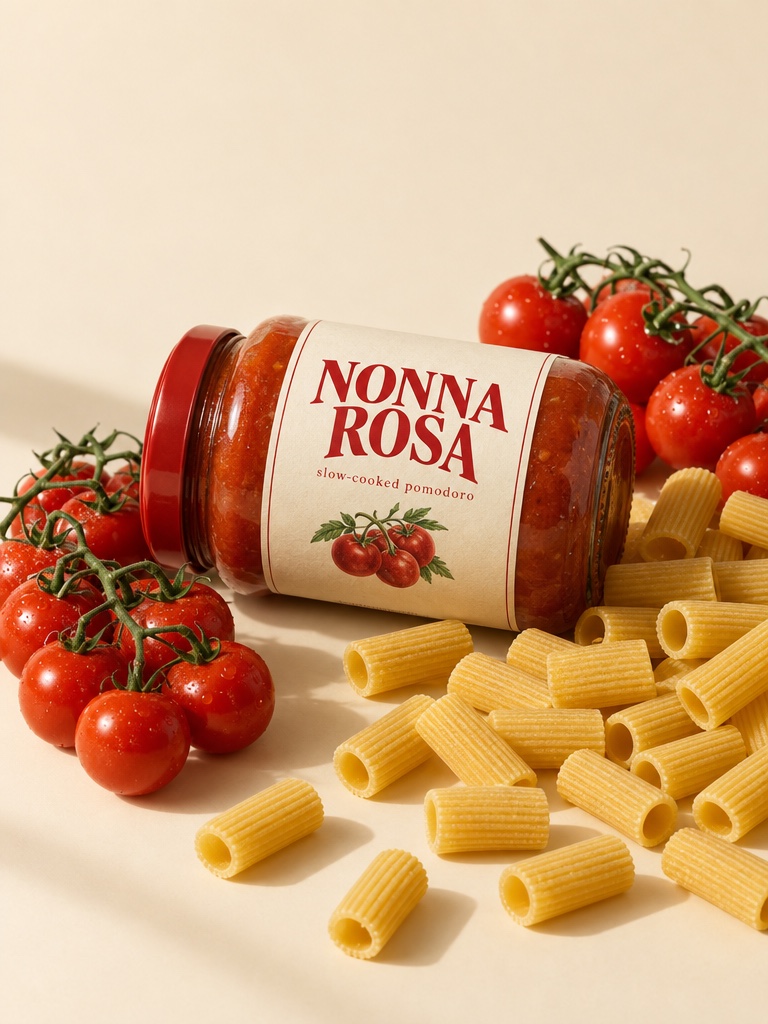
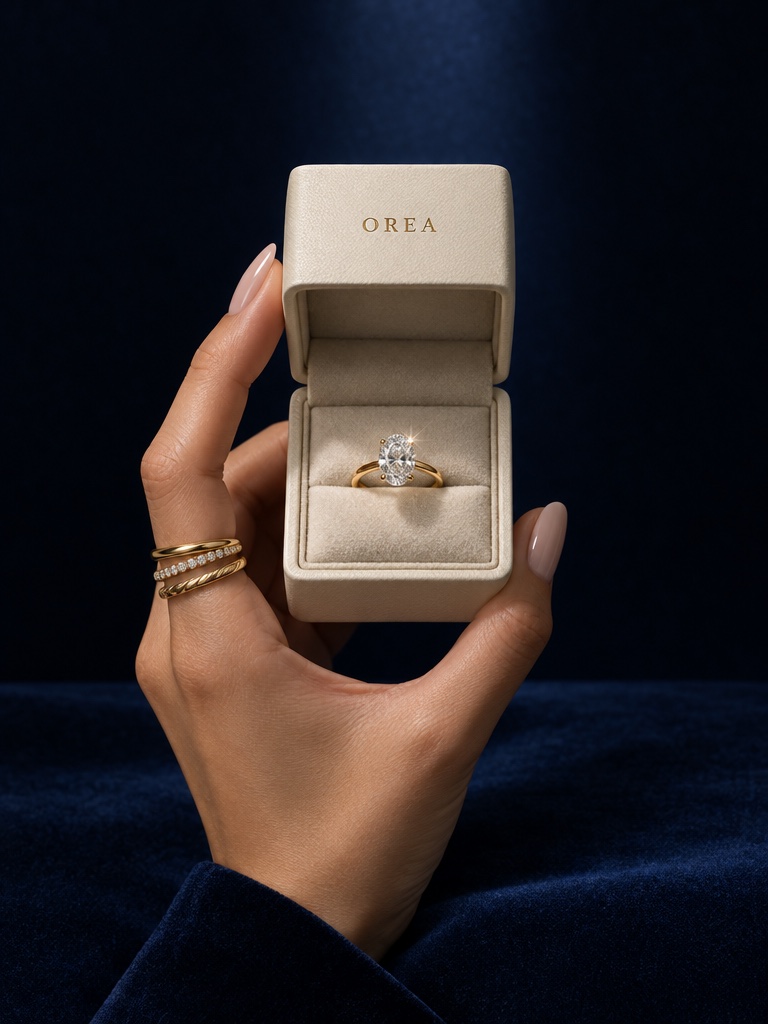
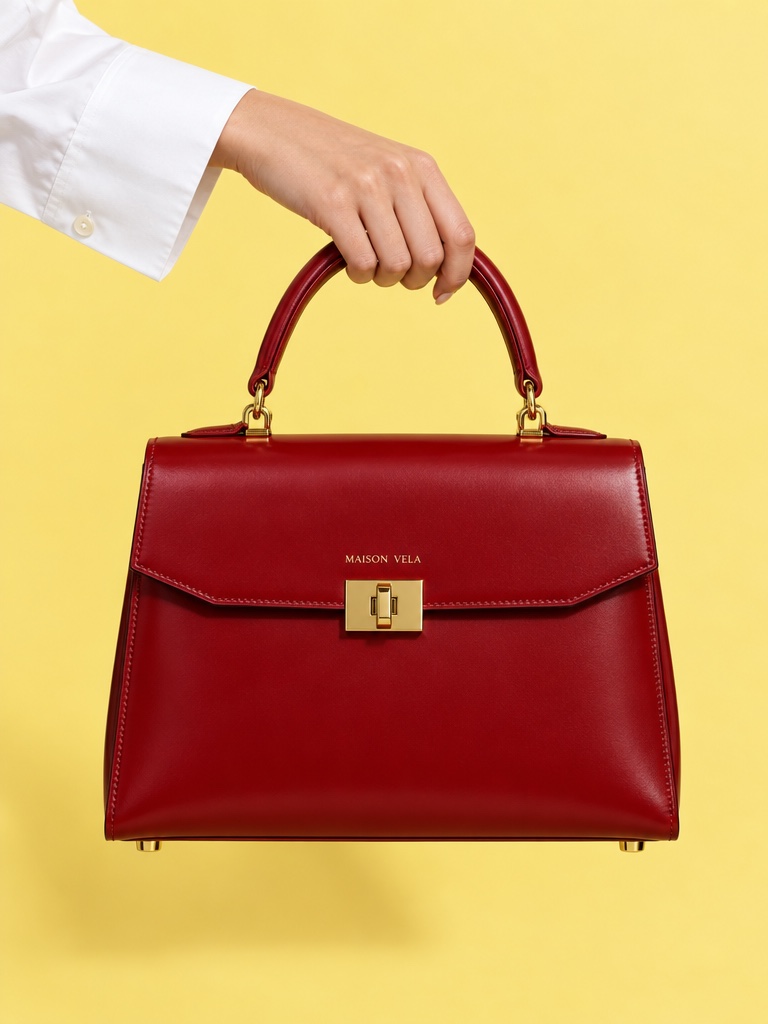
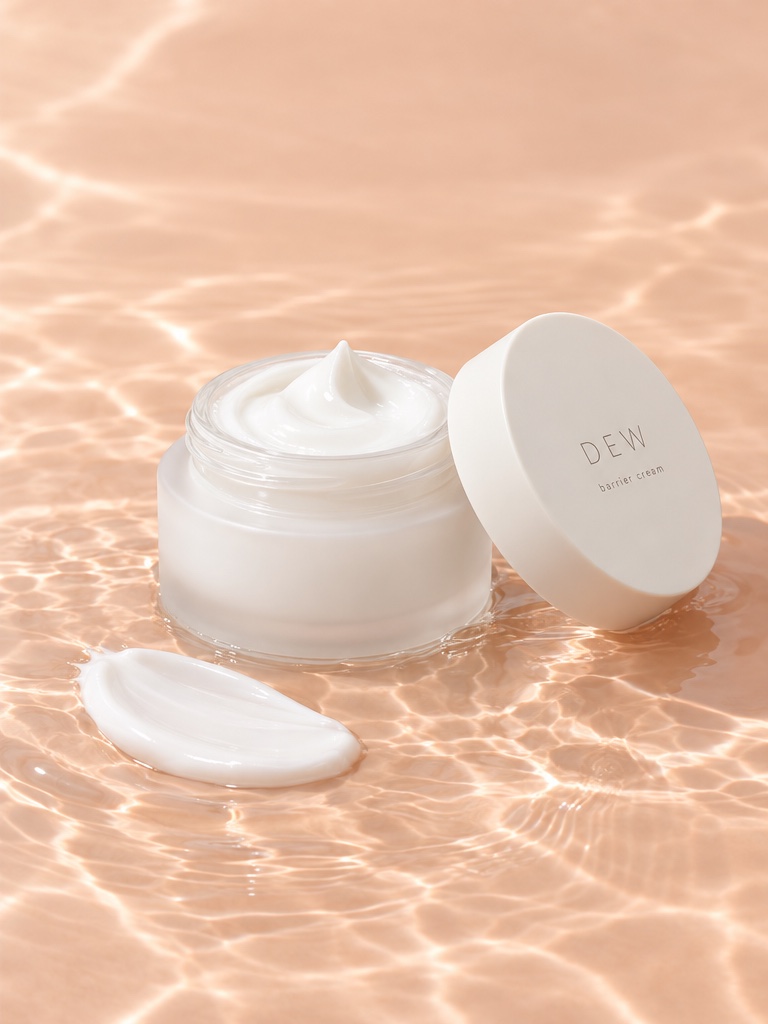
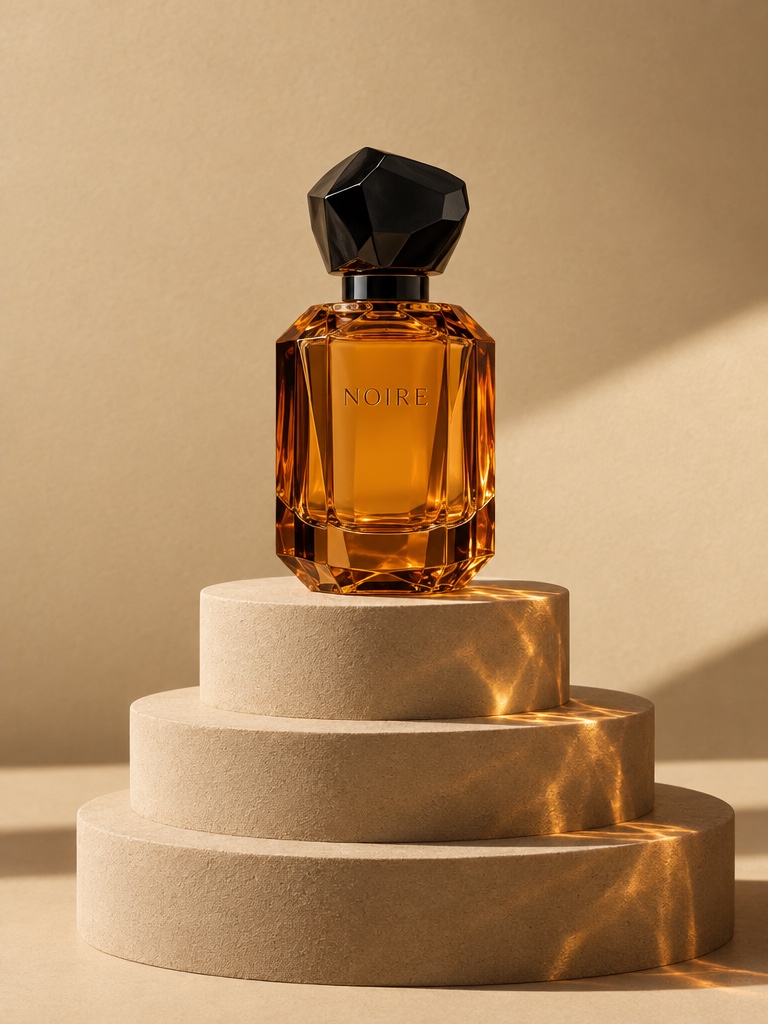
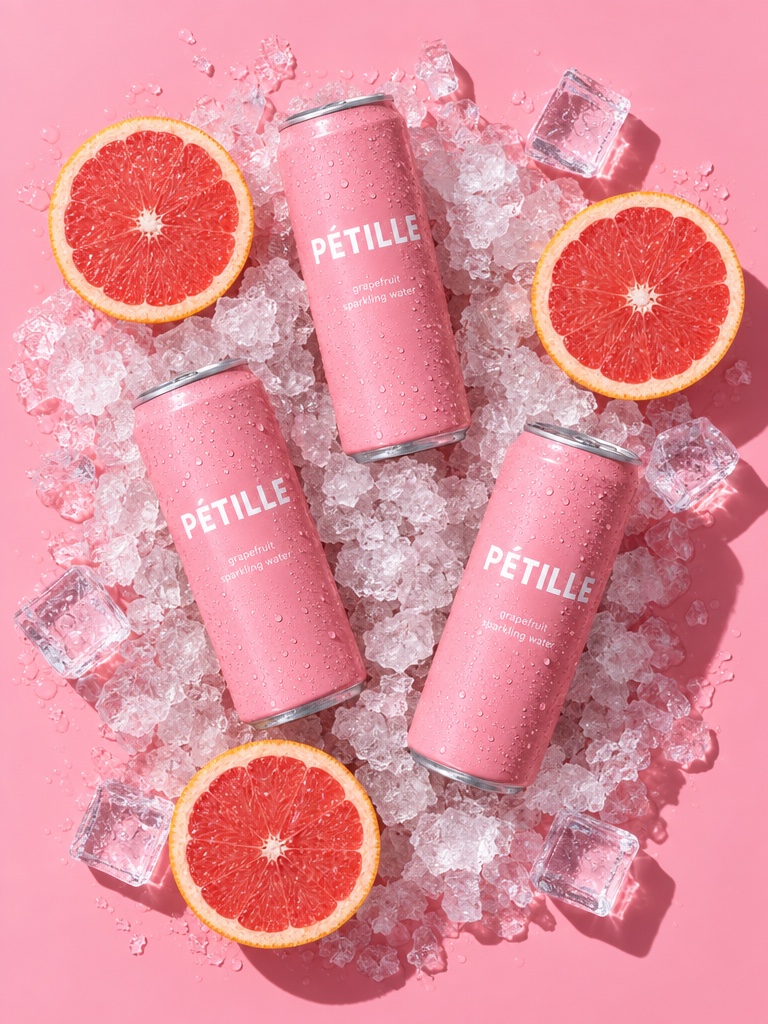
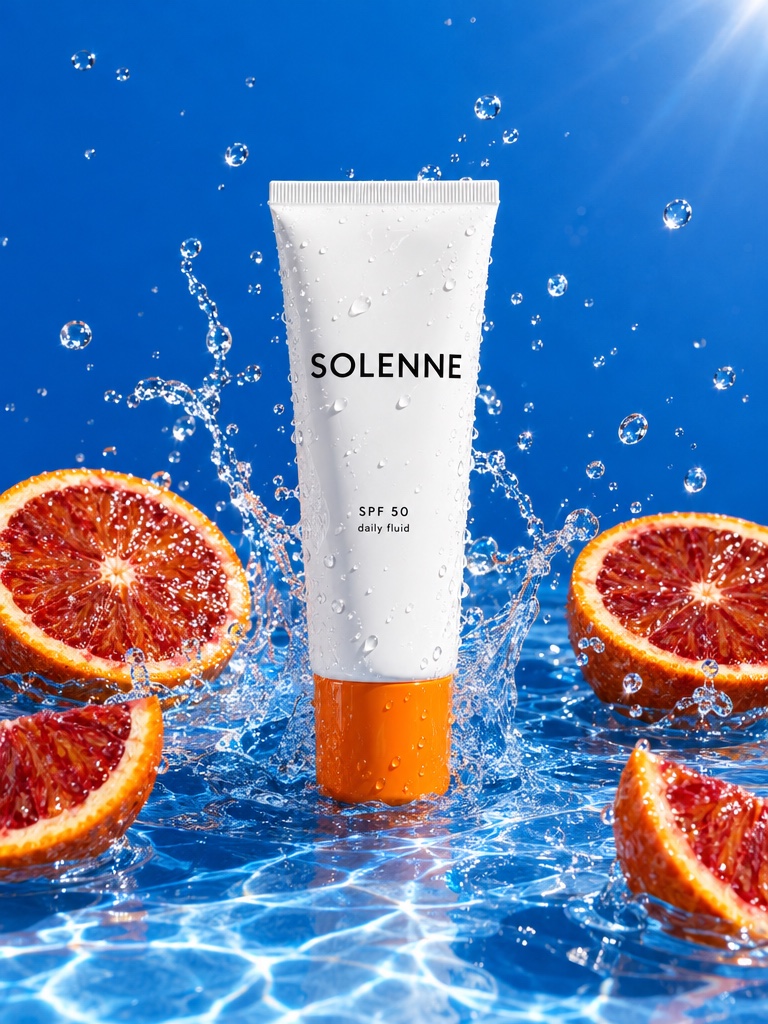
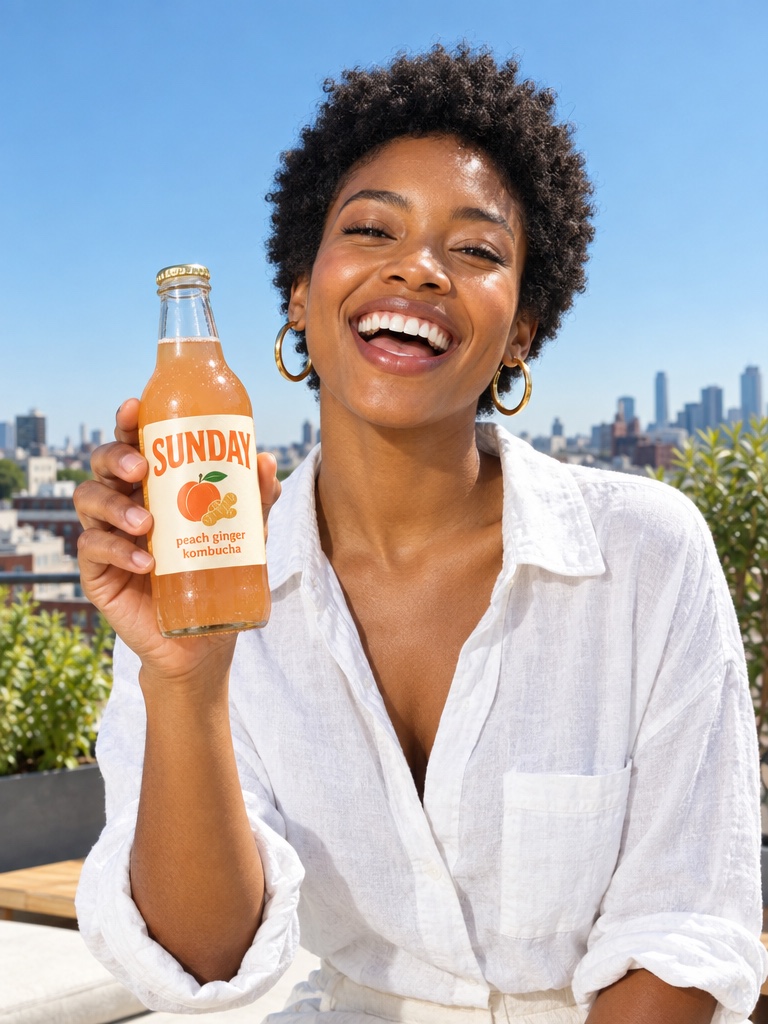
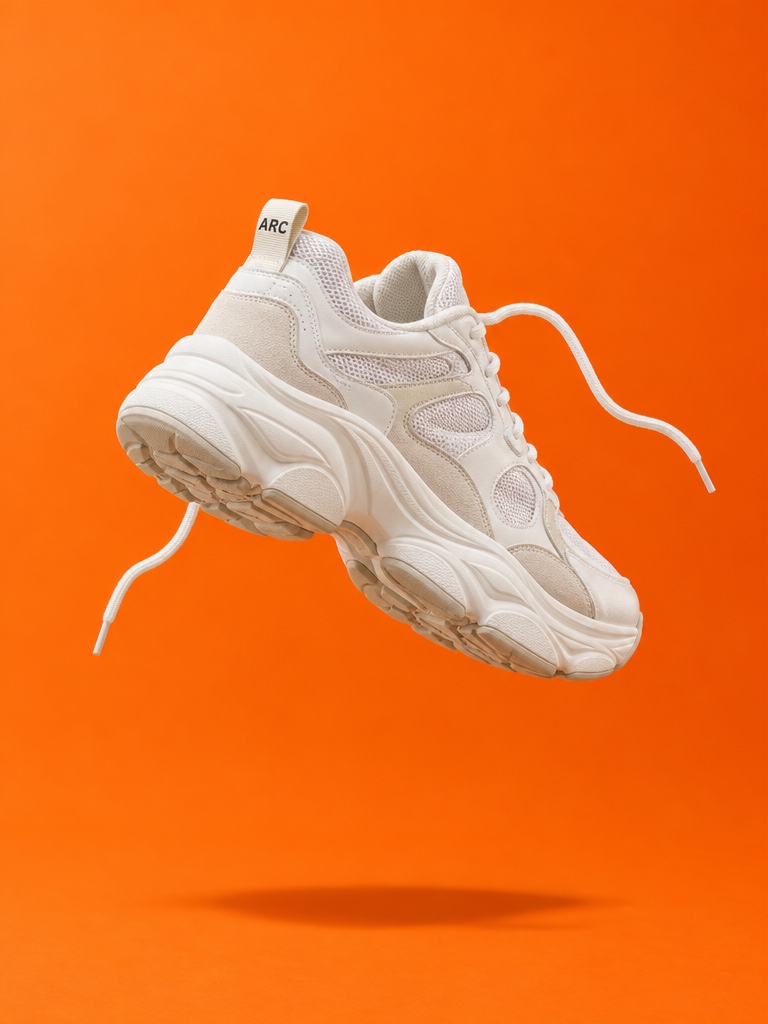
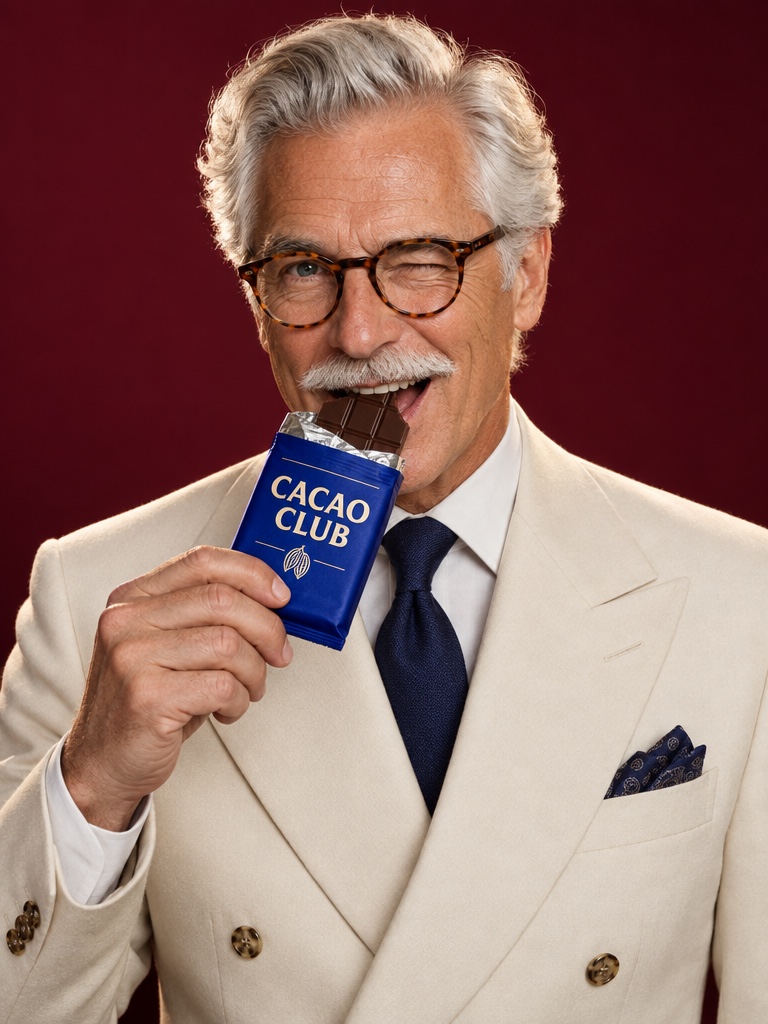
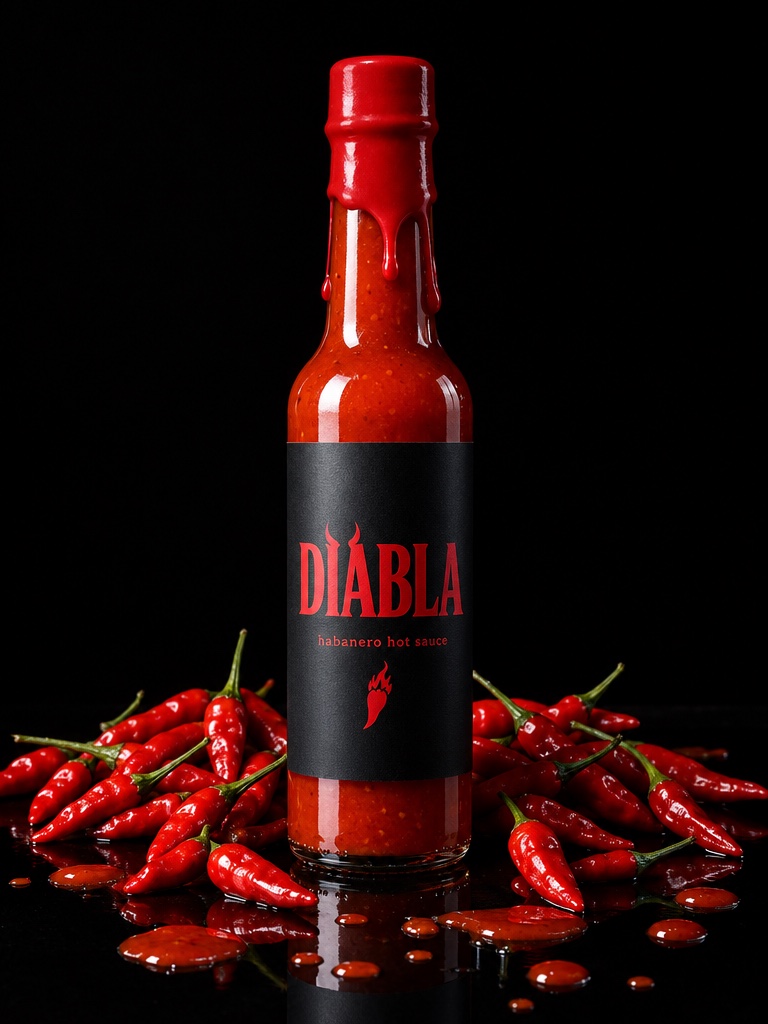
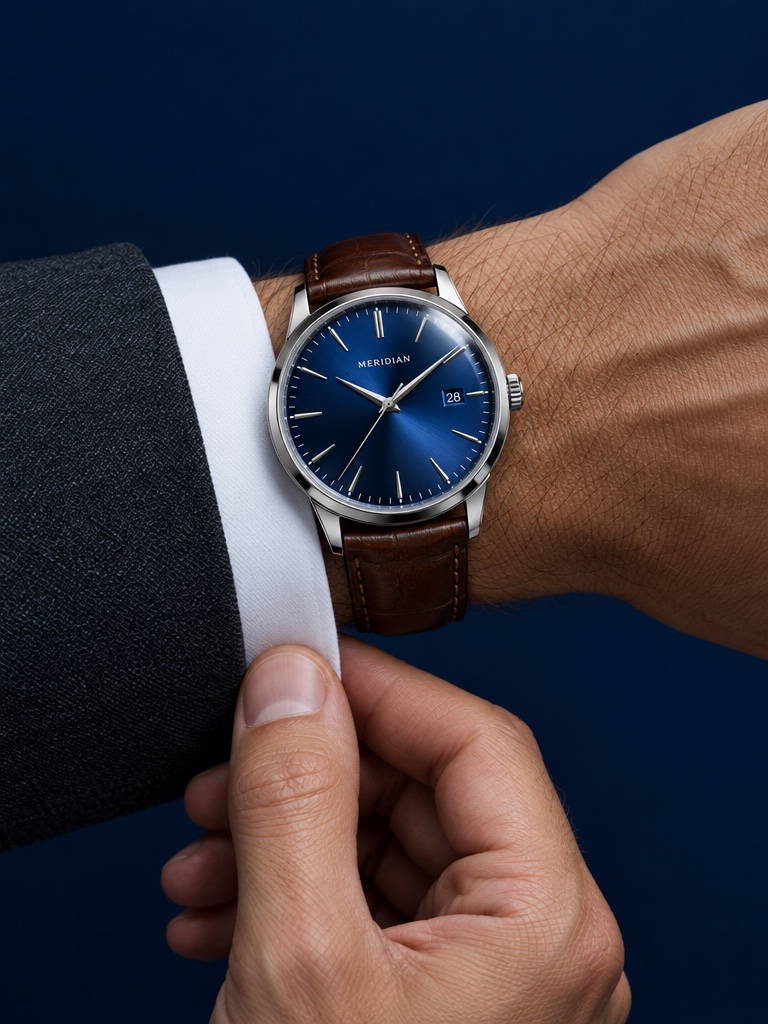
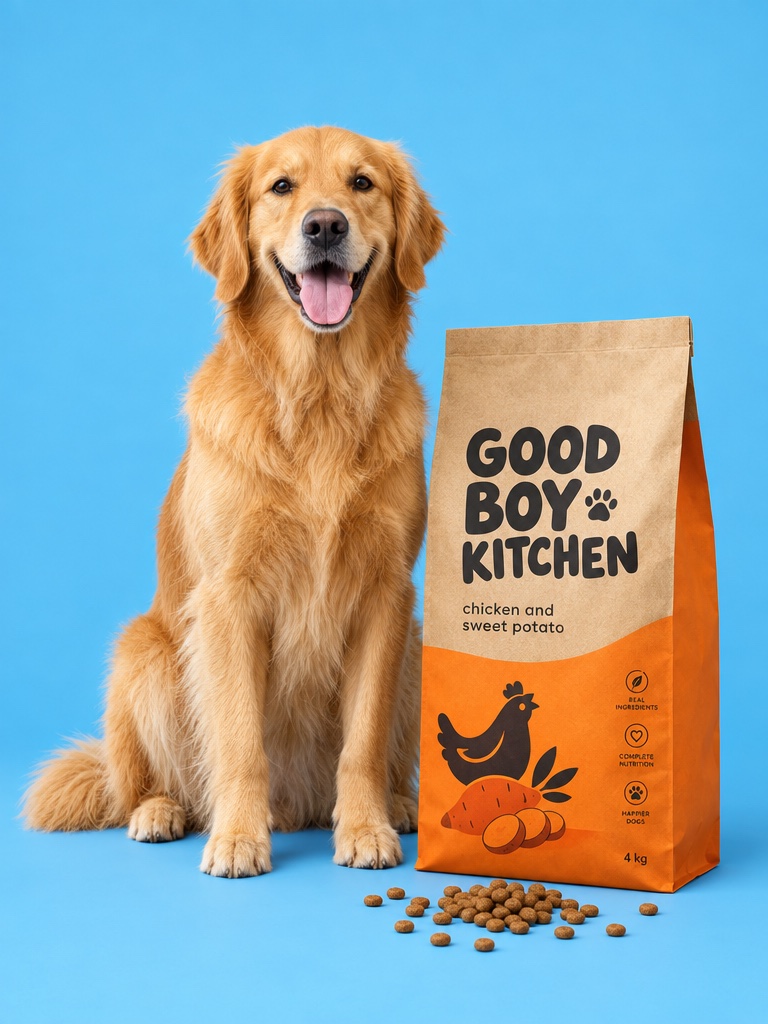
These are actual generations from the Avocado AI workspace, not renders from Sora. No stock photos, no mockups.
A Sora alternative is a video generation model or tool that does the job teams used Sora for: turning a text prompt or an image into a short, realistic video clip. For product brands the question is more specific, because the clip has to show a real bottle, tub or box, not a lookalike. This page covers what changed with Sora and where to take product video next.
What happened to the Sora 2 API?
Per OpenAI, the Videos API and the Sora 2 models, including sora-2 and sora-2-pro, were removed from the OpenAI API on September 24, 2026. OpenAI notified developers of the deprecation on March 24, 2026, according to its deprecations page on developers.openai.com. That page lists no replacement model for Sora 2.
For a brand, that means any workflow built on Sora 2 through the API, whether your own script or a third party tool that called it, needs a new model. Prompts that worked on Sora will usually carry over to another model with some adjustment, since most current video models accept a text prompt, an optional start image and a duration.
Which video models can replace Sora for product ads?
Seedance 2.5, Kling 3.0 and Veo 3.1 are the main Sora alternatives inside Avocado AI for product ads. Seedance 2.5 makes clips from 4 to 30 seconds at up to 1080p, Kling 3.0 goes up to 4K, and Veo 3.1 adds native audio. MiniMax H3 MAX and Gemini Omni Flash round out the lineup.
In practice, teams pick by job. Seedance 2.5 suits longer product stories, for example a greens powder stirred into water, then a morning routine, then the tub on a counter. Kling 3.0 suits short, sharp clips where resolution matters, like a slow push in on an eau de parfum bottle for a launch. Veo 3.1 suits clips where sound is part of the idea, such as the pop of a serum dropper. MiniMax H3 MAX and H3 MAX Turbo are fast options for testing many variations, and Grok Imagine Video is also in the video workbench.
How do you keep the real product in an AI video?
The most reliable way to keep a real product in an AI video is to start from a still that already contains it. In Avocado AI you edit your own product photo into a new scene with GPT Image 2.5 edit or Nano Banana 2 Edit, then animate that still in the video workbench instead of describing the product.
Text-only prompts ask a model to invent your packaging, and labels drift. Starting from your packshot gives the model the real shape, color and label to work from. You can also set a start and an end frame to control the motion, and store your products in Brand DNA so every new run starts from the same references. Always check fine label text before an ad goes live.
Where was Sora better than Avocado AI?
Sora was better than Avocado AI as a consumer app for playful, social video. OpenAI described Sora 2 as a general purpose video and audio model with more accurate physics, synchronized dialogue and sound effects, and the ability to insert a real person into a scene. Avocado AI is a production workspace for brands, not a social feed.
If your use was entertainment or personal clips, Avocado AI will feel more businesslike than you want. Avocado AI is built around product images, product video, UGC ads, voiceovers and music for ecommerce brands, with credits, a shared library and Brand DNA. That focus helps a brand team and does little for someone making clips for fun.
What does Avocado AI add beyond a single video model?
Avocado AI adds the rest of the ad around the video model. Studio includes an image workbench for product stills, a UGC studio where creators hold your real product, and Audio Studio for voiceovers with Fish Audio S2 Pro, voice cloning, music beds and sound effects. Everything shares one credit balance and one library.
Flows lets you chain those steps on a canvas and run them again for every product, so a Pilates studio can build one ad for class packs and reuse it for reformer sessions. Director mode turns a Flow into a full commercial on a timeline with music. On Growth and Pro, Super Agent can plan, create and publish content in your brand after your approval.
How much does Avocado AI cost compared with Sora?
Avocado AI costs EUR 19.99 per month on Intro with 100 credits, EUR 39 on Starter with 300, EUR 99 on Growth with 800 and EUR 249 on Pro with 2,000, with 20% off yearly. Sora 2 is no longer available through the OpenAI API, so there is no current API price to compare it with.
Video in Avocado AI is charged in credits per clip, depending on model, length and resolution, so a short 480p test costs far less than a long 1080p final. A sensible habit is to test the same prompt on two or three models at low resolution, compare the results side by side in the library, and only then render the final. Seedance 2.5 starts on Starter. Every plan includes full commercial rights and no watermark, and unused credits roll over for up to one year.