What does the AI YouTube Shorts workflow look like step by step?
The 5 steps below are the workflow teams run inside Avocado AI, from the first product photo to the exported variant set.
- 01
Pick one question the Short answers
What is it, how do I use it, or what does it feel like. One question per Short keeps the script short and the product on screen.
- 02
Prepare the product still
Edit your real product photo into the scene with GPT Image 2.5 edit or Nano Banana 2 Edit, using Brand DNA to stay on brand.
- 03
Generate the 9:16 clip or a UGC take
Animate the still with Seedance 2.5, Kling 3.0 or Veo 3.1, or have a UGC creator hold the product and deliver the script.
- 04
Add voiceover and music, then assemble
Make the voiceover with Fish Audio S2 Pro and a music bed with MiniMax Music 3, then join the clips in Director mode inside Flows.
- 05
Export and upload to YouTube
Download the Short and upload it to your channel. Super Agent can publish the same clip to Instagram, TikTok and other networks after approval.
Which Avocado AI tools does AI YouTube Shorts use?
7 tools cover the whole AI YouTube Shorts workflow. They share one credit pool and one gallery, so nothing is exported between steps.
| Tool | Role in this workflow |
|---|---|
| Brand DNA | Products, references, visual direction, tone and rules every tool reads |
| Image workbench | Prompt or edit your own product photo, up to 4 variations per run, upscale |
| Video workbench | Text to video, animate a still, start and end frames, reference and motion control |
| UGC Studio | Creator looks, script to talking video, your product in the creator's hand |
| Audio Studio | Voiceovers, designed and cloned voices, music beds and sound effects |
| Flows | Chain steps on one canvas, run them in one click, cut a commercial in Director mode |
| Super Agent | Plans, creates on brand and publishes or schedules after your approval (Growth and Pro) |
An AI YouTube Shorts generator is a tool that makes short vertical videos for YouTube Shorts from a product photo, a script or a prompt, without a camera crew. For a product brand the useful Shorts are rarely vlogs. They are product demos, a supplement or skin care routine, or a clip that shows what a Pilates reformer session feels like. This page covers how to make those in Avocado AI and which steps you still do yourself.
What kind of YouTube Shorts can a product brand make with AI?
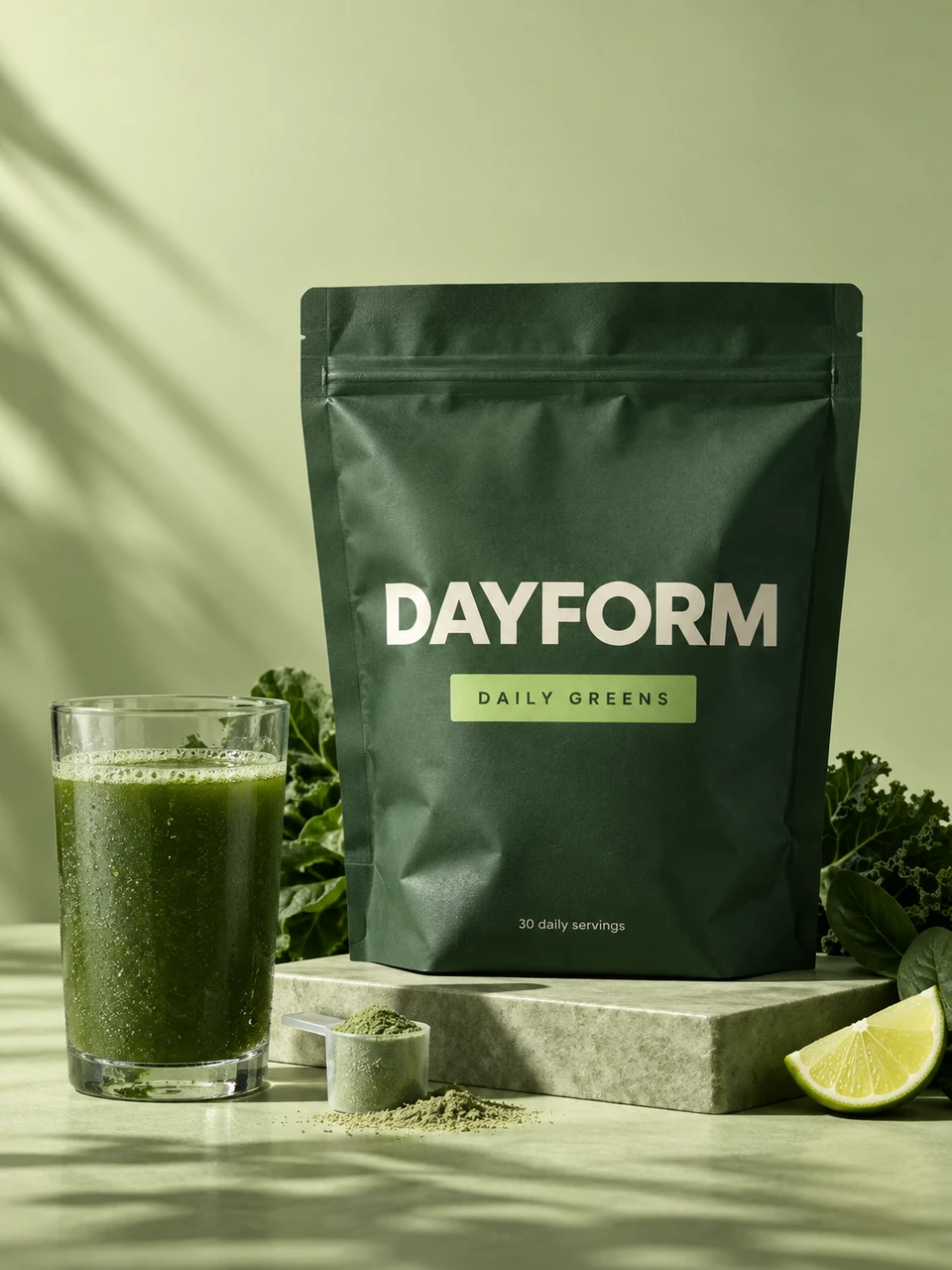
A product brand can use an AI YouTube Shorts generator to make product demos, routine videos and short explainers without a shoot. In Avocado AI that covers a greens powder stirred into water, a morning routine with an SPF moisturizer, a creator reviewing protein bars, or a close-up of a reformer for a Pilates studio.
Shorts that work for brands usually answer one question fast: what is it, how do I use it, what does it feel like. Generated video is good at the product side of that answer. It is less suited to things that need the real person, such as a founder telling the story of the brand, which is still worth filming on a phone.
How do I make a Short from a product photo?
To make a Short from a product photo in Avocado AI, upload the still to the video workbench, choose 9:16 and describe the motion. Seedance 2.5 generates clips from 4 to 30 seconds at up to 1080p, Kling 3.0 renders up to 4K, and Veo 3.1 can add native audio to the clip.
Demos benefit from start and end frames. Give the model a scoop of powder above a glass as the first frame and a full, mixed glass as the last, and it fills in the motion between them. If the photo needs a new background, better light or a prop, edit it first in the image workbench with GPT Image 2.5 edit or Nano Banana 2 Edit, which keep your real product as the anchor. Editing your own product photo and Seedance 2.5 start on the Starter plan.
Can I make a talking Short with a creator and my product?
Yes. In the Avocado AI UGC studio you pick a ready creator look or your own, write the script and attach the product. With a product attached, Avocado first edits the look with GPT Image 2.5 so the creator holds your real product, then animates it into a talking video of up to 30 seconds.
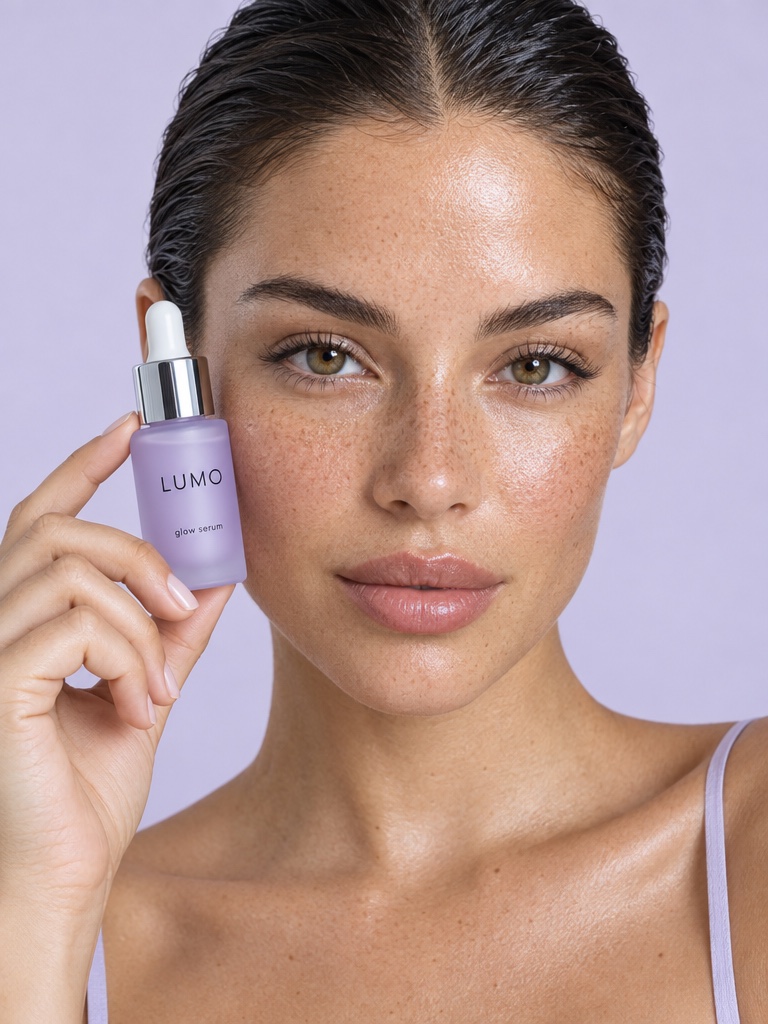
Four engines cover different jobs: Fast UGC for quick drafts, Talking head lip-sync with a matched voice, Seedance 2.5 with native audio, and HD UGC on MiniMax H3 MAX Turbo. A skin care brand could have a creator walk through a three-step evening routine holding the serum. A Pilates studio could use a creator look to explain what a first class pack includes, with no product in hand at all.
How do I add a voiceover and music to a Short?
A voiceover and music for a Short come from the Avocado AI Audio Studio. Text to speech uses Fish Audio S2 Pro as the default voice model, you can design a voice from a description or clone your own voice, MiniMax Music 3 makes music beds, and sound effects add details like a shaker lid snapping shut.
Generating the voiceover separately from the video means you can change a line in the script without paying to regenerate the clip. When ambient sound is enough, Veo 3.1 and Seedance 2.5 can produce audio together with the video.
How do I post a Short to YouTube from Avocado AI?
Today you post a Short to YouTube yourself. Download the 9:16 file from your Avocado AI library and upload it to your YouTube channel as usual. YouTube publishing from Super Agent is coming soon. Super Agent already publishes to Instagram, Facebook, TikTok, LinkedIn, Threads and X after your approval.
In practice the same vertical clip often runs in three places. On Growth or Pro with the paid Connectors add-on, Super Agent can publish or schedule it as a Reel and a TikTok, while you upload the YouTube version by hand. Every post Super Agent makes waits for your approval first.
Can I make a Short for every product without starting over?
Yes, with Flows. A Flow is a canvas of prompt, image, video, voice and music steps that you build once and run for every product. Director mode then places the generated clips on a timeline with music, so each run ends as a finished Short instead of a folder of loose clips.
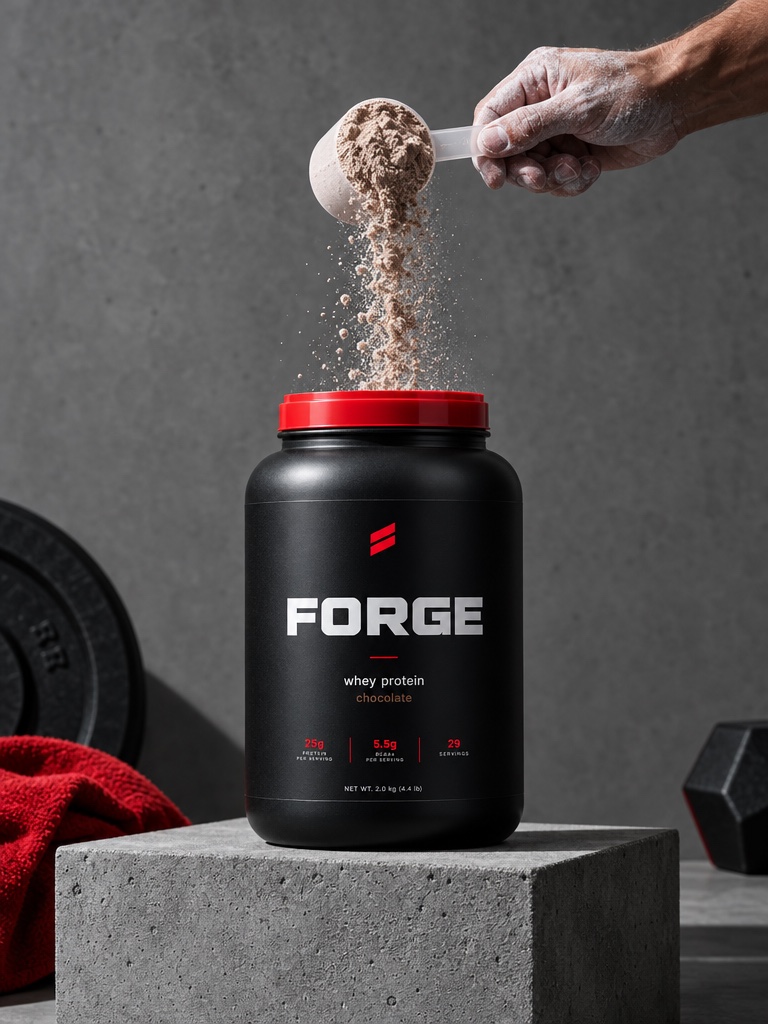
A protein brand with six flavours can build one demo Flow, the tub, the scoop, the shake and a voiceover line, and run it six times with a different product photo each time. Flows is on every paid plan and supports real-time collaboration and comments, which helps when an agency builds the Flow and the brand reviews it.
One limit to be clear about: Avocado AI does not cut long videos into Shorts. If you have a 20 minute YouTube video and want clips from it, that is a job for a clipping or editing tool. Avocado generates new Shorts from your product.
How much does it cost to make YouTube Shorts with Avocado AI?
Avocado AI plans start at EUR 19.99 a month for 100 credits on Intro. Starter costs EUR 39 for 300 credits and adds product photo editing, upscale and Seedance 2.5. Growth costs EUR 99 for 800 credits and adds Super Agent. Pro costs EUR 249 for 2,000 credits. Yearly billing takes 20% off.
Credits are shared across image, video and audio, roll over for up to one year, and top-ups are available anytime. The pricing page gives a 4 second Seedance 2.5 clip at 480p as 8 credits, which is a useful starting point for budgeting a batch of Shorts. Every plan includes full commercial rights and no watermark.