What does the AI UGC templates and custom creators workflow look like step by step?
The 5 steps below are the workflow teams run inside Avocado AI, from the first product photo to the exported variant set.
- 01
Pick a ready creator look
Browse the library by professional, lifestyle, UGC or community style. Each look has a portrait and a preview so you can judge the framing before you spend credits.
- 02
Or add your own creator
Upload a portrait photo or describe the creator and pick portrait, landscape or lifestyle framing. Avocado designs the look and saves it beside the ready ones.
- 03
Save your product in Brand DNA
Upload the product photo once. Every template can then put the real packaging in the creator's hand, and the same product feeds stills and pack shots.
- 04
Write the script, attach the product, pick the engine
Fast UGC for hook tests, Talking head for lip-sync with a voice, Seedance 2.5 for native audio, HD UGC for 1080p. Choose 9:16, 1:1 or 16:9 and generate.
- 05
Finish the ad and repeat it
Add a pack shot from the video workbench, a voiceover or music bed from the Audio Studio, then save the set as a Flow and run it for the next product or script.
Which Avocado AI tools does AI UGC templates and custom creators use?
7 tools cover the whole AI UGC templates and custom creators workflow. They share one credit pool and one gallery, so nothing is exported between steps.
| Tool | Role in this workflow |
|---|---|
| Brand DNA | Products, references, visual direction, tone and rules every tool reads |
| UGC Studio | Creator looks, script to talking video, your product in the creator's hand |
| Image workbench | Prompt or edit your own product photo, up to 4 variations per run, upscale |
| Video workbench | Text to video, animate a still, start and end frames, reference and motion control |
| Audio Studio | Voiceovers, designed and cloned voices, music beds and sound effects |
| Flows | Chain steps on one canvas, run them in one click, cut a commercial in Director mode |
| Super Agent | Plans, creates on brand and publishes or schedules after your approval (Growth and Pro) |
AI UGC templates are reusable creator setups that turn a script into a creator-style video without booking a person. In Avocado AI the template is a creator look saved in the UGC studio. You pick it, write the script, attach a product and the studio generates the clip in 9:16, 1:1 or 16:9. The same look can carry a hundred scripts, which is the whole point of a template: the face stays consistent while the hooks change.
What is an AI UGC template in Avocado AI?
An AI UGC template in Avocado AI is a creator look plus the settings you reuse around it. The look is the face and the framing. The settings are the engine, the resolution, the aspect ratio and the product you attach. Save a product once in Brand DNA and every clip from that look can show the creator holding the real packaging.
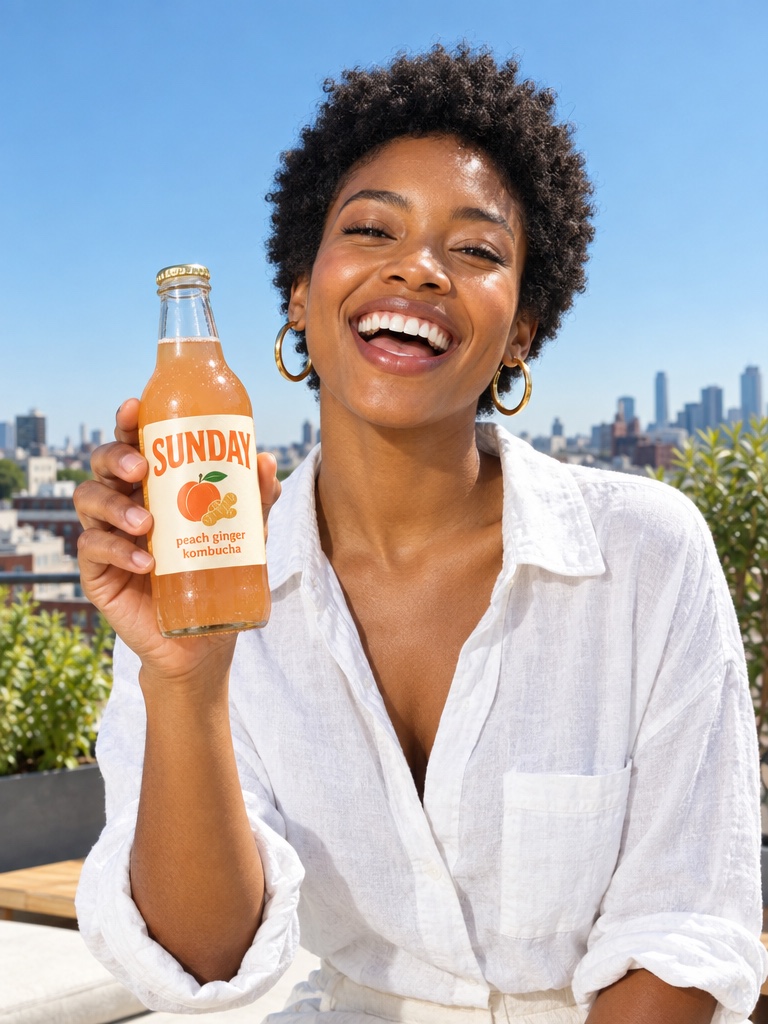
The library ships with ready creator looks grouped as professional, lifestyle, UGC and community styles, each with a portrait and preview. You can also add your own: upload a photo of yourself or a team member, or design a creator from a short description. Your own looks sit beside the ready ones and appear in the same picker, including the picker the Avocado MCP server shows inside Claude and ChatGPT.
How do I create my own UGC creator?
You create your own UGC creator in the UGC studio from a photo or a description. Upload a clear portrait and the look is ready to use. Or describe the creator, for example a woman in her thirties in a bright kitchen holding a supplement jar, choose portrait, landscape or lifestyle framing, and Avocado generates the look for you. Both paths save the creator for reuse.
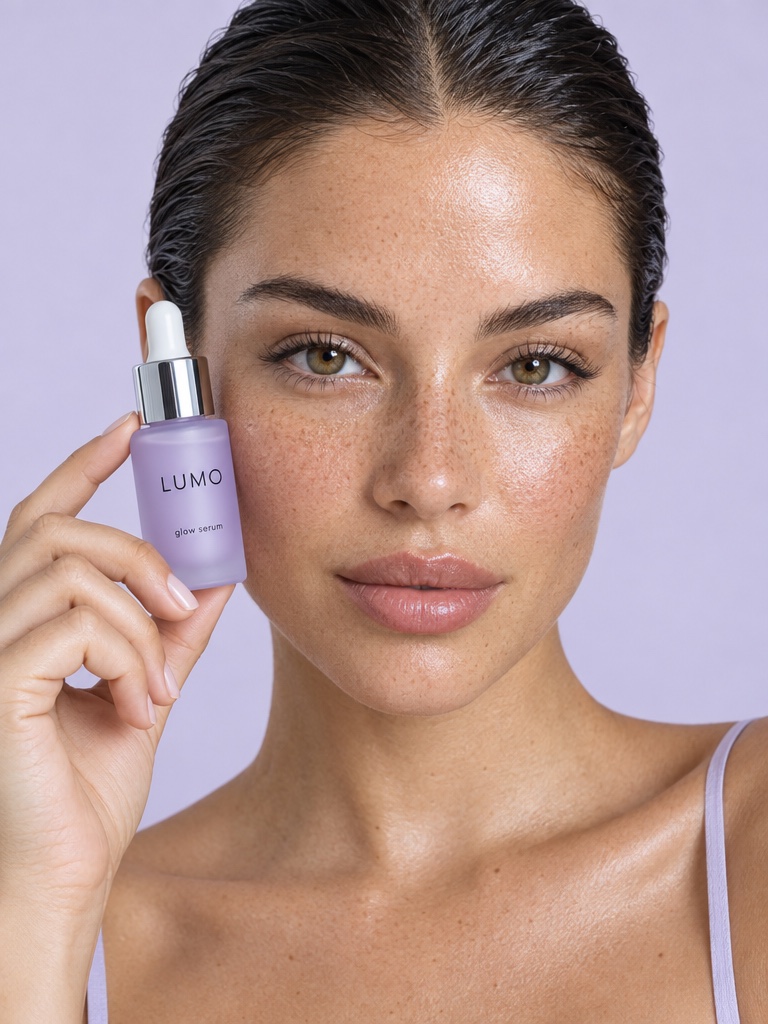
For a brand this is the difference between looking like every other AI UGC account and having a recurring face. A skin care brand can keep one creator for serum demos and a second for routine videos, both saved, both reused weekly. For a founder-led brand, your own face in the template means the ad is you without you filming every hook.
How does the product get into the creator's hand?
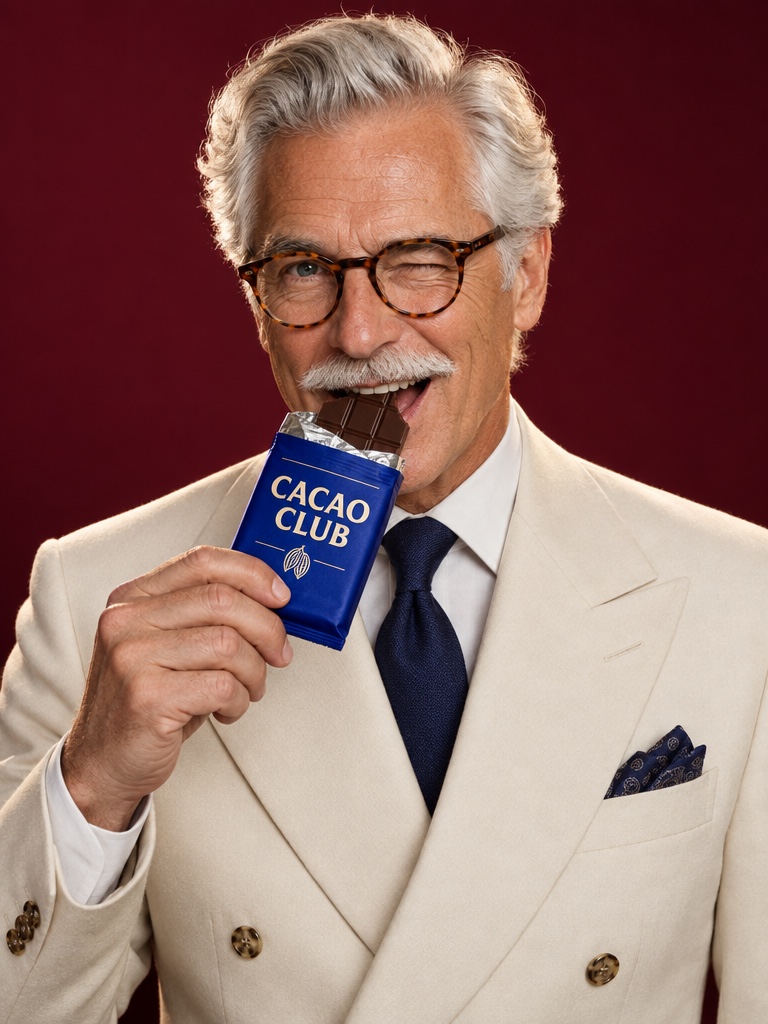
The product gets into the creator's hand before the video starts. When you attach a product image, Avocado first edits the creator look with GPT Image 2.5 so the creator holds your real packaging, then animates that edited still. The label, colors and shape come from your product photo rather than from a text description.
Save the product in Brand DNA so it is one click away in every template. Fine print on a small label can still drift on some runs, so review the clip before it goes to an ad account. The same product also feeds the image workbench for stills and the video workbench for pack shots, which keeps the whole campaign on the same bottle.
Which engine should a template use?
Four engines cover different jobs, and the right one depends on the clip. Fast UGC is the default for quick hook tests: look image plus script, 5 to 15 seconds, 720p or 1080p. Talking head is the lip-sync engine: the creator speaks your script with a matched voice from the voice library or a cloned voice, up to 30 seconds. Seedance 2.5 adds native audio and more natural motion from 4 to 30 seconds at up to 1080p. HD UGC runs on MiniMax H3 MAX Turbo at 768p or 1080p for 5 to 15 second clips when sharpness matters.
A practical pattern is to test hooks on Fast UGC, then re-run the winning script on Seedance 2.5 or HD UGC for the version that goes live. The script, the look and the product stay the same, only the engine changes.
What surrounds the template in the workspace?
The template sits inside the Avocado Studio next to three other workbenches on one credit balance. The image workbench edits your product photo into studio and lifestyle stills. The video workbench makes cinematic product shots with Seedance 2.5, Kling 3.0 or Veo 3.1. The Audio Studio adds voiceovers with Fish Audio S2 Pro, voice design, voice cloning, music beds and sound effects.
Flows repeats the whole set: build the UGC clip, the pack shot and the voiceover once as a canvas, swap the product, run it again. On Growth and Pro, Super Agent can plan posts, create the clips in your brand and publish or schedule them to Instagram, Facebook, TikTok, LinkedIn, Threads and X after approval, with the Connectors add-on.
How do AI UGC templates compare with dedicated UGC tools?
Dedicated AI UGC tools such as Arcads, Creatify, MakeUGC and Captions put a larger actor catalog at the center and stop at the clip. If your entire pipeline is talking-head testing across hundreds of faces, their catalogs are deeper. Avocado puts your real product and the rest of the ad at the center: fewer stock faces, your own face when you want it, and the stills, video and audio around the clip on the same credits. Head-to-heads live on the [Arcads alternative](/alternatives/arcads), [Creatify alternative](/alternatives/creatify), [MakeUGC alternative](/alternatives/makeugc) and [Captions AI alternative](/alternatives/captions-ai) pages.
What does a template cost to run?
Each UGC run deducts video credits based on engine, duration and resolution, plus voice credits on the Talking head engine, from one shared balance. Saved looks and saved products are free to reuse. Avocado starts at EUR 19.99 a month for Intro with 100 credits, EUR 39 for Starter with 300, EUR 99 for Growth with 800 and EUR 249 for Pro with 2,000, with 20% off yearly. Editing your own product photo and Seedance 2.5 start on Starter, so Starter is the practical plan for UGC with your real product. Every plan includes commercial rights and no watermark.