What does the AI UGC for ecommerce workflow look like step by step?
The 5 steps below are the workflow teams run inside Avocado AI, from the first product photo to the exported variant set.
- 01
Save every product in Brand DNA
Upload a clean photo per SKU plus references, tone and the claims you are allowed to make. Every UGC run, still and pack shot reads from here.
- 02
Pick one creator look for the collection
A ready creator look, your own face from a portrait, or a creator you describe. One look across the collection keeps the set consistent.
- 03
Write one script with product slots
Hook, product proof, offer. Keep the product name and benefit as the only variables, attach the product and run the bestsellers on Fast UGC first.
- 04
Build the set as a Flow
UGC clip, pack shot from Seedance 2.5, voiceover and music from the Audio Studio, two stills for the product page. Run it, swap the product, run it again.
- 05
Publish and scale the winners
Re-render the products that convert on Seedance 2.5 or HD UGC. On Growth and Pro with Connectors, Super Agent publishes after approval or prepares paused Meta Ads drafts.
Which Avocado AI tools does AI UGC for ecommerce use?
7 tools cover the whole AI UGC for ecommerce workflow. They share one credit pool and one gallery, so nothing is exported between steps.
| Tool | Role in this workflow |
|---|---|
| Brand DNA | Products, references, visual direction, tone and rules every tool reads |
| UGC Studio | Creator looks, script to talking video, your product in the creator's hand |
| Flows | Chain steps on one canvas, run them in one click, cut a commercial in Director mode |
| Image workbench | Prompt or edit your own product photo, up to 4 variations per run, upscale |
| Video workbench | Text to video, animate a still, start and end frames, reference and motion control |
| Audio Studio | Voiceovers, designed and cloned voices, music beds and sound effects |
| Super Agent | Plans, creates on brand and publishes or schedules after your approval (Growth and Pro) |
AI UGC for ecommerce is the use of AI creators to make product-recommendation videos for an online store, one per product or per angle, at a pace a human creator roster cannot match. The reason it fits ecommerce specifically is the catalog. A brand with 40 SKUs cannot brief 40 creators, but it can run one script across 40 product photos. Avocado AI is built so the product photo is the input, not a prompt word, and so the whole set repeats.
Why does AI UGC fit ecommerce better than other formats?
AI UGC fits ecommerce because the product is the hero and the catalog is the constraint. Static product shots are cheap but flat, and paid social rewards motion with a person in it. Human UGC solves the person but not the scale: each SKU needs its own creator, brief, shipment and wait. AI UGC gives every product a creator clip from the same look and the same script, with the real packaging in hand.
It also fits the places ecommerce creative lives. A 9:16 clip for TikTok and Reels, a 1:1 cut for the feed and a 16:9 version for the product page or a YouTube pre-roll can come from the same run, so the Shopify page and the ad set show the same bottle in the same hands.
How does Avocado AI make UGC for each product?
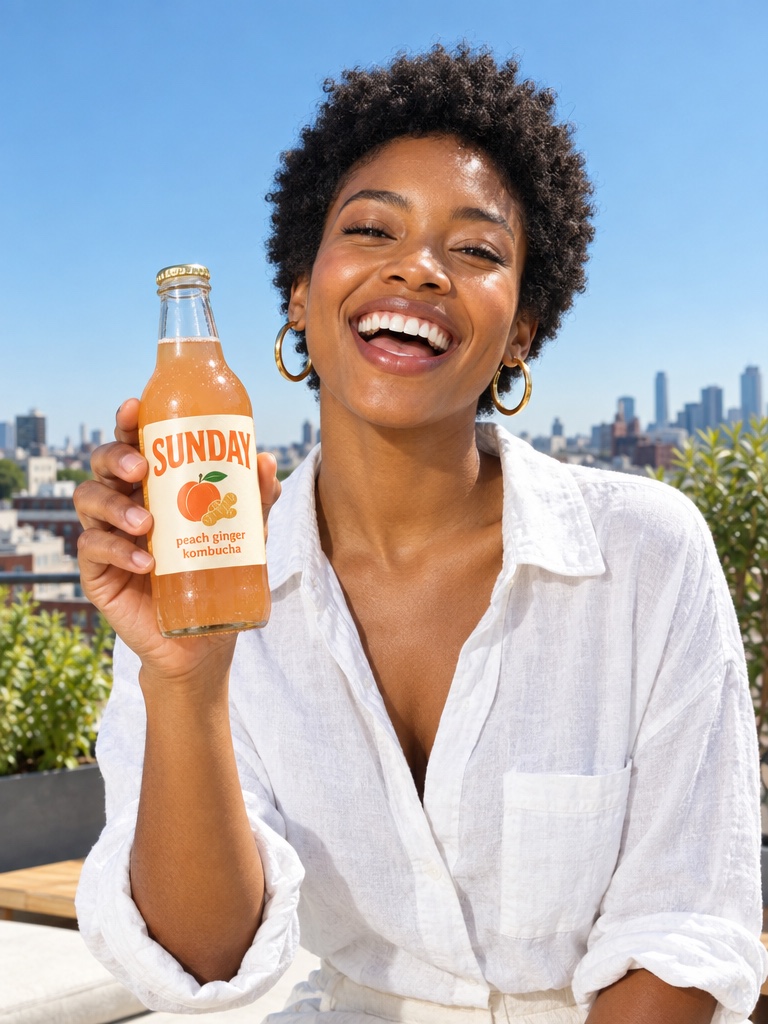
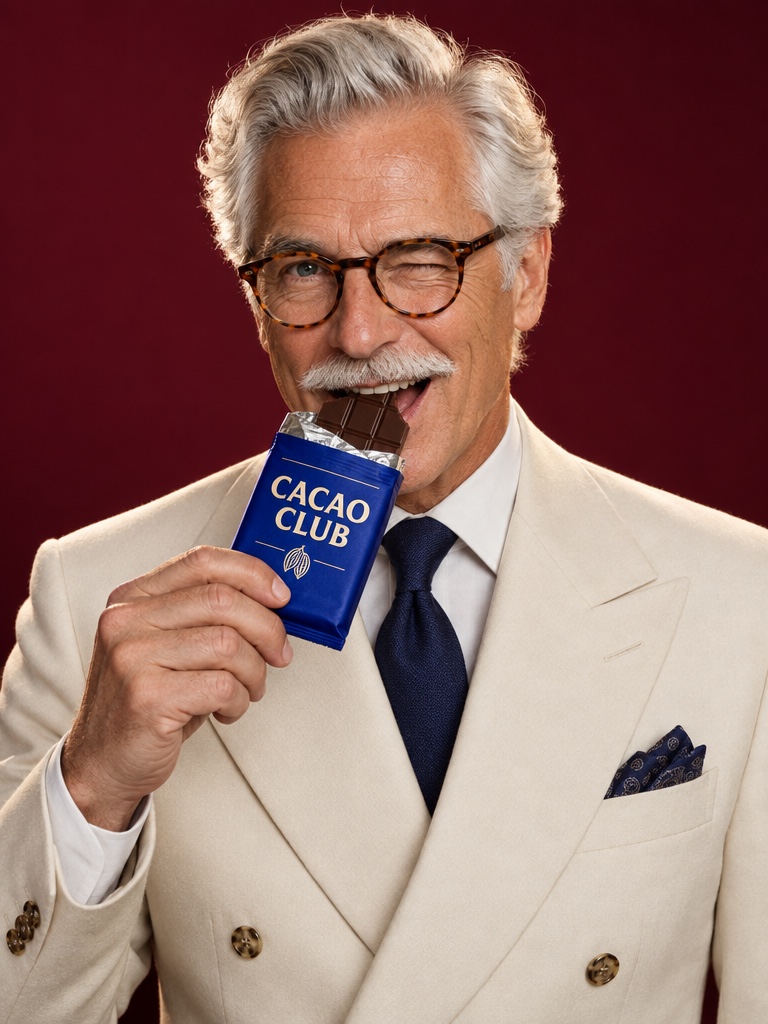
Avocado AI makes UGC per product from a creator look, a script, a product and an engine. Save each product in Brand DNA with its photo. Pick a ready creator look, upload a photo of your own face or describe a creator and let Avocado design it. Write the script with a placeholder for the product name and benefit. Attach the product, pick the engine and aspect ratio, and generate.
When a product is attached, Avocado first edits the creator look with GPT Image 2.5 so the creator holds the real packaging, then animates that still. The label and colors come from your product photo. Fine print on small labels can still drift on some runs, so review each clip before it goes live, especially for regulated categories.
How do I repeat the ad across the catalog?
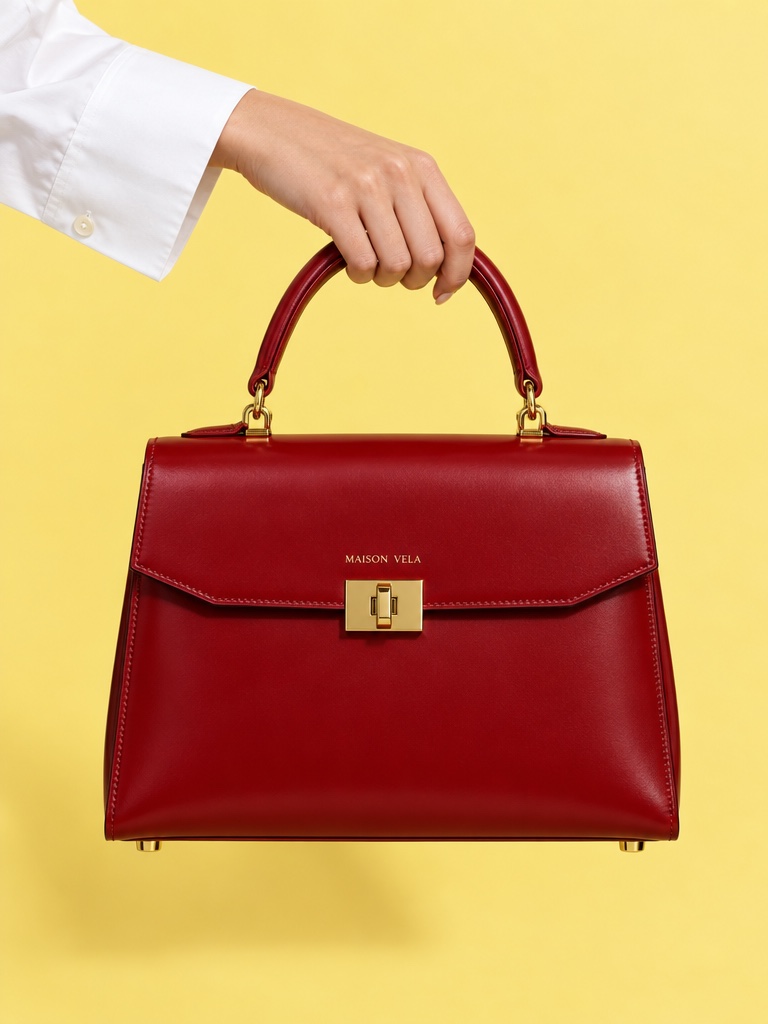
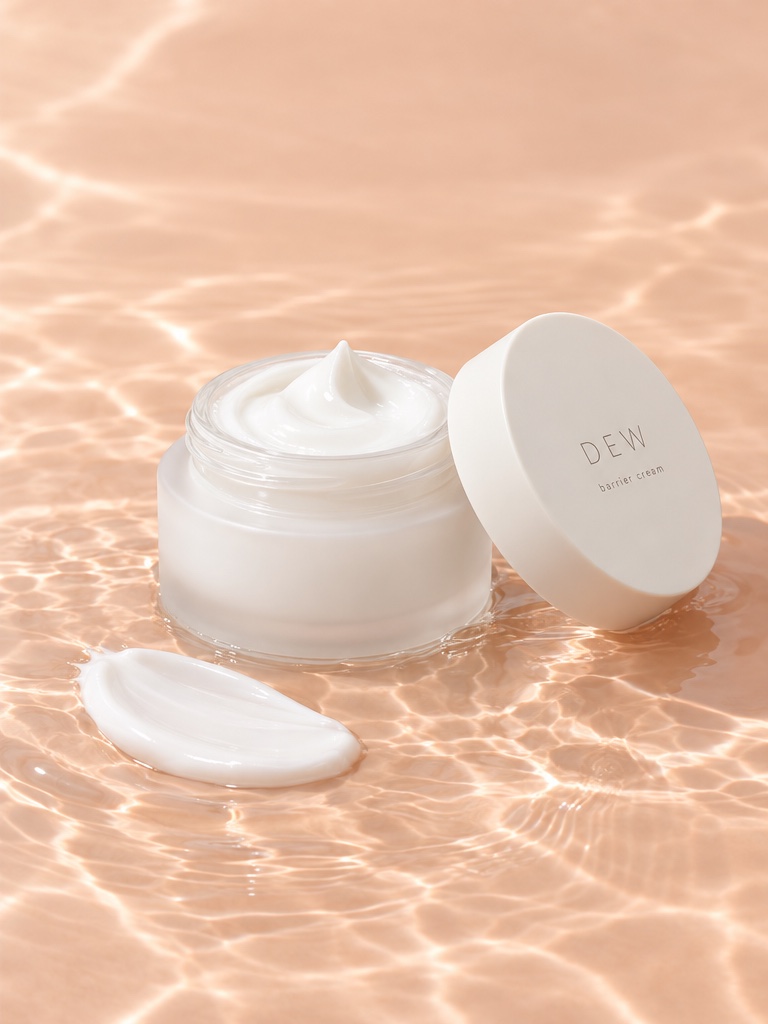
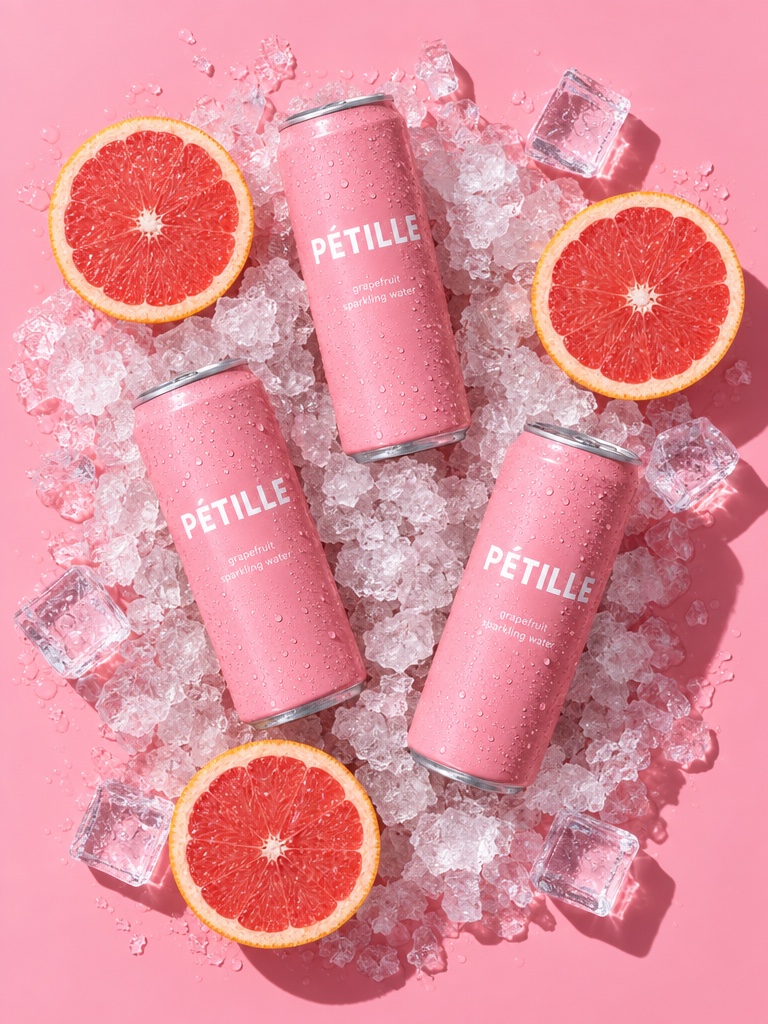
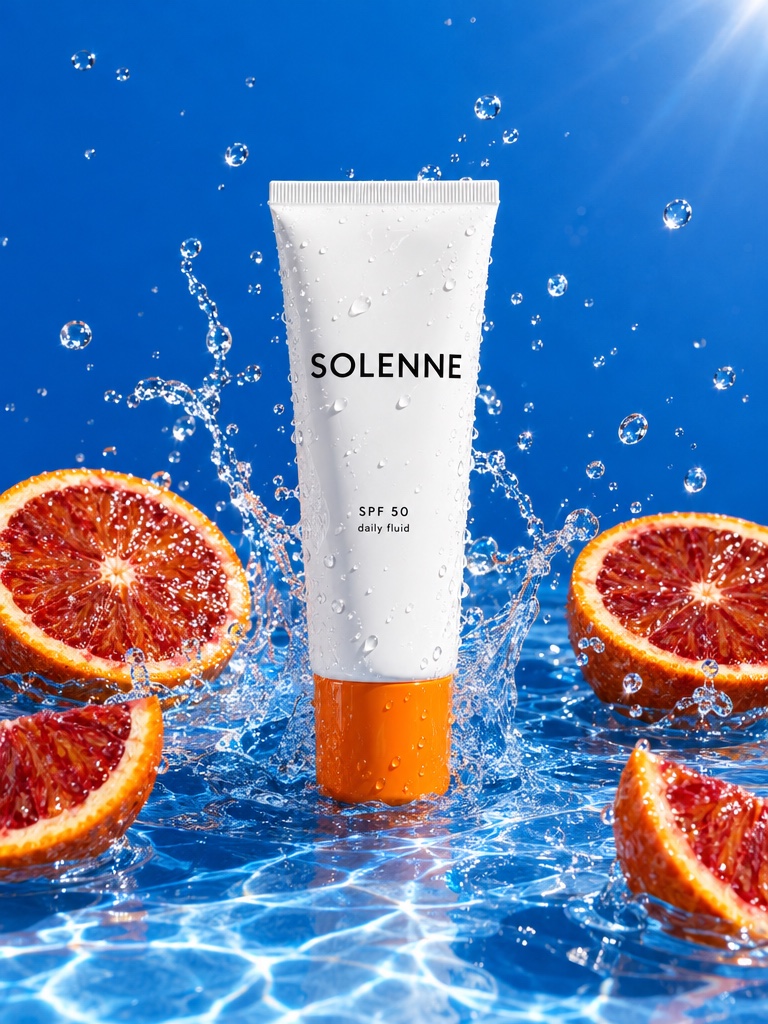
Repeat the ad across the catalog with Flows. Build the set once on the canvas: the UGC clip, a cinematic pack shot from the video workbench, a voiceover and a music bed from the Audio Studio, and two stills from the image workbench for the product page. Swap the product and run it again in one click. The script, the look, the engine and the brand rules stay the same, so twenty SKUs produce twenty matching sets.
Director mode turns a Flow into a longer commercial when a collection launch needs a 30-second cut. On Growth and Pro, Super Agent can plan the calendar, create the clips in your brand and publish or schedule them to Instagram, Facebook, TikTok, LinkedIn, Threads and X after your approval, with the Connectors add-on. It can also prepare Meta Ads drafts that start paused.
Which engine should an ecommerce brand use?
Use Fast UGC for the first pass across the catalog: look image plus script, 5 to 15 seconds, 720p or 1080p, the cheapest way to see which products and hooks earn clicks. Use Talking head when the creator must speak a specific script with a chosen or cloned voice, up to 30 seconds. Use Seedance 2.5 for native audio and more natural motion up to 30 seconds at up to 1080p on the products that scale. Use HD UGC on MiniMax H3 MAX Turbo when a 1080p close-up of texture, fabric or finish matters.
What else does the store need from the same workspace?
The store needs stills, pack shots and voice, and they come from the same credits. The image workbench edits your product photo into studio and lifestyle stills with GPT Image 2.5 and Nano Banana 2 Edit, which takes up to 14 reference images for products with fine detail, and returns up to four variations per run. The video workbench makes product films with Seedance 2.5, Kling 3.0 or Veo 3.1. The Audio Studio makes voiceovers with Fish Audio S2 Pro, cloned voices, music and sound effects.
Everything saves to one library with Brand DNA applied, so the product page, the email and the ad set share the same product identity. The Avocado MCP server gives Claude, ChatGPT and Cursor the same tools, so a merchandiser can ask an assistant for a UGC clip and two stills for a new SKU and review them in the library.
How does this compare with dedicated UGC tools?
Dedicated UGC tools such as Arcads, Creatify, MakeUGC and TopView center a larger actor catalog or a URL-to-video flow and stop at the clip. For pure talking-head testing across hundreds of faces, their catalogs are deeper. For a catalog of products, Avocado AI centers the product: the real packaging in hand, the stills and pack shots on the same credits, and Flows to repeat the set per SKU. See the [Arcads alternative](/alternatives/arcads) and [TopView AI alternative](/alternatives/topview-ai) pages, or the [ecommerce brands](/for/ecommerce-brands) page for the wider workflow.
What does AI UGC for a catalog cost?
Each run deducts video credits based on engine, duration and resolution, plus voice credits on the Talking head engine, from one shared balance. Saved looks and products are free to reuse. Avocado AI starts at EUR 19.99 a month for Intro with 100 credits, EUR 39 for Starter with 300, EUR 99 for Growth with 800 and EUR 249 for Pro with 2,000, with 20% off yearly. Editing your own product photo and Seedance 2.5 start on Starter, the practical plan for UGC with your real product. Growth adds Super Agent and shared credits for a team. Credits roll over for up to a year, and every plan includes commercial rights and no watermark.