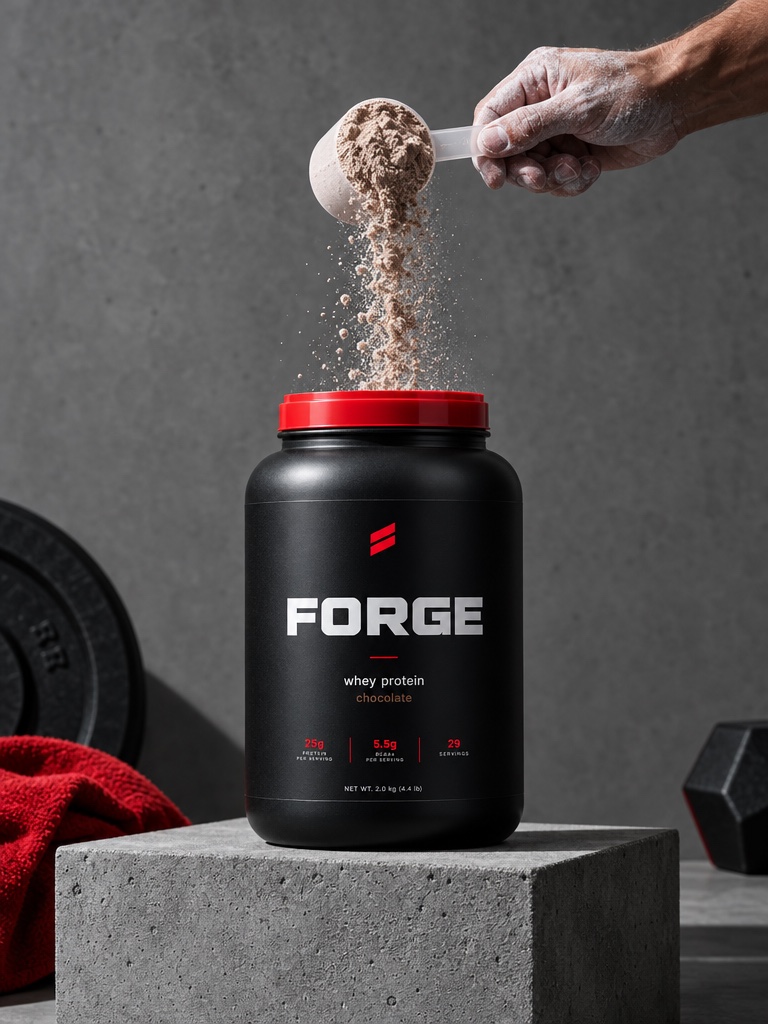
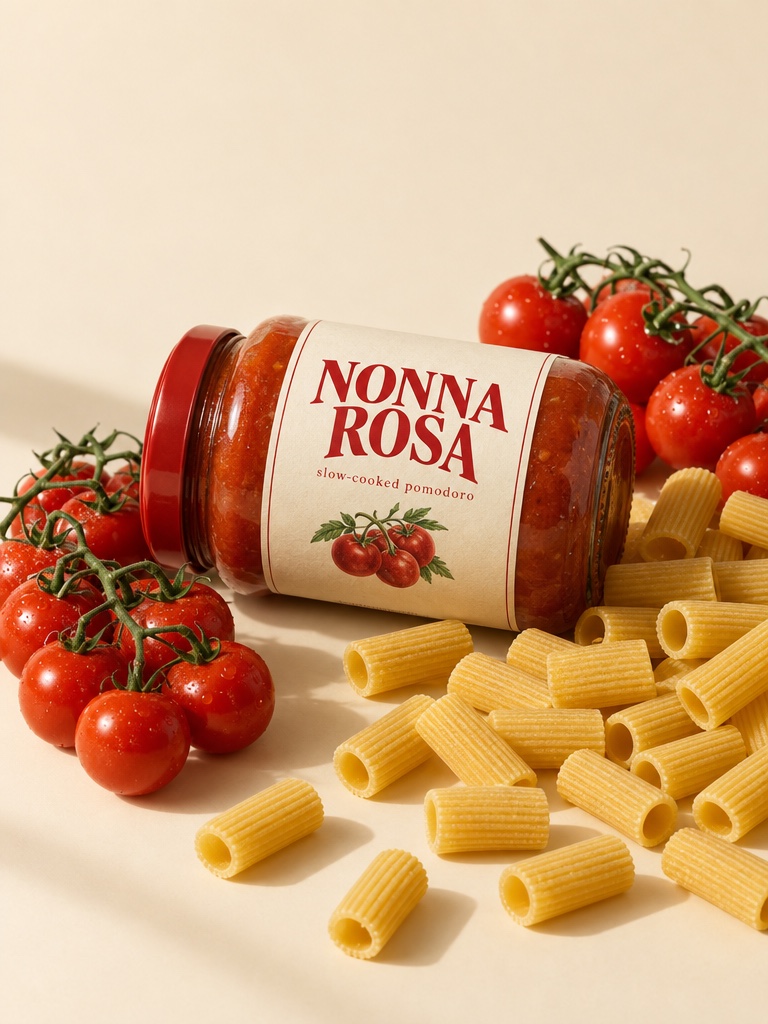
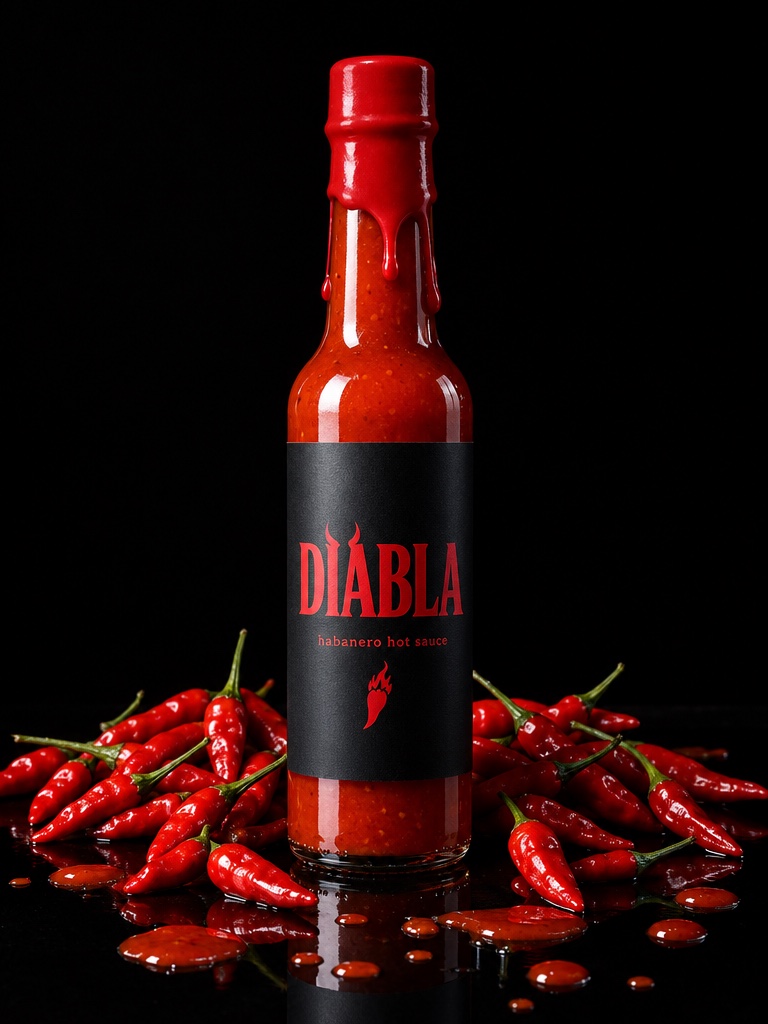
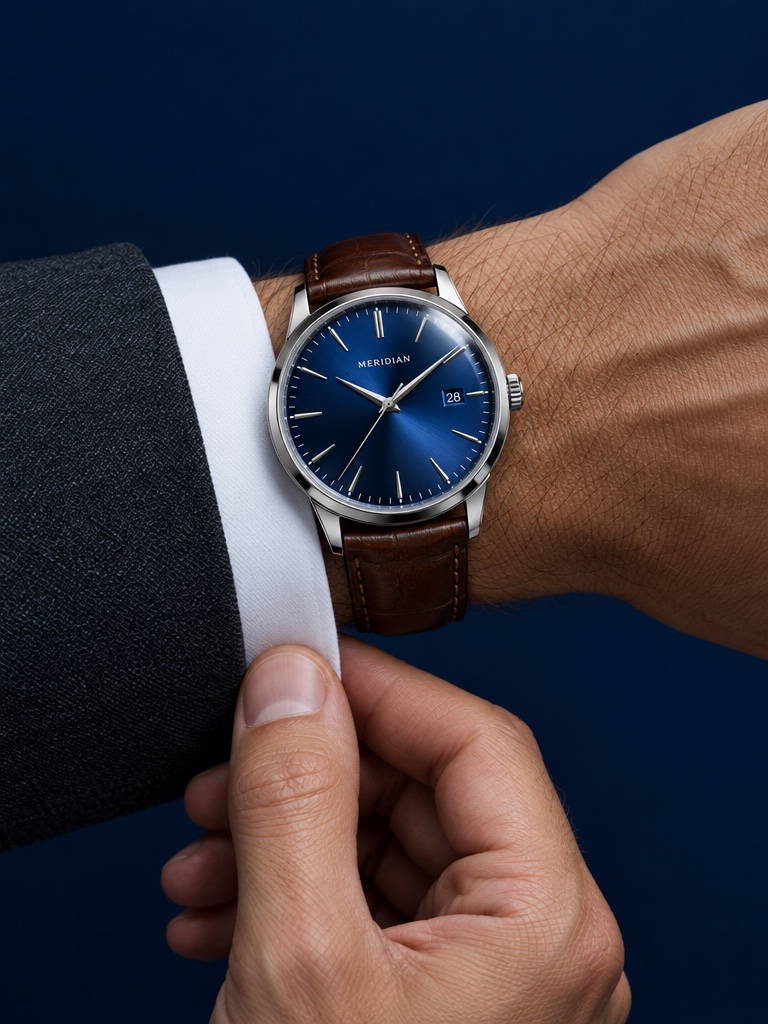
Make short product videos with sound using Google's Veo 3.1. Control the first and last frame, or lock the look with reference images, in the same workbench as every other model.
Veo 3.1 is Google DeepMind's video generation model, released in October 2025 as an upgrade to Veo 3, with audio generated alongside the picture. On Avocado AI you get Veo 3.1, Veo 3.1 Fast and Veo 3.1 Reference for 4 to 8 second clips at up to 1080p.
For ecommerce brands
What you can make with Veo 3.1
Product reveals
Set a start frame and an end frame and let Veo 3.1 animate the move between them.
Ads with sound
Dialogue, ambience and effects generated with the video, ready for Reels and TikTok.
On-brand looks
Veo 3.1 Reference uses up to 3 reference images to hold a product or style.
Specs on Avocado
Veo 3.1 at a glance
Made by
Google DeepMind
Versions on Avocado
Veo 3.1, Veo 3.1 Fast, Veo 3.1 Reference
Modes on Avocado
Text to video, image to video, start and end frames, reference
Durations
4, 6 or 8 seconds (Reference: 8 seconds)
Resolutions
720p or 1080p (Fast: 720p)
Aspect ratios
16:9, 9:16, 1:1 (start and end frames: 16:9, 9:16)
Credits are the live workbench prices. The Generate button always shows the exact cost before you create. Plans in EUR, see pricing.
What can ecommerce brands make with Veo 3.1?
Veo 3.1 suits short product reveals, unboxing moments and ads that need sound. Start from your product photo, or give a first and last frame so the move lands exactly where you want. Veo 3.1 Reference takes up to 3 reference images to keep a product or style consistent.
How much does Veo 3.1 cost on Avocado?
Veo 3.1 is priced per clip. A clip costs 48 credits with audio or 30 without. Veo 3.1 Fast costs 25 with audio or 18 without, and Veo 3.1 Reference costs 50. Plans start at EUR 19.99 a month for 100 credits, and the exact cost shows before you generate.
What are start and end frames in Veo 3.1?
You upload two images: the first frame and the last frame of the clip. Veo 3.1 generates the motion between them, which is useful for a product turning to face the camera or a pack opening. In this mode the output is 16:9 or 9:16.
Veo 3.1 or Veo 3.1 Fast: which should I use?
Use Veo 3.1 Fast to test ideas: it renders at 720p and costs 25 credits with audio. Switch to Veo 3.1 for the final version when you want 1080p and the most detail, at 48 credits with audio. Both support start and end frames.
Veo 3.1 questions
Updated September 26, 2026
Is Veo 3.1 the same as Veo 3?
No. Veo 3.1 is Google's upgrade to Veo 3, with better audio and picture sync and more creative controls. Avocado offers the Veo 3.1 family: Veo 3.1, Veo 3.1 Fast and Veo 3.1 Reference. The older Veo 3 models are no longer in the video workbench.
How long are Veo 3.1 videos on Avocado?
Veo 3.1 and Veo 3.1 Fast make 4, 6 or 8 second clips, and Veo 3.1 Reference makes 8 second clips. For a longer ad, join several clips in a Flow with Director mode, or pick Seedance 2.5, which runs up to 30 seconds in one clip.
Can I turn off audio in Veo 3.1?
Yes. Audio is on by default, and you can switch it off in the video workbench. A Veo 3.1 clip without audio costs 30 credits instead of 48. That suits videos where you plan to add your own music or a voiceover from Audio Studio.
Can I use Veo 3.1 videos commercially?
Yes. Every paid plan includes full commercial rights and no watermark, so you can run what you make in paid ads, on product pages, in email and on social. Results are saved to your Avocado library, ready to reuse in a video, a Flow or a Super Agent post.
Which aspect ratios does Veo 3.1 support?
Veo 3.1 on Avocado supports 16:9, 9:16 and 1:1. When you use start and end frames, the options are 16:9 and 9:16. Pick 9:16 for Reels, TikTok and Stories, 1:1 for feed posts and 16:9 for YouTube and product pages.
Veo 3.1 or Seedance 2.5 for product ads?
Veo 3.1 is precise for short clips with start and end frames. Seedance 2.5 runs longer, up to 30 seconds, and costs less per short clip at 480p or 720p. You can test both on the same product photo in the video workbench and keep whichever looks right.