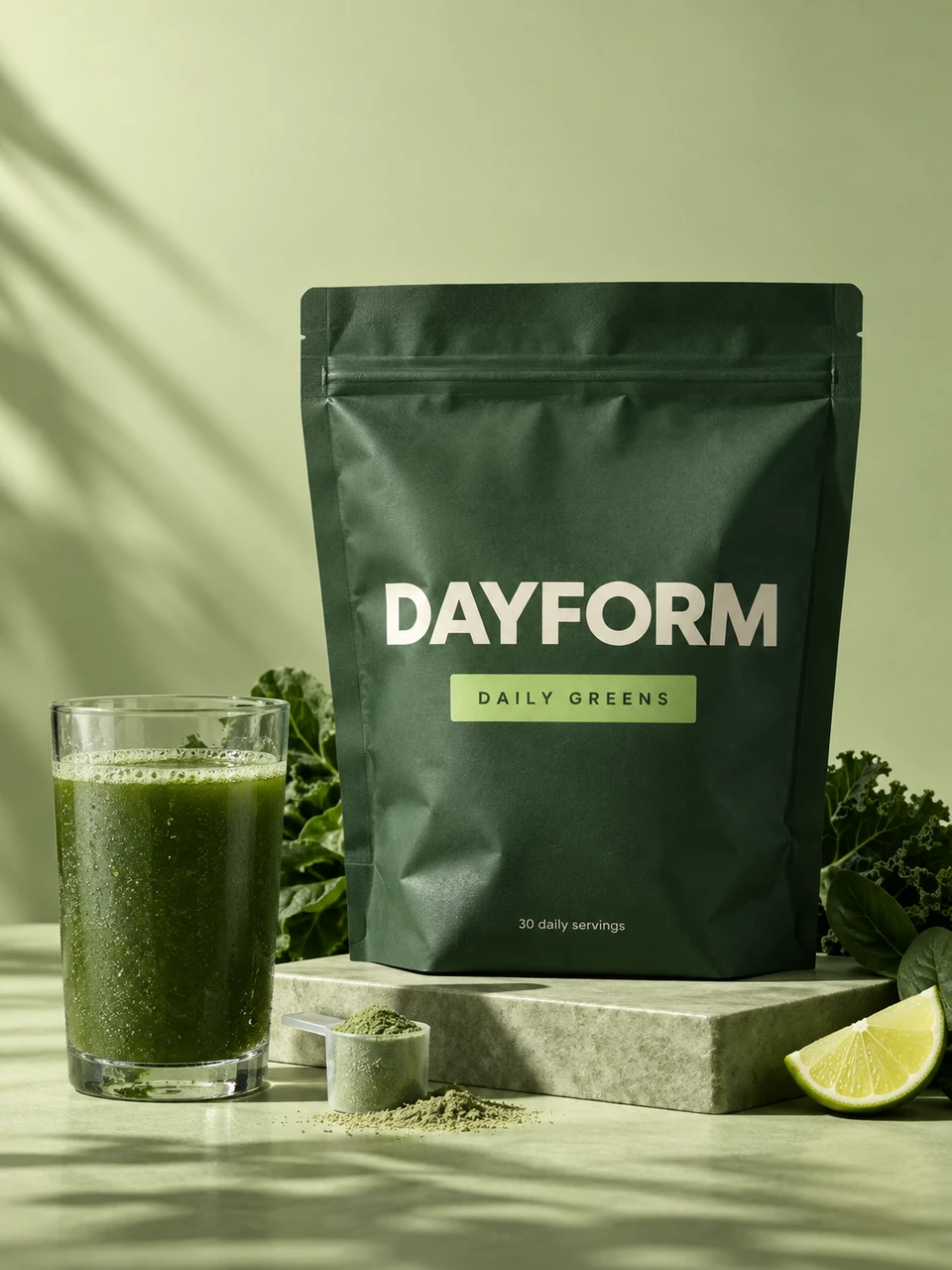
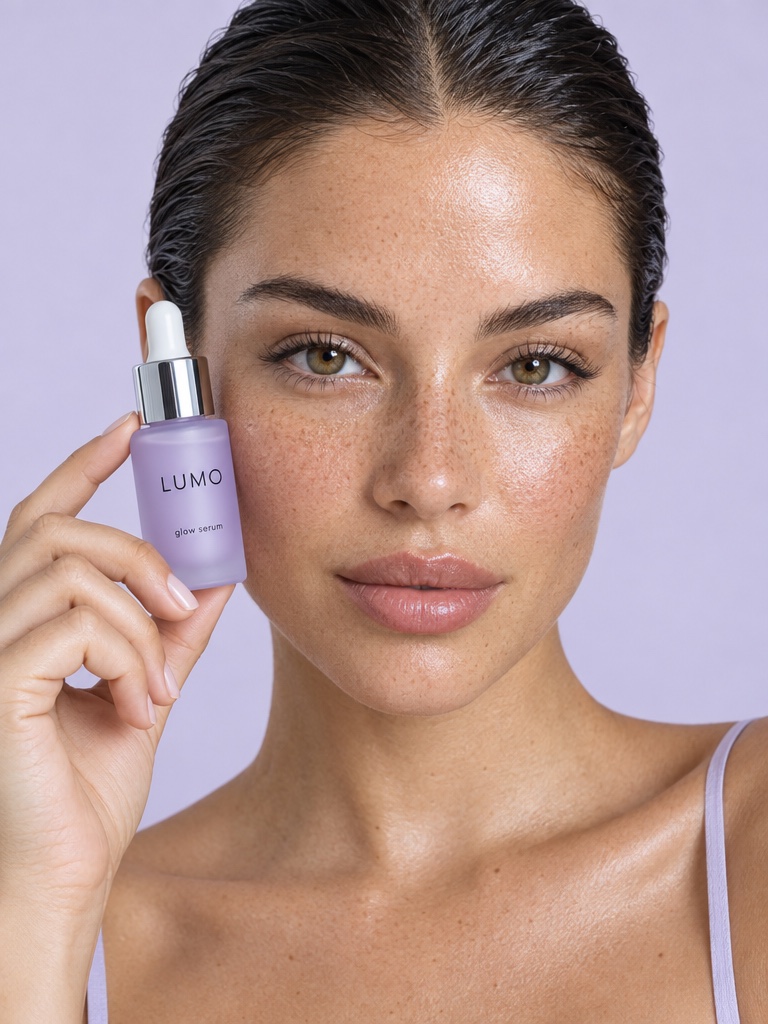
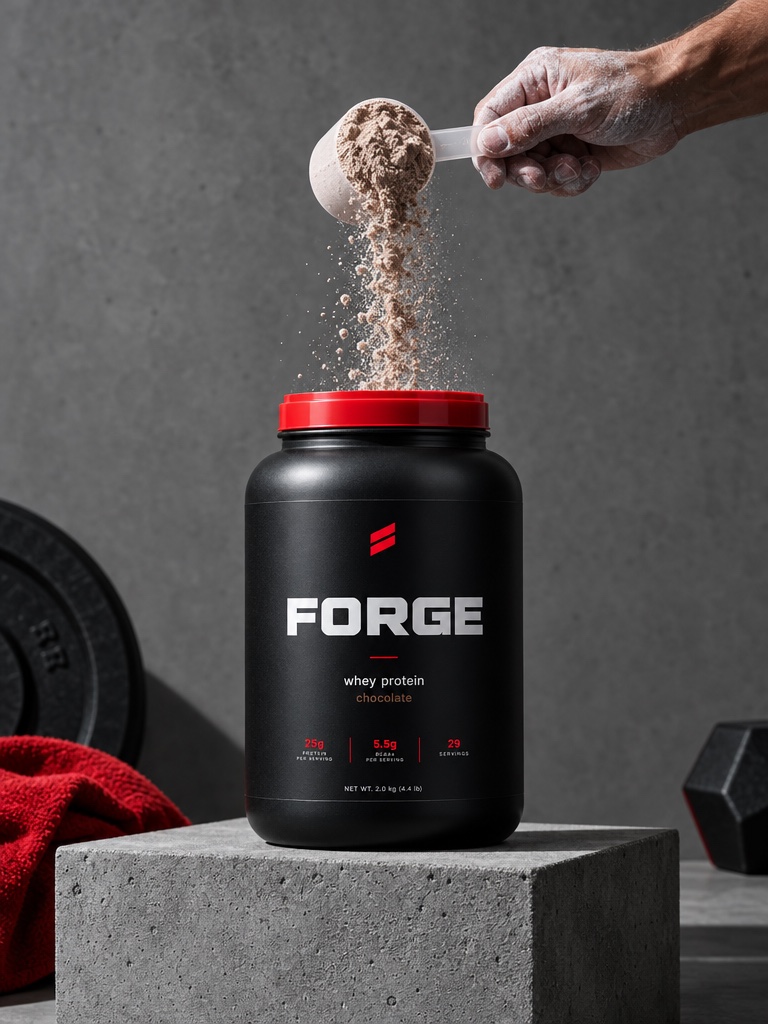
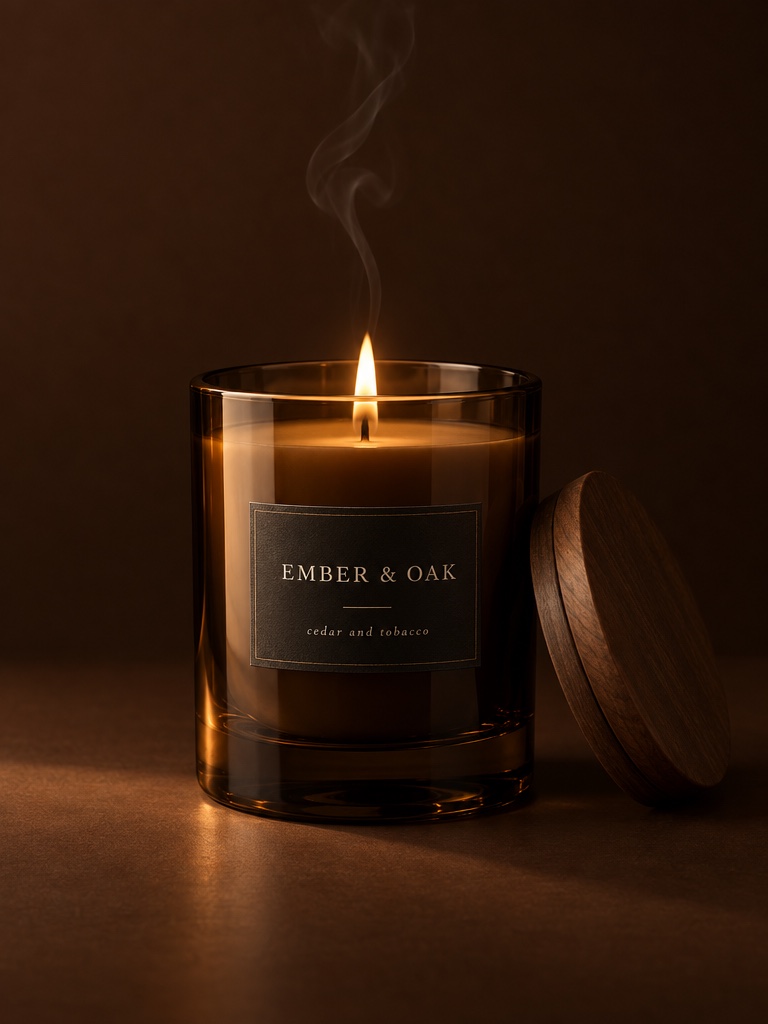
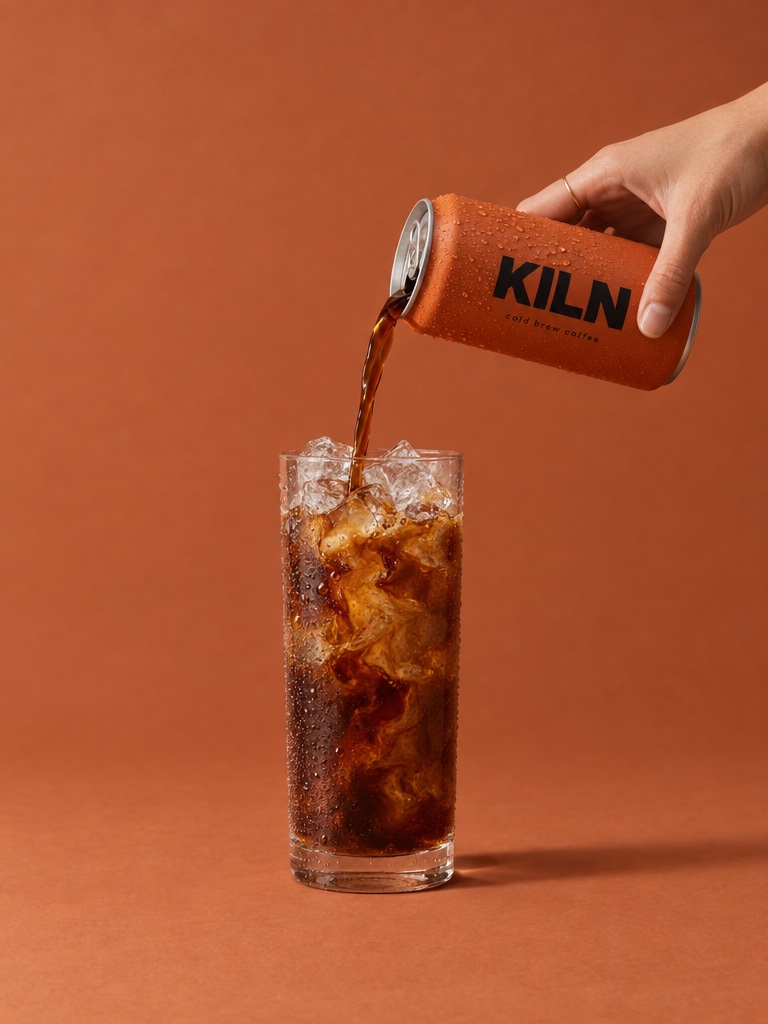
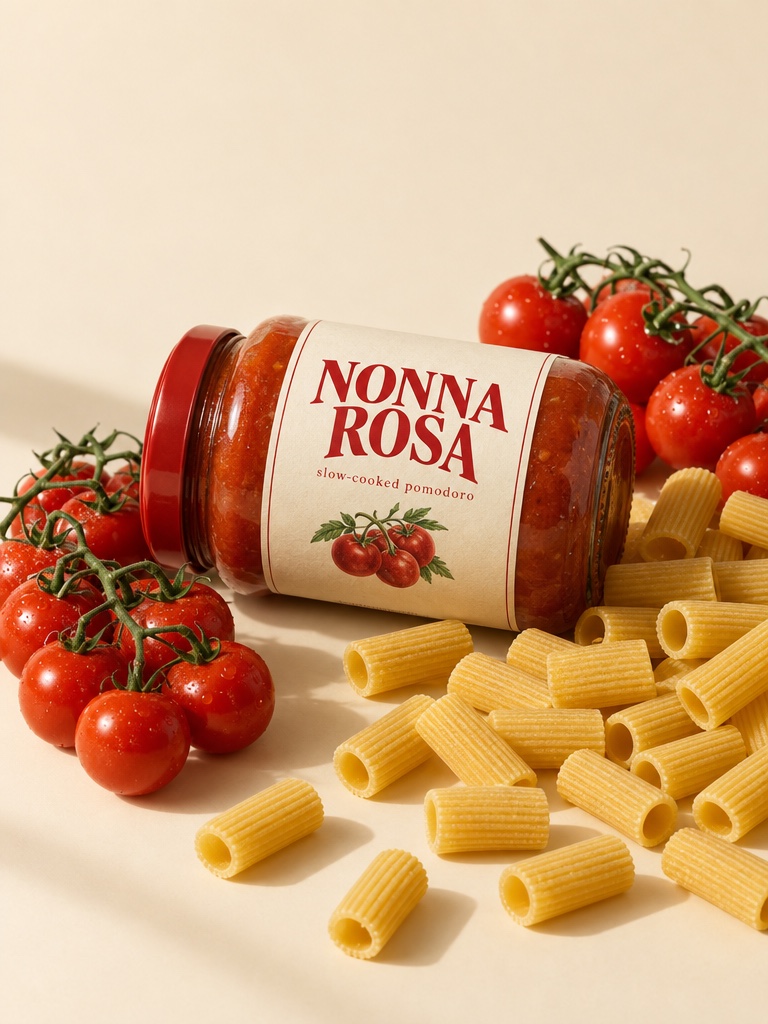
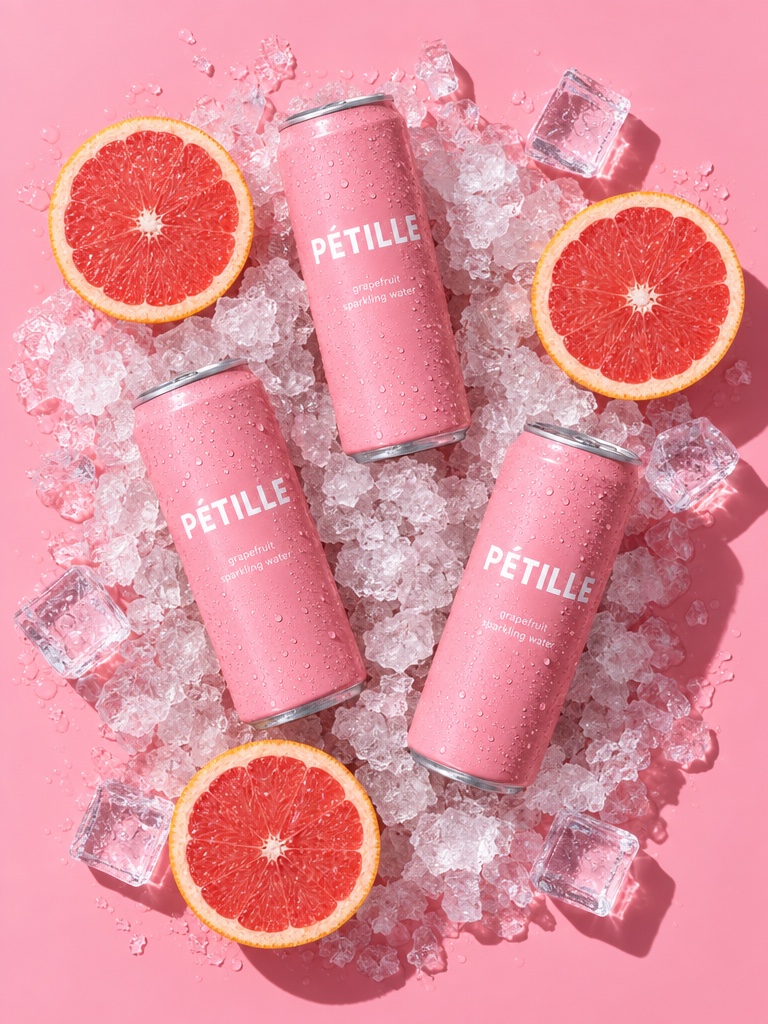
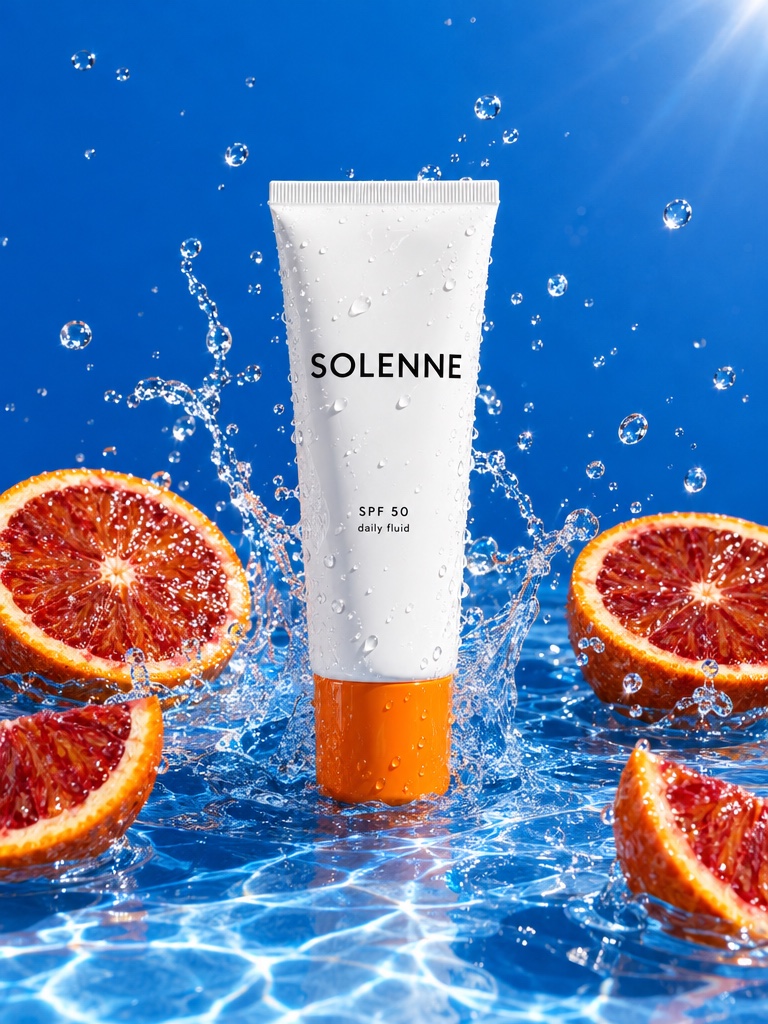
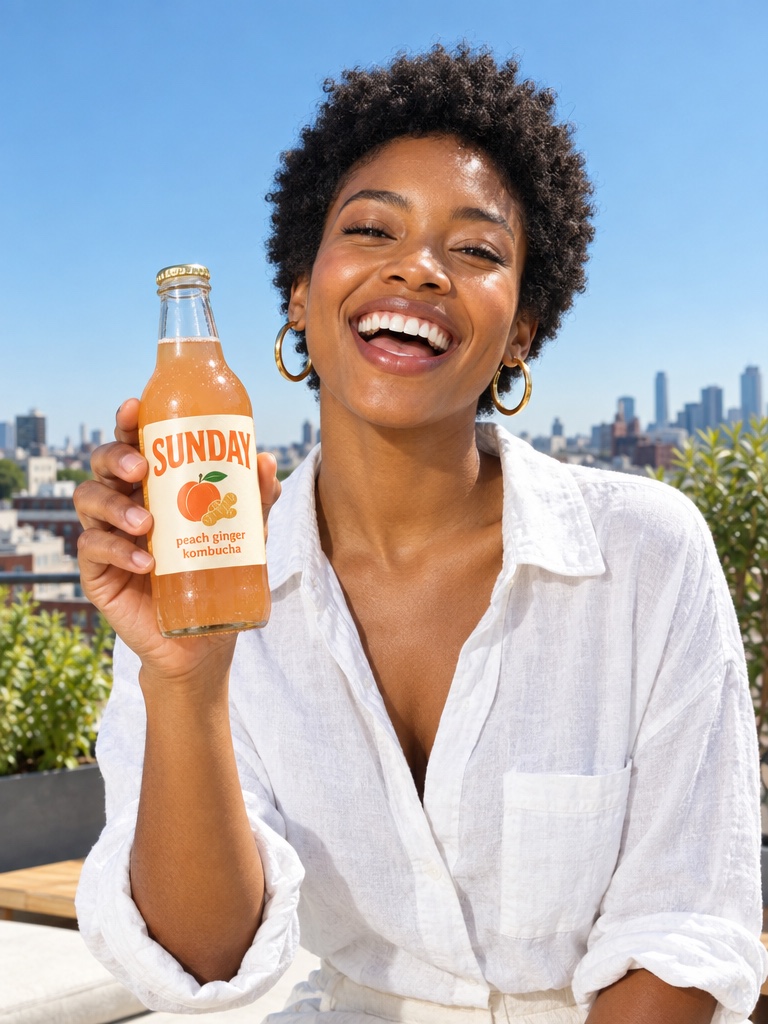
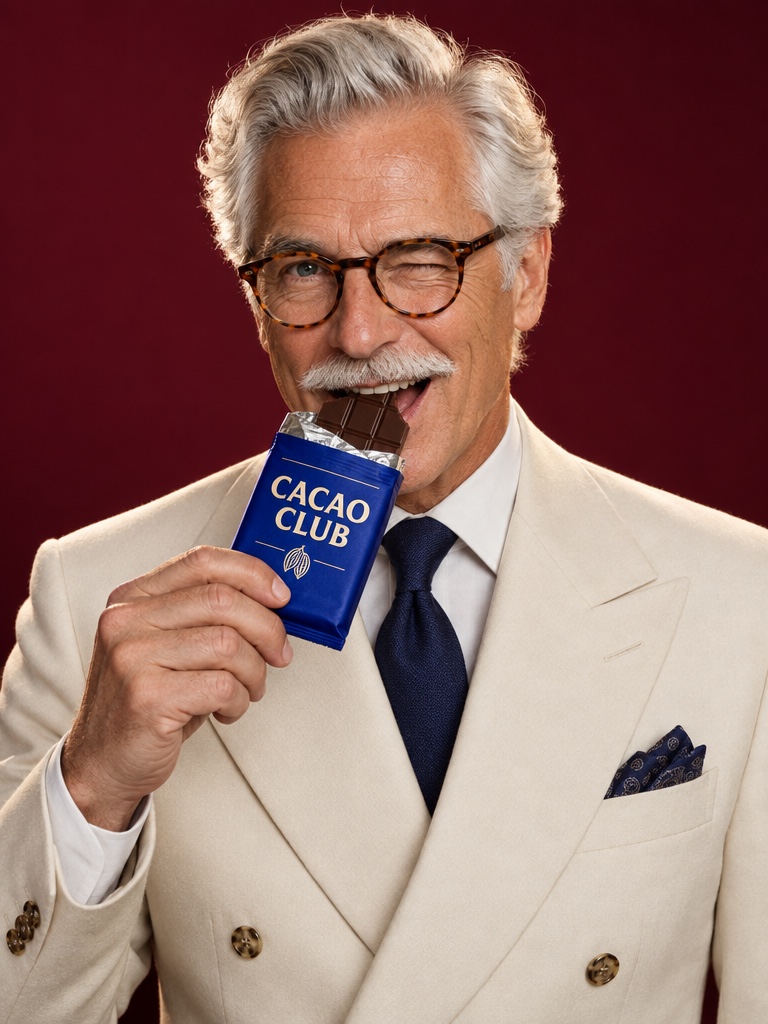
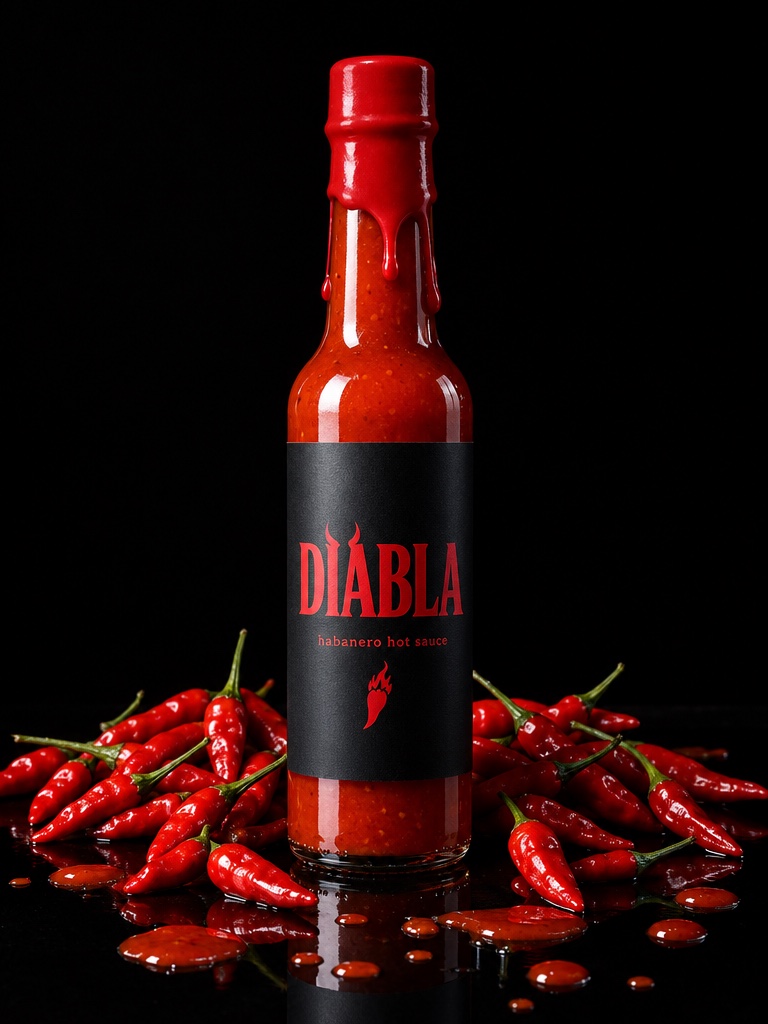
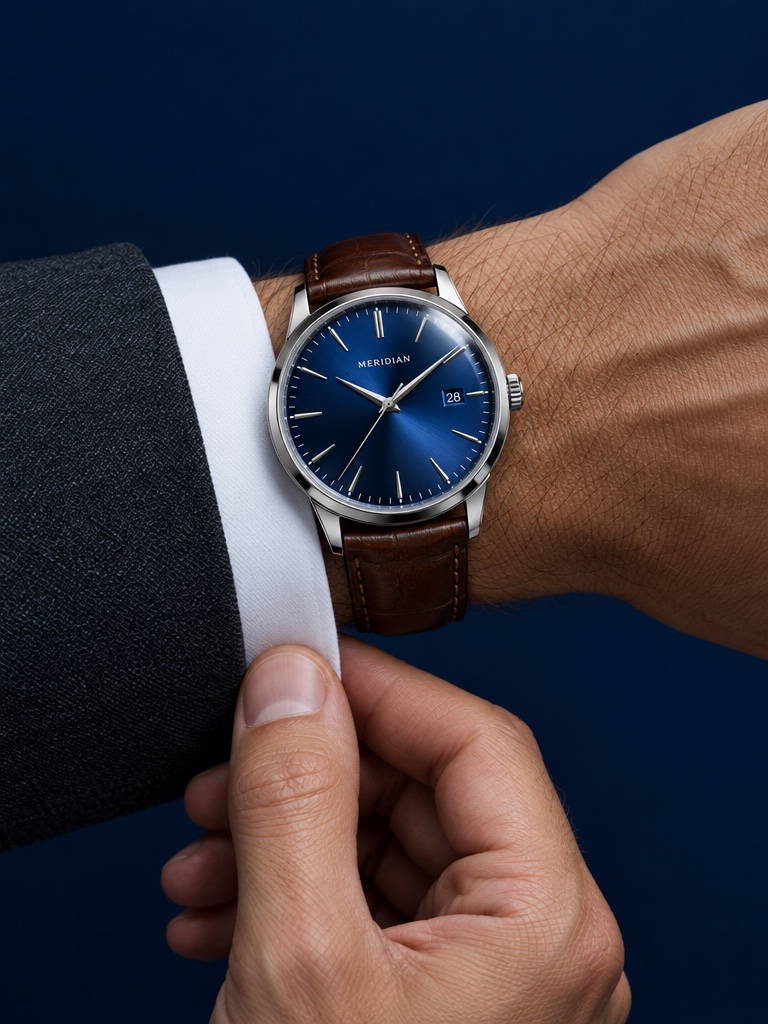
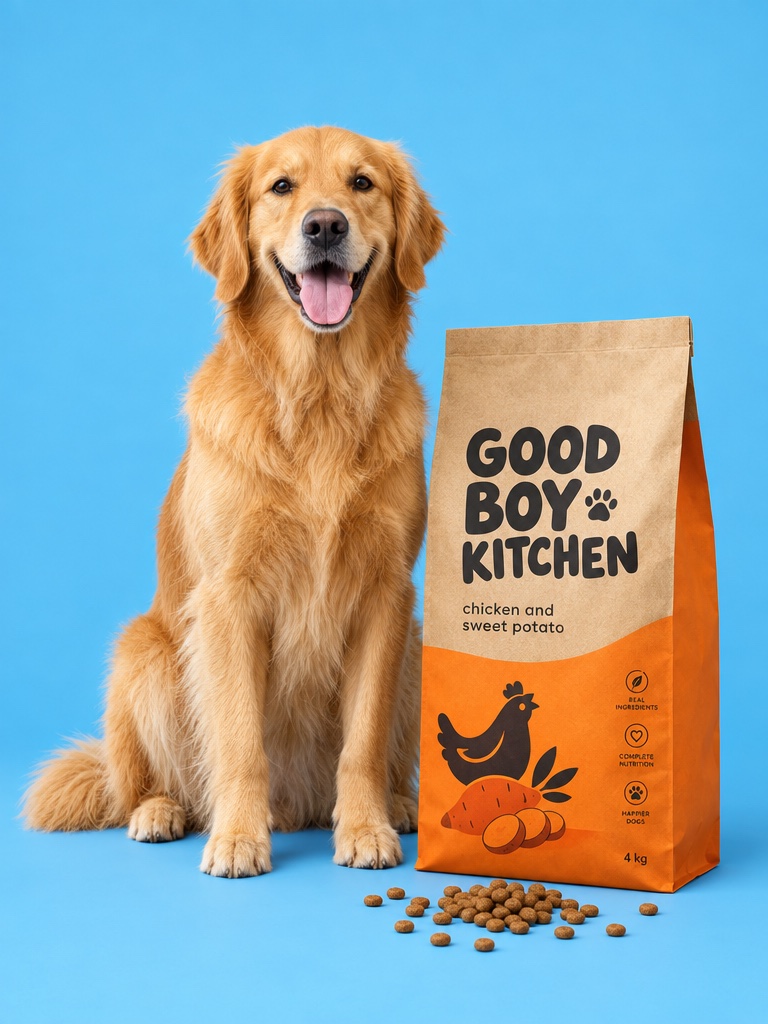
Animate your product photo or a prompt with Kuaishou's Kling 3.0. Standard for speed, Pro for 1080p detail and 4K for the sharpest product films, all on one credit balance.
Kling 3.0 is Kuaishou's video generation model, launched in February 2026 with native audio and multi-shot generation. On Avocado AI you use Kling 3.0 Standard, Pro and 4K, plus Kling o3 4K, for 3 to 15 second clips from a prompt or your product photo.
For ecommerce brands
What you can make with Kling 3.0
Product films in 4K
Kling 3.0 4K and Kling o3 4K render natively in 4K for close product detail.
Video ads with dialogue
Standard and Pro can generate audio with the clip, including speech.
Motion control
Motion Control v3 copies the movement of a reference video onto your character.
Specs on Avocado
Kling 3.0 at a glance
Made by
Kuaishou (Kling AI)
Versions on Avocado
Kling 3.0 Standard, Pro, 4K and Kling o3 4K, plus Motion Control v3
Modes on Avocado
Text to video, image to video, first and last frames
Durations
3 to 15 seconds
Resolutions
Standard 720p, Pro 1080p, 4K
Credits for 5 seconds
Standard 11 (16 with audio), Pro 14 (21 with audio), 4K 53
Plan access
Every paid plan
Credits are the live workbench prices. The Generate button always shows the exact cost before you create. Plans in EUR, see pricing.
What can ecommerce brands make with Kling 3.0?
Brands use Kling 3.0 for product films, video ads with dialogue and detailed close-ups of packaging and texture. Start from your product photo, add an end frame if you want to control where the motion lands, and pick 4K when the ad needs the sharpest product detail.
Kling 3.0 Standard, Pro or 4K: which should I use?
Standard renders at 720p and is the cheapest for testing ideas. Pro renders at 1080p with more detail and stronger dialogue. Kling 3.0 4K and Kling o3 4K render natively in 4K for product close-ups and large screens. All of them run 3 to 15 seconds.
How much does Kling 3.0 cost on Avocado?
For a 5 second clip, Kling 3.0 Standard costs 11 credits, or 16 with audio. Pro costs 14, or 21 with audio. Kling 3.0 4K costs 53 for 5 seconds and 105 for 10. Plans start at EUR 19.99 a month for 100 credits.
Can Kling 3.0 use a first and last frame?
Yes. Upload your product photo as the first frame and, if you want, a second image as the last frame. Kling 3.0 animates the move between them, such as a bottle turning to camera or a box opening. The 4K versions support first and last frames too.
Kling 3.0 questions
Updated September 26, 2026
Is Kling 3 the same as Kling 3.0?
Yes. People search for both names. Kling 3.0 is the model family Kuaishou launched in 2026. On Avocado it covers Kling 3.0 Standard, Kling 3.0 Pro, Kling 3.0 4K and Kling o3 4K, plus the Motion Control v3 models for copying movement from a reference video.
How long can Kling 3.0 videos be?
Kling 3.0 Standard, Pro and 4K clips run from 3 to 15 seconds, chosen one second at a time in the video workbench. For a longer commercial, join several clips in a Flow with Director mode, or pick Seedance 2.5 for up to 30 seconds in one clip.
Does Kling 3.0 generate audio?
Kling 3.0 Standard and Pro can generate audio with the clip, including speech. Turn it on or off in the video workbench; audio adds credits. You can also leave it off and add music or a voiceover from Avocado's Audio Studio afterwards.
Can I use Kling 3.0 videos commercially?
Yes. Every paid plan includes full commercial rights and no watermark, so you can run what you make in paid ads, on product pages, in email and on social. Results are saved to your Avocado library, ready to reuse in a video, a Flow or a Super Agent post.
What is Kling Motion Control v3?
Motion Control v3 takes a reference video and a character image, then moves your character the way the person in the reference moves. It suits dance trends and creator-style demos. Avocado offers Motion Control v3 at 720p and Pro Motion Control v3 at 1080p.
Can I use Kling 3.0 from Claude?
Yes, through the Avocado MCP server. Connect it to Claude, Codex, Cursor or your own agent and ask for a video with Kling 3.0 Standard, Pro or 4K. Use dry run to see the credit quote first. The video renders on your Avocado credits and lands in your library.