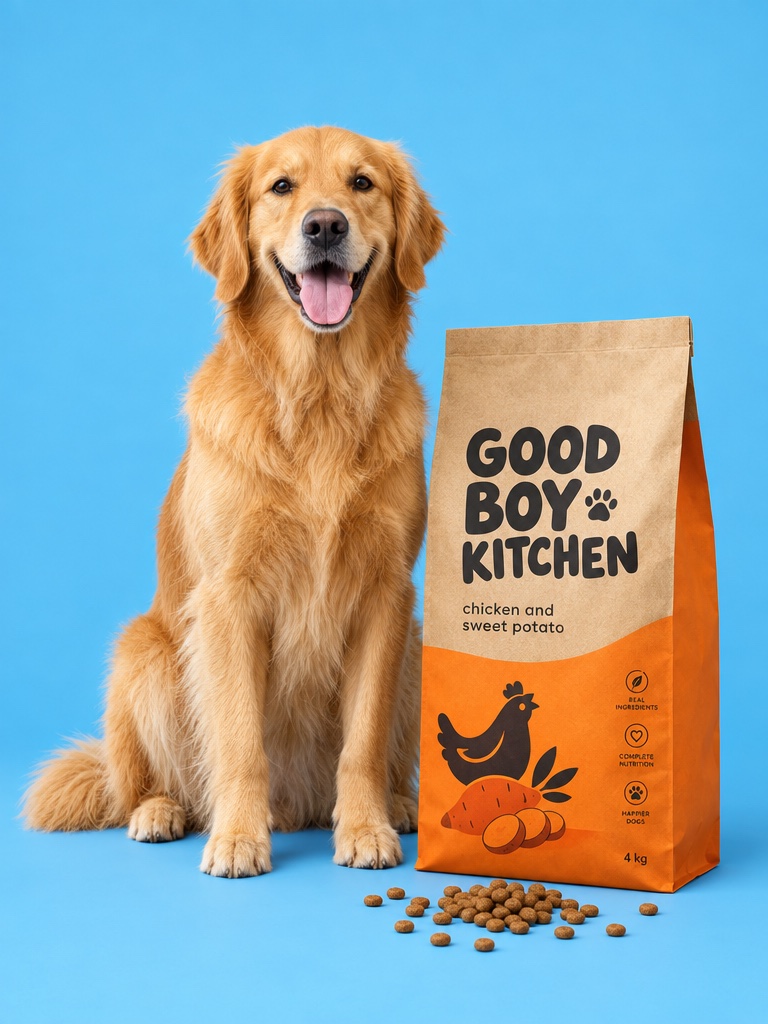
Avocado's default image model. Create product images from a prompt or make precise edits to your own product photo with OpenAI's GPT Image 2.5 Flare and Sunburst.
GPT Image 2.5 is OpenAI's image generation and editing model, released in September 2026 in two versions, Flare and Sunburst. On Avocado AI, GPT Image 2.5 Flare is the default image model for product images and edits, with 1K, 2K, 4K and custom sizes.
For ecommerce brands
What you can make with GPT Image 2.5
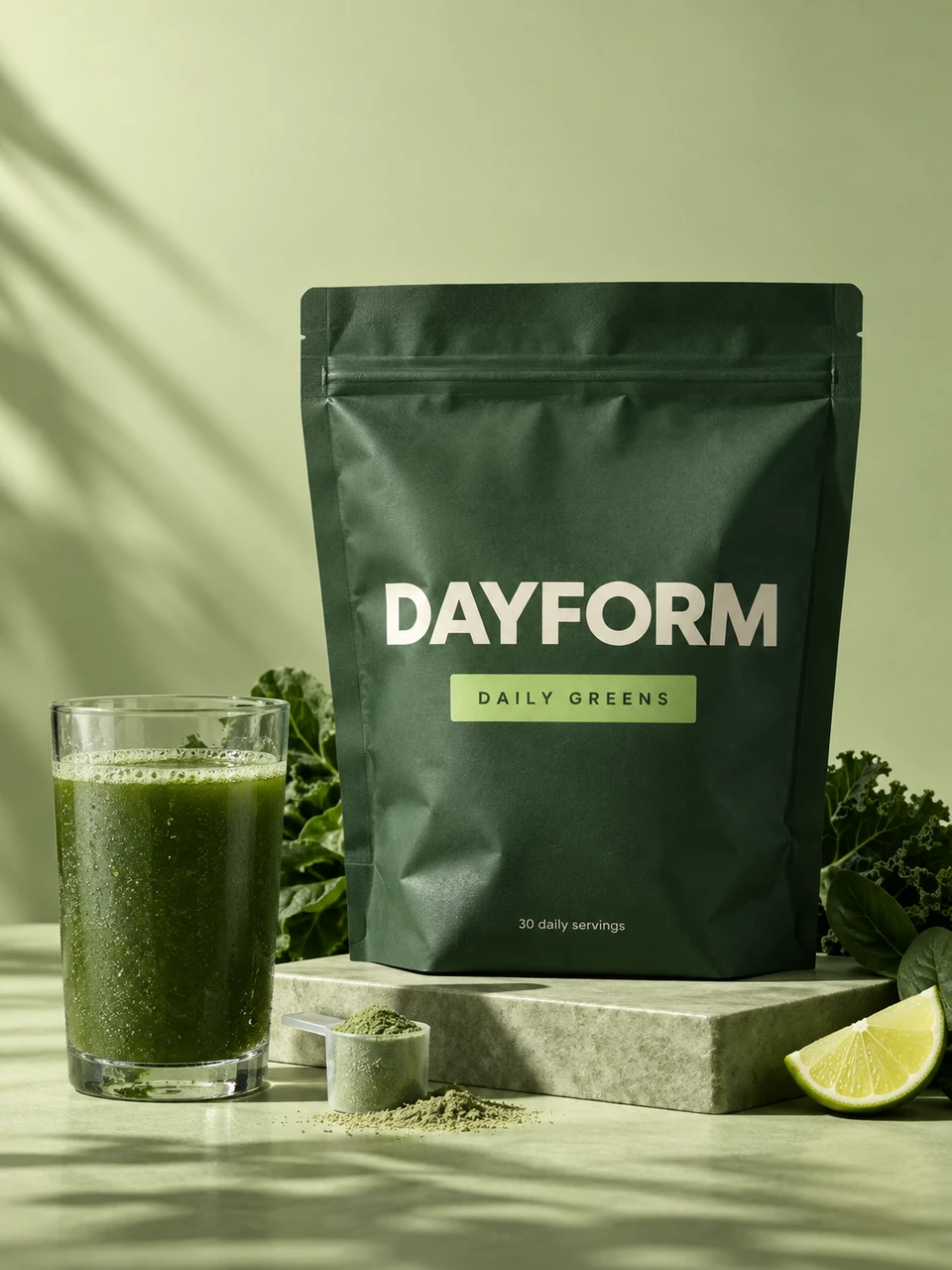
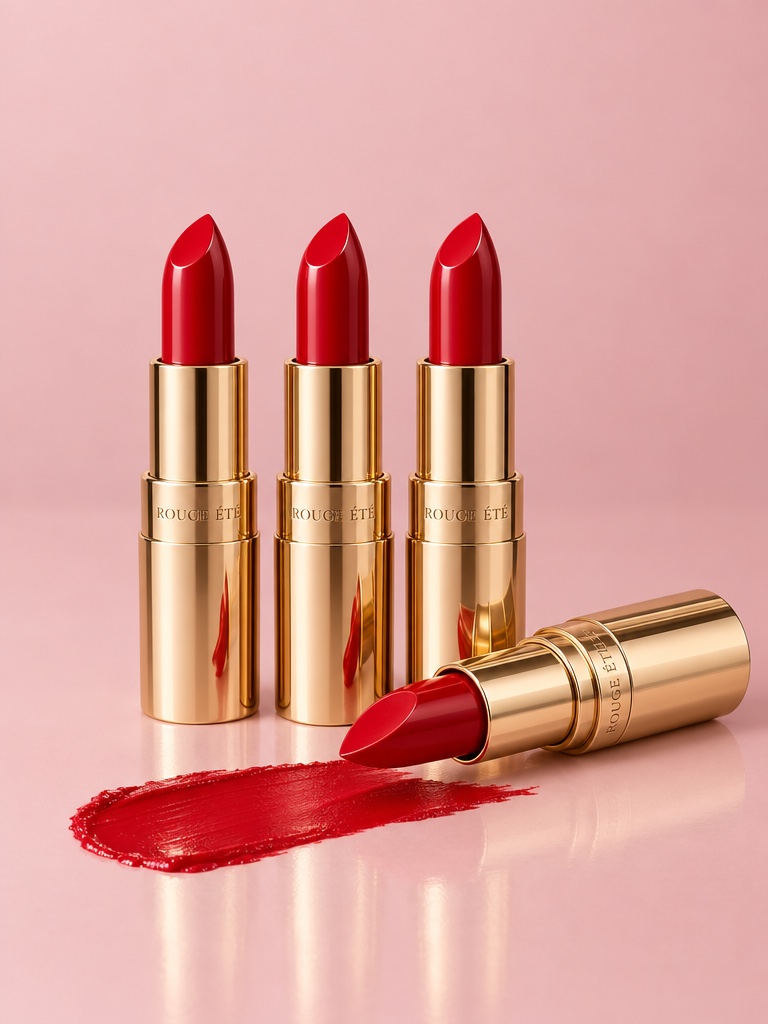
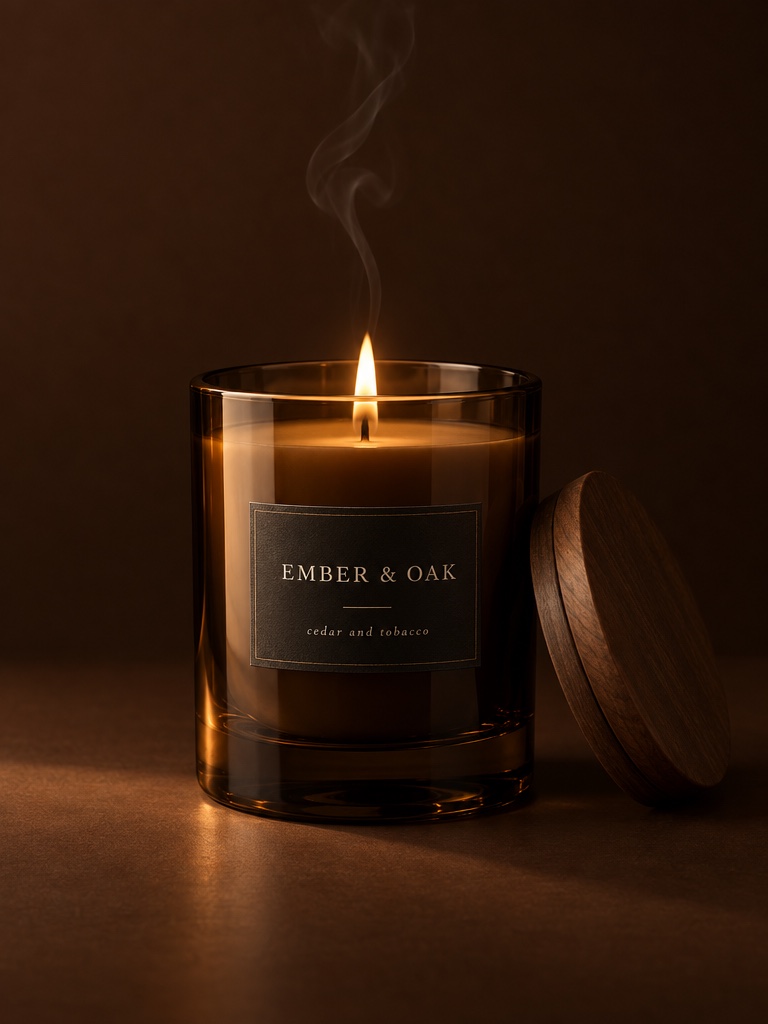
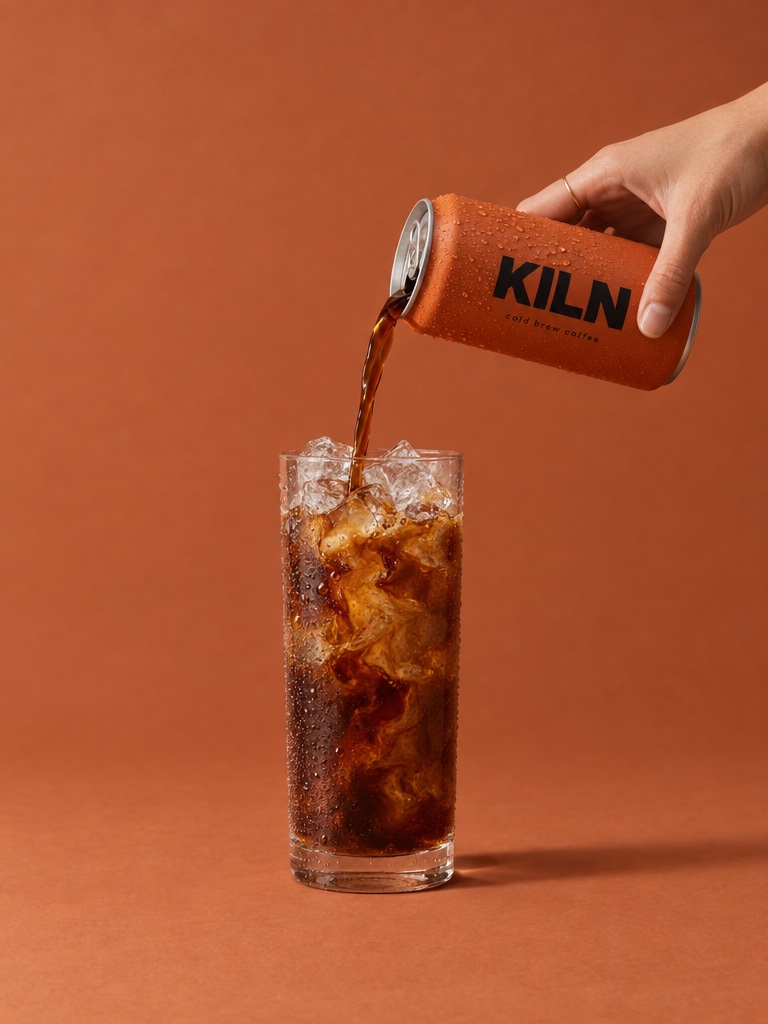
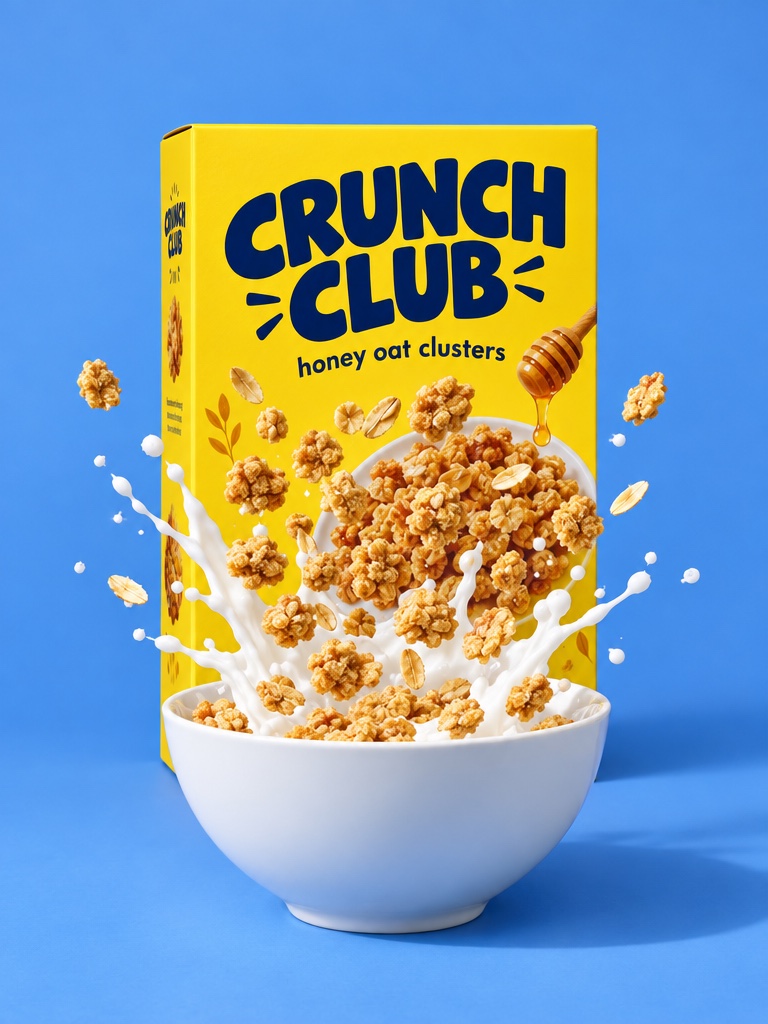
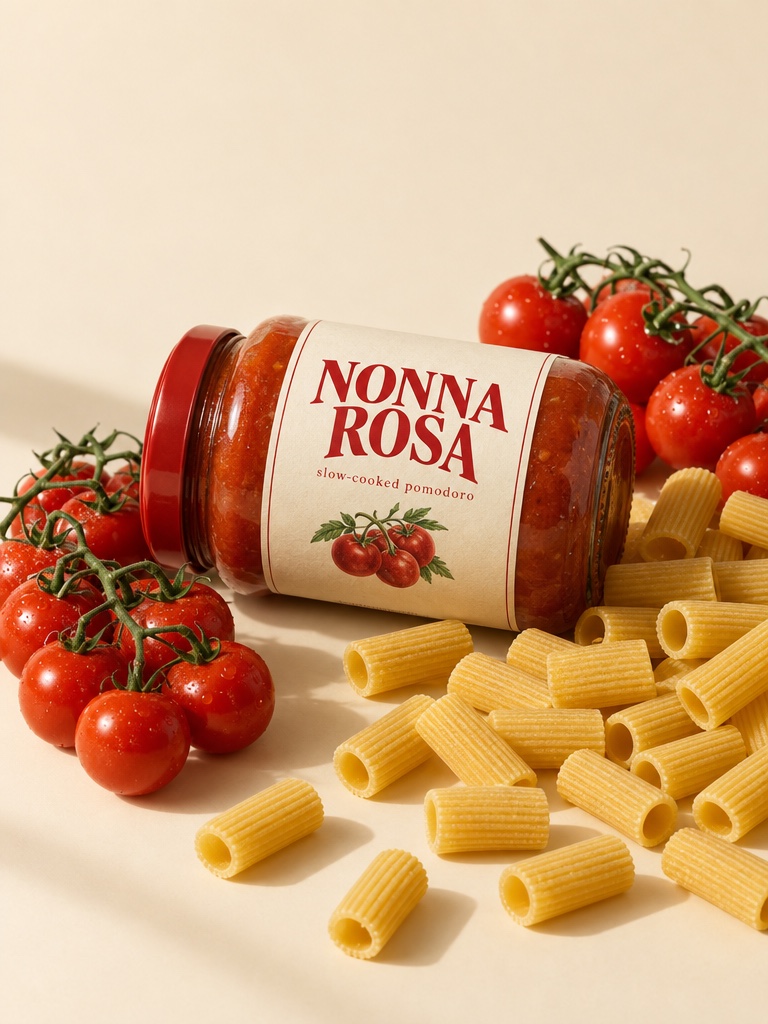
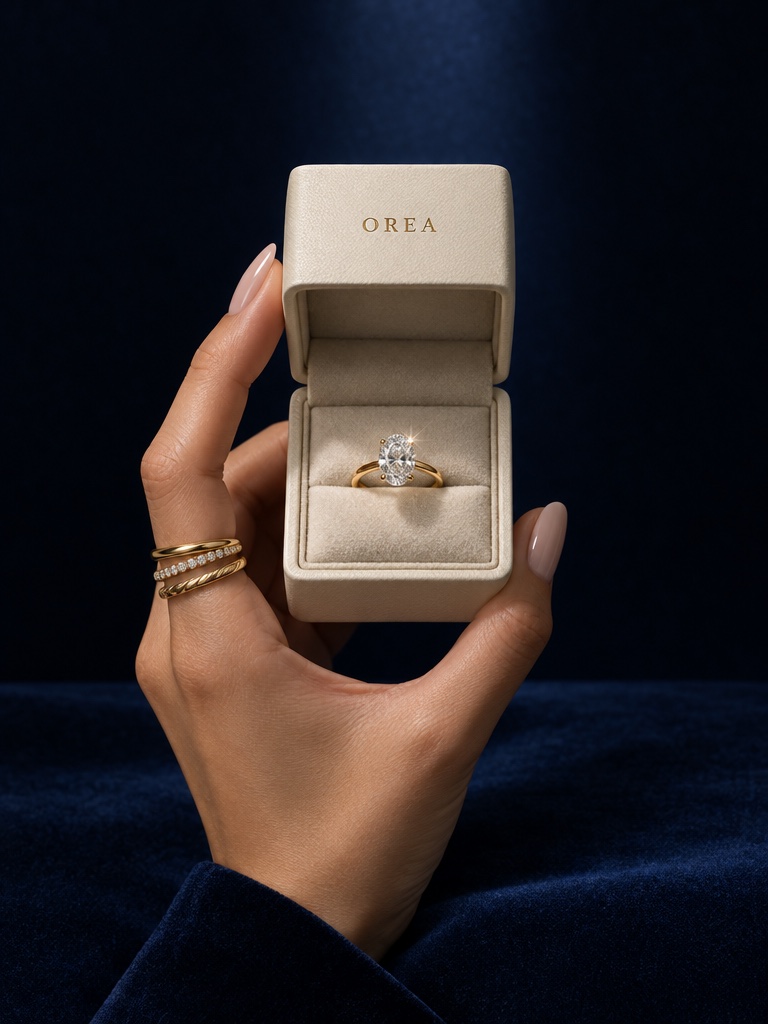
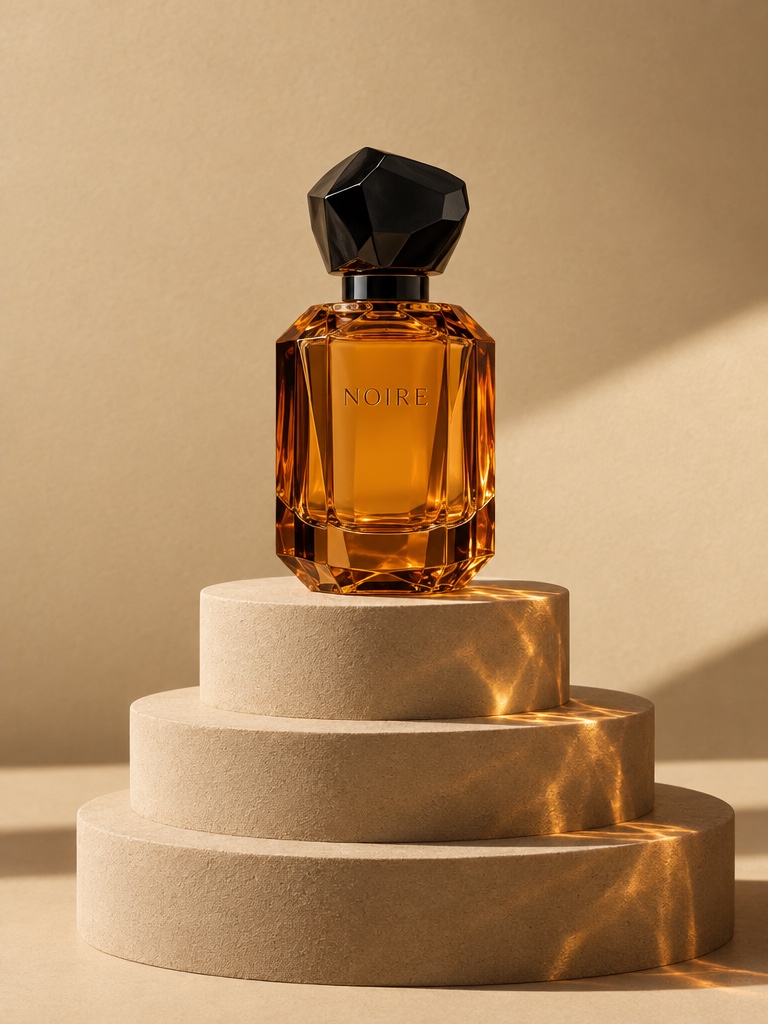
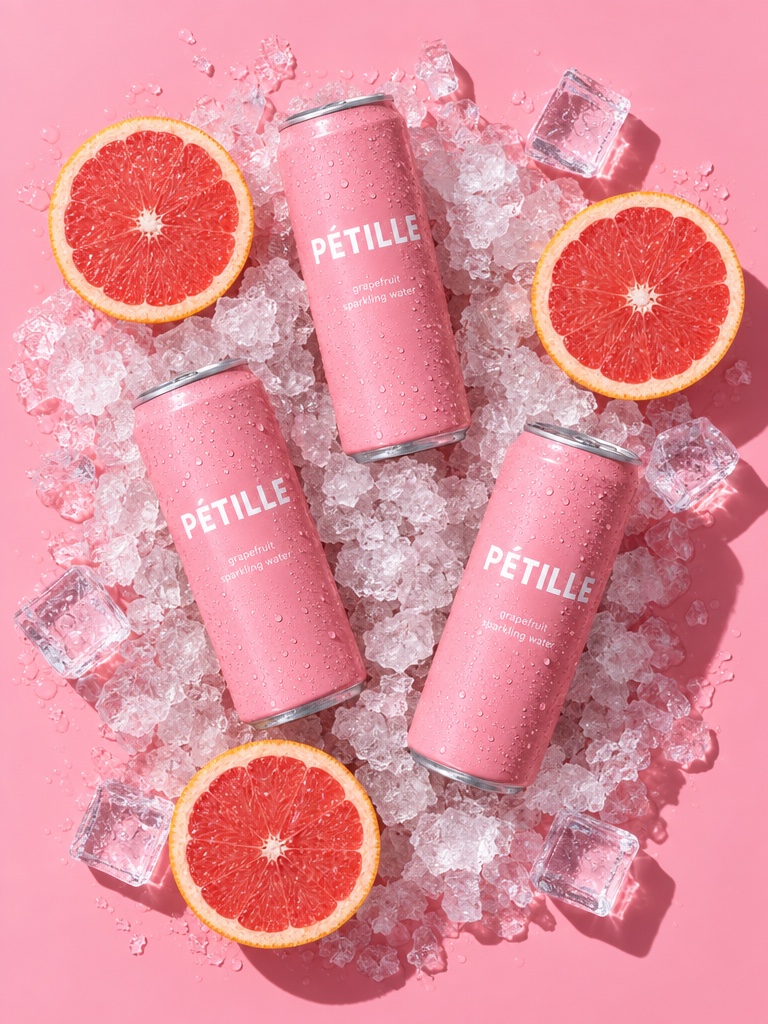
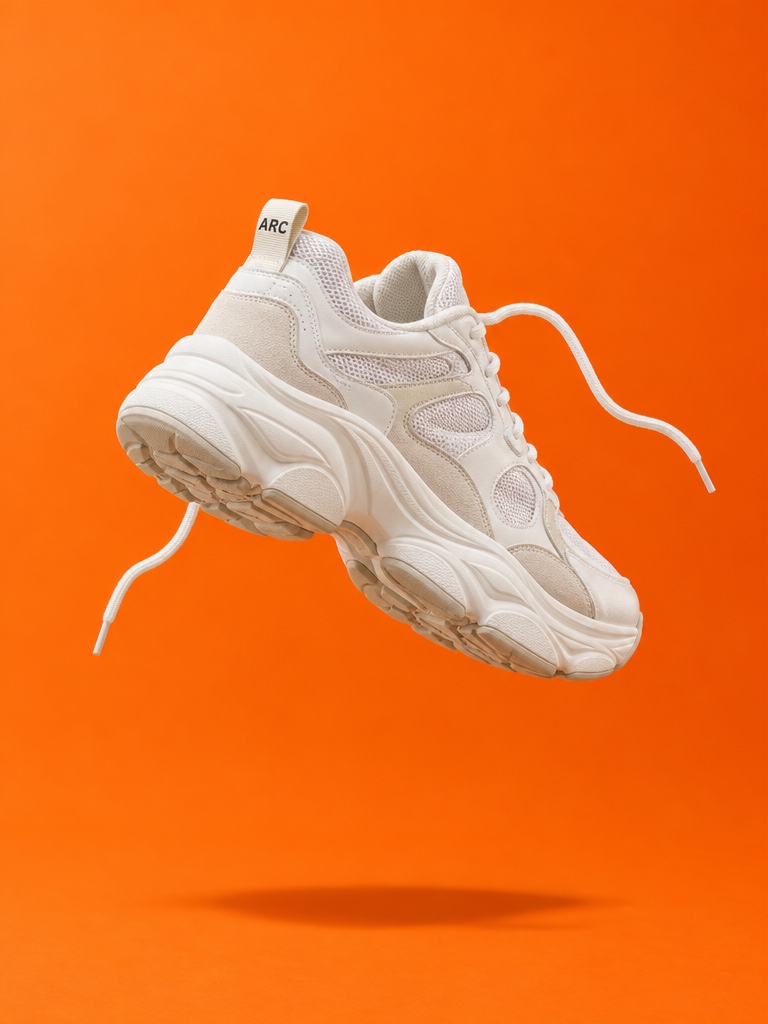
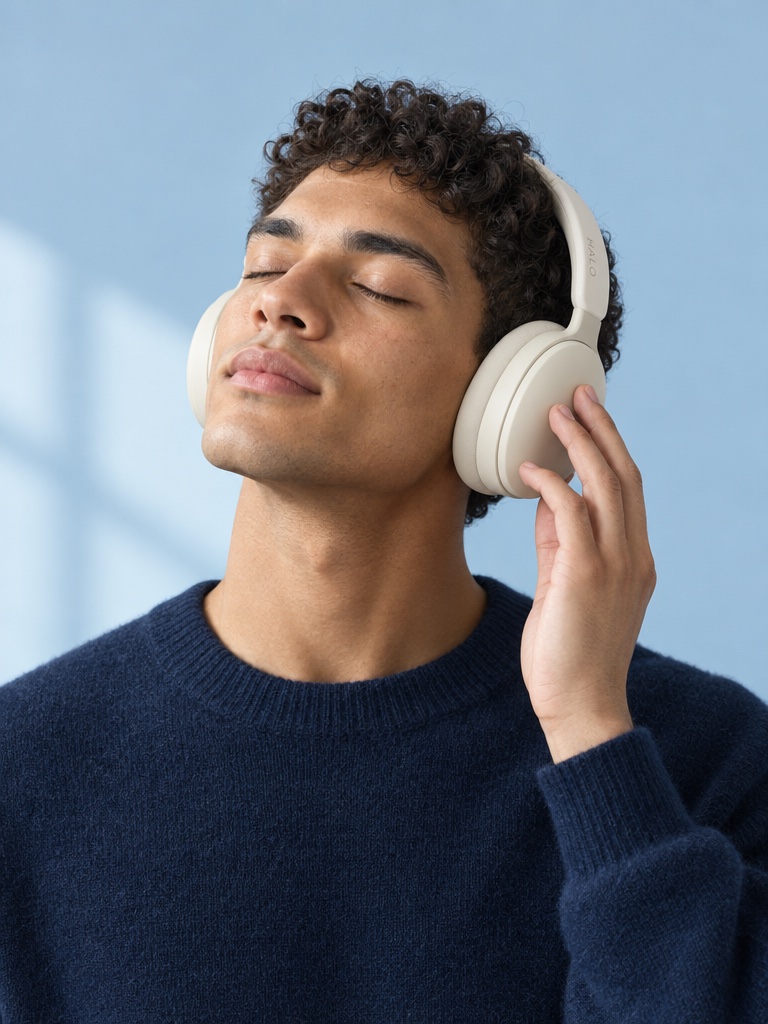
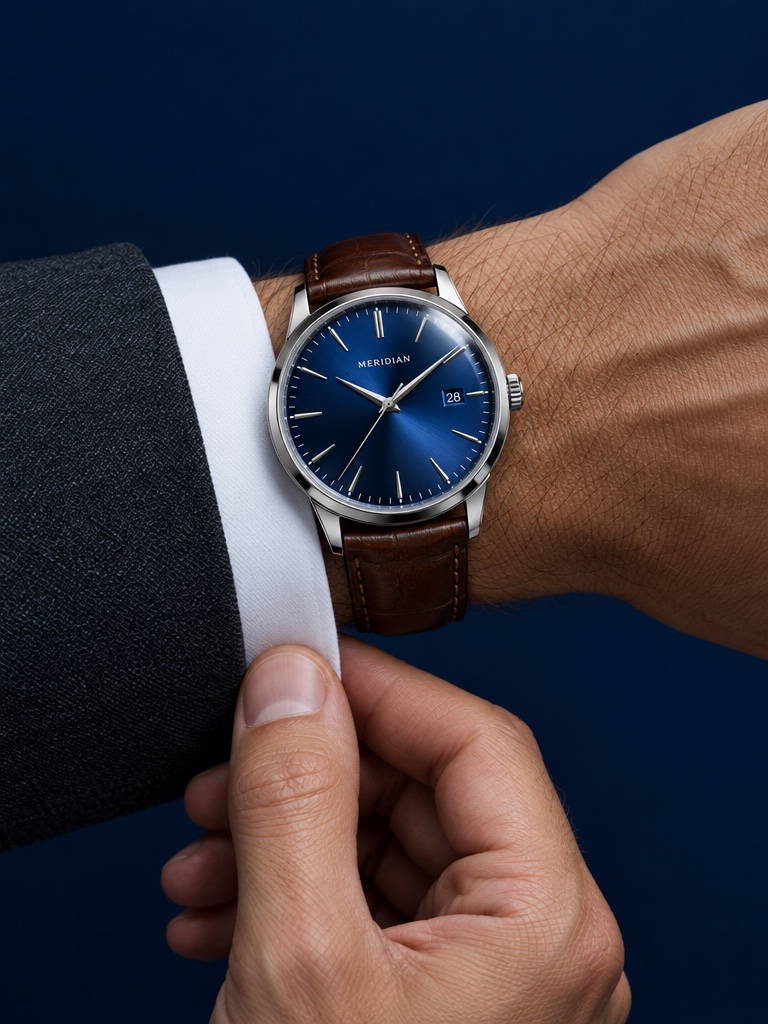
Hero product shots
Campaign images of your real product, built from your own photo and references.
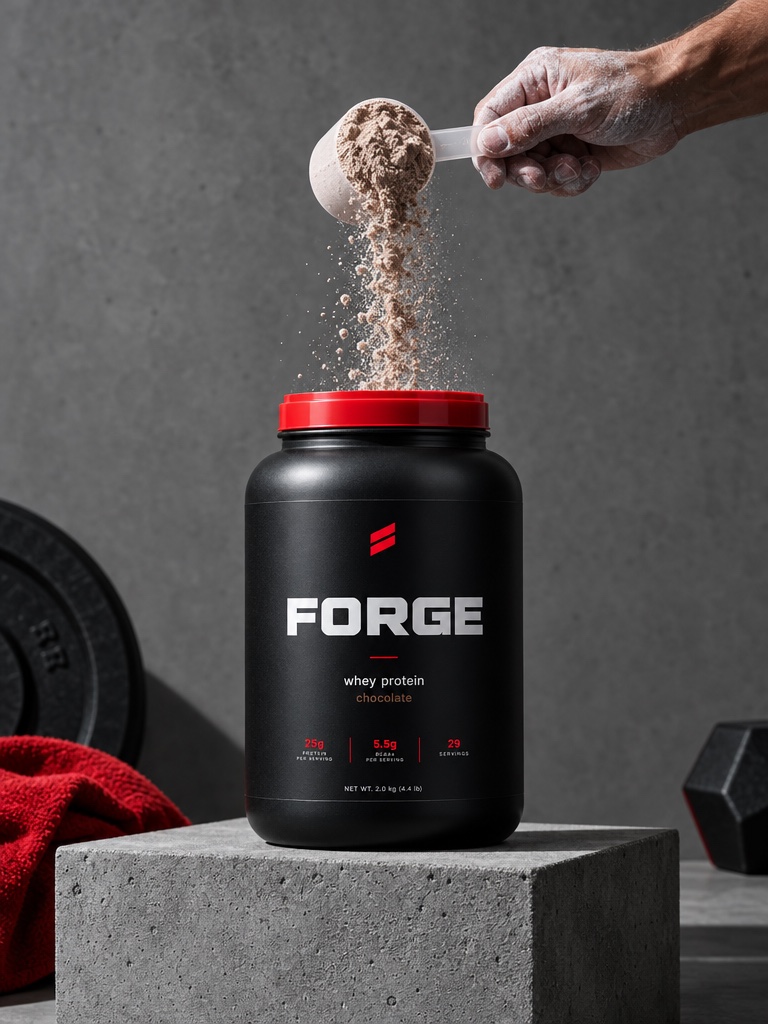
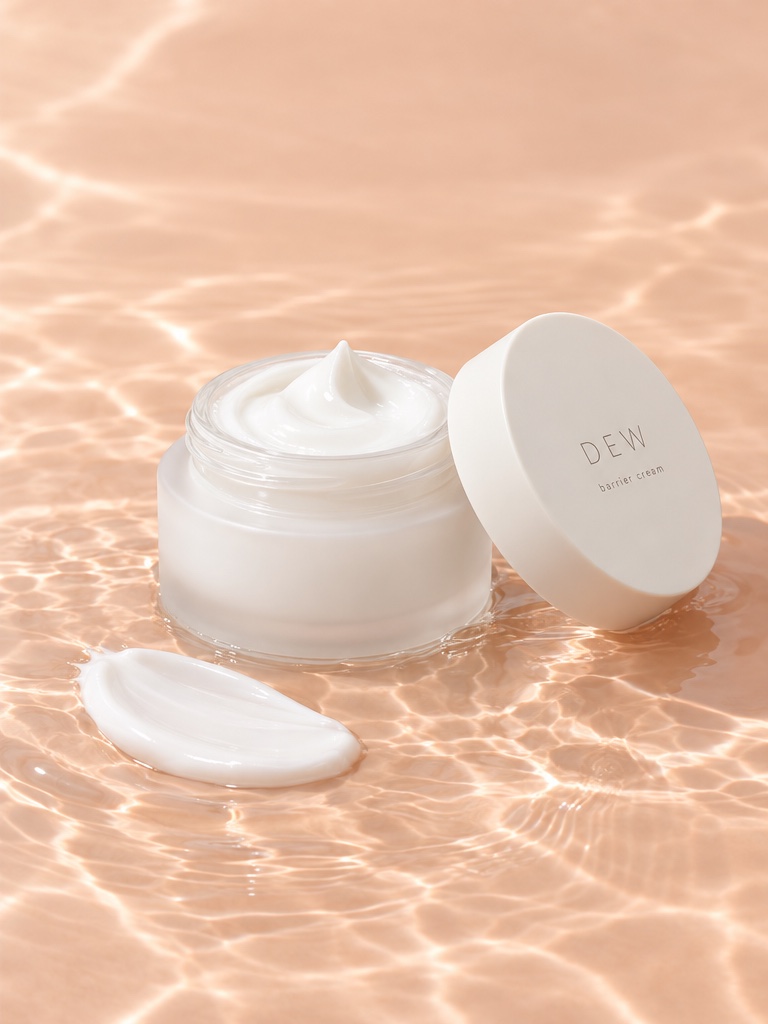
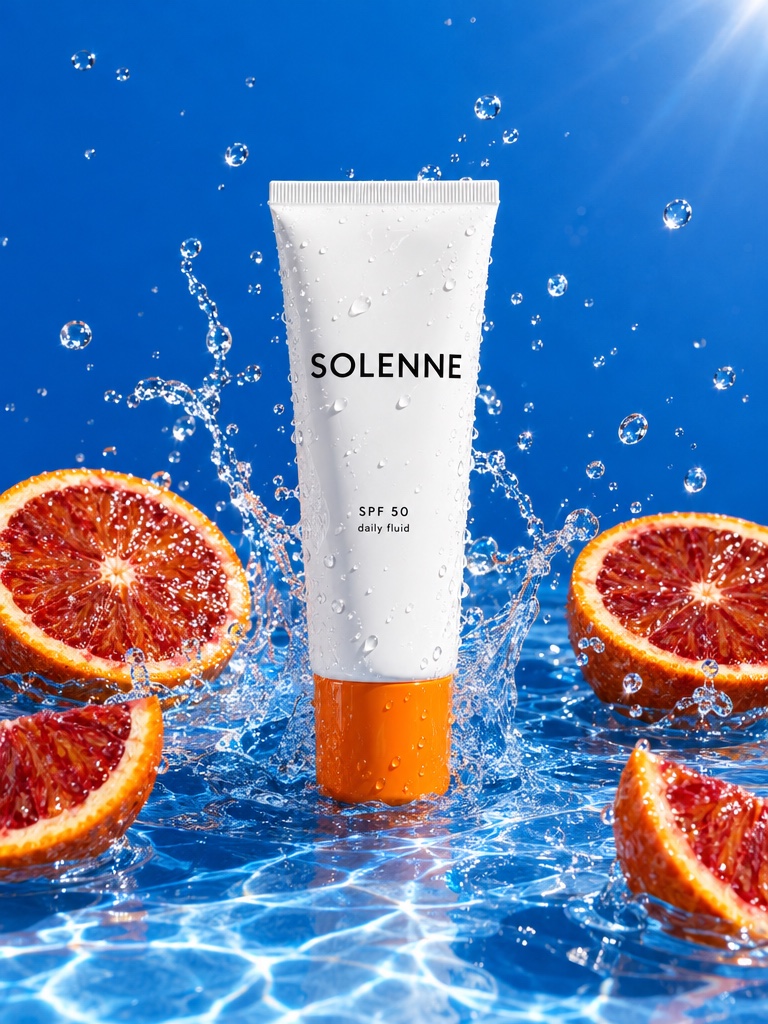
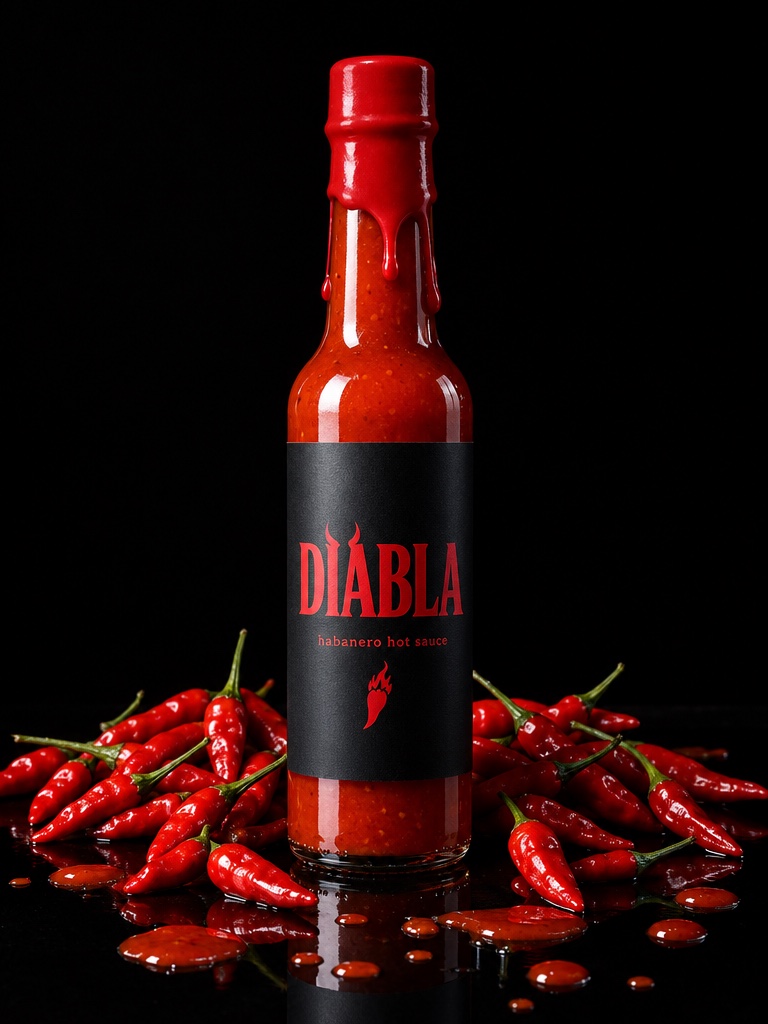
Precise edits
Change the scene, props or light while the label and packaging stay recognisable.
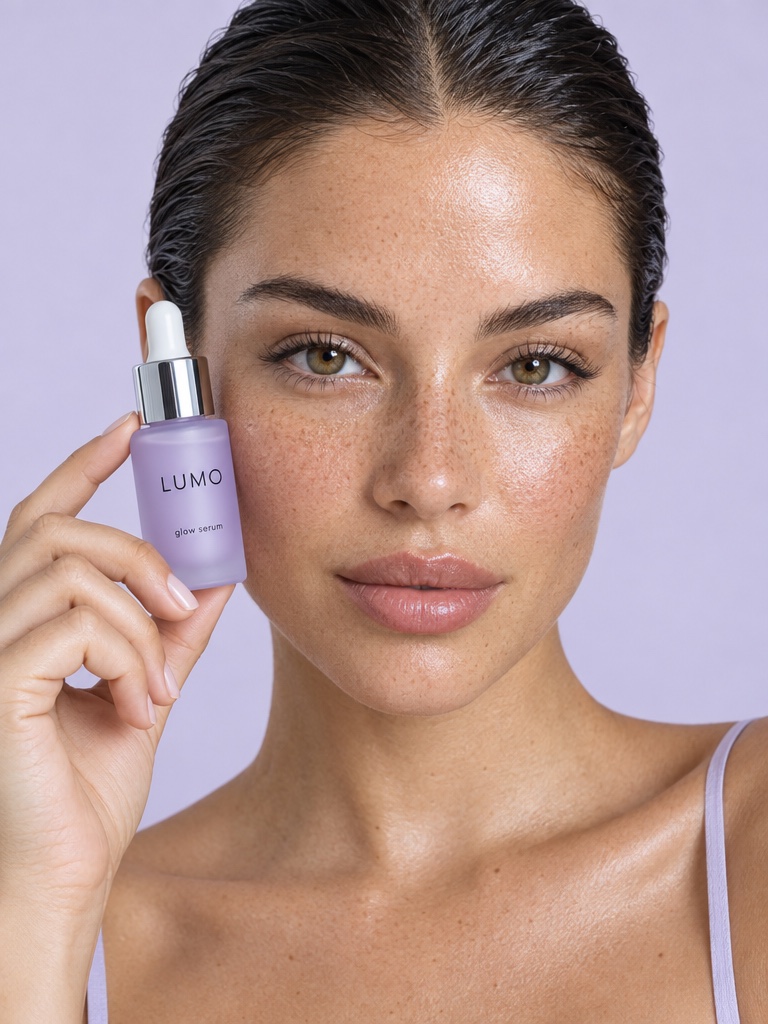
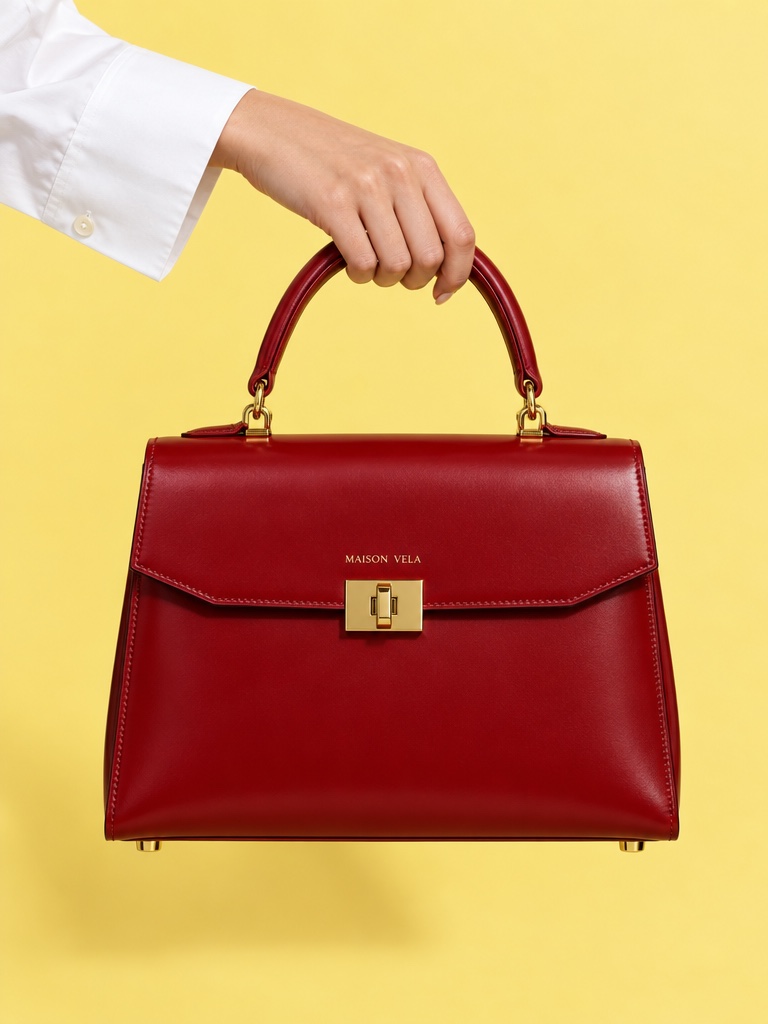
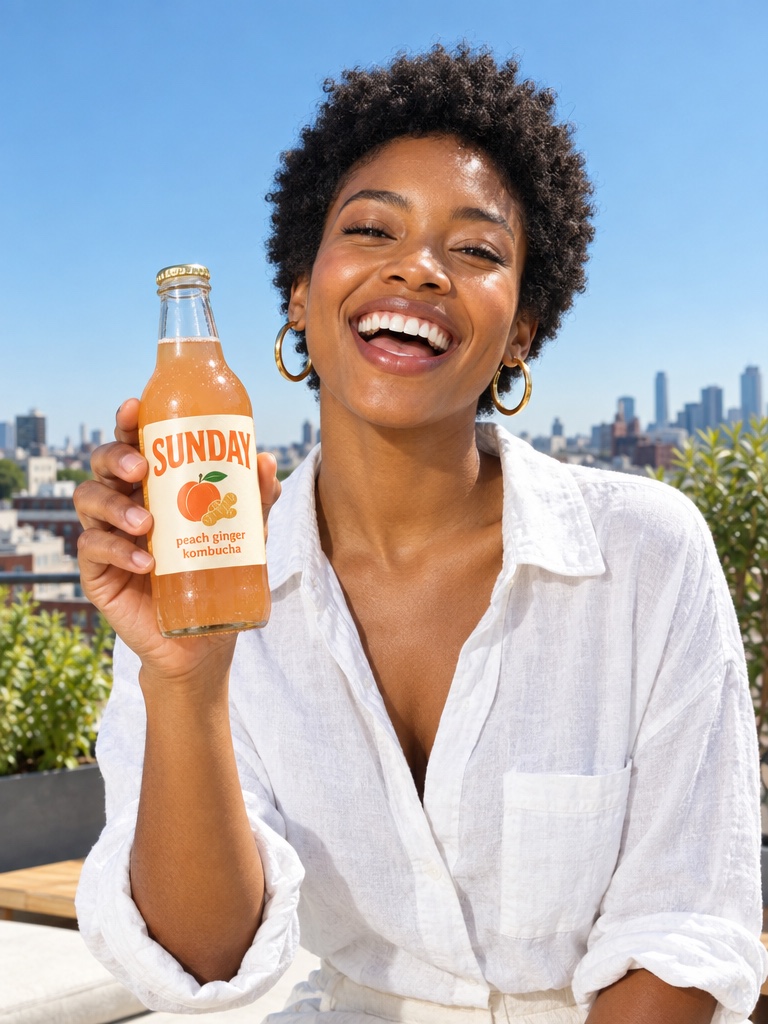
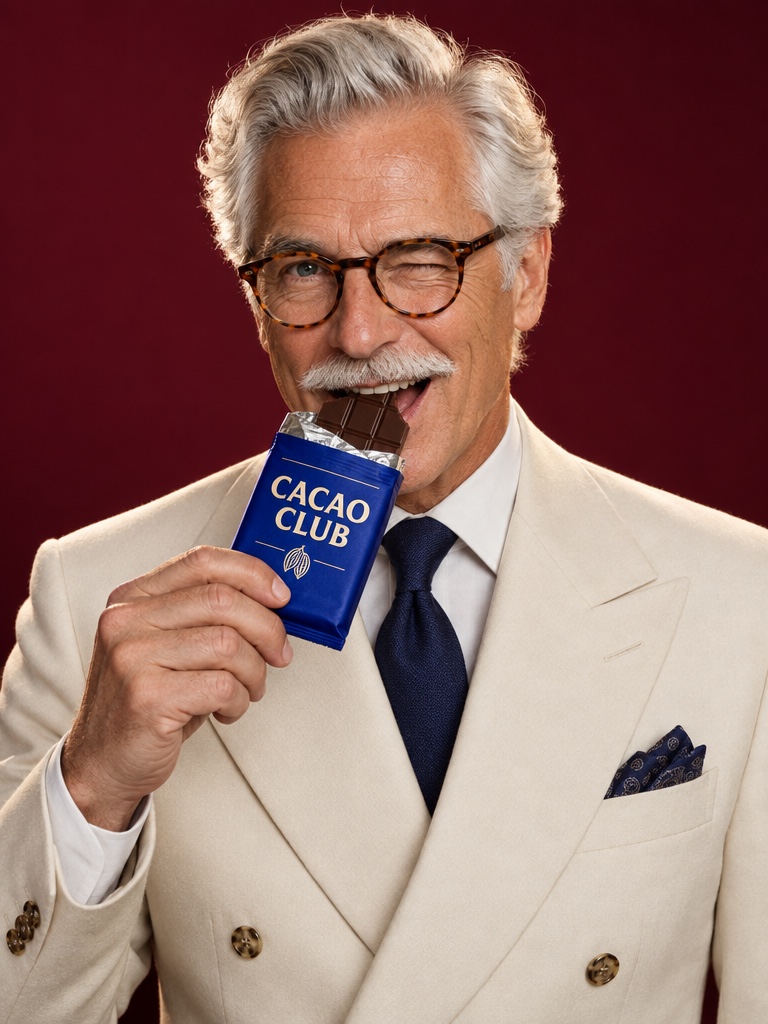
Creator looks with your product
UGC starts with a GPT Image 2.5 edit that puts your real product in the creator's hand.
Specs on Avocado
GPT Image 2.5 at a glance
Made by
OpenAI
Versions on Avocado
Flare (default) and Sunburst
Modes on Avocado
Text to image, image edit
Sizes
1K, 2K, 4K and custom sizes
Quality levels
Low, medium, high, X-high, max
Reference images per edit
Up to 14
Credits per 1K image
1 at low, 2 at medium, 4 at high quality
Plan access
Every paid plan; 4K and max quality from Starter
Credits are the live workbench prices. The Generate button always shows the exact cost before you create. Plans in EUR, see pricing.
Why is GPT Image 2.5 Avocado's default image model?
GPT Image 2.5 Flare handles product edits well: it follows detailed instructions and holds on to the product in your reference photo. That is why Avocado uses it by default in the image workbench, in edits made by Super Agent and for putting your product in a creator's hand in UGC.
What is the difference between Flare and Sunburst?
OpenAI released GPT Image 2.5 as two API models. Flare is the general default for most work. Sunburst is aimed at premium creative and editing work where you want tighter control across edits. Both are in the Avocado image picker and share the same credit table.
How much does GPT Image 2.5 cost on Avocado?
At 1K, a GPT Image 2.5 image costs 1 credit at low quality, 2 at medium and 4 at high. 2K and 4K sizes and the max quality level cost more, and the Generate button shows the exact price before you create. Plans start at EUR 19.99 a month for 100 credits.
How do you edit a product photo with GPT Image 2.5?
Upload the product photo, choose GPT Image 2.5 Flare Edit and describe the change. Add up to 14 references, such as a label close-up or a mood image. Set the quality, generate, and compare the versions with your original. Keep the best one or edit it again.
GPT Image 2.5 questions
Updated September 26, 2026
Can I get 4K images from GPT Image 2.5?
Yes. Choose 1K, 2K, 4K or a custom size in the settings. 4K and the max quality level need a Starter, Growth or Pro plan. Larger sizes cost more credits, and the settings dialog shows the price of each option before you generate, so there are no surprises.
Is GPT Image 2.5 the same as ChatGPT Images 2.5?
They come from the same OpenAI release. ChatGPT Images 2.5 is the experience inside ChatGPT, and GPT Image 2.5 Flare and Sunburst are the API models behind it. Avocado uses the API models, so you get them next to Nano Banana 2, Seedream and every video model.
Does GPT Image 2.5 keep my product's label?
OpenAI built GPT Image 2.5 to better preserve the people and products in reference photos, which is why it is Avocado's default for edits. Results still vary with the prompt, so add a label close-up as a reference, generate a few versions and compare them with the original.
Can I use GPT Image 2.5 images commercially?
Yes. Every paid plan includes full commercial rights and no watermark, so you can run what you make in paid ads, on product pages, in email and on social. Results are saved to your Avocado library, ready to reuse in a video, a Flow or a Super Agent post.
Does Super Agent use GPT Image 2.5?
Yes. When Super Agent edits your product photos or builds a creator look for a UGC video, it uses GPT Image 2.5 Flare by default. You can also ask it for a different image model in the chat, such as Nano Banana 2 or Seedream, for a specific task.
Can I use GPT Image 2.5 from Claude?
Yes, through the Avocado MCP server. Connect it to Claude, Codex, Cursor or your own agent and ask for an image or an edit. GPT Image 2.5 Flare is the default model for the edit tool, it runs on your Avocado credits, and results land in your library.