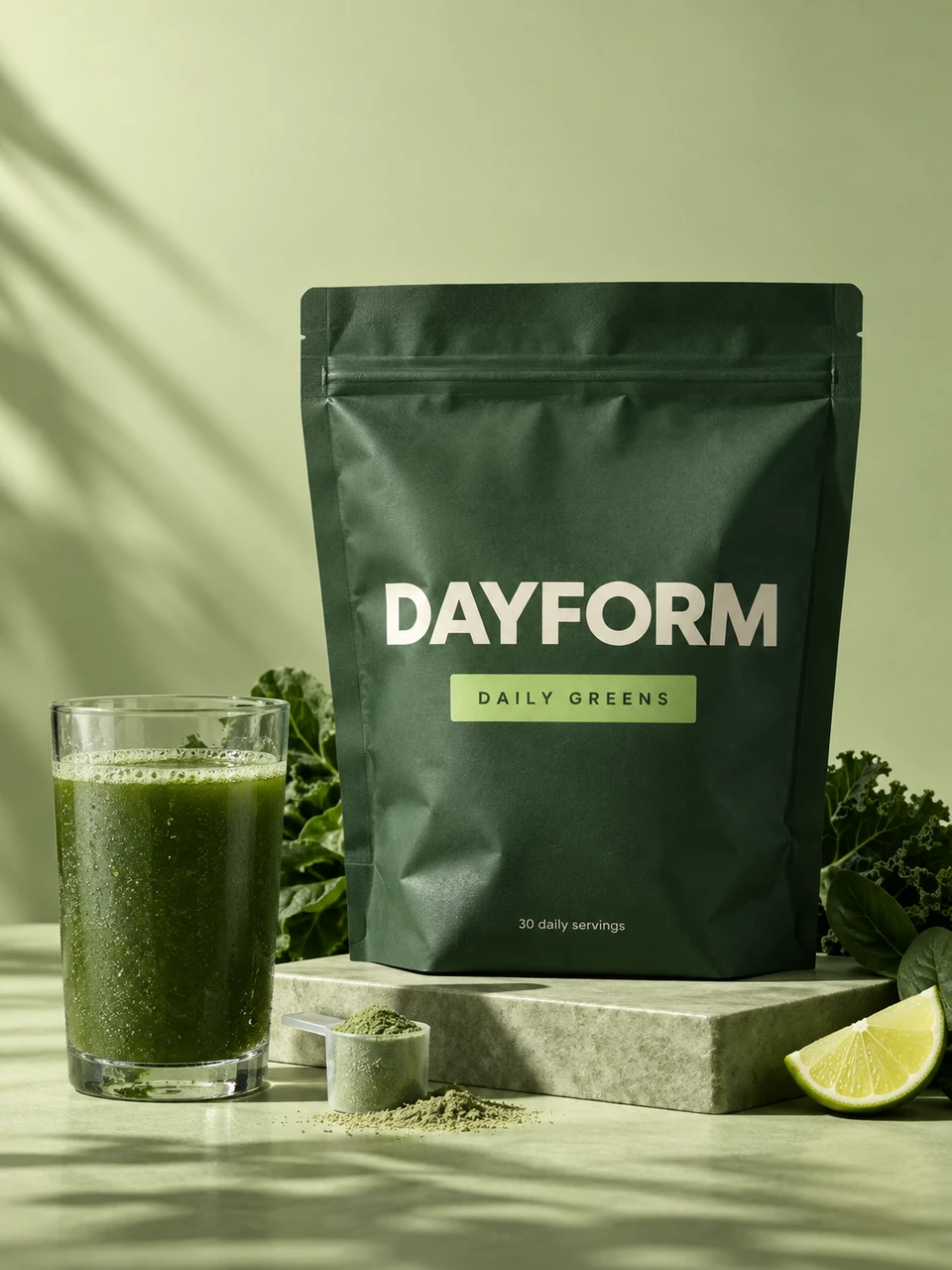
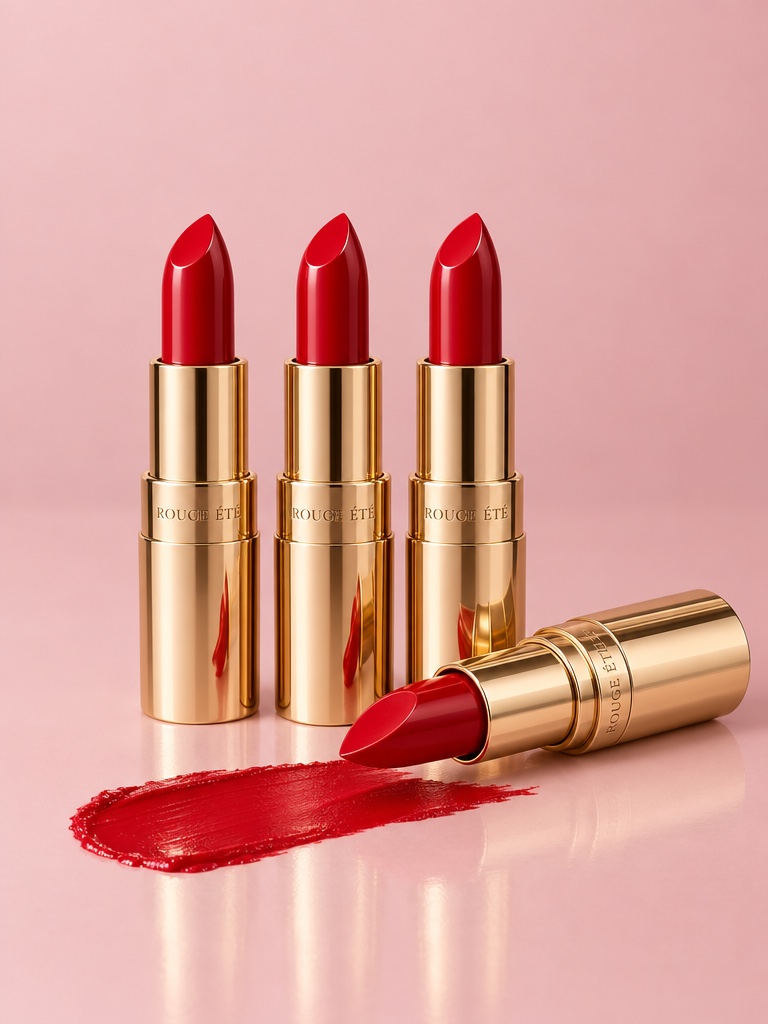
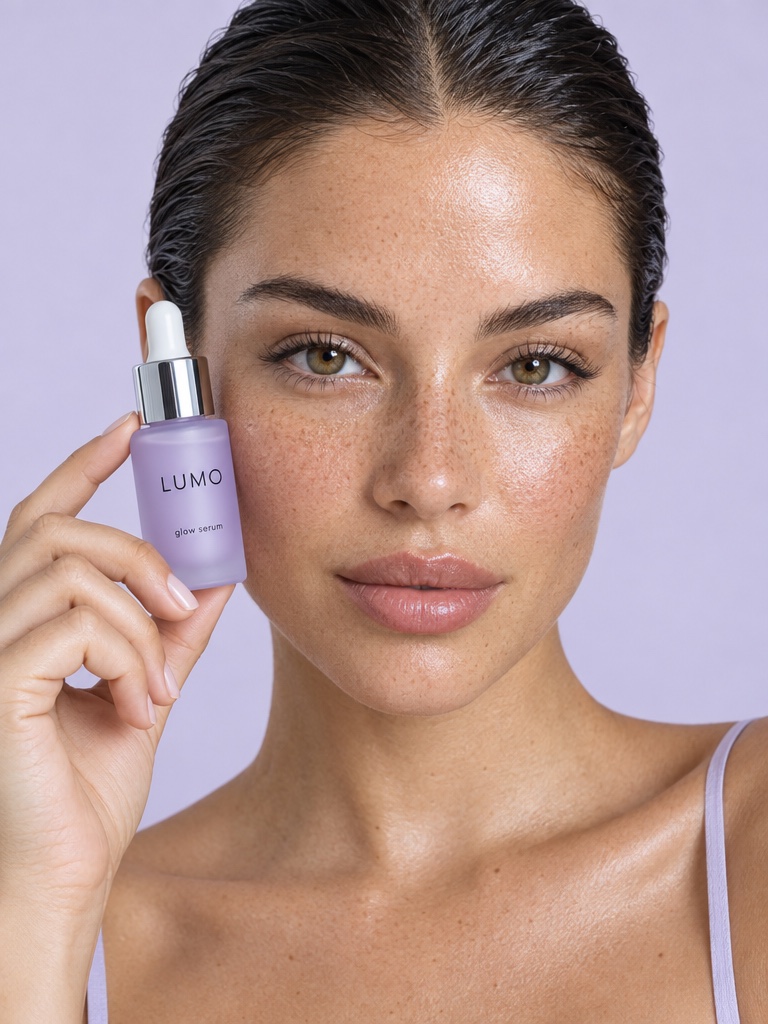
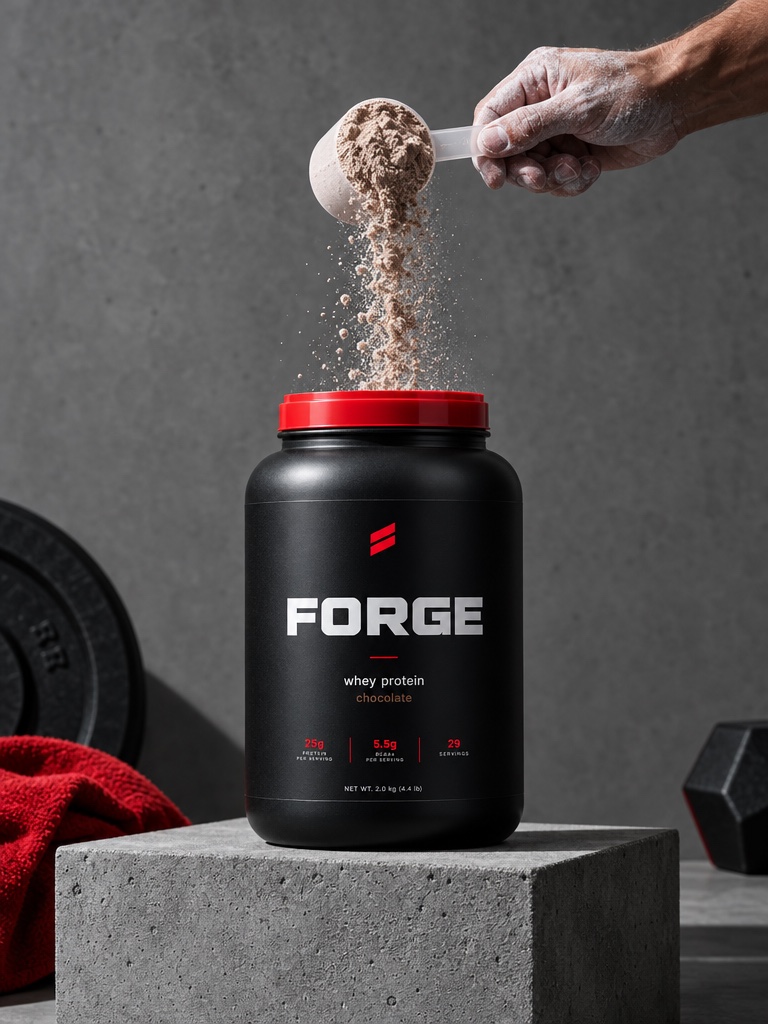
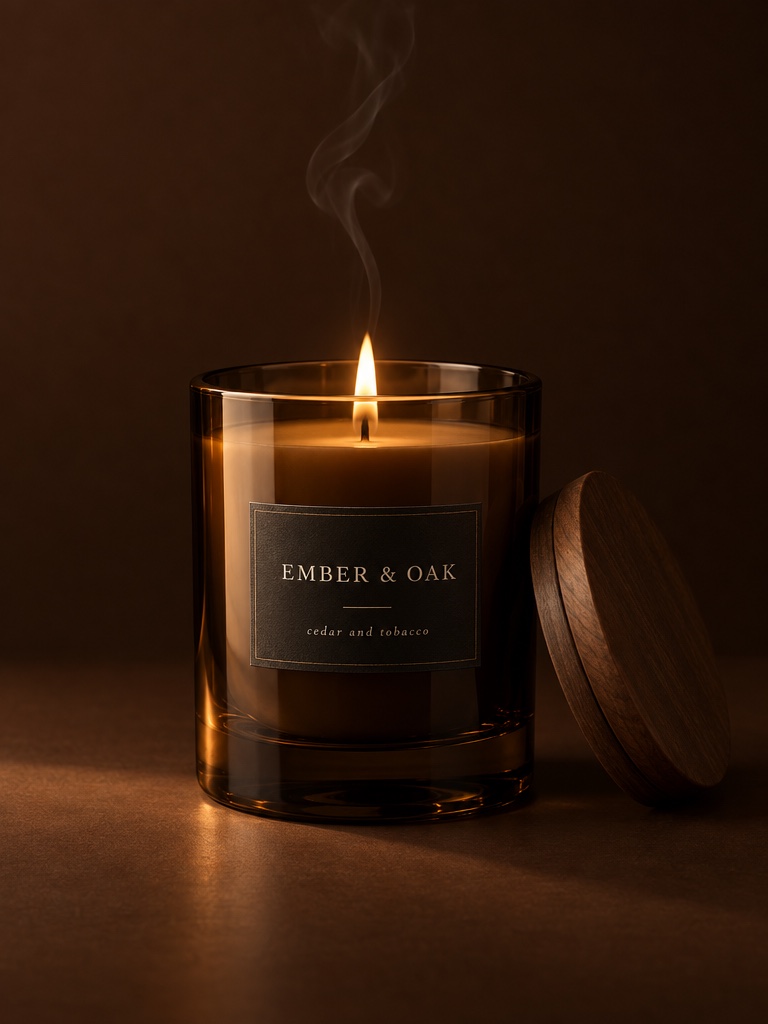
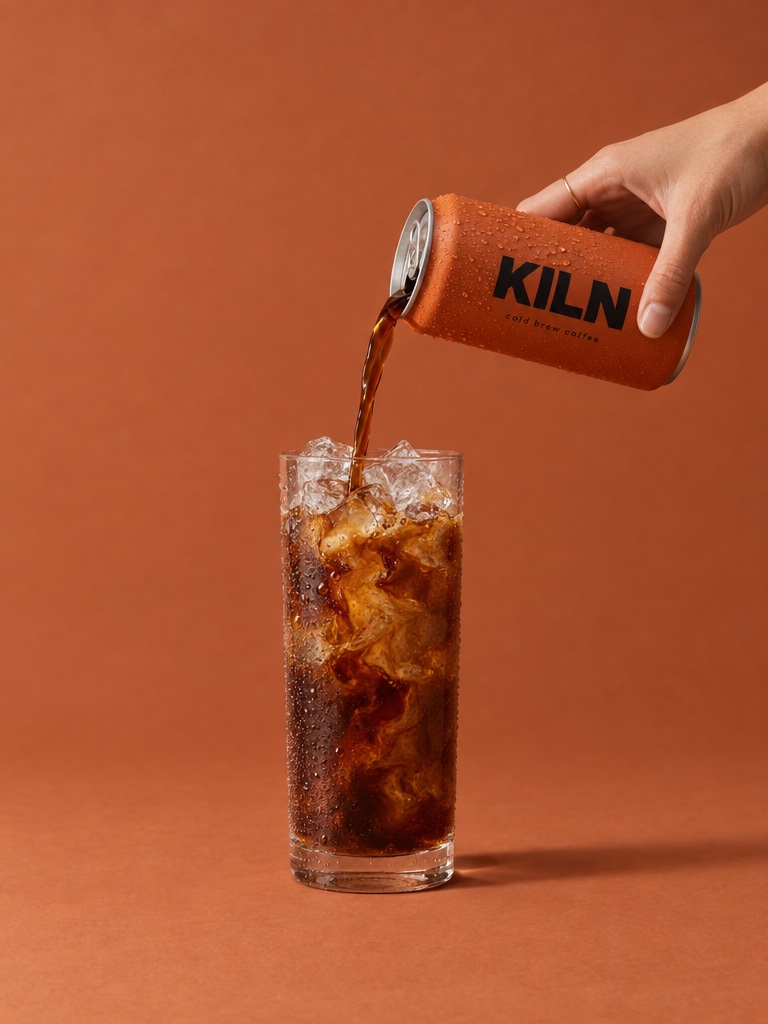
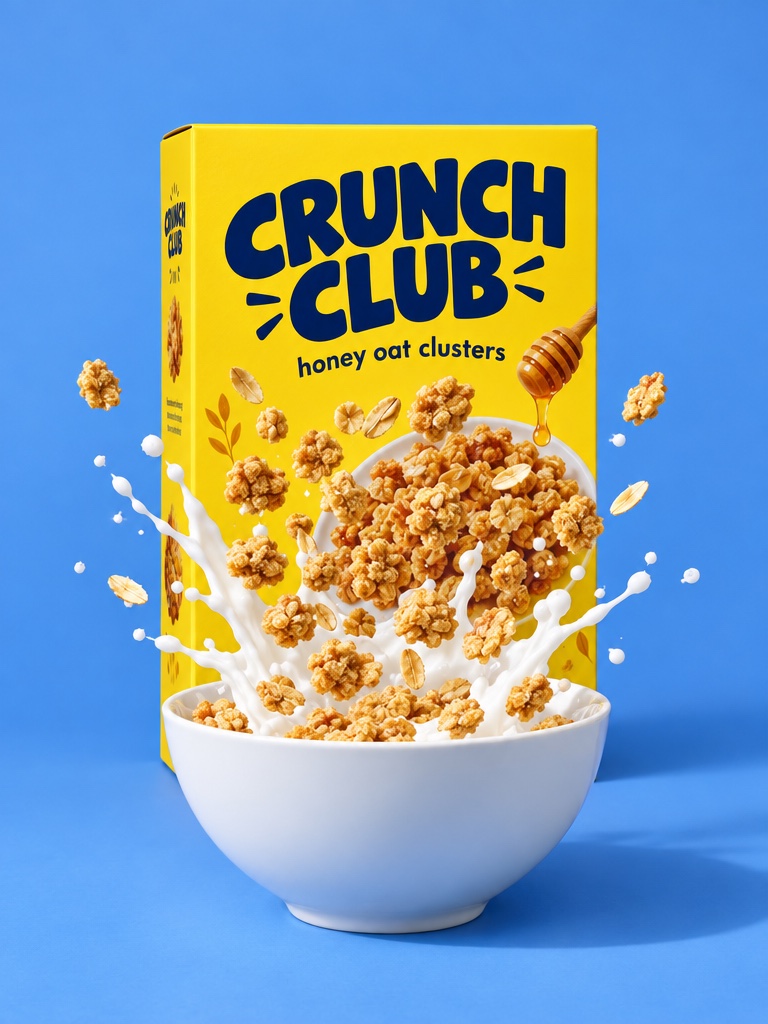
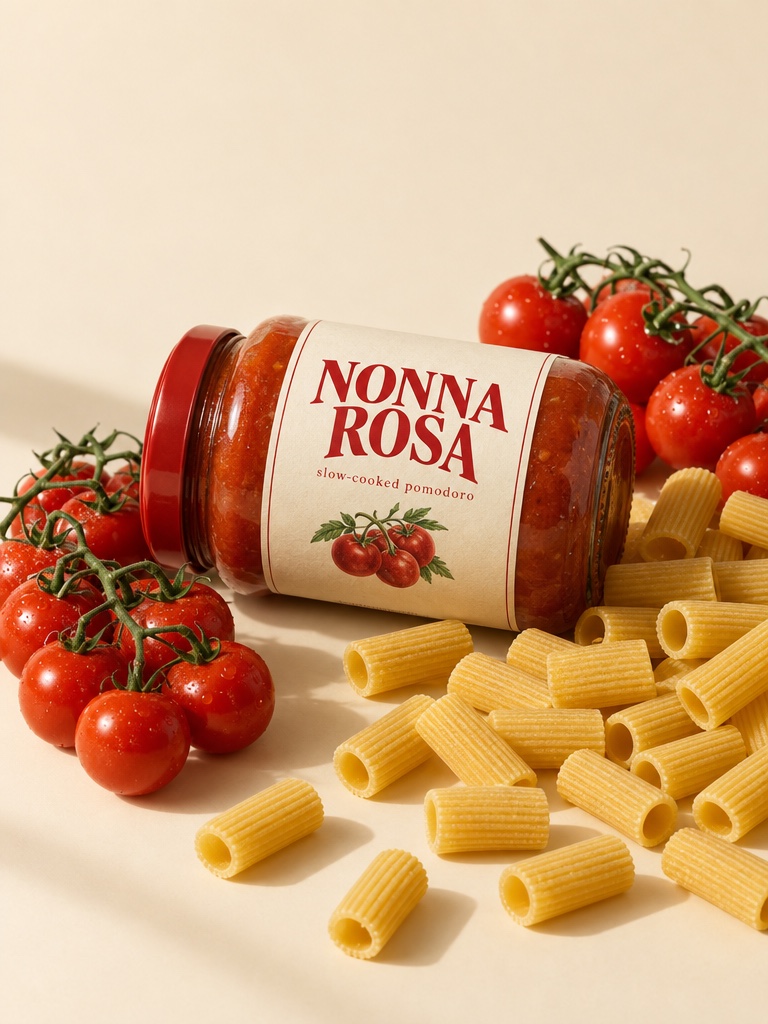
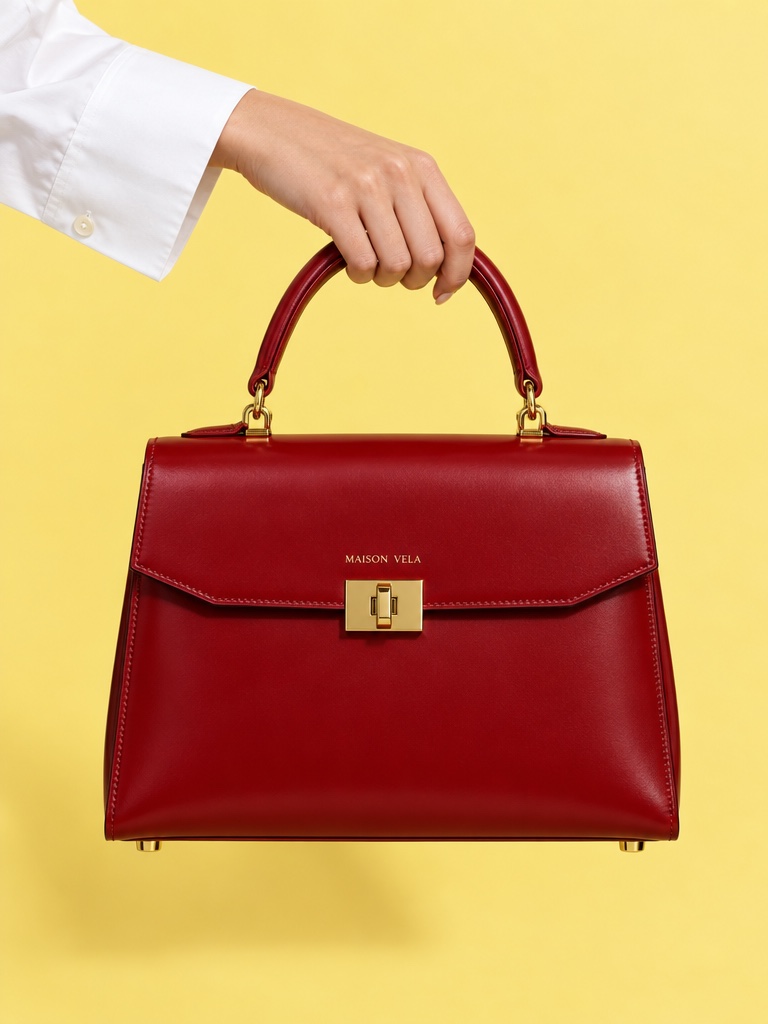
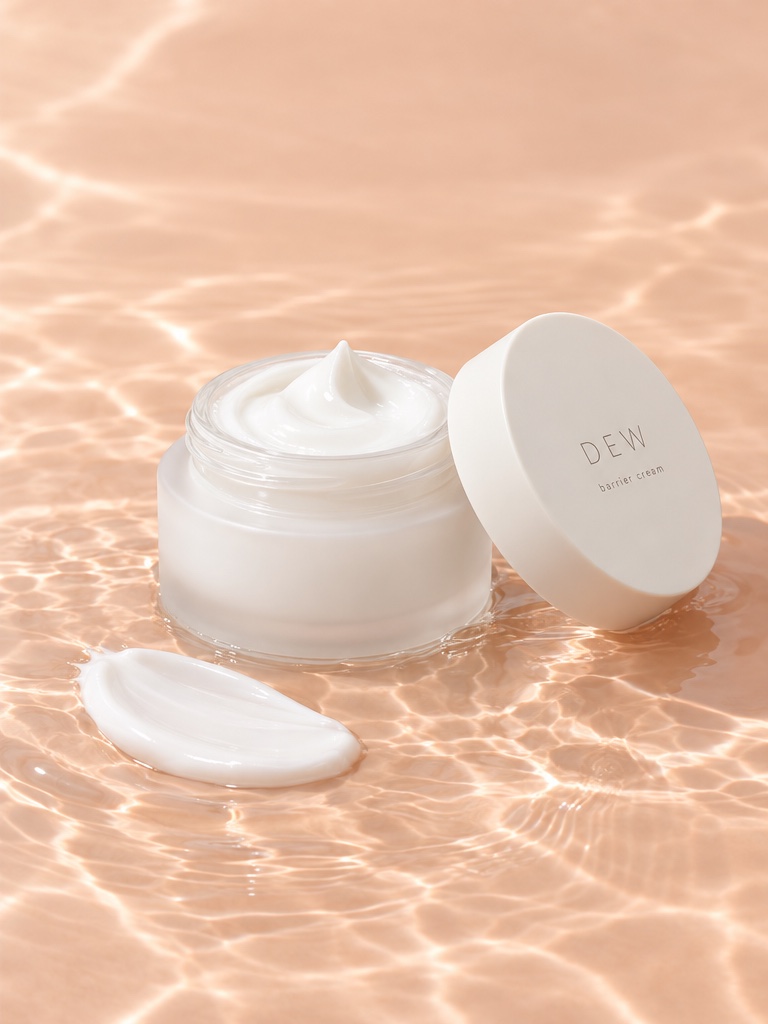
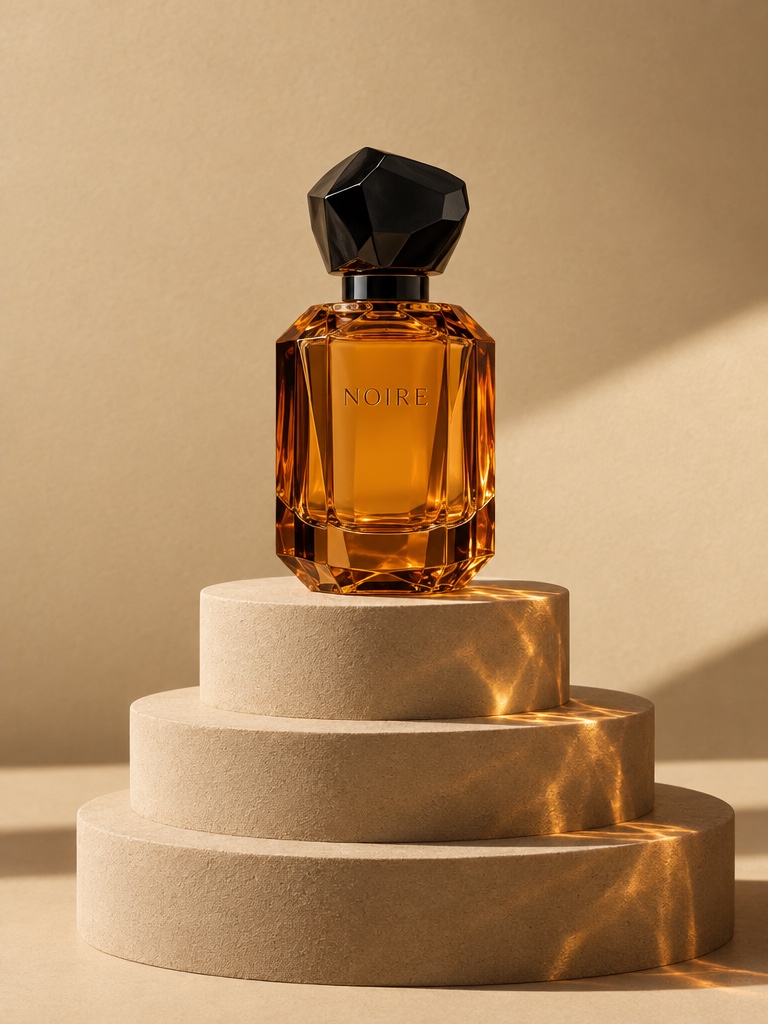
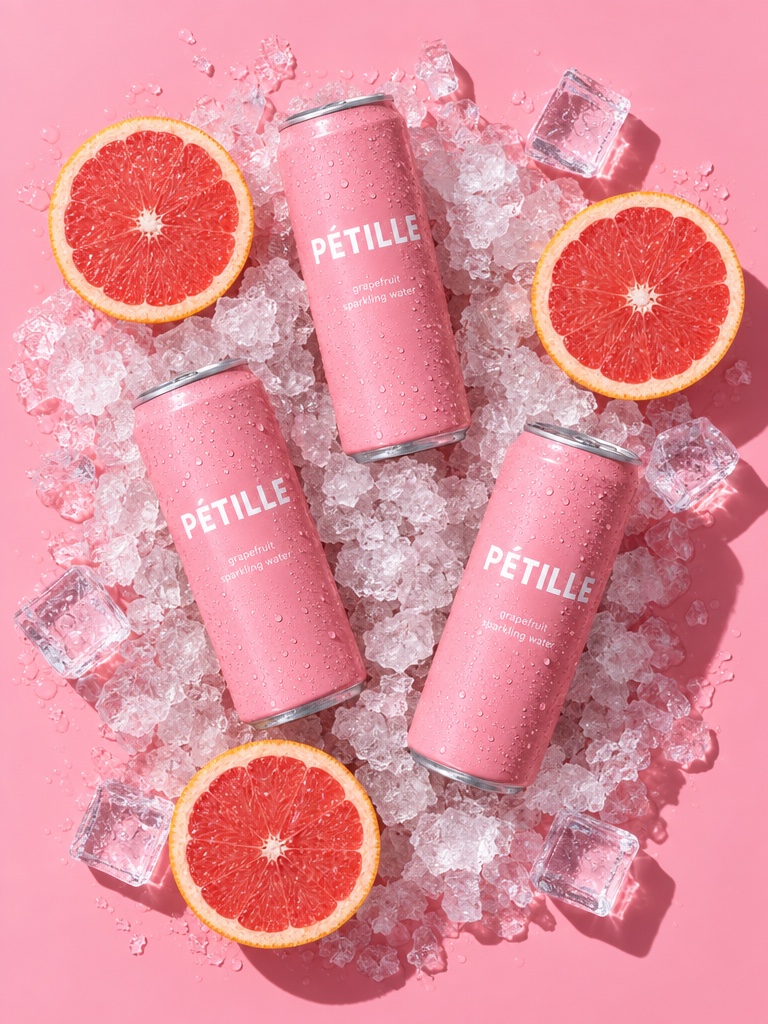
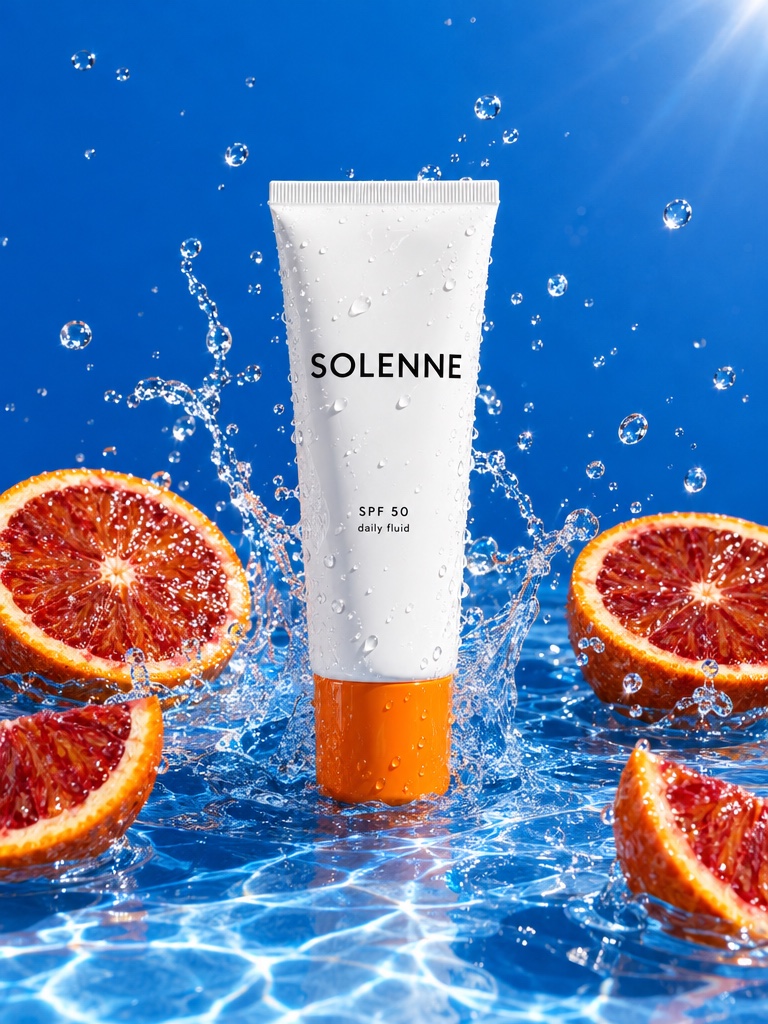
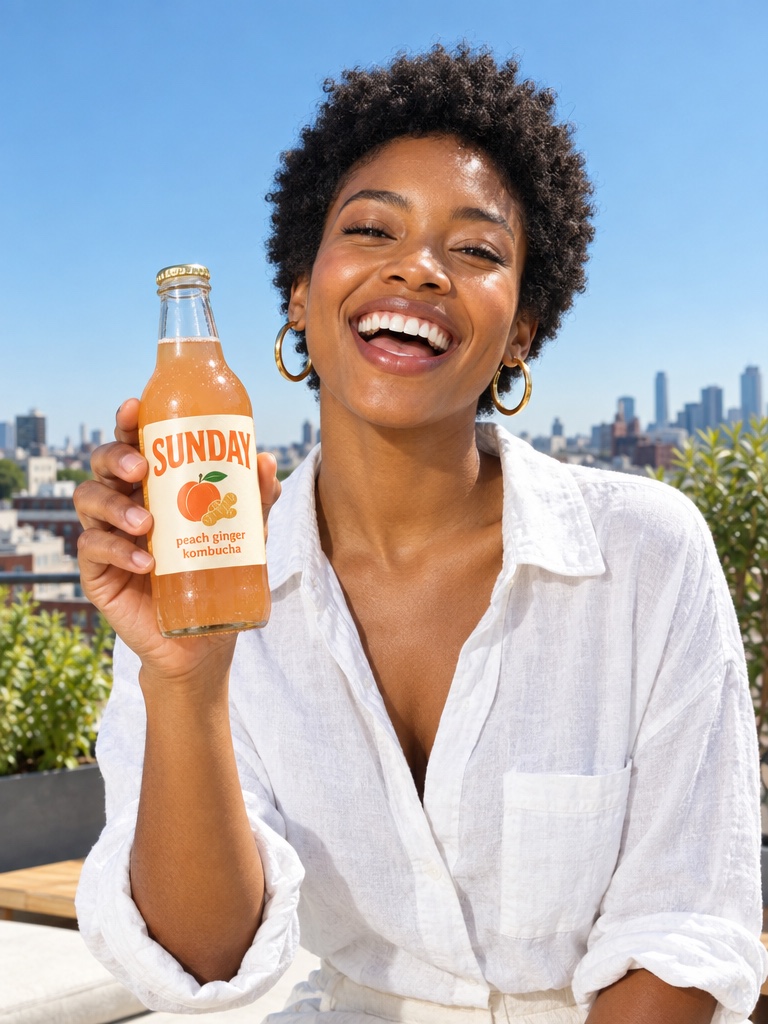
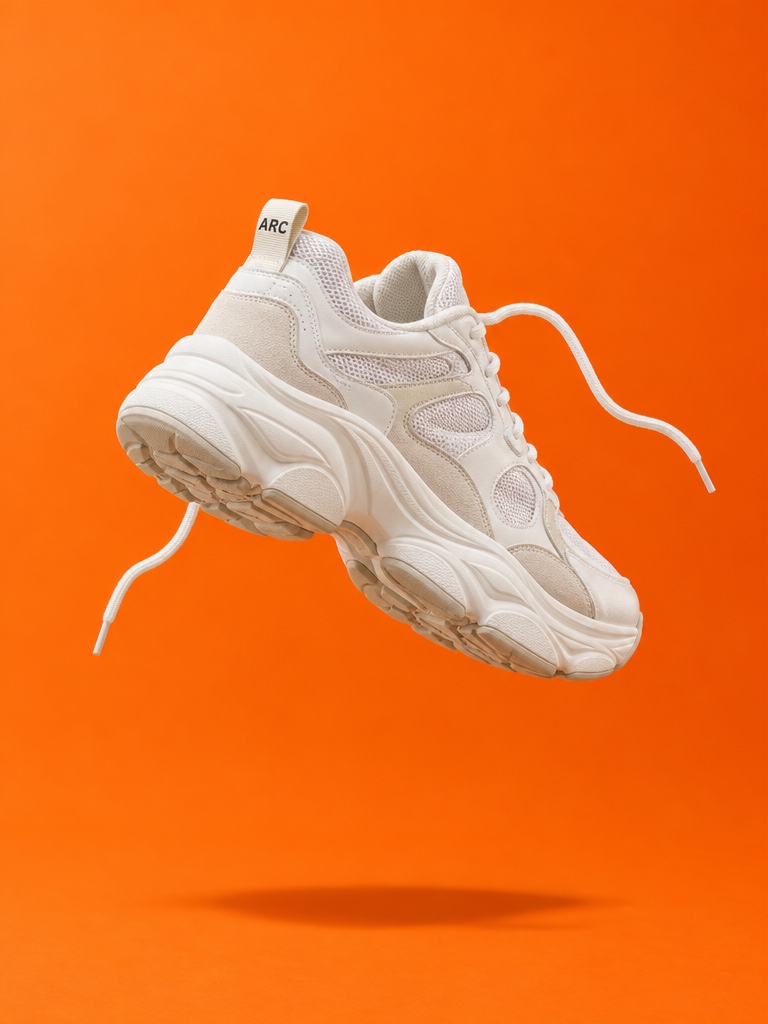
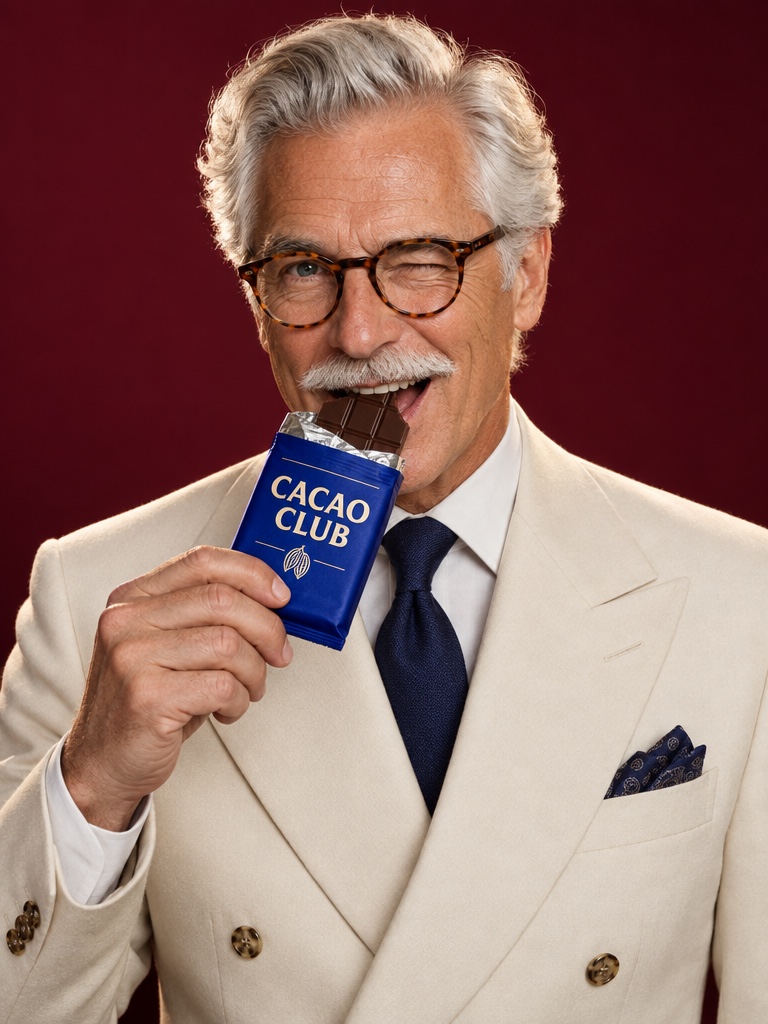
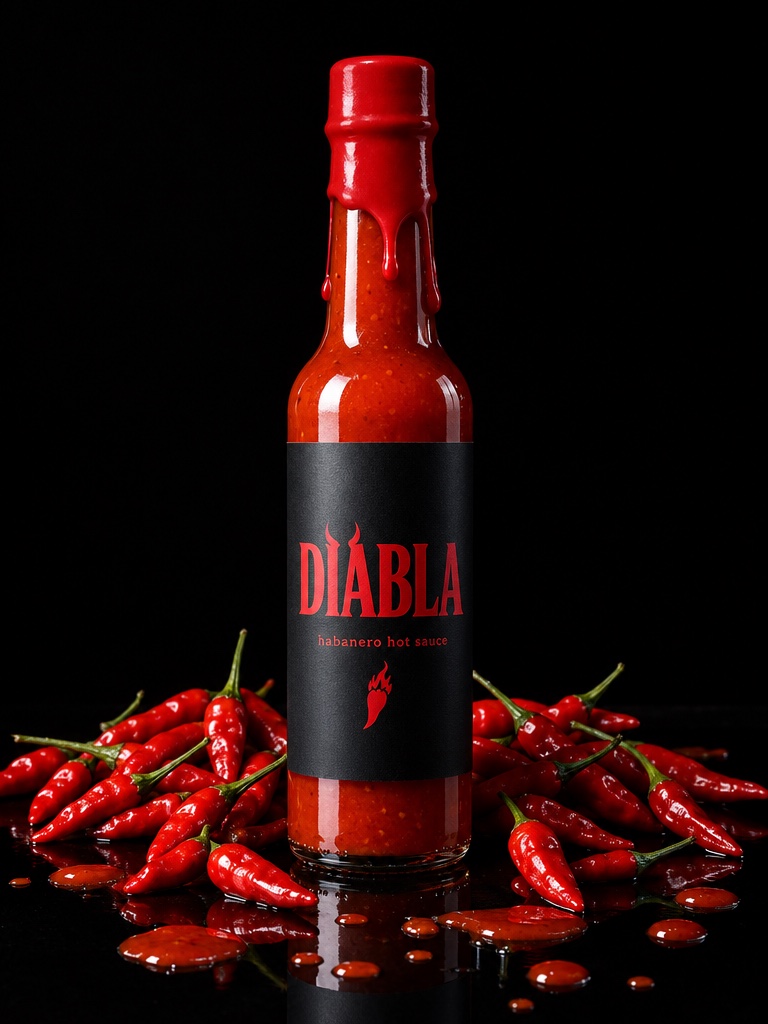
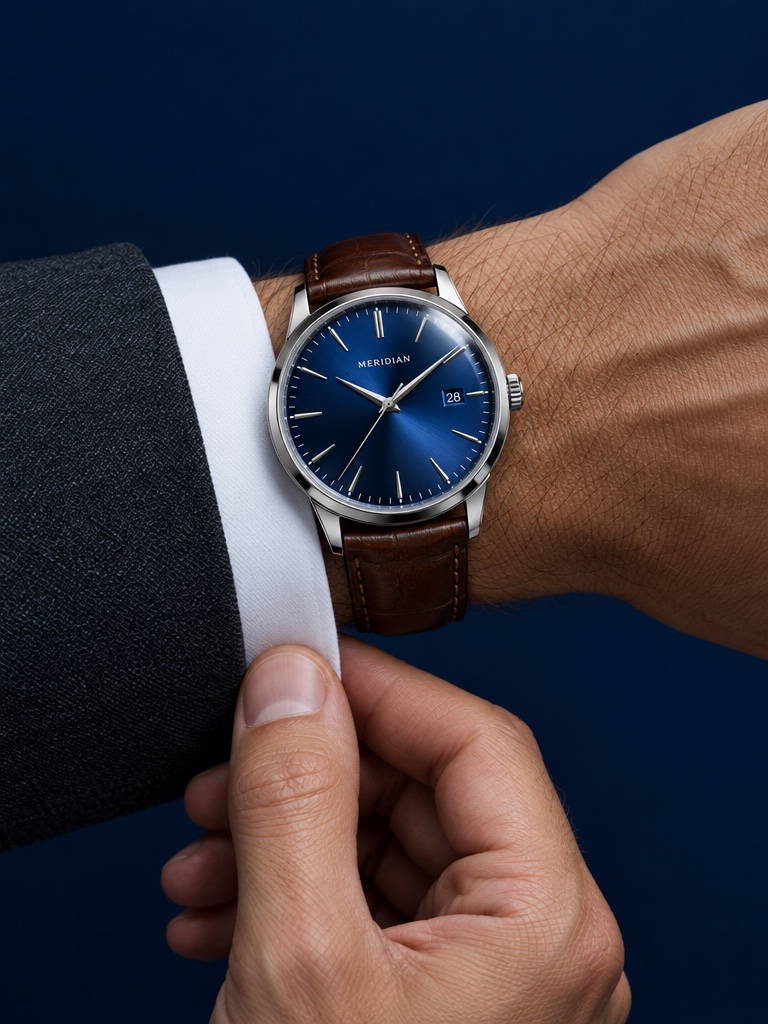
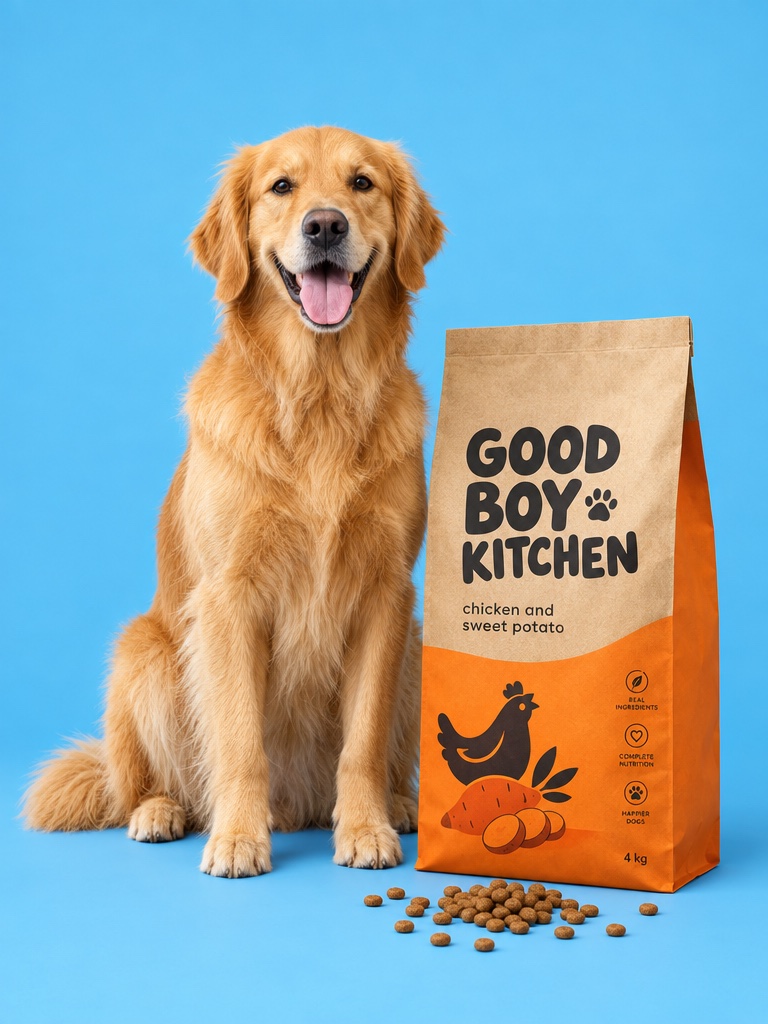
Generate product shots from a prompt or edit your own product photo with Google's Nano Banana 2, next to every other image and video model on one credit balance.
Nano Banana 2 is Google's image generation and editing model, built on Gemini 3.1 Flash Image and released in February 2026. On Avocado AI you use it in the image workbench to create product shots from a prompt or edit your own product photo, at 1K, 2K or 4K.
For ecommerce brands
What you can make with Nano Banana 2
Product photos
Studio packshots, lifestyle scenes and seasonal variants of the product you already sell.
Ad statics
Meta and TikTok static ads with readable text, in the aspect ratio each placement needs.
Edits of your photo
Swap the background, the props or the season while your product stays the anchor.
Specs on Avocado
Nano Banana 2 at a glance
Made by
Google
Modes on Avocado
Text to image, image edit
Resolutions
1K, 2K, 4K
Reference images per edit
Up to 14
Images per run
Up to 4
Credits per image
1 at 1K, 1 at 2K, 2 at 4K
Plan access
Generation on every paid plan, editing from Starter
Credits are the live workbench prices. The Generate button always shows the exact cost before you create. Plans in EUR, see pricing.
What can ecommerce brands make with Nano Banana 2?
Brands use Nano Banana 2 for product packshots, lifestyle scenes, seasonal variants and static ads. Attach your product photo, describe the scene, and generate up to four versions in one run. It handles readable text well, which helps for ad statics with a headline or an offer on the image.
How do you edit a product photo with Nano Banana 2?
Open the image workbench, upload your product photo, pick Nano Banana 2 Edit and describe the change, such as a new background or props. You can add up to 14 reference images for style, texture or a second product. Compare the results with the original and keep the best one.
How much does Nano Banana 2 cost on Avocado?
Nano Banana 2 costs 1 credit per image at 1K or 2K and 2 credits at 4K, for generation and editing alike. Plans start at EUR 19.99 a month for 100 credits, and Starter is EUR 39 for 300 credits. The Generate button shows the exact cost before you create.
Nano Banana 2 or GPT Image 2.5: which should I use?
Both are strong on product imagery. Nano Banana 2 is quick and costs 1 credit at 2K, so it suits volume and exploration. GPT Image 2.5 is Avocado's default and is built for careful edits of real products. A practical split: explore with Nano Banana 2, then finish hero shots with GPT Image 2.5.
Nano Banana 2 questions
Updated September 26, 2026
Is Nano Banana 2 the same as Nano Banana Pro?
No. Both come from Google. Nano Banana 2 is the newer, faster model and costs 1 credit per image at 2K on Avocado. Nano Banana Pro is still in the image picker at 2, 4 or 6 credits for 1K, 2K or 4K. You can switch between them for each generation.
Can Nano Banana 2 keep my real product in the image?
Use edit mode with your product photo as the source, and add close-ups of the label as extra references. The model is built to keep the source as the anchor, but results vary with the prompt, so generate a few versions and compare them with your original before using one in an ad.
What resolution does Nano Banana 2 output on Avocado?
You choose 1K, 2K or 4K for each run. 1K and 2K cost 1 credit per image and 4K costs 2. For ads and product pages 2K is usually enough. Pick 4K when you need to crop tightly or print, and upscale later if you need even more pixels.
Can I use Nano Banana 2 images commercially?
Yes. Every paid plan includes full commercial rights and no watermark, so you can run what you make in paid ads, on product pages, in email and on social. Results are saved to your Avocado library, ready to reuse in a video, a Flow or a Super Agent post.
Can I turn a Nano Banana 2 image into a video?
Yes. Send the image to the video workbench and use it as the start frame for image to video with Seedance 2.5, Kling 3.0 or Veo 3.1. A still product shot becomes a short product film or video ad without leaving Avocado or exporting files between tools.
Can I use Nano Banana 2 from Claude or ChatGPT?
Yes, through the Avocado MCP server. Connect it to Claude, Codex, Cursor or your own agent, then ask for an image with the nano-banana-2 model. The agent runs the same model on your Avocado credits and the result lands in your library.