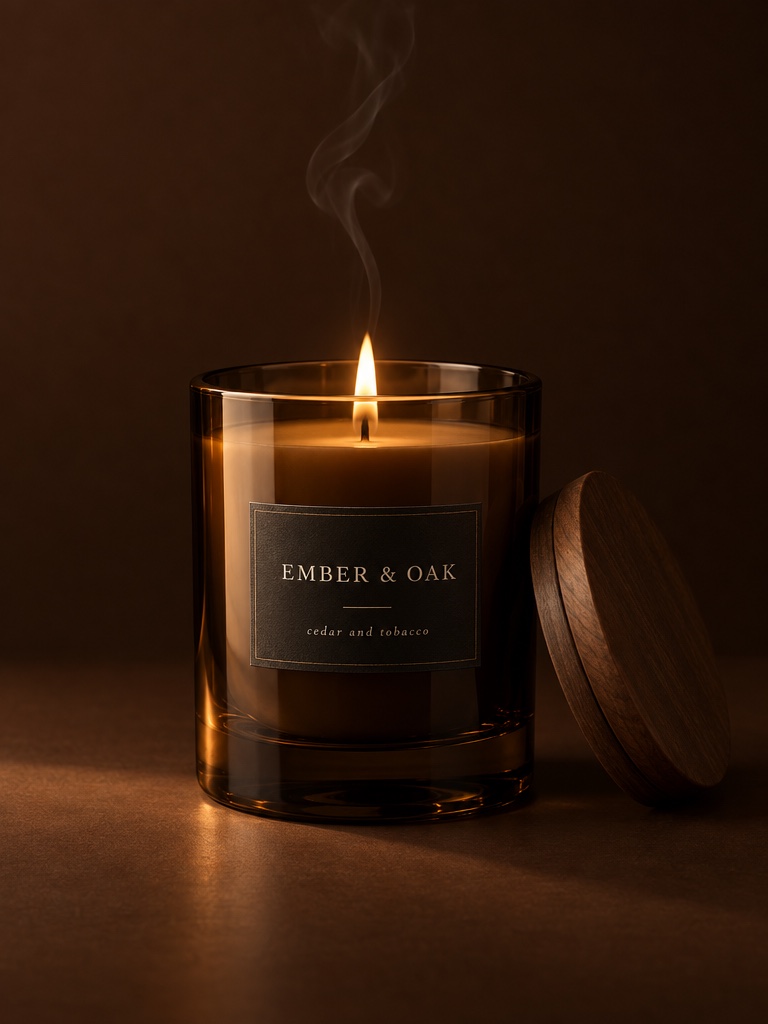
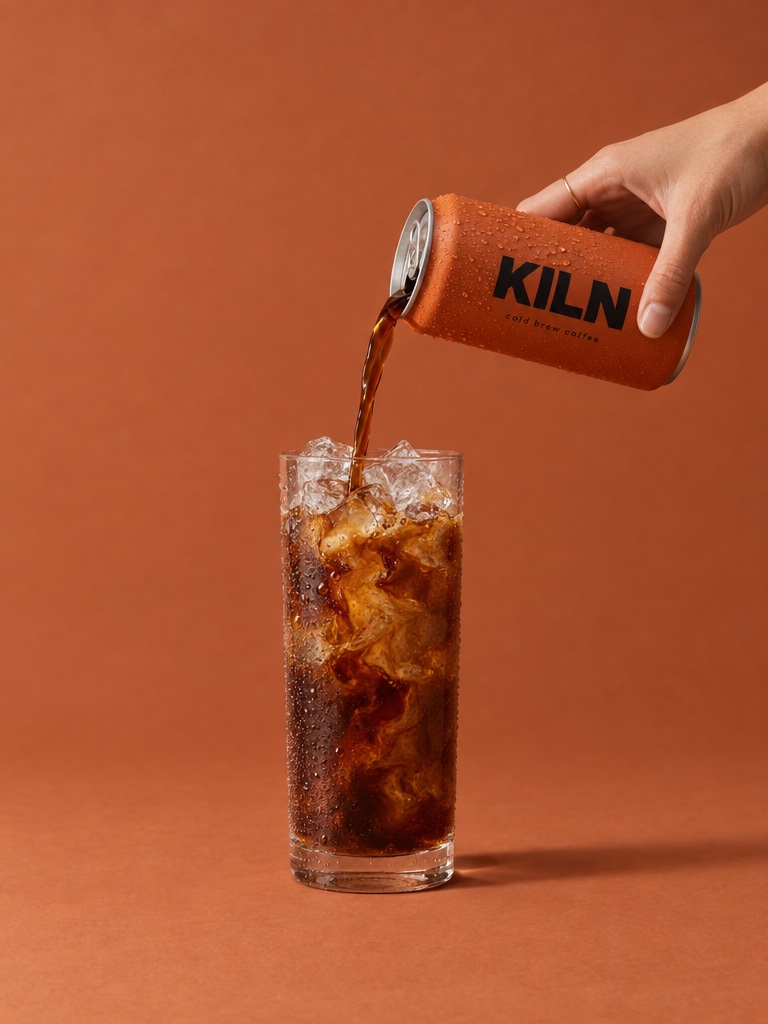
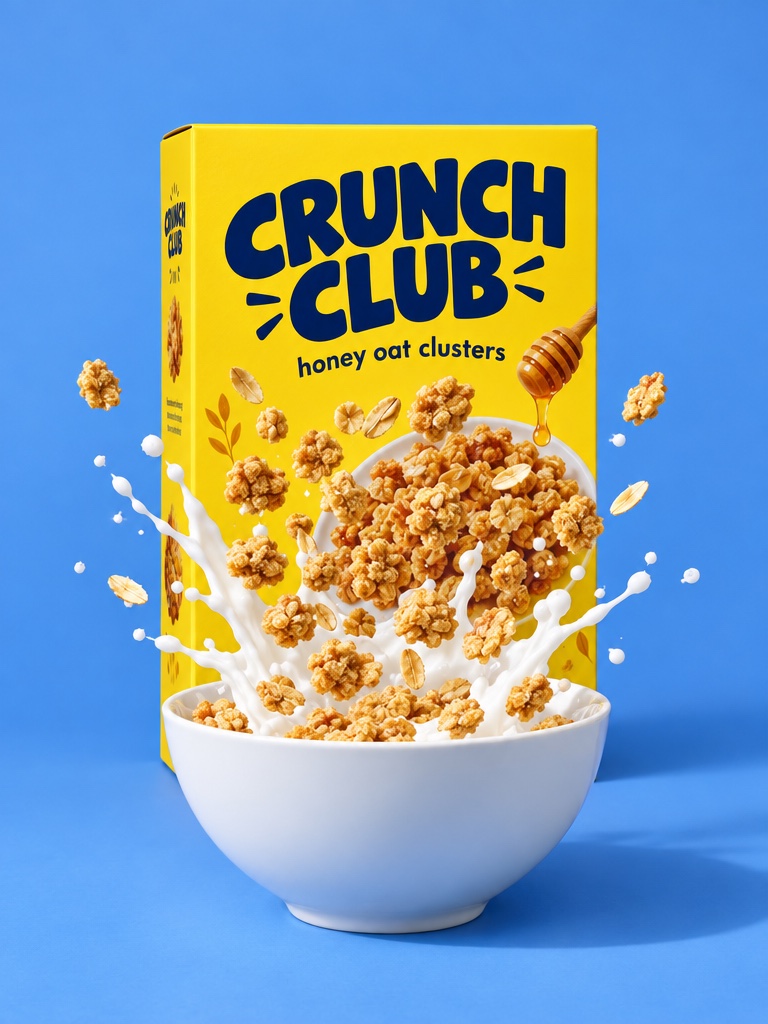
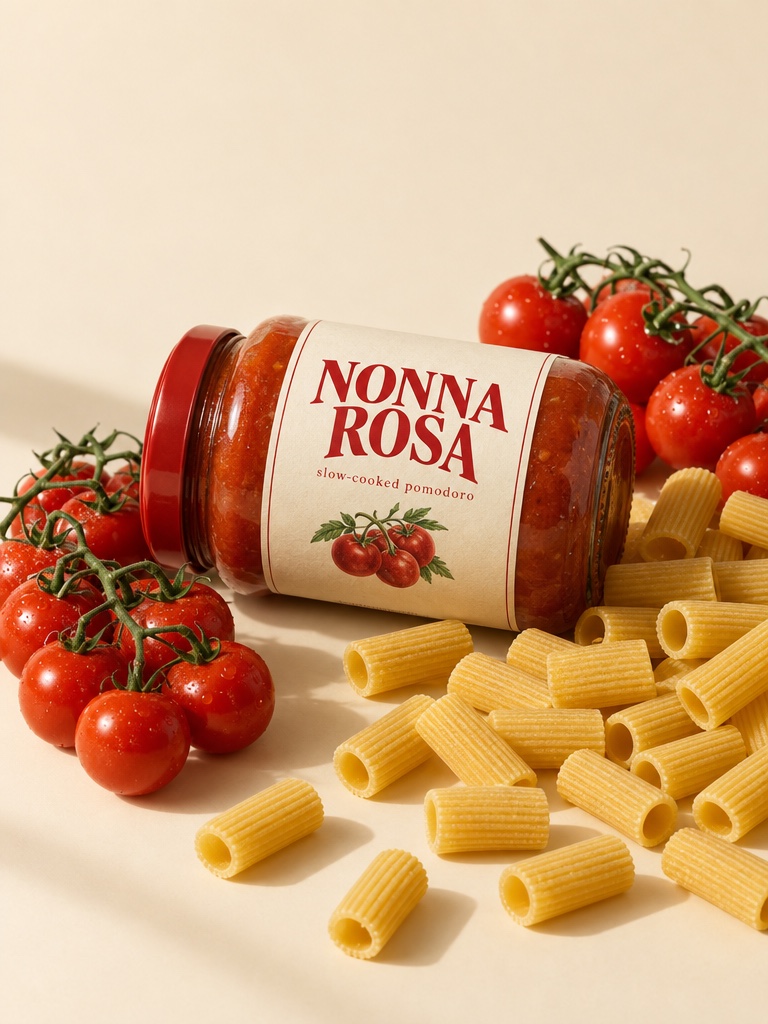
What does the AI Instagram ad generator workflow look like step by step?
The 5 steps below are the workflow teams run inside Avocado AI, from the first product photo to the exported variant set.
- 01
Set up Brand DNA with your product photos
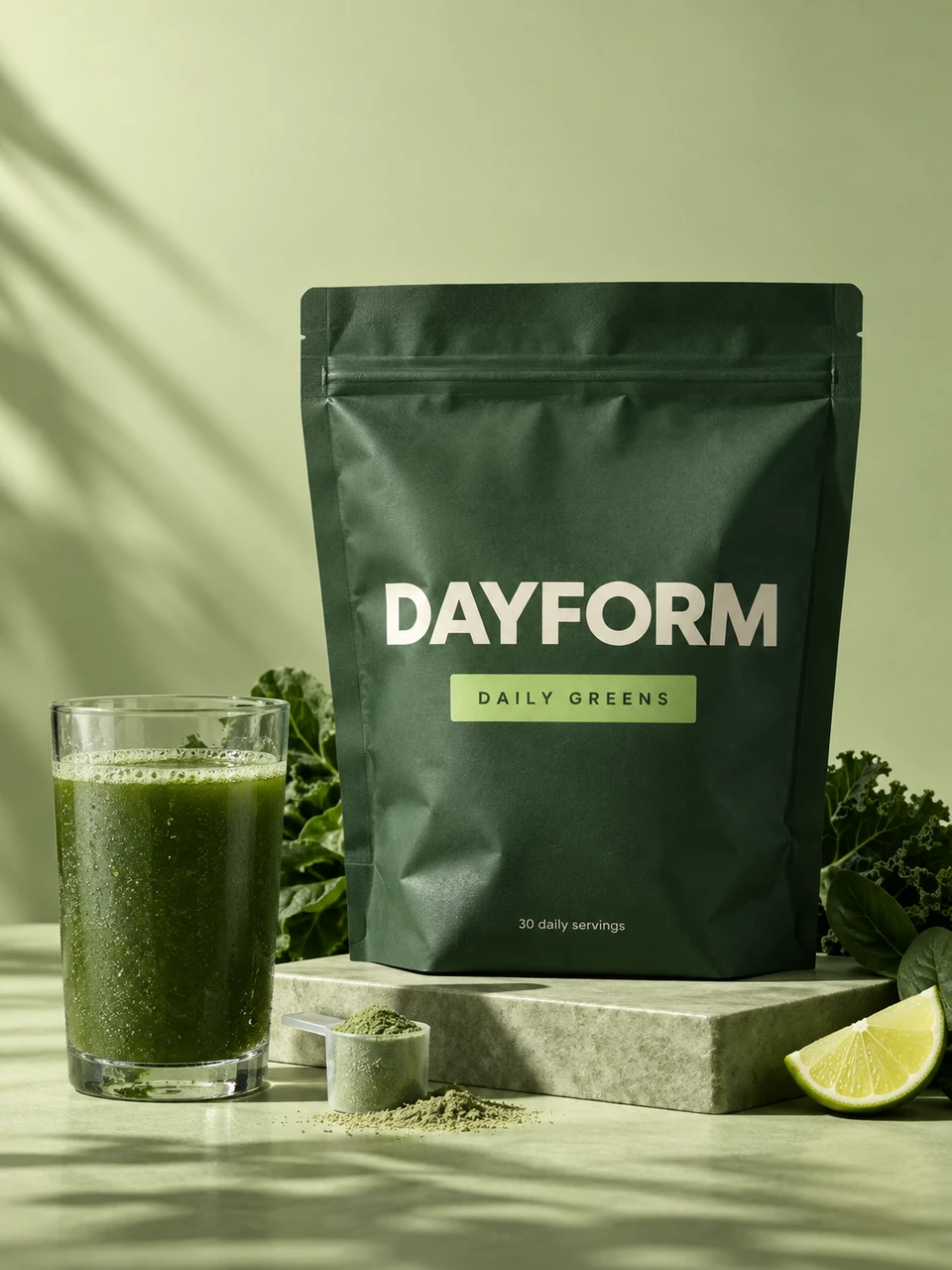
Upload your product photos and references to Brand DNA so every Instagram variant carries the brand identity across Reels, feed, and Story.
- 02
Draft variant scripts in Flows
Use Super Agent to draft three to five Instagram scripts off the brand brief. Drop them into Flows as cards. Founder, designer, and paid acquisition lead review live.
- 03
Generate AI UGC, stylized Reel motion, and cinematic feed cuts
UGC studio creators deliver each script. Kling 3.0 produces the stylized 9:16 Reel motion. Seedance 2.5 produces the cinematic feed cut. Every cut references your real product from Brand DNA.
- 04
Add voice and music inside the same session
Voice generation or voice cloning produces the voiceover. Audio Studio produces a music track that matches the campaign energy. Everything lives next to the clips on the canvas.
- 05
Finish in Director mode at Reels, feed, and Story spec
Director mode finishes the cut, and every variant exports at the right Instagram ratio: Reels (9:16), feed (1:1 or 4:5), and Story (9:16).
Which Avocado AI tools does AI Instagram ad generator use?
7 tools cover the whole AI Instagram ad generator workflow. They share one credit pool and one gallery, so nothing is exported between steps.
| Tool | Role in this workflow |
|---|---|
| Brand DNA | Products, references, visual direction, tone and rules every tool reads |
| Image workbench | Prompt or edit your own product photo, up to 4 variations per run, upscale |
| Video workbench | Text to video, animate a still, start and end frames, reference and motion control |
| UGC Studio | Creator looks, script to talking video, your product in the creator's hand |
| Audio Studio | Voiceovers, designed and cloned voices, music beds and sound effects |
| Flows | Chain steps on one canvas, run them in one click, cut a commercial in Director mode |
| Super Agent | Plans, creates on brand and publishes or schedules after your approval (Growth and Pro) |
Instagram is the highest-leverage paid social surface for most DTC brands. The buyer journey from Reel to feed to Story to Shopping is well-trodden, and the algorithm rewards brands that ship coherent variant sets across all three. The trap is the multi-format requirement: each variant needs a Reel cut, a feed cut, and a Story cut at the right aspect ratio and safe-zone, and most AI tools force you to re-export per surface.
Avocado AI generates every format from the same canvas with the right platform spec on each export. One variant set, three Instagram surfaces, one session.
Brand DNA across Reels, feed, and Story
Save your product photos and references in Brand DNA. It becomes a persistent brand identity. Every Reel cut, every feed still, and every Story frame keeps label text, pantone, and silhouette consistent. Across a campaign that fills the Instagram surface, the consistency is what drives recall.
Three motion lanes for Instagram
A campaign-worthy Instagram set uses talking-head UGC for the personal angle, stylized 9:16 motion for the Reels feed, and a cinematic still or short clip for the feed and Story. Avocado covers all three. UGC studio creators deliver the talking head. Kling 3.0 produces the stylized 9:16 motion. Seedance 2.5 produces the cinematic pack shot or short feed loop. The brand-accurate still feeds every motion clip as the first frame.
Voice, music, and Instagram platform spec
Instagram ads need a voice that matches the script, a music bed that matches the brand energy, and an export at the right surface spec. Avocado includes voice generation, voice cloning, AI music, and sound effects in Audio Studio inside the workspace. Every still and clip is generated at the aspect ratio its surface needs: 9:16 for Reels and Stories, 1:1 or 4:5 for feed. Director mode in Flows finishes the cut. Leave room for the Reels and Story overlays when you frame the shot.
A multiplayer canvas for Instagram cadence
Founder, designer, and paid acquisition lead all open the same Flows canvas, drop variants, comment on frames, and assemble a shot list together. Super Agent holds brand context across hours and generates new variations on demand. For a brand running weekly Instagram tests across all three surfaces, the canvas is often faster than the alternative chain of tools.
Pricing for an Instagram-heavy ad cadence
Avocado starts at 19.99 euros per month (Intro), pools credits across image, video, music, and voice, and includes commercial rights on every plan. For a brand running weekly Instagram tests with Reels, feed, and Story variants, the pooled credit model is often cheaper than separate subscriptions for a UGC tool, a video generator, a music app, a voice tool, and an editor.
Why one workspace beats multi-surface tool stacking
The standard Instagram ad chain stacks an image tool for stills, a video tool for Reels, a music app for the bed, a voice tool for the script, and an editor for the multi-format export. Five tools, five subscriptions, version drift between every handoff. Inside Avocado, the same chain collapses to one workspace with pooled credits, Brand DNA consistency across every surface, and Director mode in Flows finishing the cut for each surface. For a brand running weekly Instagram tests, the consolidation pays back in saved hours and reduced version drift inside the first cycle.
What teams notice by the second test cycle
The first three-format Instagram test set ships in three days. The second cycle ships faster because Brand DNA is already set up, the surface specs are already set in the Flow, and the team knows the rhythm. By the fourth cycle, the team is running a larger weekly set of Reels, feed, and Story variants against the same Brand DNA.
The week-one Instagram test workflow
A typical plan ships a three-format Instagram test set inside three days. Day one is setting up Brand DNA with your products. Day two is generating five variants in Flows with brand-accurate product cuts, then assembling Reel, feed, and Story versions of each. Day three is adding voice, music, and finishing every cut in Director mode at the right Instagram surface spec. The polished set is live by the end of the week, and Brand DNA is ready to drive the next test cycle without starting over.