What do DTC skincare brands struggle with in ad production?
The same 5 problems come up in almost every conversation with DTC skincare brands. Each one is a reason generic AI tools stall before the ad ships.
- Glass bottles, droppers and pumps come out warped or relabeled in prompt-only tools
- Texture shots have to look fair to the real formula
- Every serum, cream and cleanser in the range needs its own ad set
- Routine UGC with creators is slow and costly to book for every product
- Skin care claims are regulated, so every script and caption needs review
Which Avocado AI features matter most for DTC skincare brands?
7 features do most of the work for DTC skincare brands. The table maps each one to the outcome it produces.
| Feature | What it does for DTC skincare brands |
|---|---|
| Image workbench | Edit your serum or moisturizer photo into new scenes, up to four variations per run |
| Video workbench | Slow product motion with Seedance 2.5, Kling 3.0 or Veo 3.1 |
| UGC studio | Routine videos where the creator holds your real product |
| Audio Studio | Calm voiceovers, music beds and sound effects for routine clips |
| Flows | Repeat a winning ad for every product in the range |
| Brand DNA | Keeps products, tone and words to avoid in every run |
| Super Agent | Plans and publishes skincare content after your approval |
What does work made in Avocado AI look like?
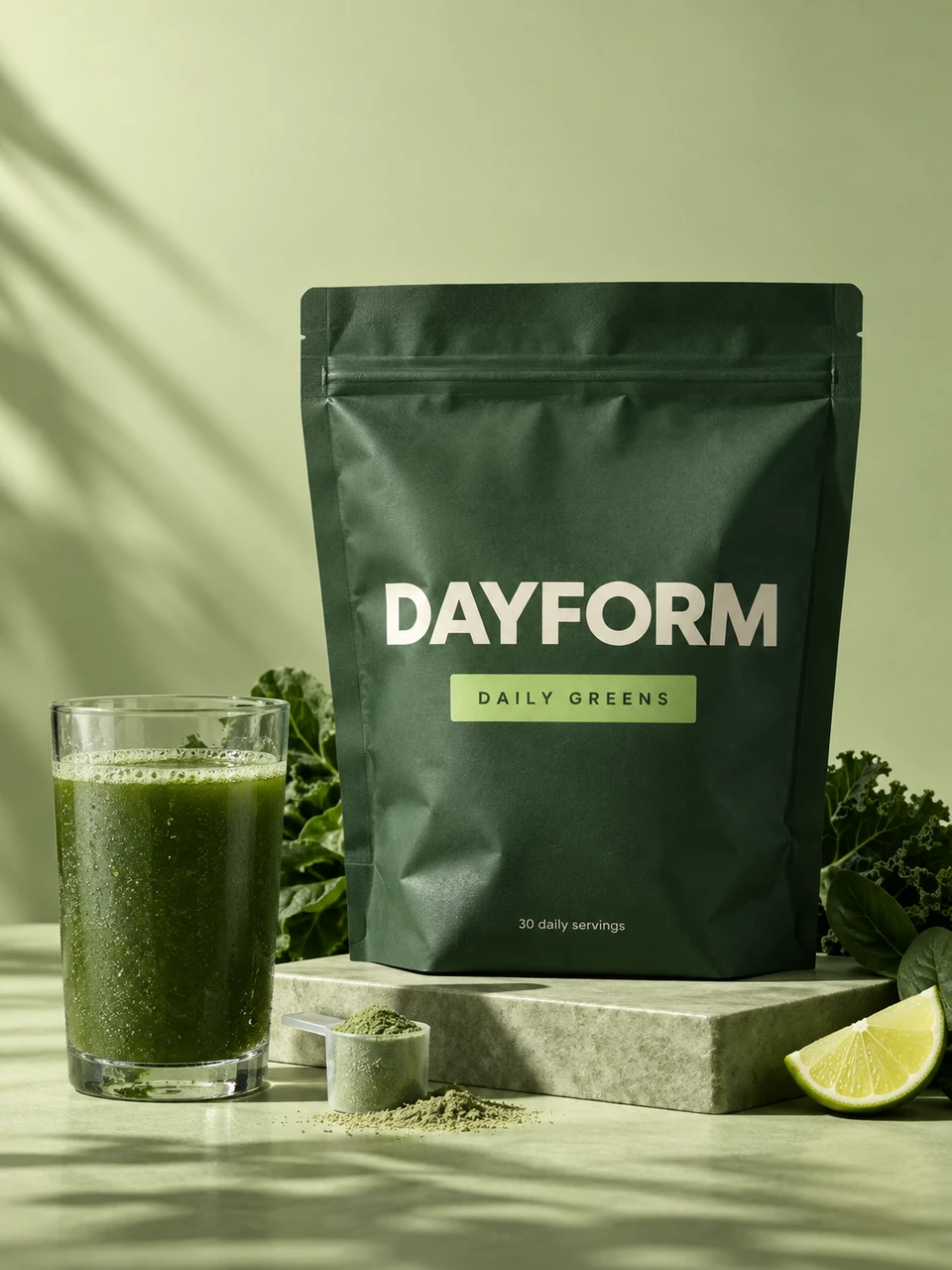
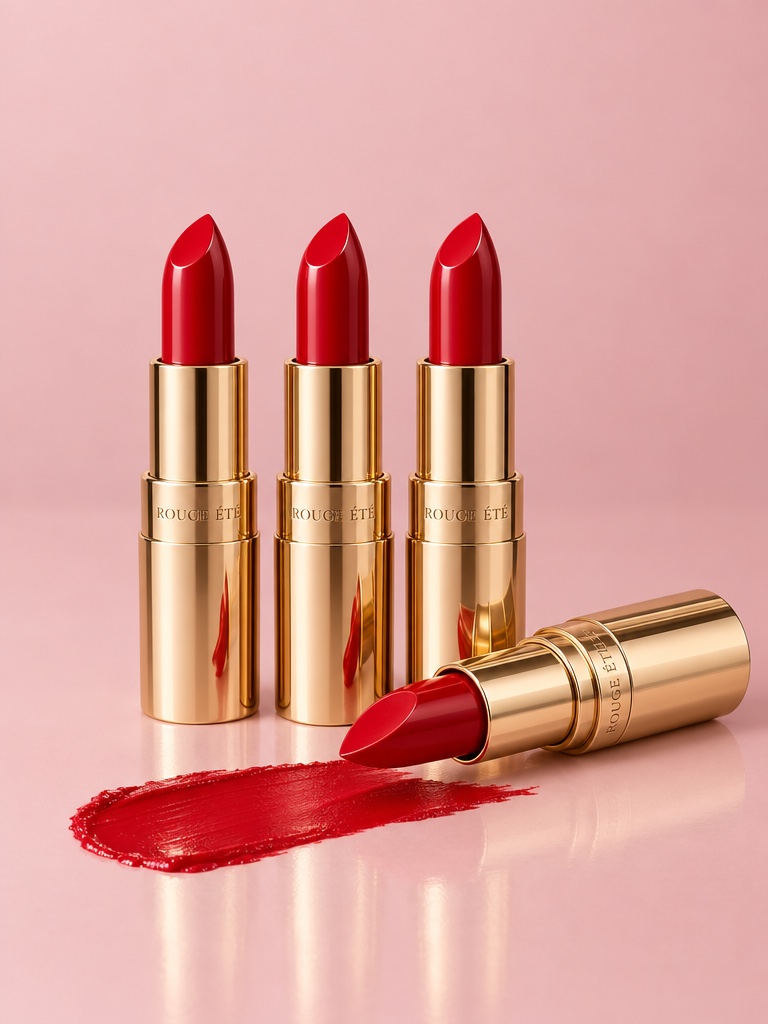
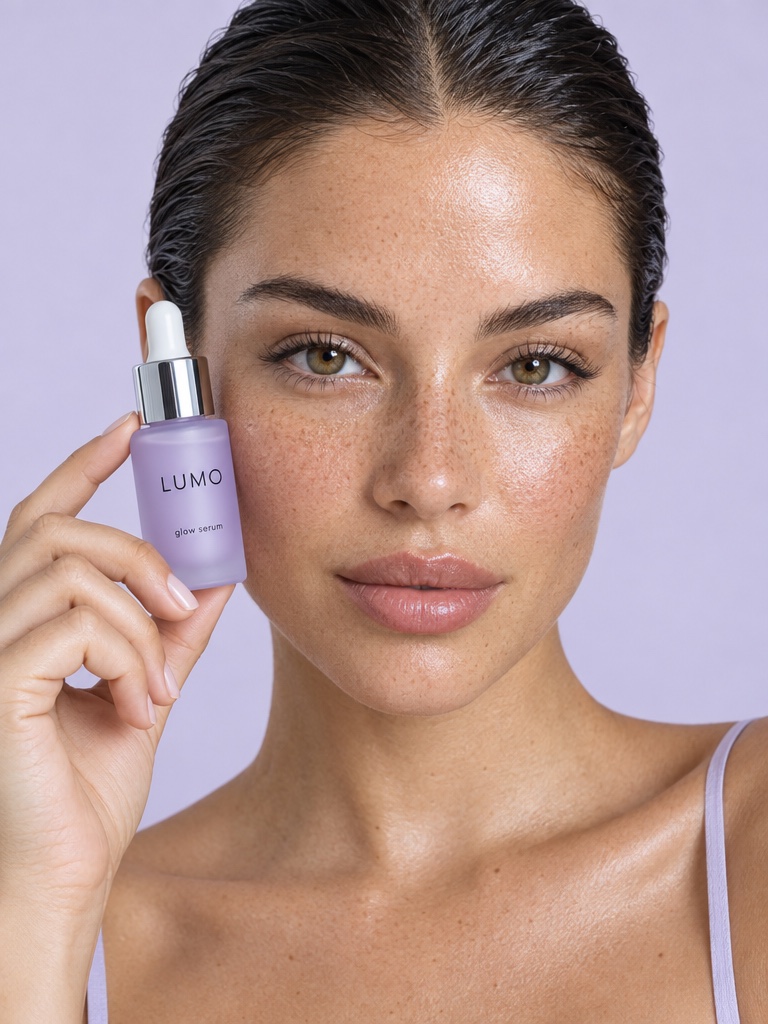
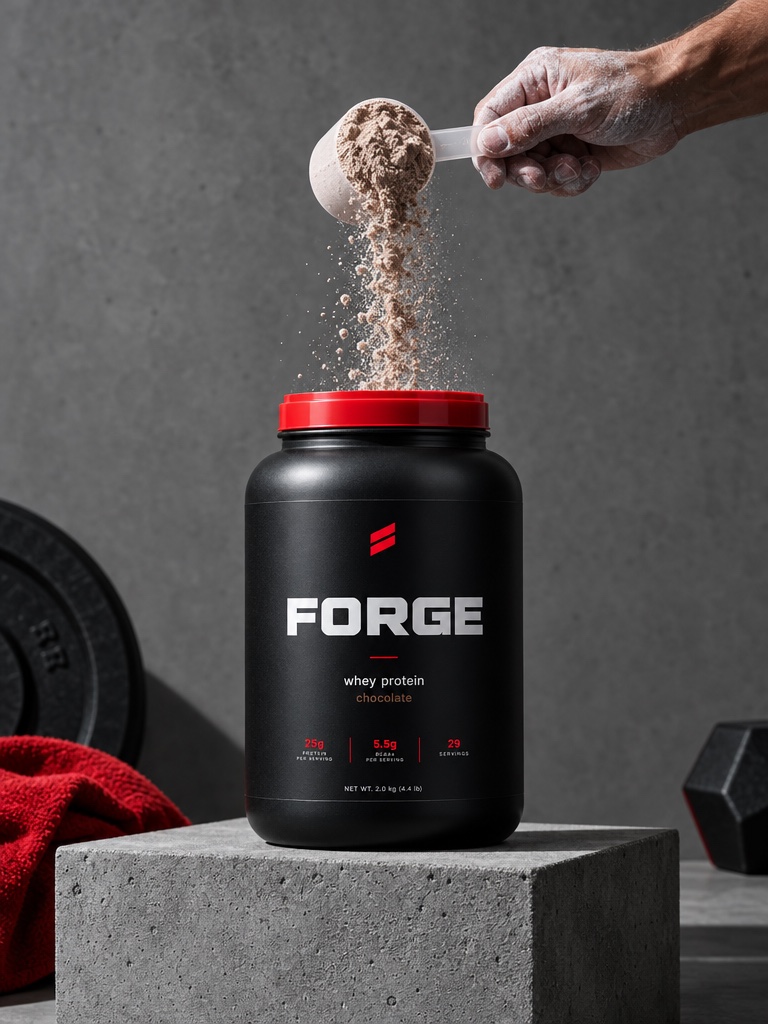
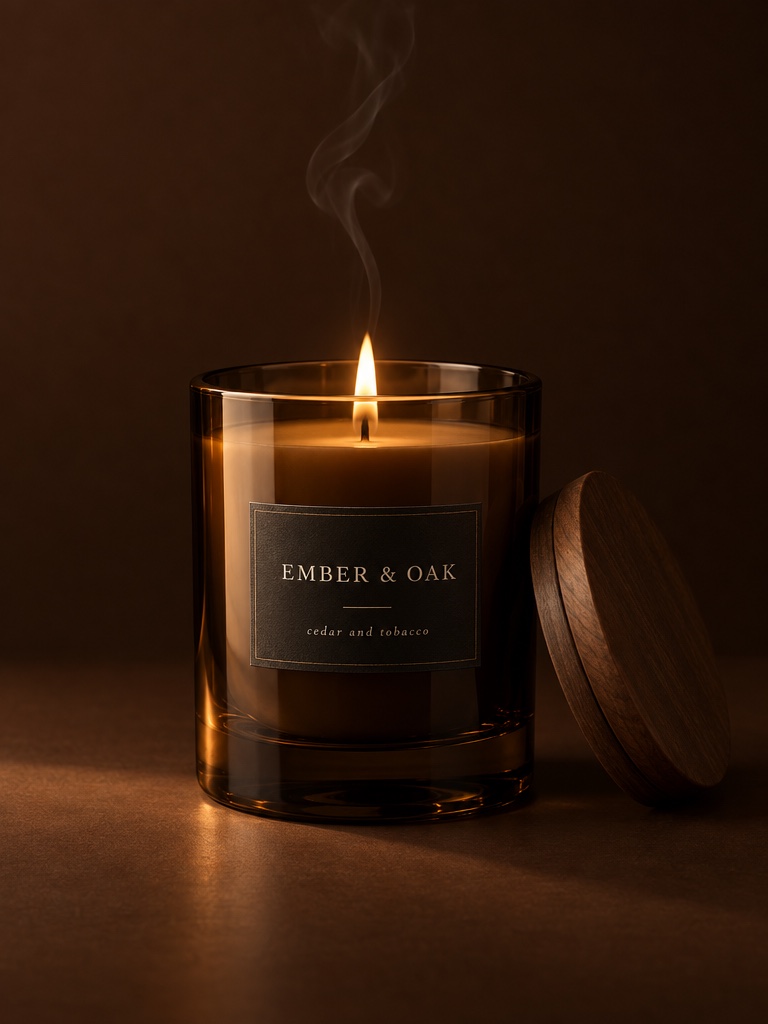
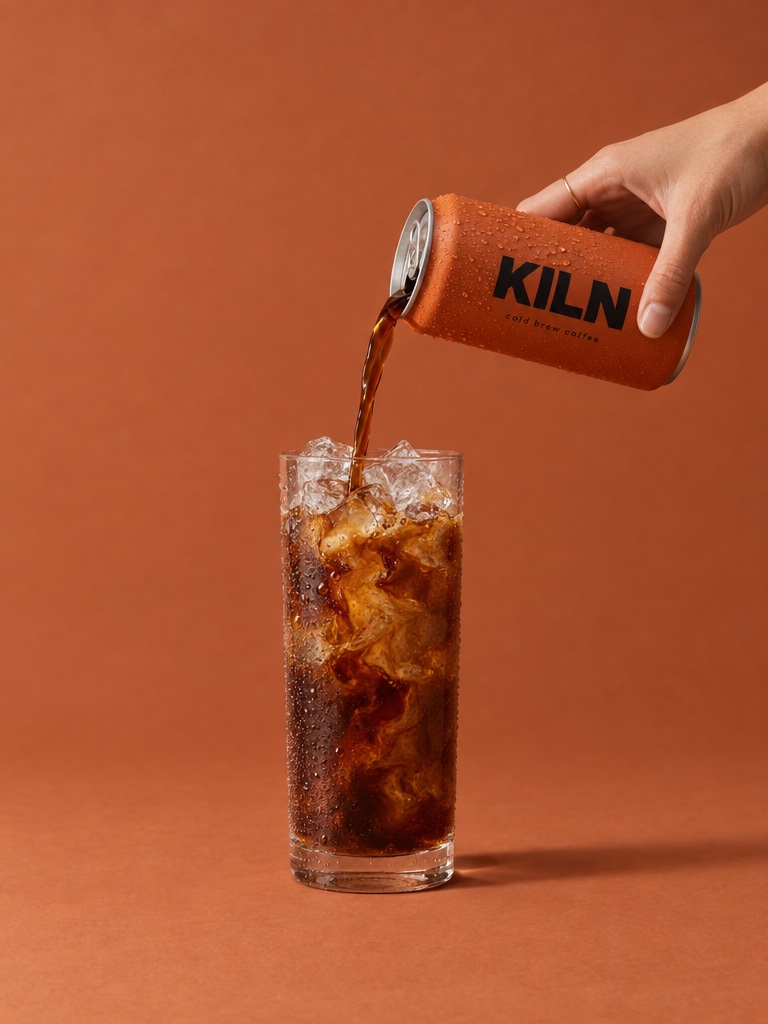
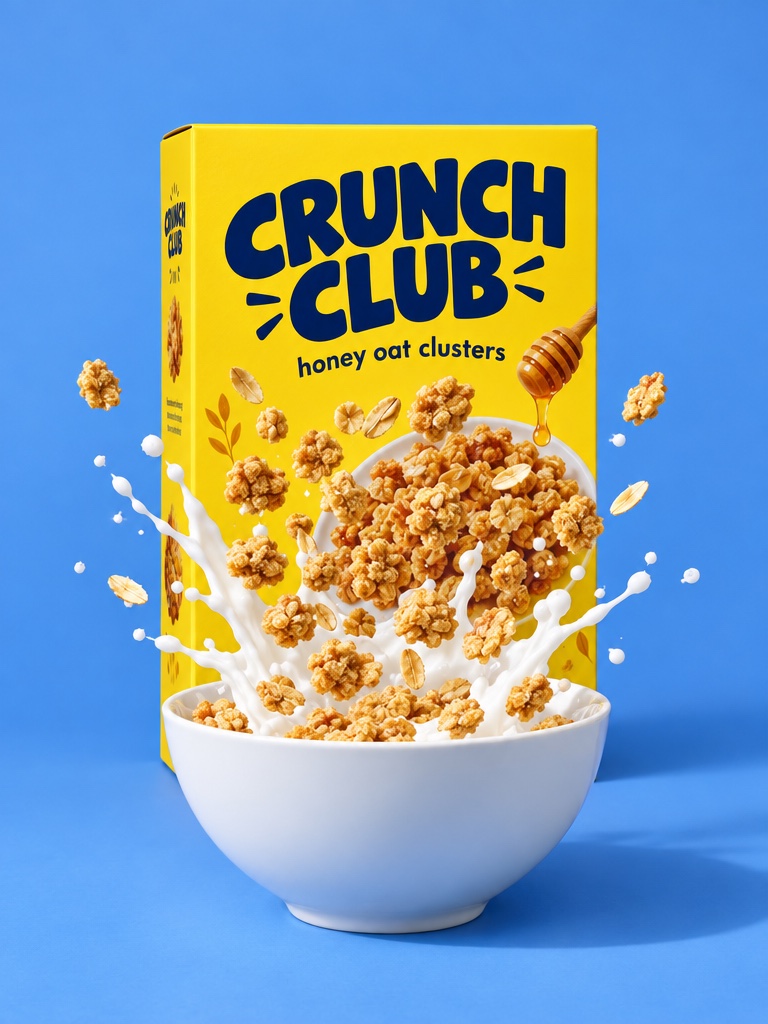
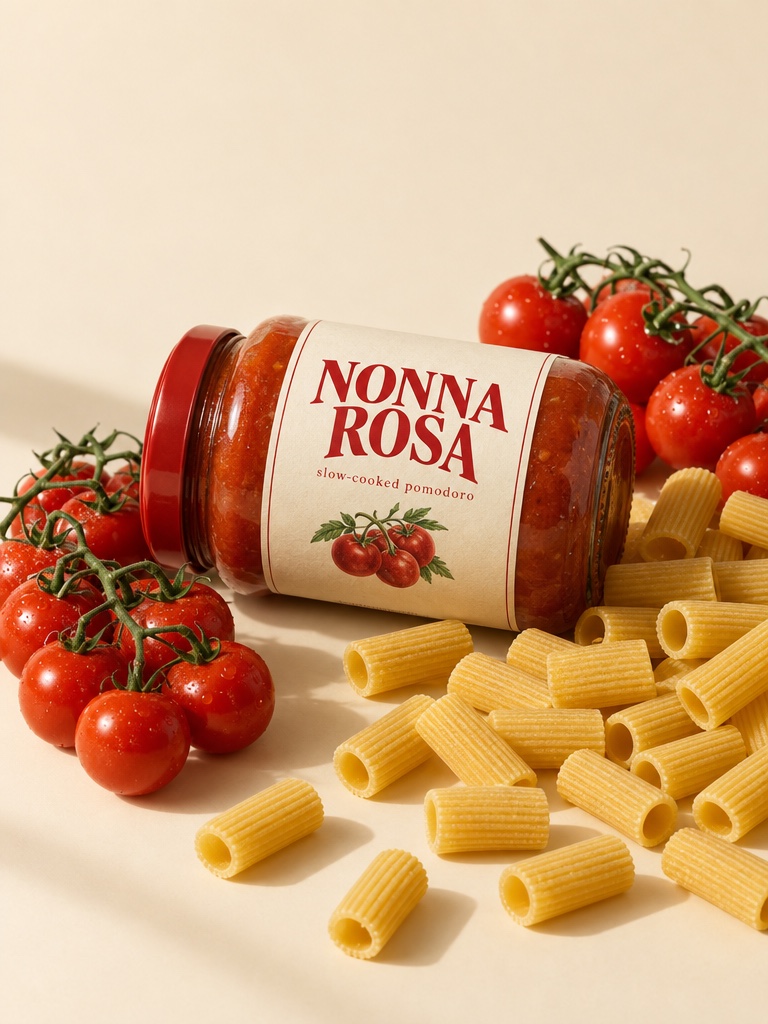
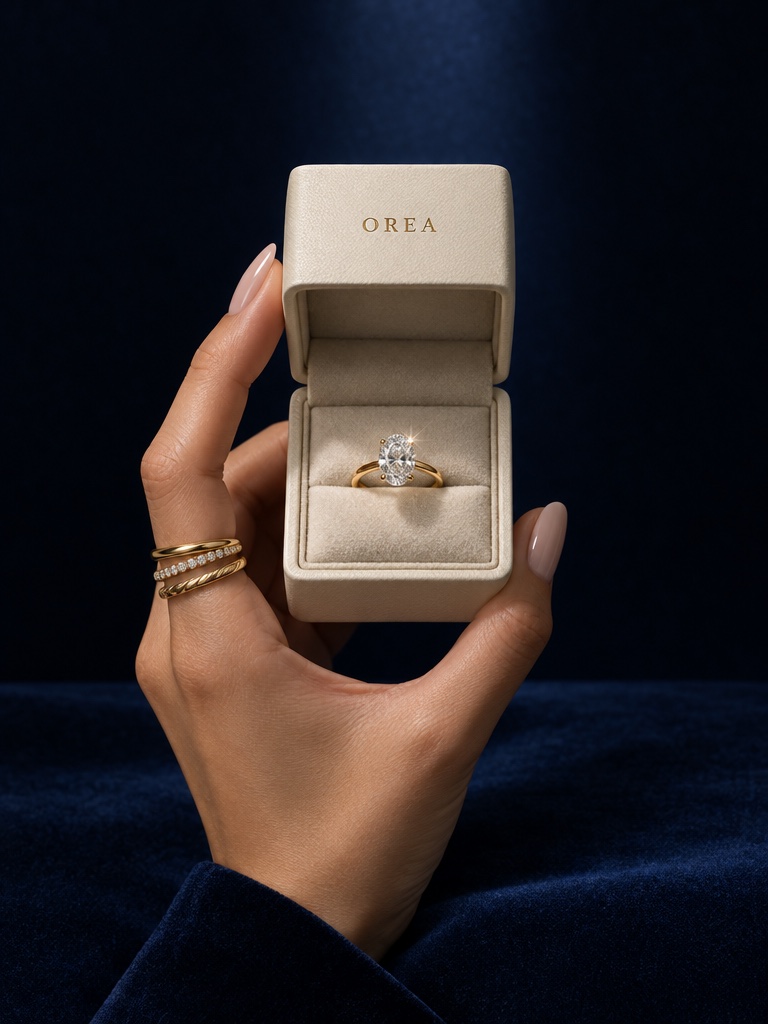
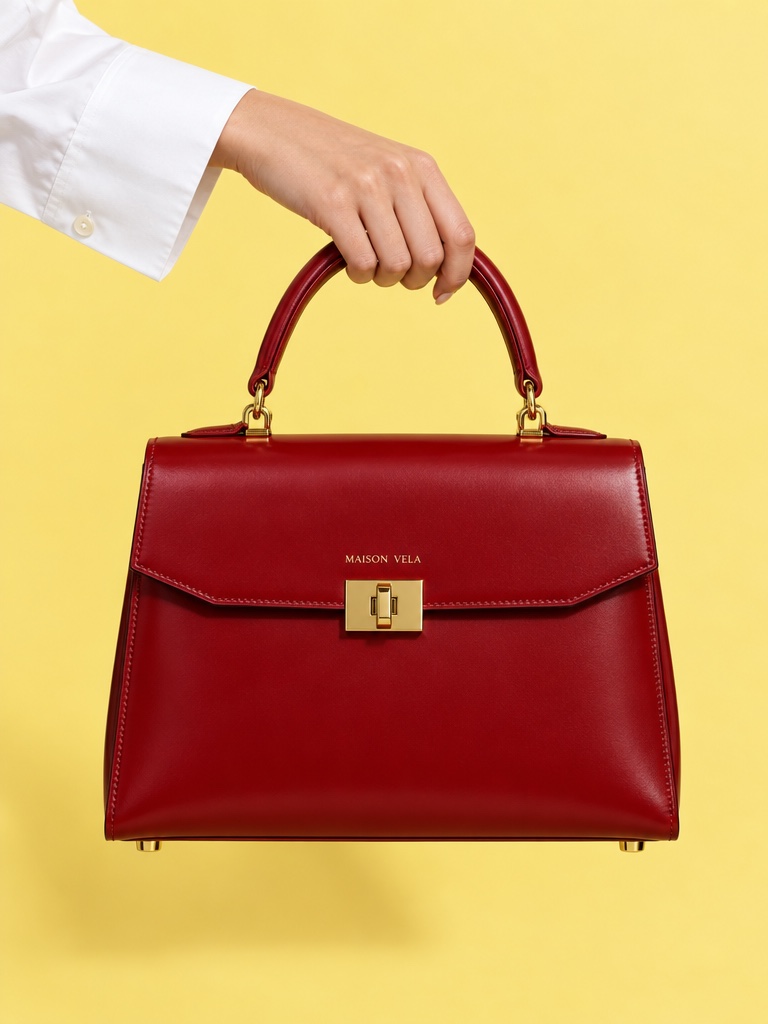
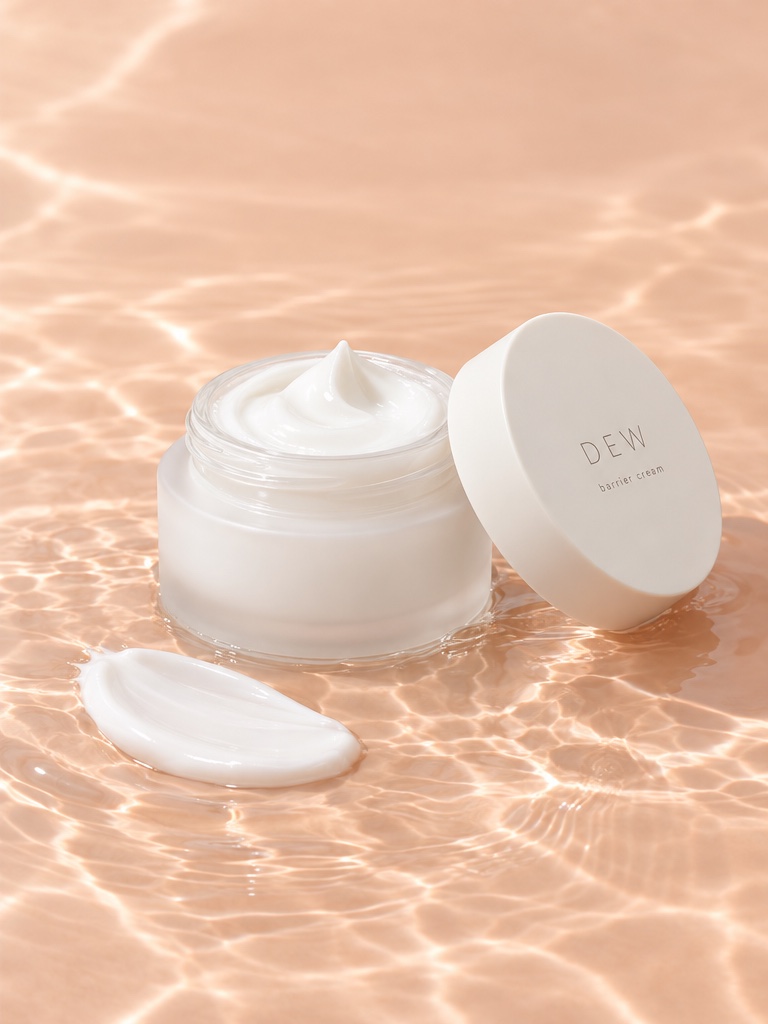
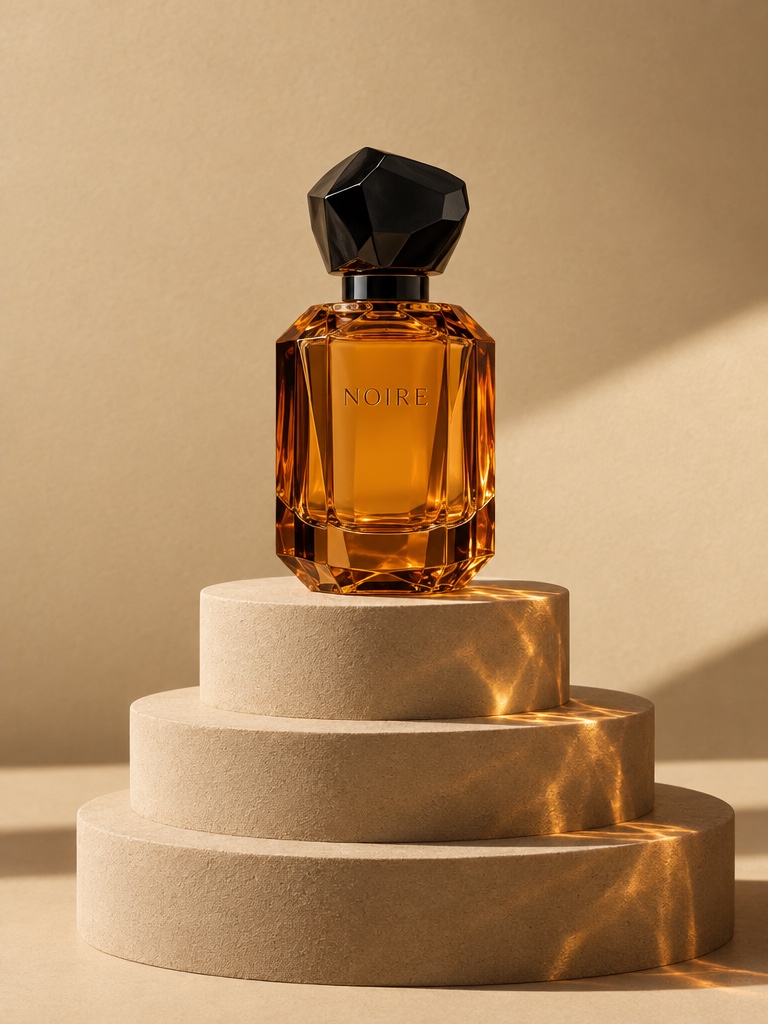
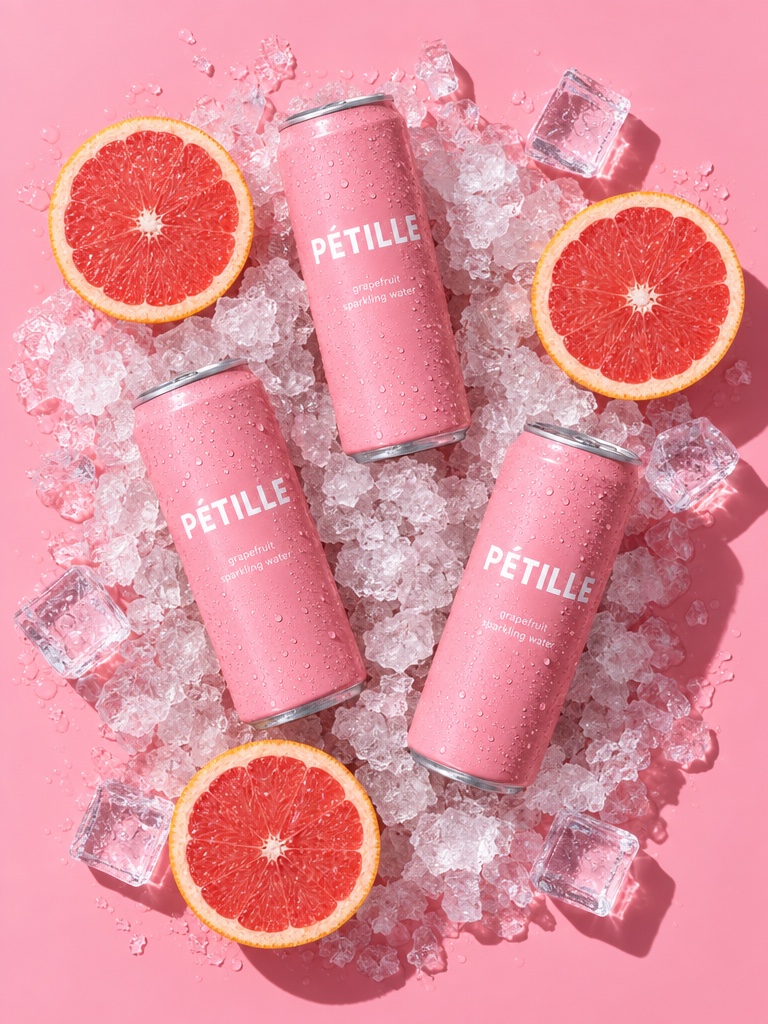
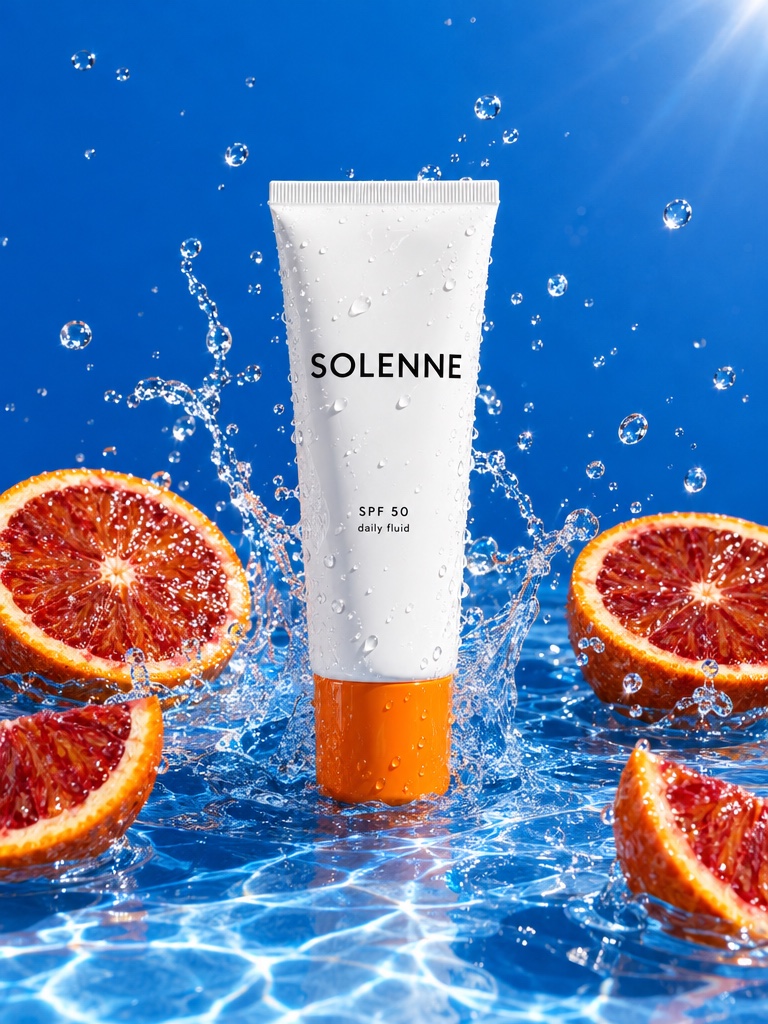
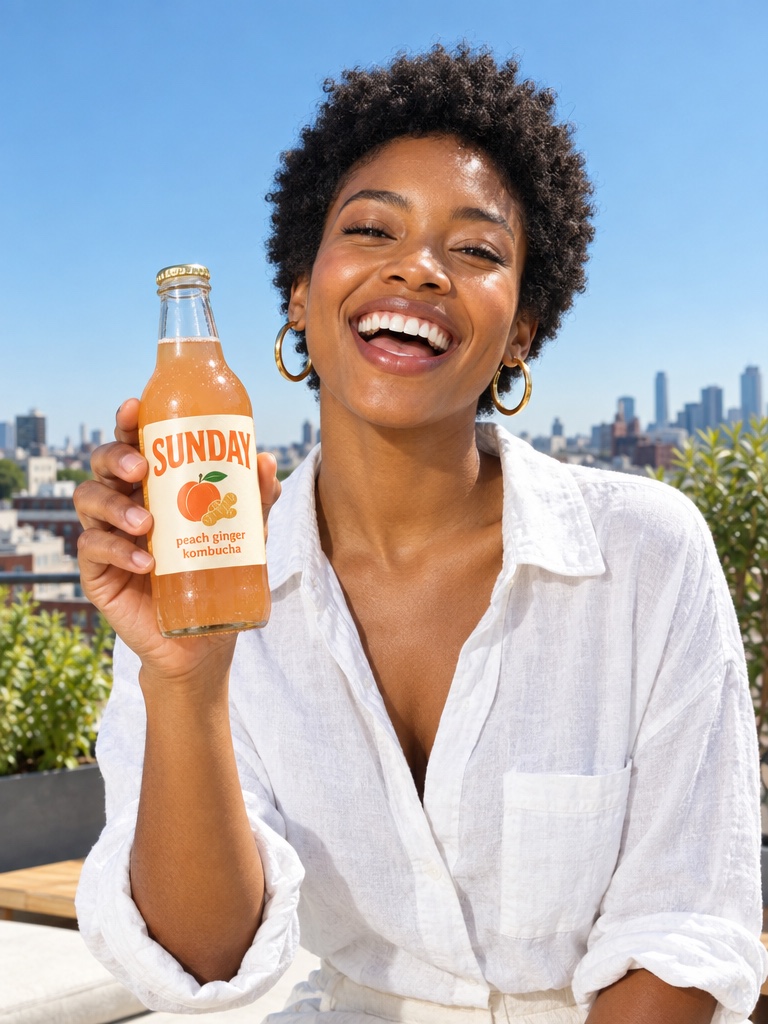
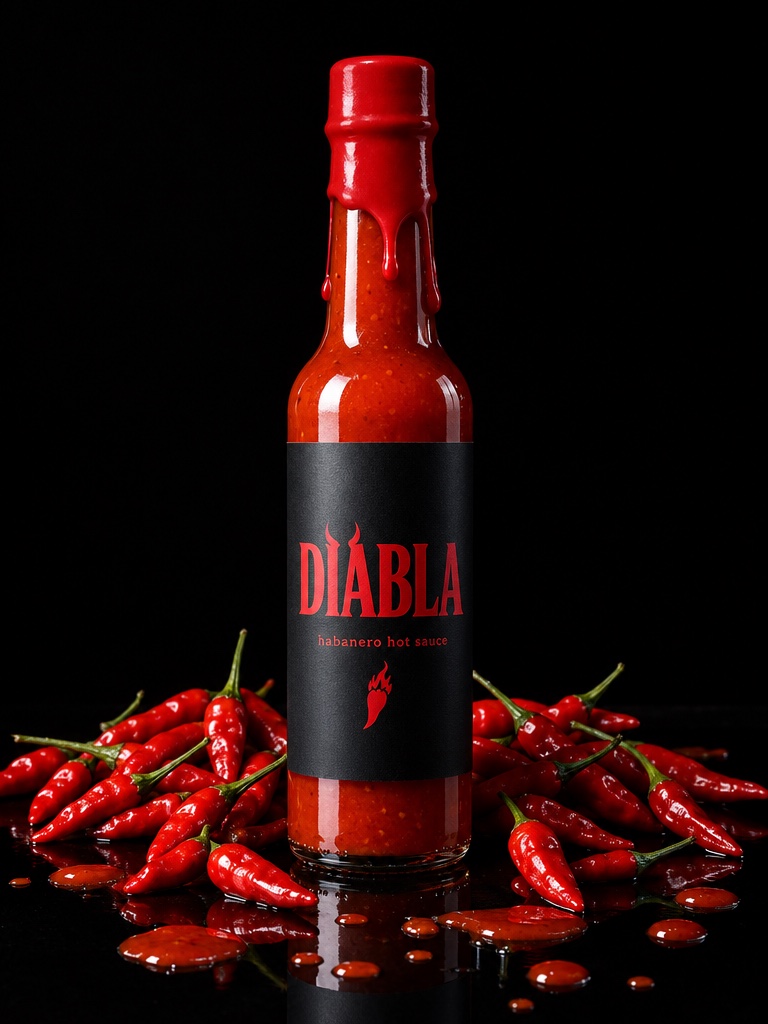
These are actual generations from the Avocado AI workspace. No stock photos, no mockups.


An AI ad tool for skincare brands is software that turns a photo of a serum, cream or cleanser into ad images, short videos and creator-style clips, without a new shoot for every angle. Skin care creative has its own demands: glass and dropper bottles that catch the light, textures that sell the formula, routine content that feels lived in, and claims that are regulated.
What does a skincare brand need from an AI ad tool?
A skincare brand needs an AI ad tool that keeps the real bottle, jar or tube accurate, can show texture and routine moments, makes both still ads and short video, and leaves the claims with the brand. Avocado AI covers the creative production and keeps copy and claim decisions with your team.
Most skin care ad sets mix three kinds of asset: clean pack shots, sensory texture and lifestyle shots, and a person using the product on camera. In Avocado all three come from the same product photo, land in one library and draw on one credit balance.
How do you turn a vitamin C serum photo into a set of ads?
With Avocado AI you upload the vitamin C serum photo to the image workbench, then ask for scenes: the dropper bottle on wet stone, on a bathroom shelf in morning light, or held in a hand. GPT Image 2.5 or Nano Banana 2 Edit keeps the bottle and restyles the scene, with up to four variations per run.
Glass, droppers and pumps are where AI tends to slip, so give it more to work from. Nano Banana 2 Edit accepts up to 14 reference images, so you can add the back label, the dropper cap and the carton. An SPF moisturizer can go on a beach towel, by a sunny window or into a flat lay with the rest of a morning routine. Studio presets speed up the common setups, and upscaling finishes the winners. Editing your own product photo and upscaling start on the Starter plan.
Can AI make texture shots and macro close-ups of a formula?
Avocado AI can generate texture and macro shots, such as a swirl of cream, a drop of serum on glass or a gel ripple, from a prompt or a reference image. Treat these as mood and category shots rather than proof of your exact formula, and match the color and consistency to the real product before running them.
A texture shot that looks thicker, glossier or a different shade than what arrives in the box sets the wrong expectation. The simplest fix is to photograph a real swatch on your phone and use it as the reference, then let the model handle the lighting and background.
How do you make routine UGC for a skincare product?
Routine UGC in Avocado AI starts in the UGC studio. Pick a creator look, write a short script about a morning or evening routine, and attach the product. Avocado first edits the look with GPT Image 2.5 so the creator holds your real serum or SPF moisturizer, then animates it into a talking video of up to 30 seconds.
You can choose the engine: Fast UGC, a talking head with a matched voice, Seedance 2.5 with native audio, or HD UGC on MiniMax H3 MAX Turbo, in 9:16, 1:1 or 16:9. For product-only motion, the video workbench animates a still, for example a slow push-in on the dropper, using Seedance 2.5, Kling 3.0 or Veo 3.1. Audio Studio adds voiceovers with Fish Audio S2 Pro as the default voice model, music beds and sound effects.
What should you check before publishing an AI skincare ad?
Before publishing an AI skincare ad, check three things: the label text and packaging match the real product, the texture and color are fair to the formula, and every claim in the script or caption is one your brand has approved. Avocado AI is a creative tool; it does not write or vet medical or efficacy claims for you.
Skin care advertising claims are regulated in most markets, and the rules differ by country and platform. A practical habit is to keep scripts to routine and experience language your team has already signed off, and to ask your own adviser when you are unsure. Nothing on this page is legal advice.
How do you repeat a winning skincare ad across a product line?
Flows repeat a winning skincare ad across a product line. Build the ad once on a canvas, from product photo to scene, video, voiceover and music, then run every step again with the cleanser, the toner or the night cream swapped in. Flows are on every paid plan and support comments and share links for approval.
When a launch needs more than single ads, Director mode turns a Flow into a full commercial on a timeline with music, assembled from the clips you generated. Brand DNA holds your products, reference images, visual direction, tone and rules, such as words your brand never uses, so each run starts from the same context.
Can Super Agent post skincare content for the brand?
Super Agent, on Growth and Pro, plans a skincare content calendar, creates images, video and captions in your brand, and publishes or schedules to Instagram, Facebook, TikTok, LinkedIn, Threads and X after your approval. Publishing and Meta Ads need the paid Connectors add-on, and Meta Ads drafts always start paused.
Because nothing is published without your approval, every caption still passes your team's own claim review. You can talk to Super Agent on the web, in Slack or in Telegram, and Projects keep each launch, such as a new SPF, in its own room with its brief, products and approved work.