What does Avocado AI do that Midjourney does not?
Each row is a capability teams cite when they move off Midjourney. The left column is the difference, the right column is what it changes in day-to-day ad production.
| Difference | Why it matters |
|---|---|
| your real product in every image | Avocado AI edits your own packshot into new scenes with GPT Image 2.5 edit or Nano Banana 2 Edit, so the label and shape come from the real product. |
| several image models in one place | GPT Image 2.5, Nano Banana 2, Seedream 5.0 Pro, Soul 2, Recraft v4.1, Krea v2, Luma Uni-1 Max, Ideogram v3 and Flux 2 share one credit balance. |
| video, UGC and audio after the still | Animate the image, make a UGC ad with a creator holding the product, and add a voiceover and music without leaving the library. |
| commercial rights on every plan | Every Avocado AI plan includes full commercial rights and no watermark, with no revenue threshold for commercial use. |
How do I move from Midjourney to Avocado AI?
Migration takes 5 steps and no export tooling: your product photos and brand assets are the only inputs Avocado AI needs.
- 01Keep Midjourney for mood boards and early art direction if your team likes it.
- 02Add your product photos, references, tone and rules to Brand DNA in Avocado AI.
- 03Upload a packshot to the image workbench and describe the scene you want.
- 04Pick the best of up to four variations and upscale it.
- 05Animate the image in the video workbench or turn it into a UGC ad, then save the steps as a Flow.
What does work made in Avocado AI look like?
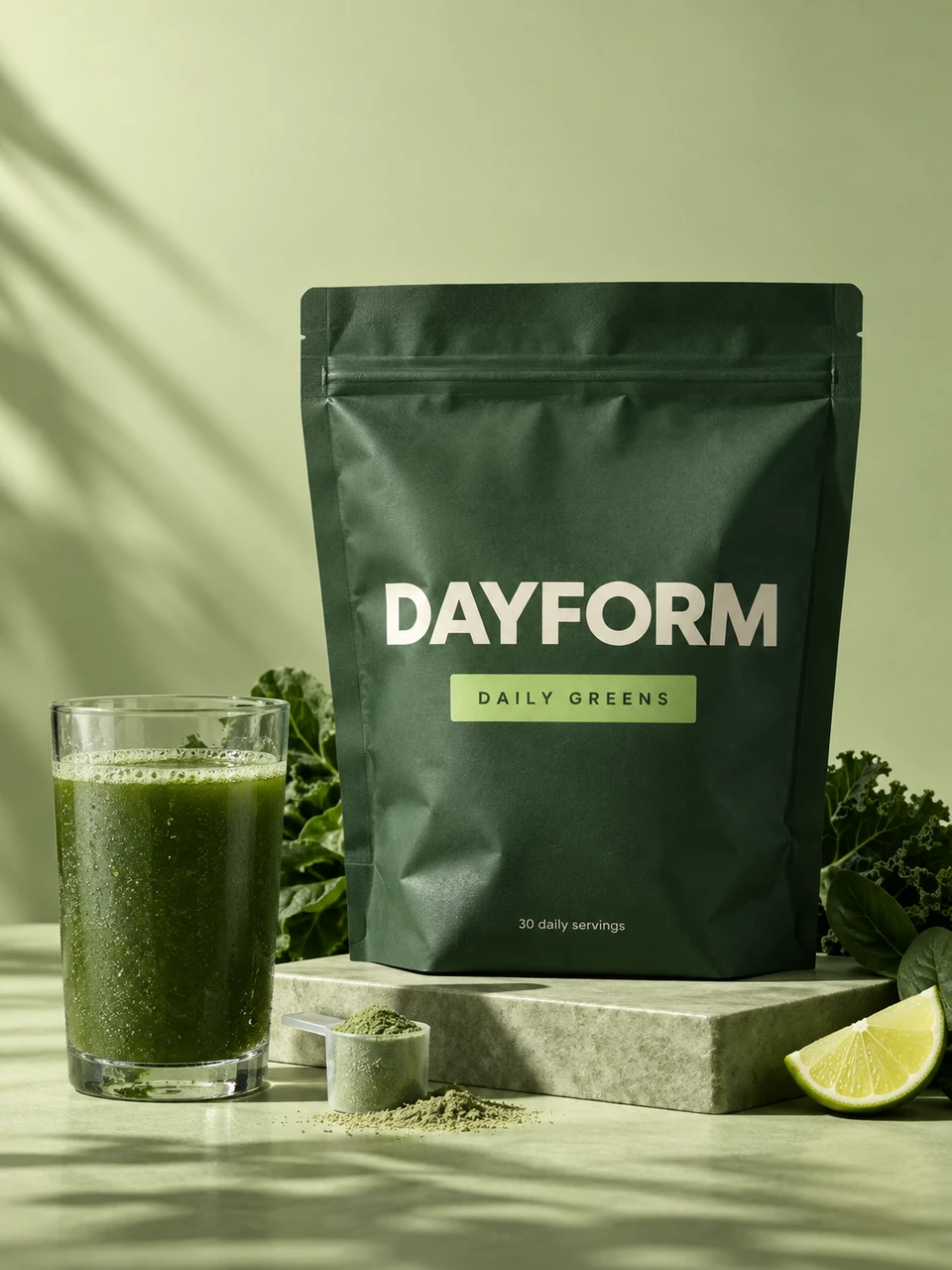
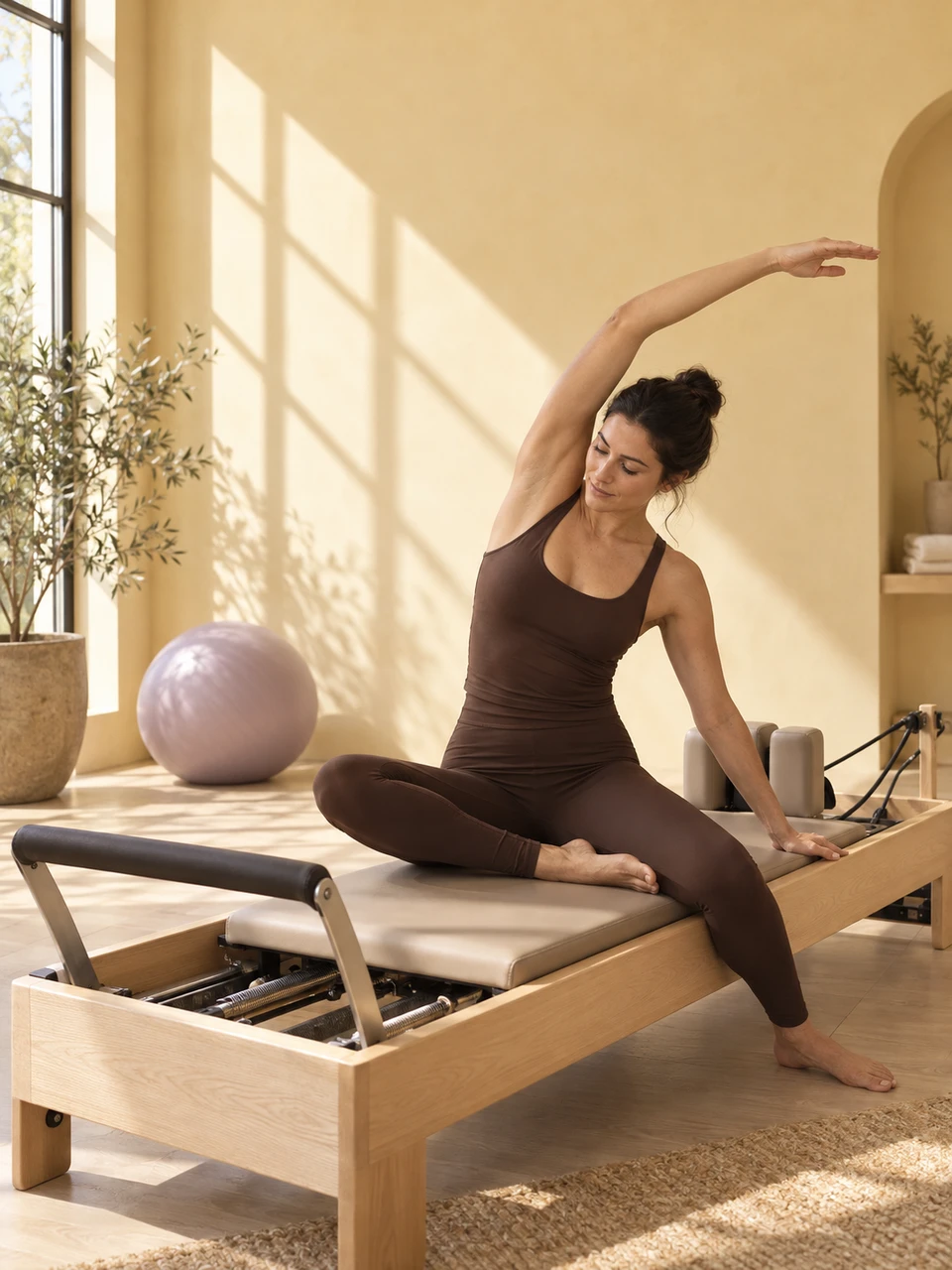
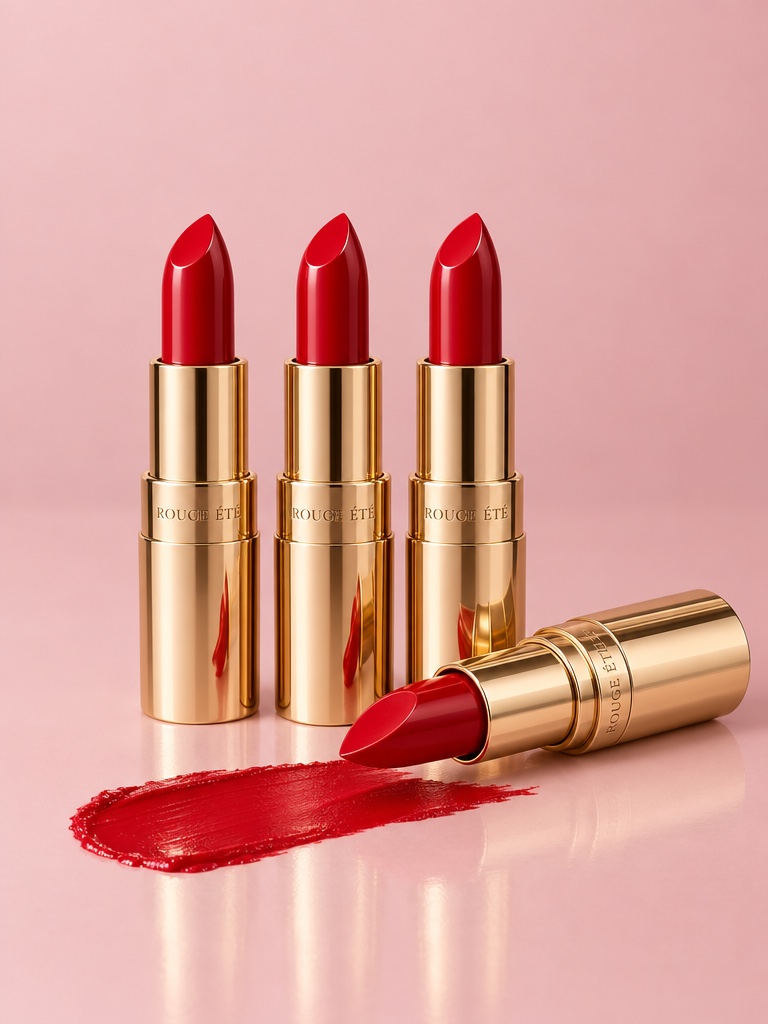
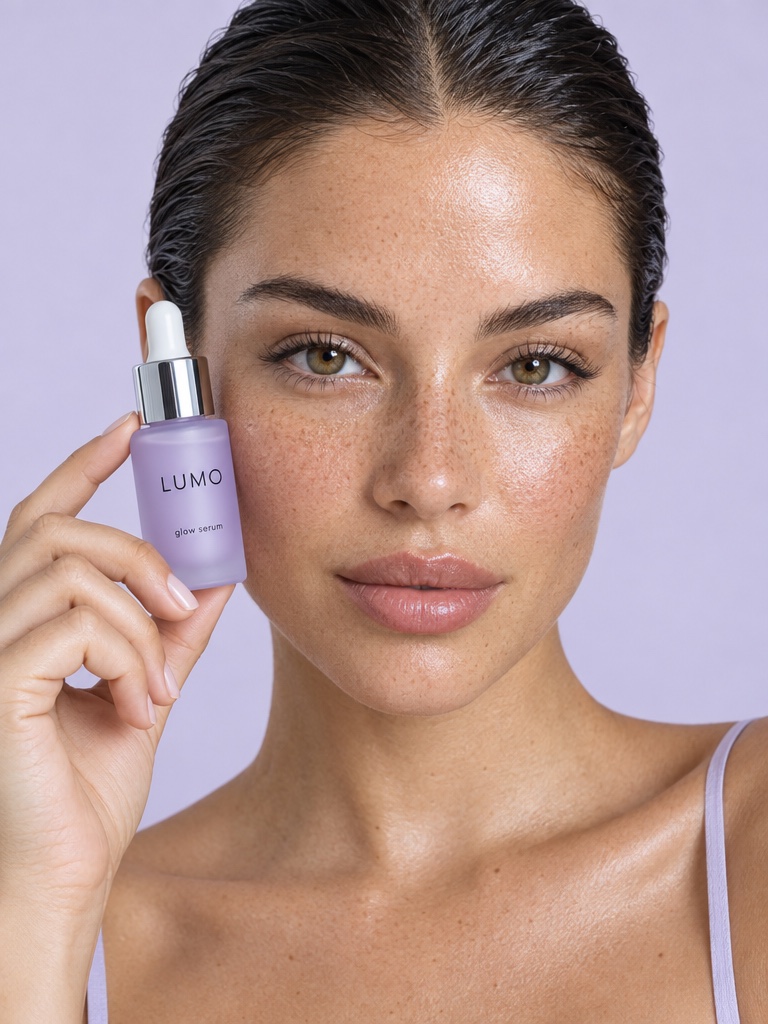
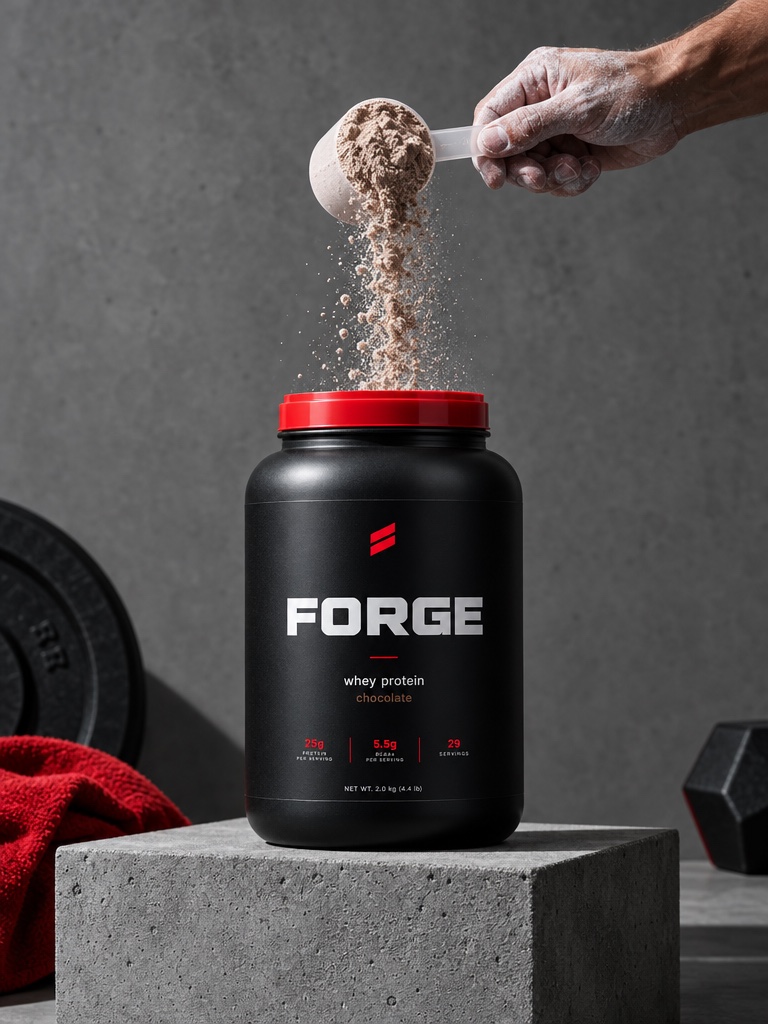
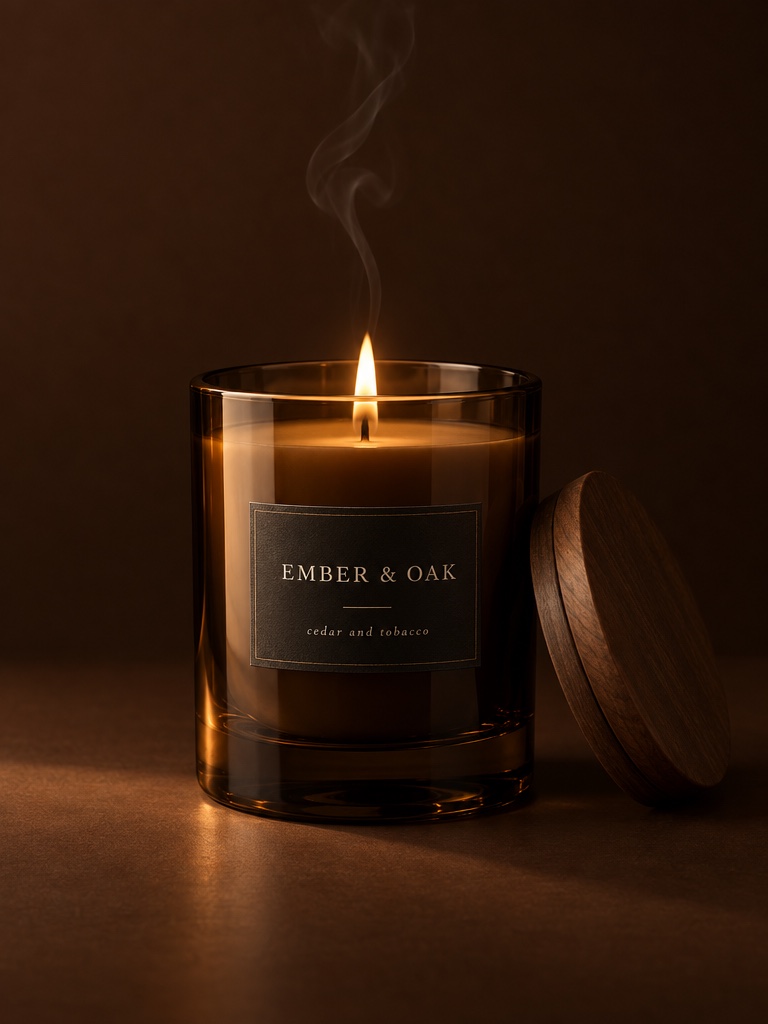
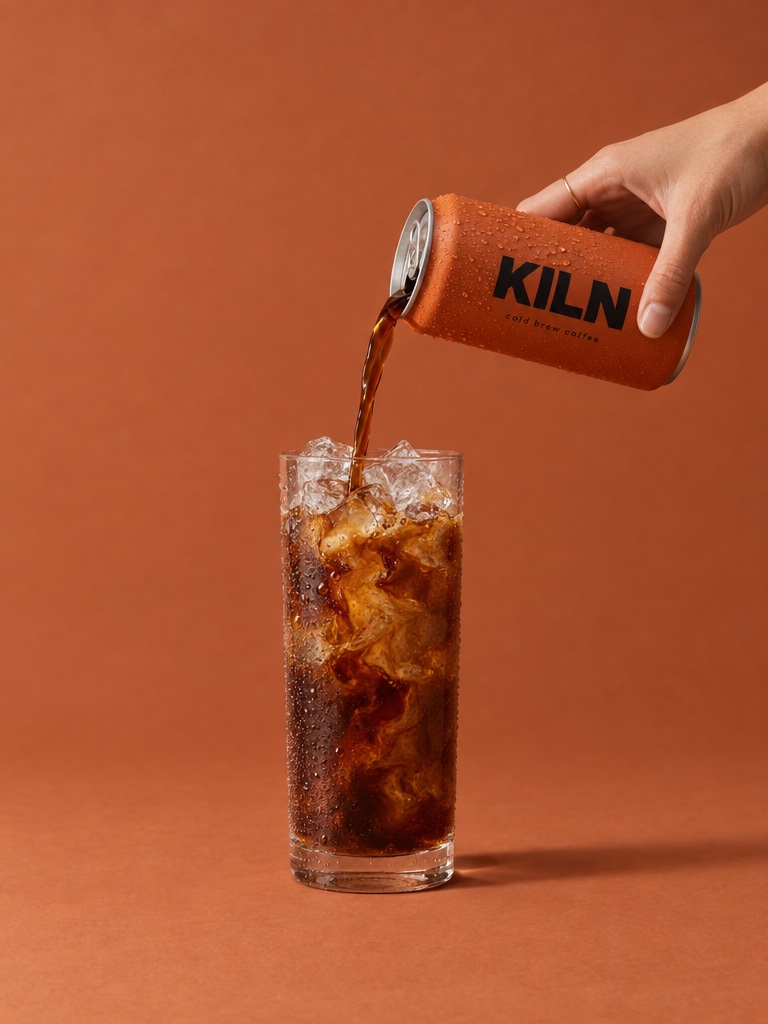
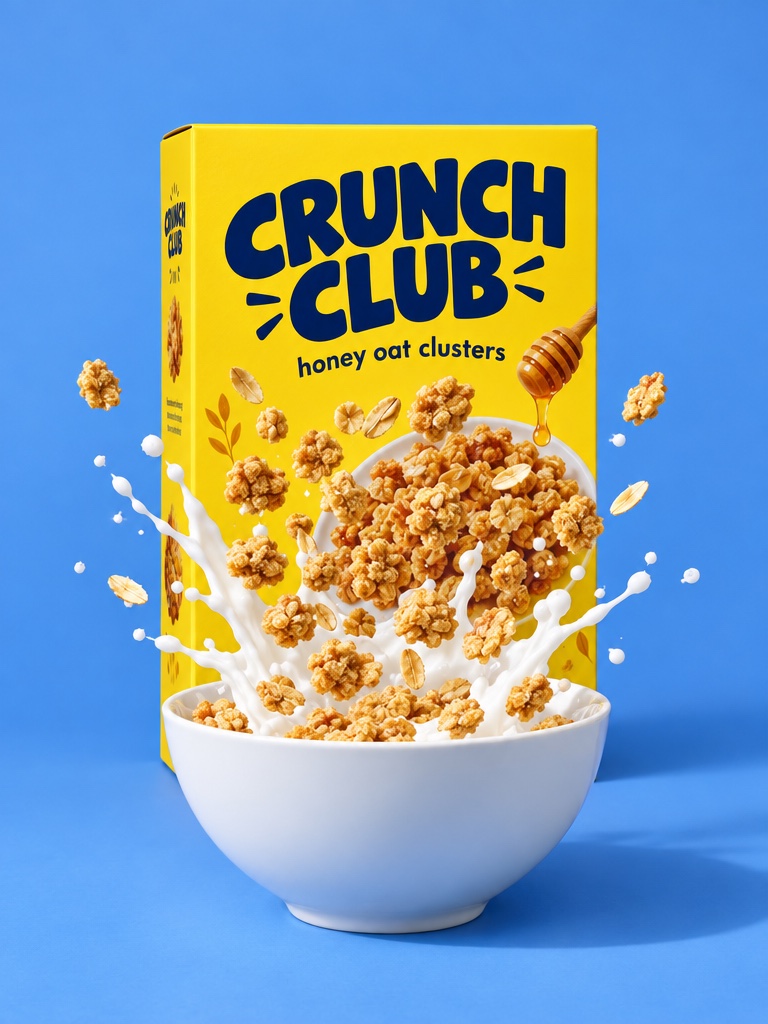
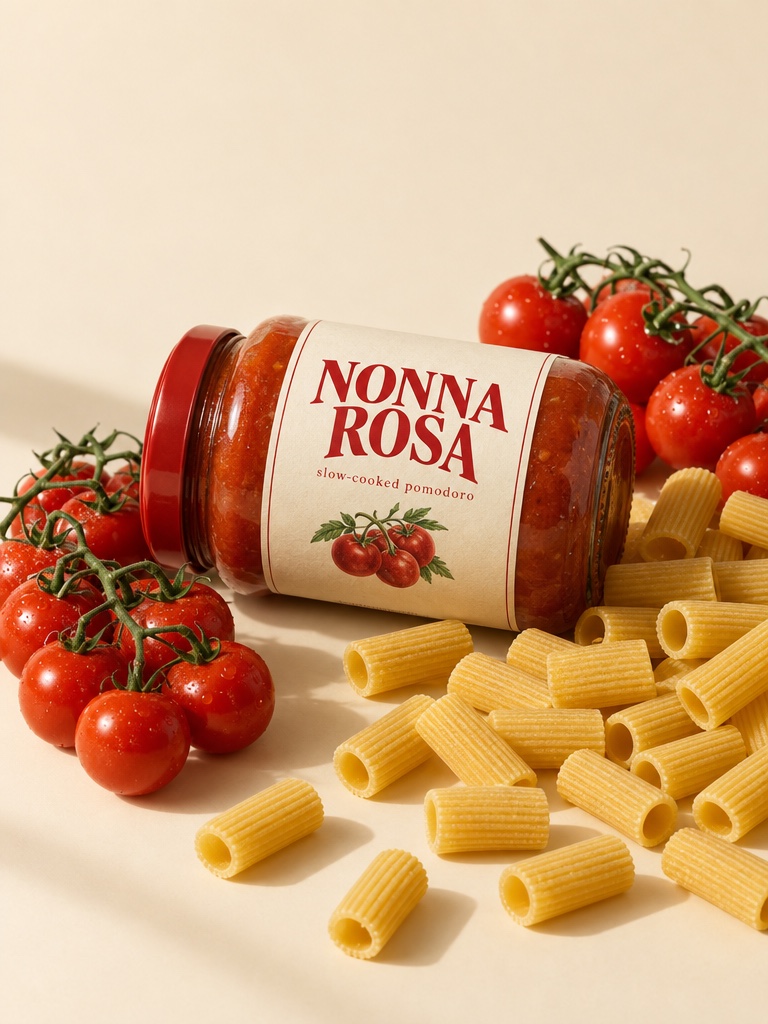
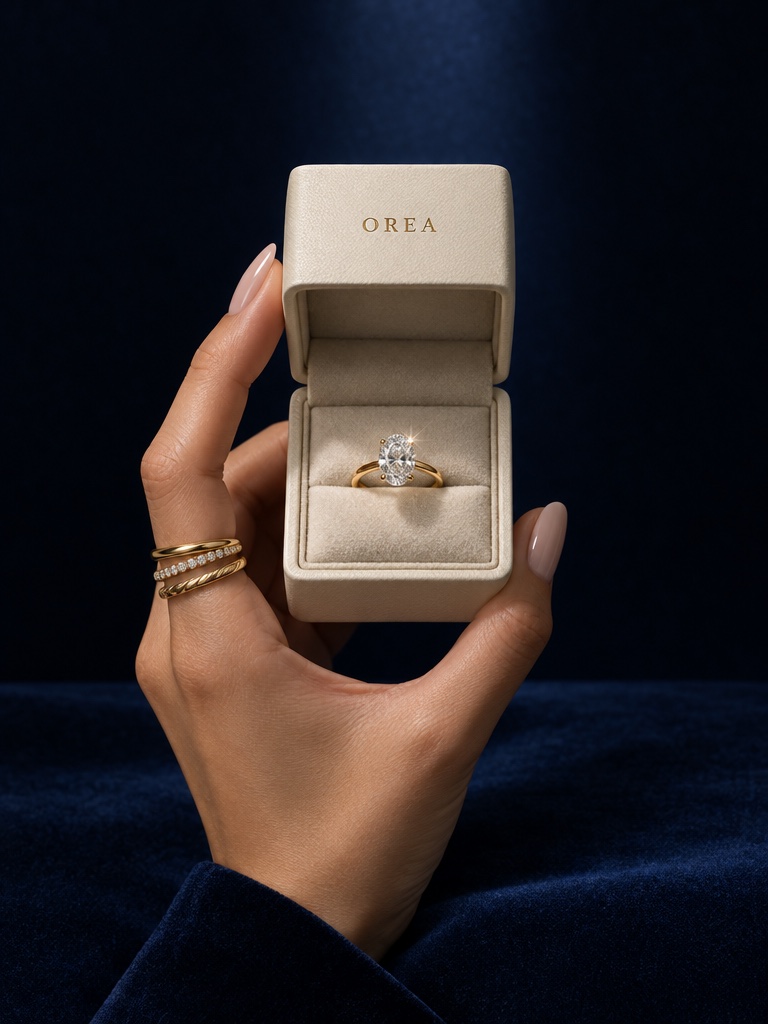
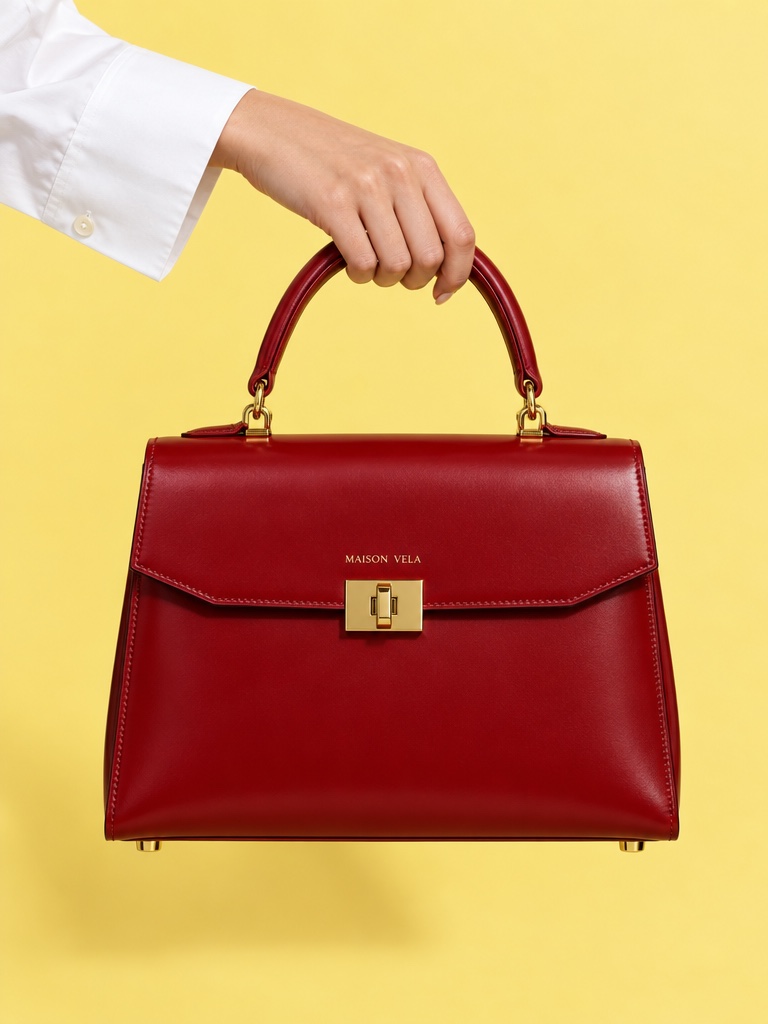
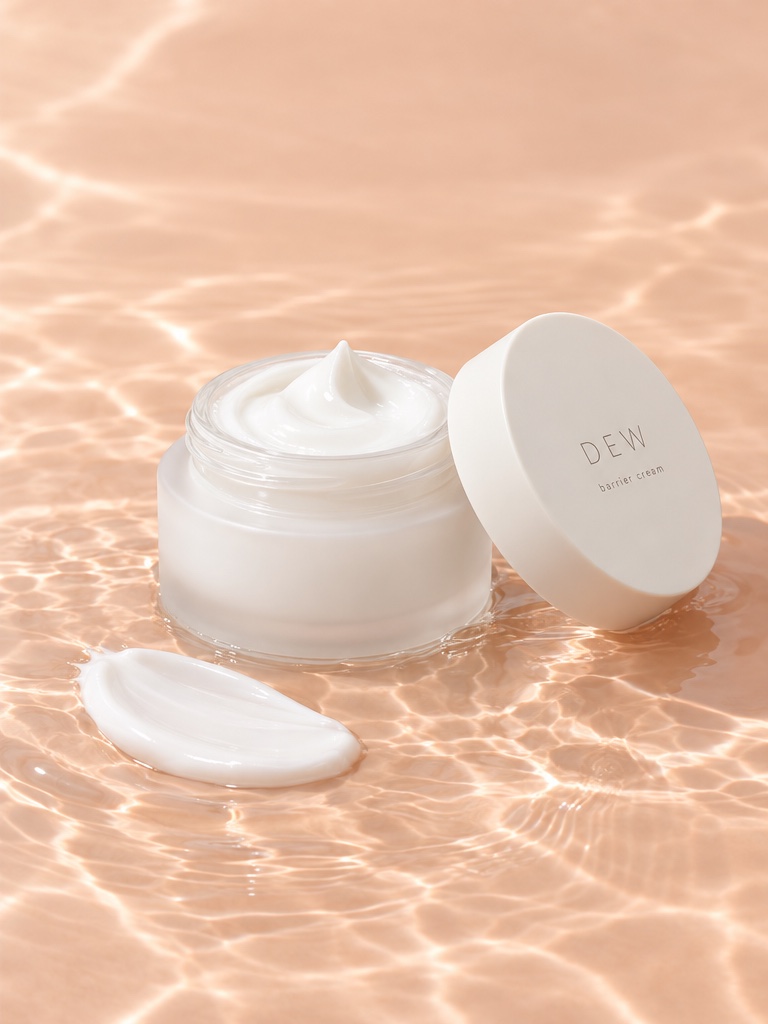
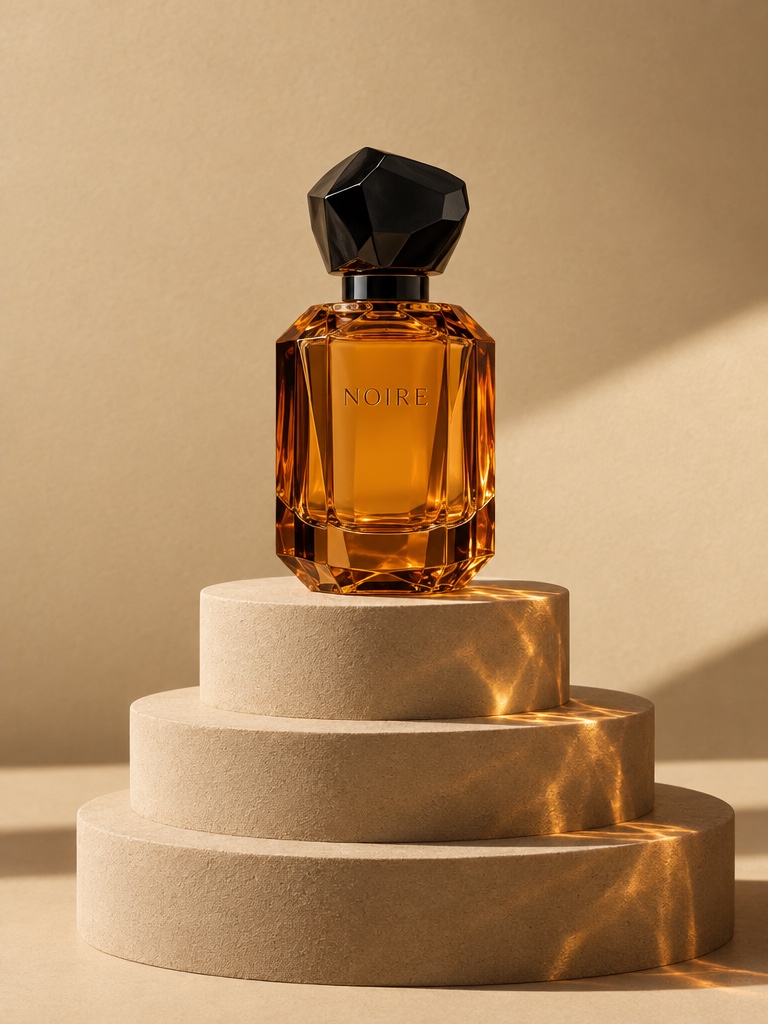
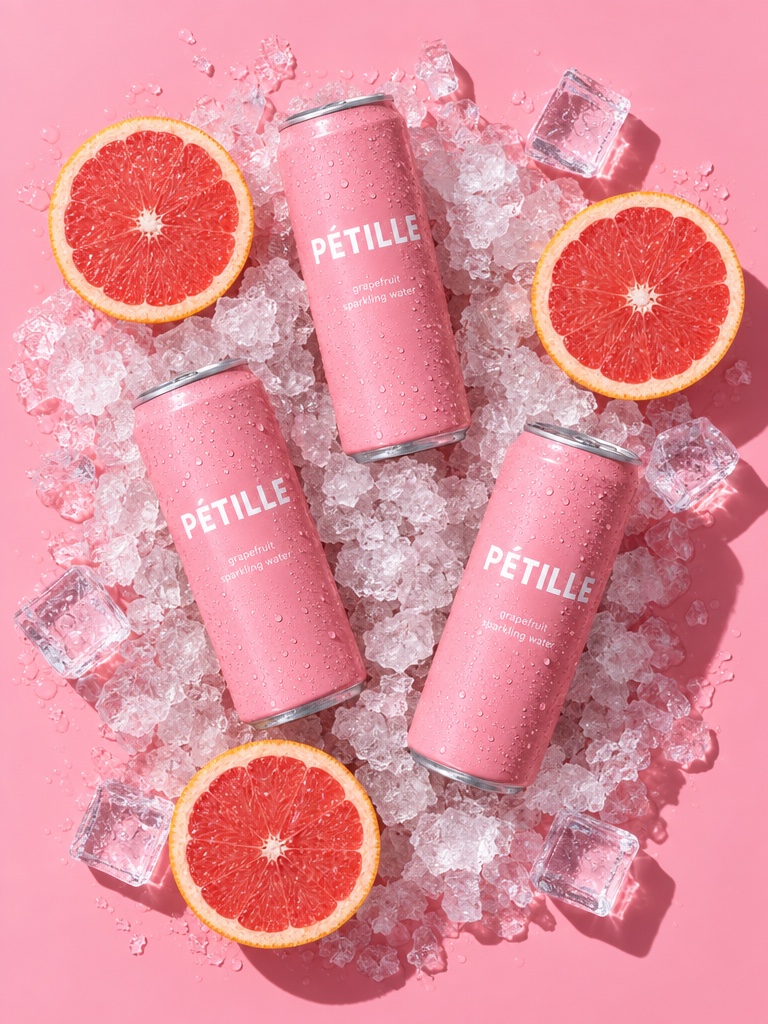
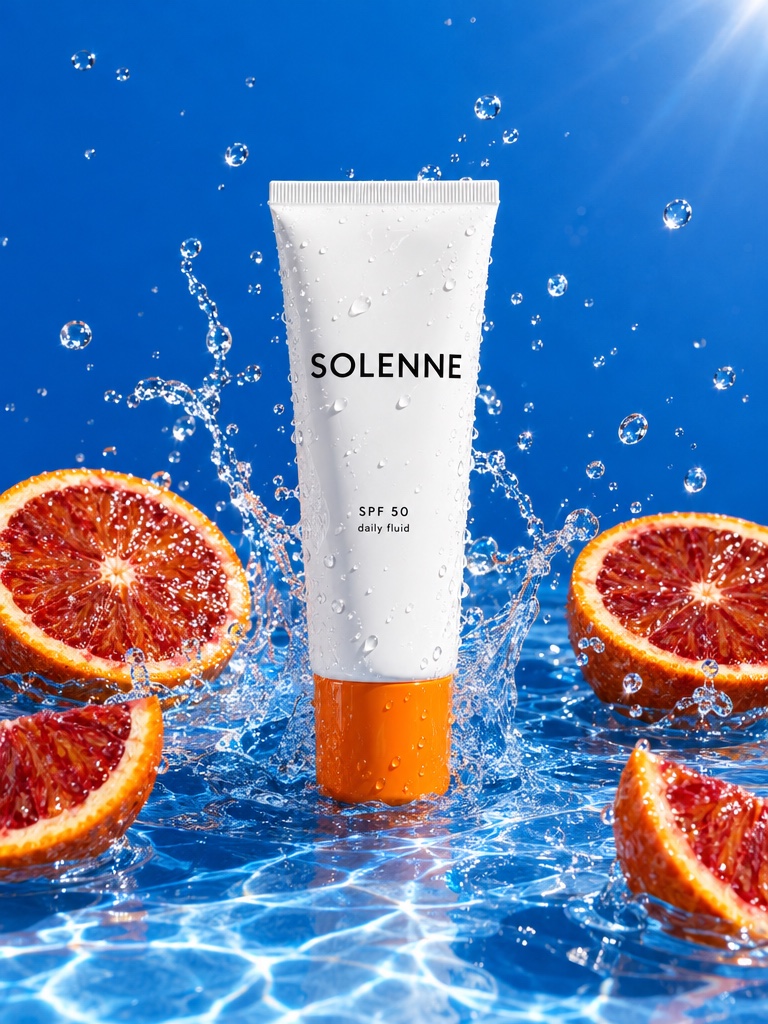
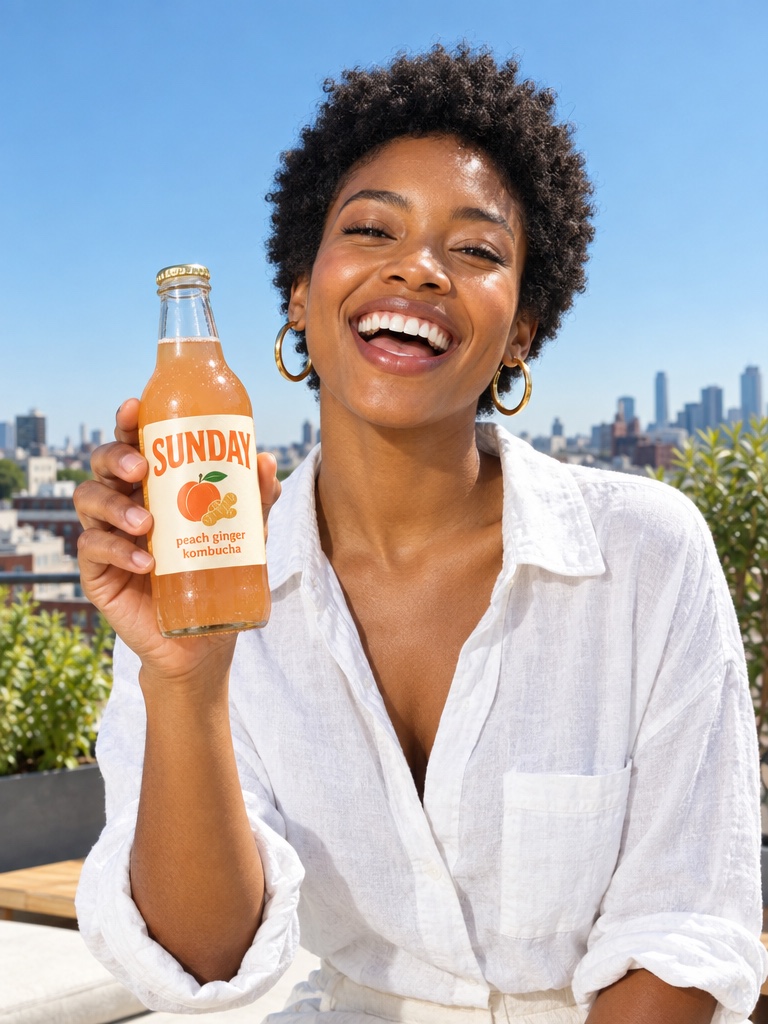
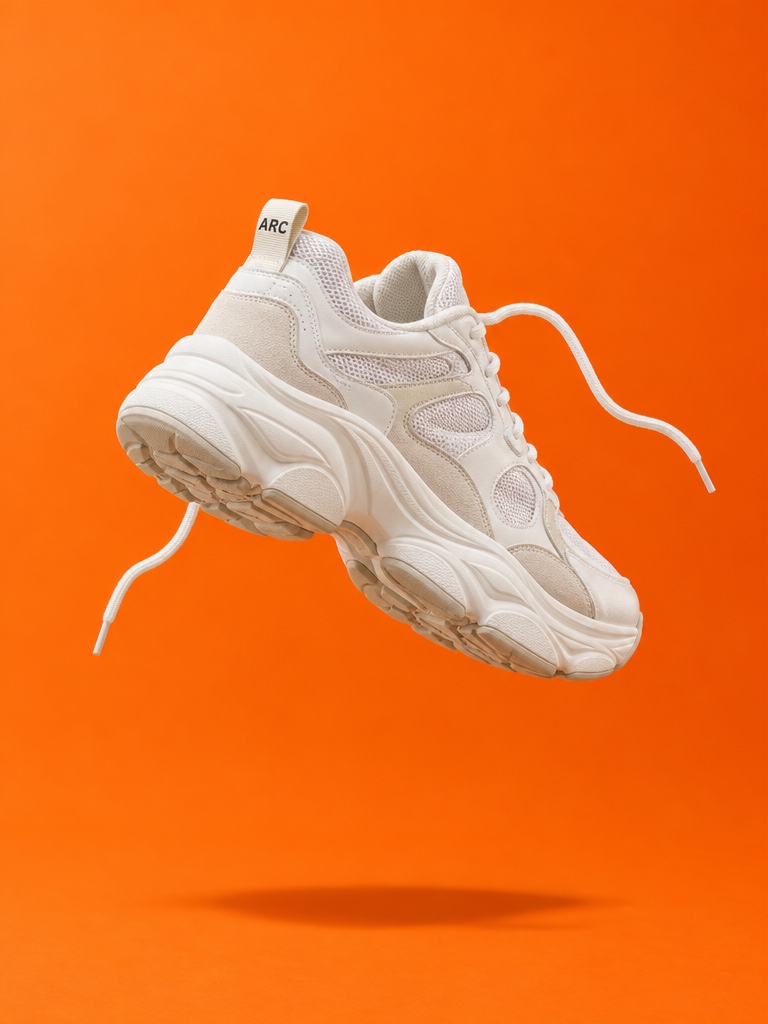
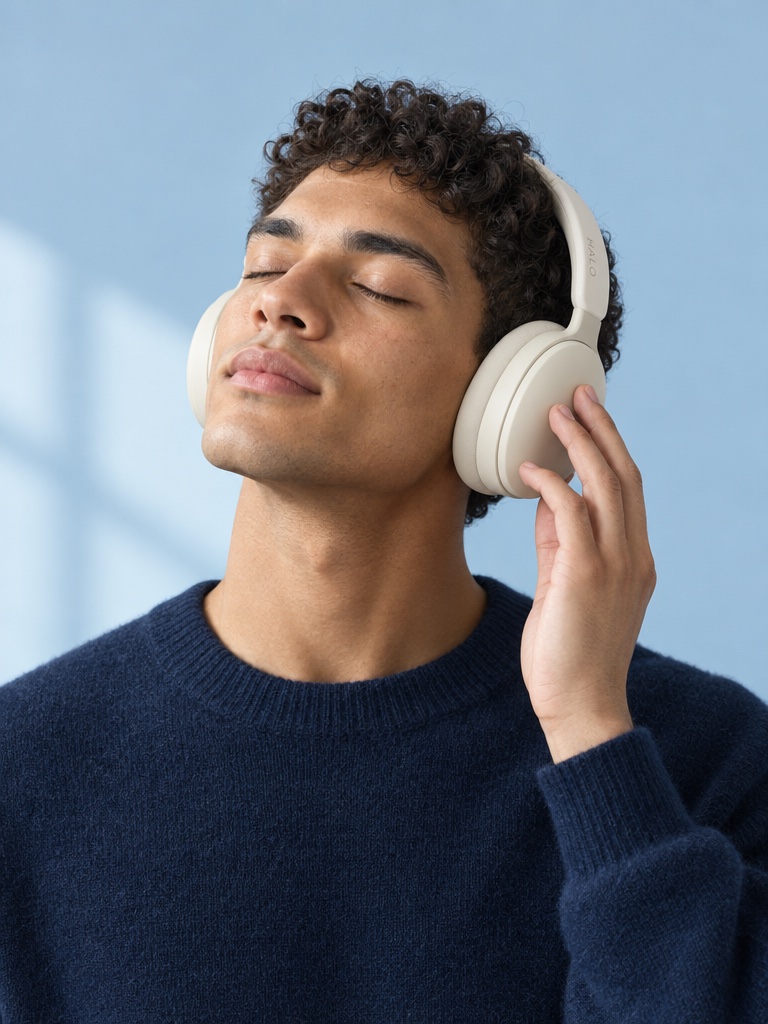
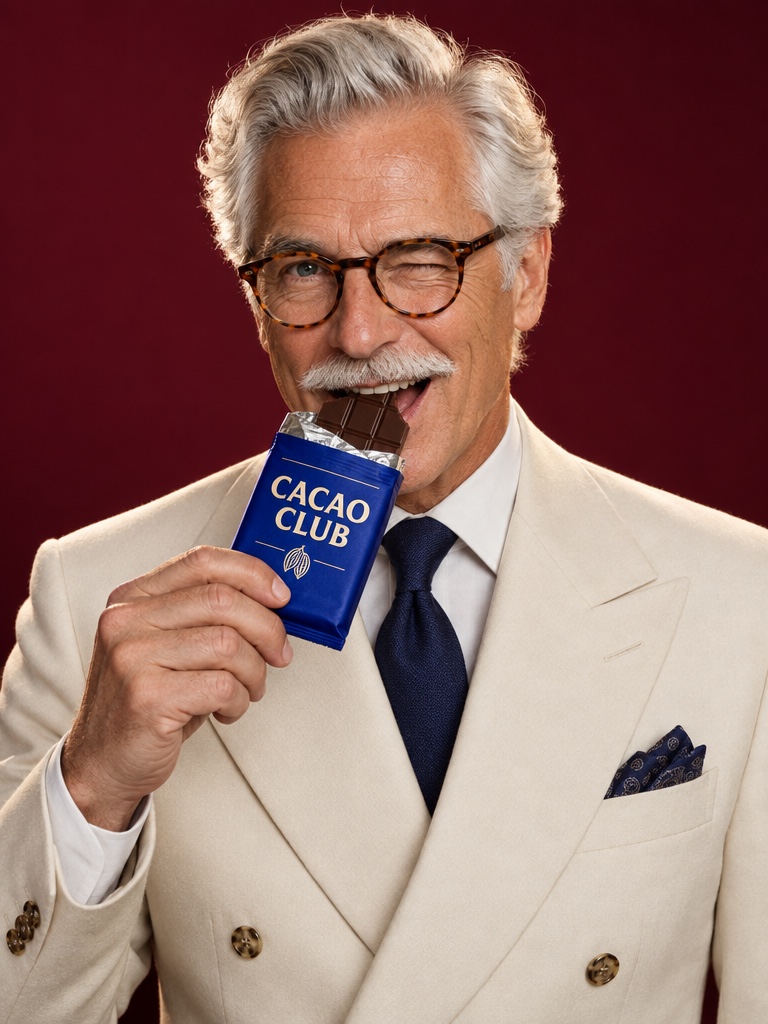
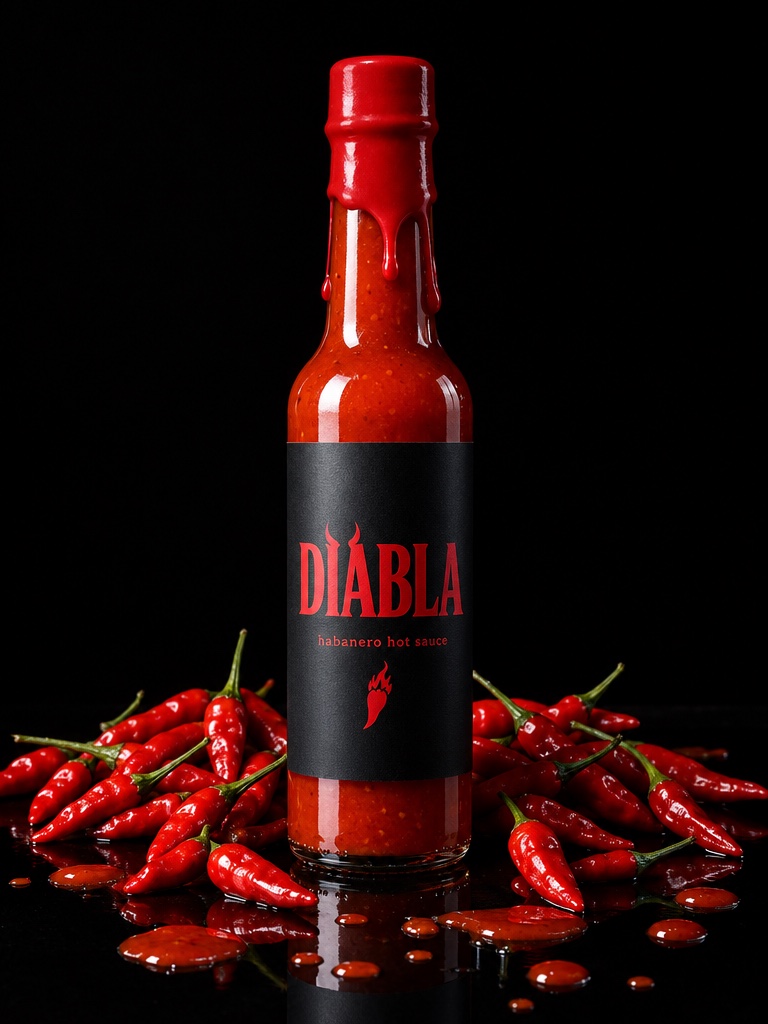
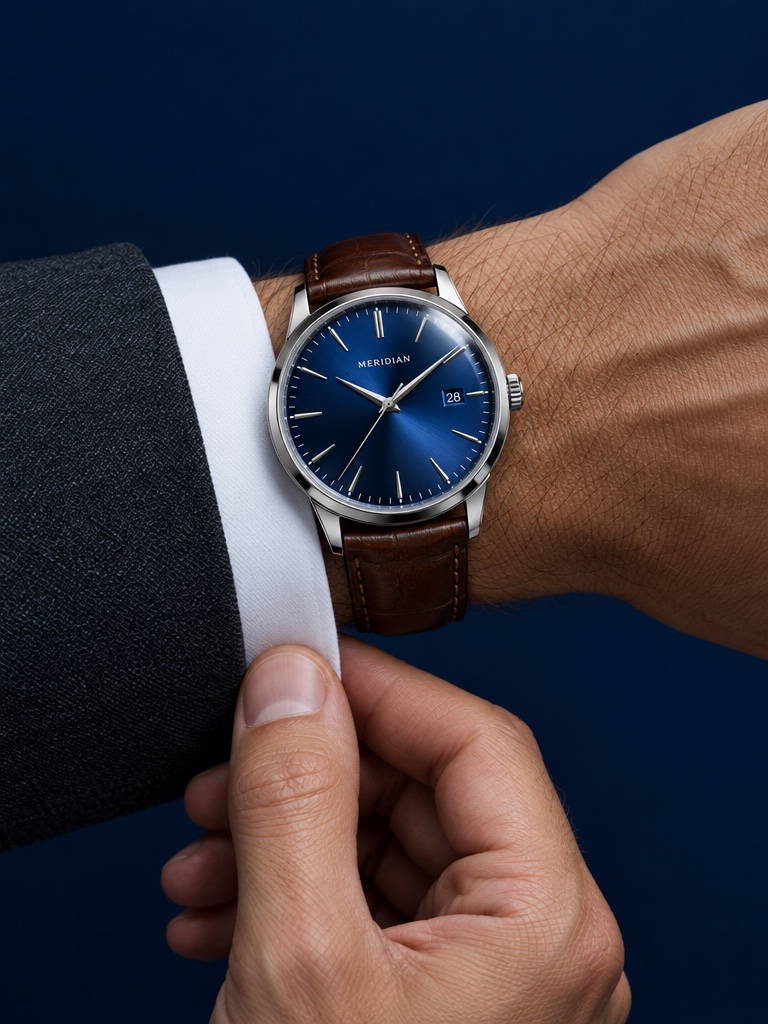
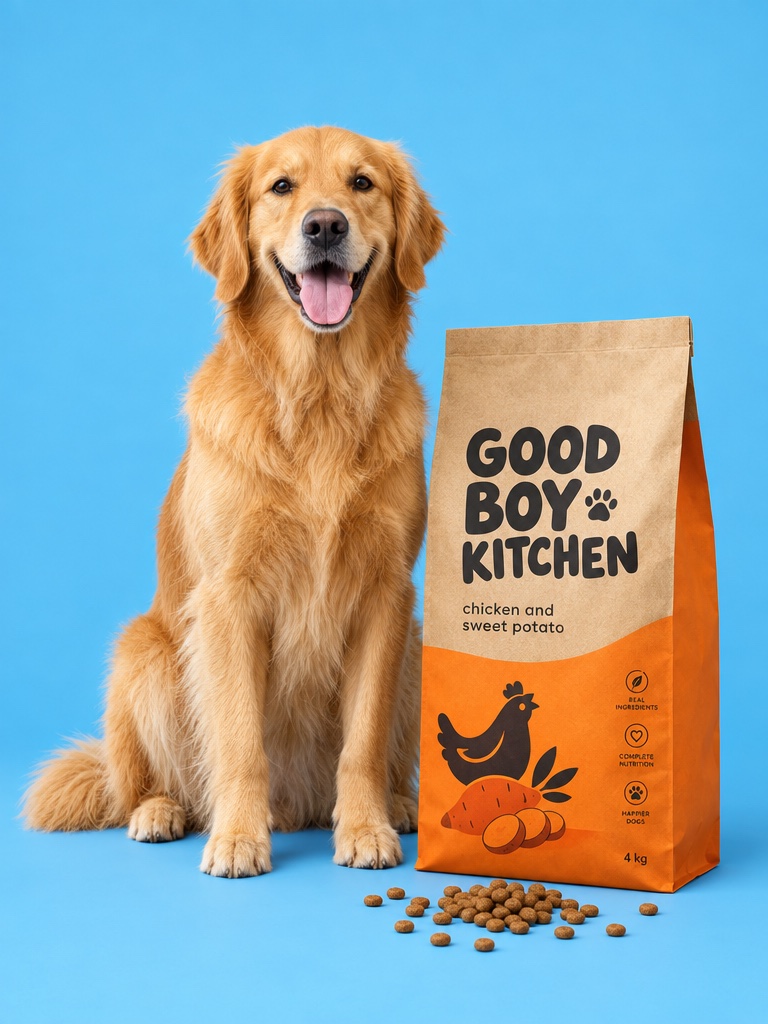
These are actual generations from the Avocado AI workspace, not renders from Midjourney. No stock photos, no mockups.


A Midjourney alternative is an image generator a team uses when Midjourney does not fit the job, most often because the job is a real product rather than an idea. Midjourney is known for striking, stylized images from a text prompt. Product brands need something narrower: their exact bottle, tub or box, in a scene that sells it. This page explains where each tool is the better pick.
Why do product brands look for a Midjourney alternative?
Product brands look for a Midjourney alternative because they need their exact product in the image, not a convincing lookalike. Midjourney excels at generating images from a prompt, but a supplement jar or serum bottle has a real label, shape and color. Avocado AI starts from your own product photo and edits it into a new scene.
When you describe a product in text, any image model has to guess the packaging. That is fine for a mood board and a problem for an ad, where the label, cap and color have to match what arrives in the customer's mailbox. Editing from a packshot removes most of that guessing. It also removes a lot of rework, because a beautiful image with the wrong cap color or a misspelled label cannot run as an ad.
How does Avocado AI edit your product photo into new scenes?
Avocado AI edits product photos in the image workbench. You upload your packshot, describe the scene, and GPT Image 2.5 edit or Nano Banana 2 Edit places the real product in it. Nano Banana 2 Edit accepts up to 14 reference images. Each run returns up to four variations, and you can upscale the one you keep.
Take a whey protein tub. You can ask for it on a gym bench with chalk dust, on a kitchen counter next to a shaker, or in a flat lay with ingredients, all from the same product photo. Studio presets help with common setups, and Brand DNA stores your products, references, tone and rules so the next run starts from the same brand context. For text heavy concepts, Ideogram v3 is in the model list too, alongside Seedream 5.0 Pro, Soul 2, Recraft v4.1, Krea v2, Luma Uni-1 Max and Flux 2.
Where is Midjourney better than Avocado AI?
Midjourney is better than Avocado AI at aesthetic range and art direction. For mood boards, concept art, editorial looks and images where style matters more than product accuracy, Midjourney has a distinctive visual quality and a mature set of style controls. Many creative teams will keep Midjourney for early exploration.
A good split is to explore the look of a fragrance launch in Midjourney, then produce the actual ads in Avocado AI from the real eau de parfum bottle, using the Midjourney images as style references. Midjourney also has its own video model that animates images, so it is not image only. Avocado AI is the tool for turning that direction into on-brand product ads.
What can you do in Avocado AI after the image?
Avocado AI continues past the still image. The video workbench animates your product image with Seedance 2.5, Kling 3.0 or Veo 3.1, the UGC studio makes a creator hold your real product and talk about it, and Audio Studio adds voiceovers with Fish Audio S2 Pro, music beds and sound effects.
That means a skin care brand can go from one vitamin C serum packshot to a product page image, a short video with a dropper moment, a UGC hook and a voiceover, all on one credit balance and in one library. Flows lets you save those steps on a canvas and run them again for the next product, and Director mode can assemble the clips into a full commercial with music.
Can you generate product images from Claude?
Yes, Avocado AI lets you generate and edit product images from Claude through the Avocado MCP. The MCP gives Claude, Codex, Cursor or your own agent more than 60 tools, including image generation, product photo editing, video, UGC and audio, all billed on the same credits as your Avocado AI plan.
In practice you can ask Claude to take a remembered product and produce four lifestyle scenes for a launch, then animate the best one. There is also a CLI you can install with npm i -g @avocado-ai-co/cli for teams that prefer a terminal. Midjourney is used through its own web app and Discord.
How much does Avocado AI cost compared with Midjourney?
Avocado AI plans are Intro at EUR 19.99 per month for 100 credits, Starter at EUR 39 for 300, Growth at EUR 99 for 800 and Pro at EUR 249 for 2,000, with 20% off yearly. Midjourney offers four subscription tiers, Basic, Standard, Pro and Mega, as listed on docs.midjourney.com in September 2026.
Commercial terms differ. Midjourney states that a company with more than 1,000,000 USD in yearly revenue needs a Pro or Mega plan to use images commercially, as listed on docs.midjourney.com in September 2026. Every Avocado AI plan includes full commercial rights and no watermark. Editing your own product photo and upscaling start on Starter, and credits roll over for up to one year.